
$0.99
$0.49
51% Off
Everything You: Adaptive Icons
NARIK DESIGN

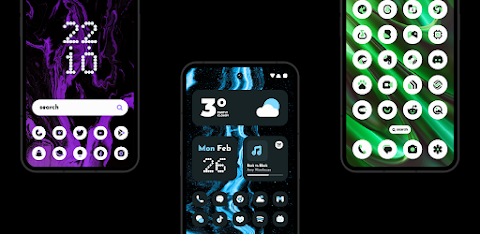
About the App
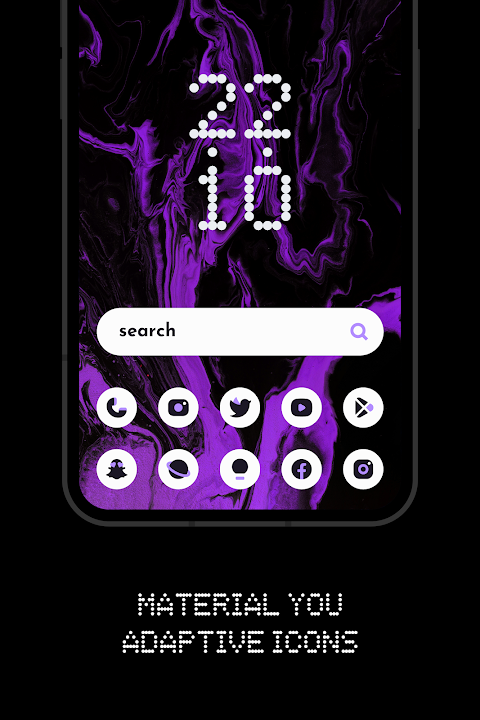
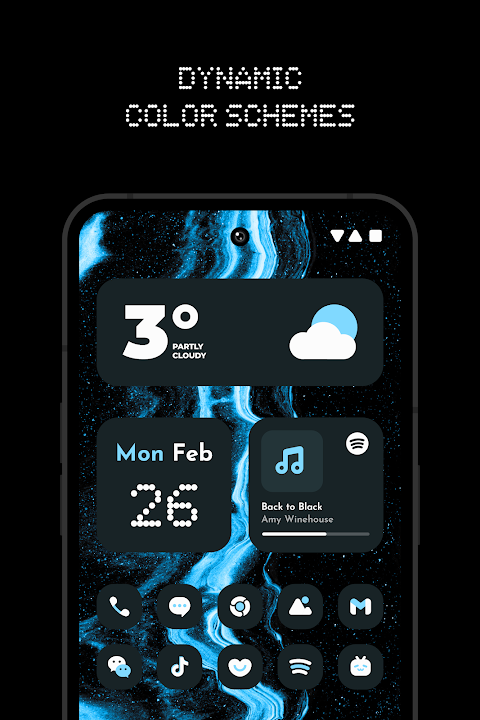
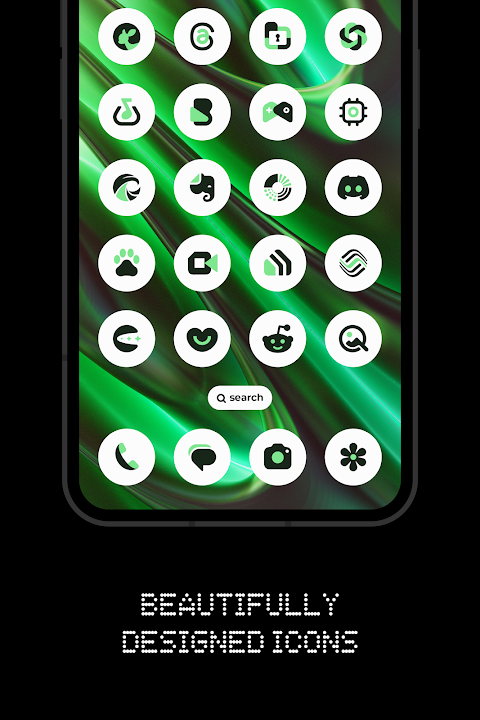
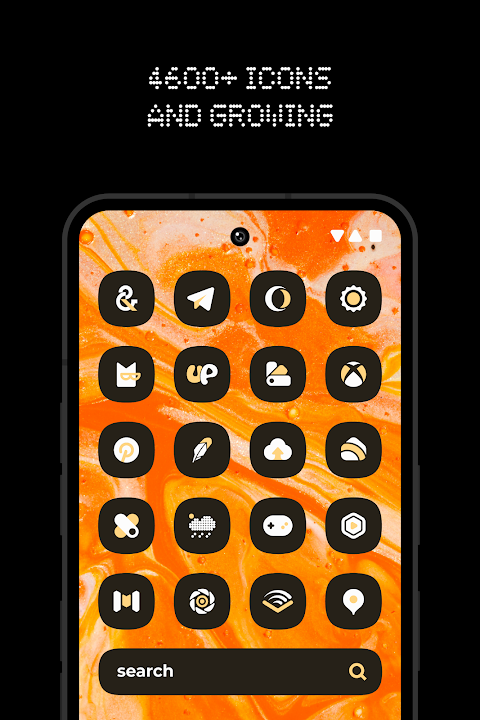
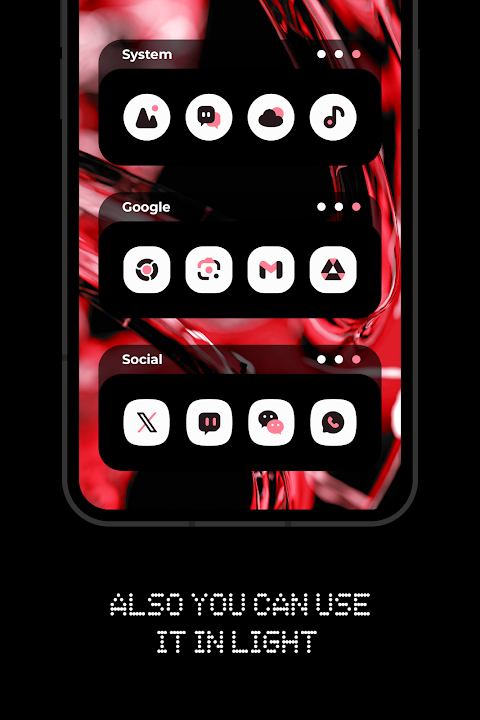
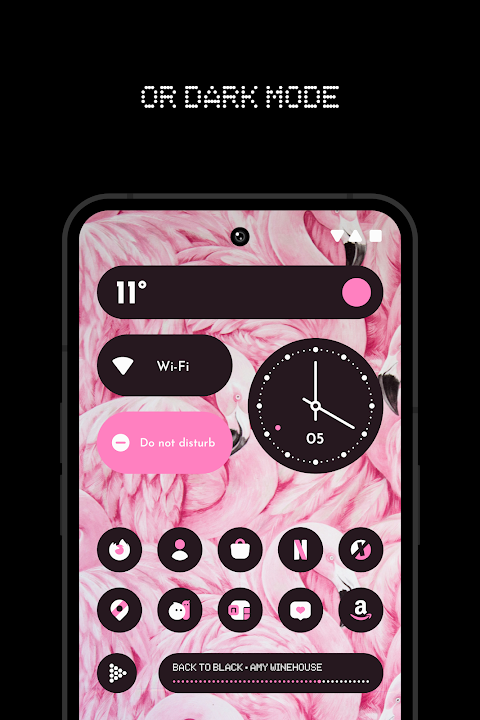
Everything You: Adaptive Icons is a vibrant icon pack designed to enhance your device's look with Material You. This app offers over 5600 Adaptive Icons that change colors based on your wallpaper and accent colors. Whether you're using a light or dark theme, this pack ensures that your icons adapt seamlessly to match your device's style.
You can enjoy using custom launchers with Everything You: Adaptive Icons. The app supports a wide range of popular launchers, including Nothing Launcher, Nova Launcher, Lawnchair Launcher, and Niagara Launcher, among others. With regular updates, you'll find new designs and features added over time.
Using the icon pack is simple. First, install a supported launcher on your device. After that, open Everything You: Adaptive Icons, go to the Apply section, and select your launcher to apply the icons. If your launcher doesn't appear in the list, you may need to apply the icons directly from your launcher settings.
One of the standout features of this app is its ability to change icon colors automatically. This feature works with specific launchers, like Lawnchair Launcher 12.1 Dev and Smart Launcher 6. If you want to change the colors of the icons, simply change your wallpaper or accent colors and then reapply the icon pack. The same applies when switching between light and dark modes; you'll need to reapply Everything You: Adaptive Icons for the changes to take effect.
The app also includes a variety of Kustom Widgets, which are handy for customizing your home screen further. Note that you'll need the KWGT and KWGT PRO apps for these widgets to function. There's also a cloud-based wallpaper feature that lets you choose from a growing collection of backgrounds to make your device truly unique.
For those who enjoy customization, the icon request tool is a great way to suggest new icons you'd like to see added. The app includes a FAQ section to answer common questions, so be sure to check there if you have any inquiries before reaching out.
Remember that Everything You: Adaptive Icons requires Android 12 and above for the color change feature to work. Make sure to reapply the icon pack to see any color changes, unless you're using one of the launchers that supports automatic color change.
If you're using the Pixel Launcher, you can enjoy integration with Shortcut Maker for added functionality. Additionally, for those on Stock One UI Launcher, the Theme Park app can help with customization.
Everything You: Adaptive Icons truly offers a fresh take on icon design, allowing for color changing icons and customizable designs to match your personal style. With its extensive support for various launchers and regular updates, it provides an efficient way to personalize your device while keeping it looking modern and sleek.
You can enjoy using custom launchers with Everything You: Adaptive Icons. The app supports a wide range of popular launchers, including Nothing Launcher, Nova Launcher, Lawnchair Launcher, and Niagara Launcher, among others. With regular updates, you'll find new designs and features added over time.
Using the icon pack is simple. First, install a supported launcher on your device. After that, open Everything You: Adaptive Icons, go to the Apply section, and select your launcher to apply the icons. If your launcher doesn't appear in the list, you may need to apply the icons directly from your launcher settings.
One of the standout features of this app is its ability to change icon colors automatically. This feature works with specific launchers, like Lawnchair Launcher 12.1 Dev and Smart Launcher 6. If you want to change the colors of the icons, simply change your wallpaper or accent colors and then reapply the icon pack. The same applies when switching between light and dark modes; you'll need to reapply Everything You: Adaptive Icons for the changes to take effect.
The app also includes a variety of Kustom Widgets, which are handy for customizing your home screen further. Note that you'll need the KWGT and KWGT PRO apps for these widgets to function. There's also a cloud-based wallpaper feature that lets you choose from a growing collection of backgrounds to make your device truly unique.
For those who enjoy customization, the icon request tool is a great way to suggest new icons you'd like to see added. The app includes a FAQ section to answer common questions, so be sure to check there if you have any inquiries before reaching out.
Remember that Everything You: Adaptive Icons requires Android 12 and above for the color change feature to work. Make sure to reapply the icon pack to see any color changes, unless you're using one of the launchers that supports automatic color change.
If you're using the Pixel Launcher, you can enjoy integration with Shortcut Maker for added functionality. Additionally, for those on Stock One UI Launcher, the Theme Park app can help with customization.
Everything You: Adaptive Icons truly offers a fresh take on icon design, allowing for color changing icons and customizable designs to match your personal style. With its extensive support for various launchers and regular updates, it provides an efficient way to personalize your device while keeping it looking modern and sleek.
Cosmo Phase Watch Face
RazorSharp Design Studio
$2.49
$0.87
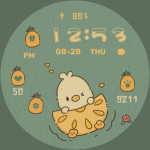
Pineapple Duck ZKin Watch
ZKin
$1.99

WAW040 Racer Carbon Sport
WAW Watch Faces
$2.99