

$1.99
$0.49
75% Off
Everything Adaptive Icons
NARIK DESIGN





About the App
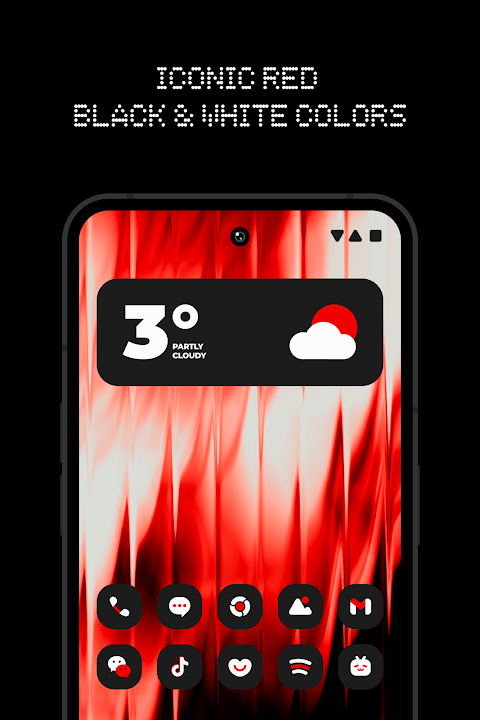
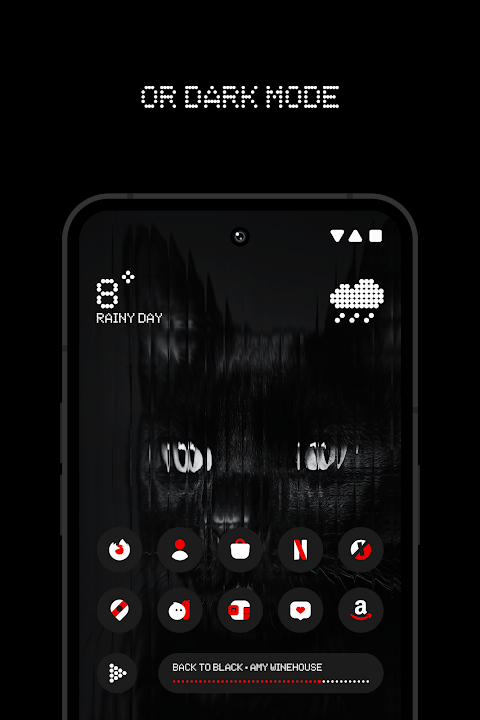
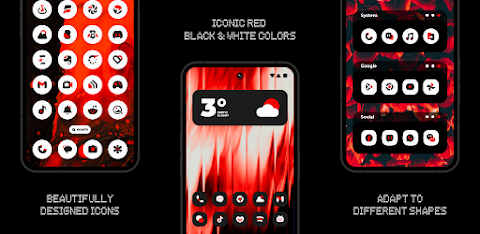
Everything Adaptive Icons is an innovative adaptive icon pack that transforms your home screen with beautifully designed icons that can change shape. This pack features a striking red, black, and white theme, making it a perfect match for both light and dark wallpapers.
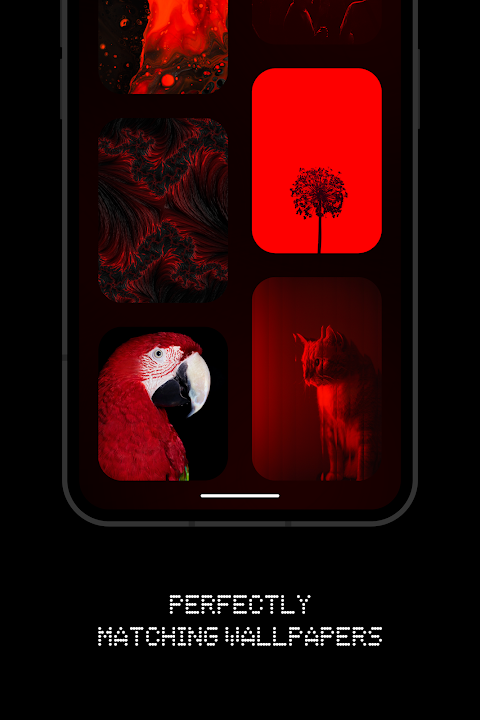
With over 5,600 premium adaptive icons, users can enjoy a rich variety of options for customizing their screens. The cloud-based wallpapers provided with this icon pack beautifully complement the icons, adding an extra layer of personalization.
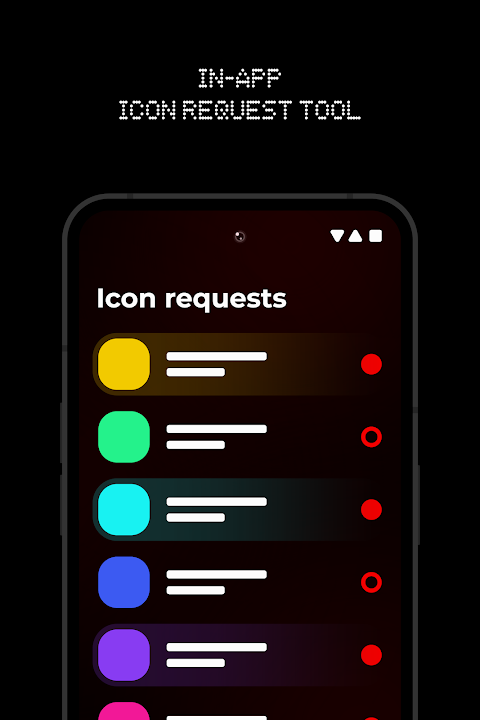
For those who want specific designs, the icon request tool allows you to suggest new icons, ensuring that your collection stays fresh and tailored to your preferences. Regular updates mean that you can expect new features and icons added consistently.
To use Everything Adaptive Icons, first, you need to install a custom launcher that is supported. Some of the supported launchers include Nova Launcher, Lawnchair Launcher v2, and Hyperion Launcher, among others. Once you have installed a launcher, open Everything Adaptive Icons and navigate to the Apply section. From there, you can select your launcher to apply the icon pack. If your launcher isn’t listed, you can also apply it from your launcher settings.
Switching between light and dark mode is easy, but there is a small step involved. After changing your device theme, you’ll need to reapply the icon pack. This also applies if you want to switch back to another pack and then to Everything Adaptive Icons again.
When it comes to dark mode support, please note that it is only compatible with devices running Android 10 and above. If you’re using specific launchers like Lawnchair 12.1 Dev, Hyperion Beta, Niagara Launcher, or Smart Launcher 6, the colors will change automatically based on your theme.
If you encounter any issues with changing the shape of the icons, remember that a custom launcher is required for this feature. For those who own Pixel devices, you can enhance your experience using the stock Pixel Launcher with the app Shortcut Maker. Additionally, users of Stock One UI Launcher can take advantage of Theme Park to customize their icons.
Kustom Widgets are also included, but make sure you have the KWGT PRO app since it is a paid app necessary for the widgets to work.
Everything Adaptive Icons includes an FAQ section that is packed with helpful information to answer any questions you may have. It’s always a good idea to check there before reaching out for support.
Feel free to reach out through various social media platforms, such as Twitter, Telegram, or Instagram, if you have questions or need assistance. Everything Adaptive Icons provides a simple yet stylish way to customize your smartphone, ensuring that your device not only looks good but also reflects your personal taste. Enjoy the freedom of creating a unique home screen with this wonderful adaptive icon pack!
With over 5,600 premium adaptive icons, users can enjoy a rich variety of options for customizing their screens. The cloud-based wallpapers provided with this icon pack beautifully complement the icons, adding an extra layer of personalization.
For those who want specific designs, the icon request tool allows you to suggest new icons, ensuring that your collection stays fresh and tailored to your preferences. Regular updates mean that you can expect new features and icons added consistently.
To use Everything Adaptive Icons, first, you need to install a custom launcher that is supported. Some of the supported launchers include Nova Launcher, Lawnchair Launcher v2, and Hyperion Launcher, among others. Once you have installed a launcher, open Everything Adaptive Icons and navigate to the Apply section. From there, you can select your launcher to apply the icon pack. If your launcher isn’t listed, you can also apply it from your launcher settings.
Switching between light and dark mode is easy, but there is a small step involved. After changing your device theme, you’ll need to reapply the icon pack. This also applies if you want to switch back to another pack and then to Everything Adaptive Icons again.
When it comes to dark mode support, please note that it is only compatible with devices running Android 10 and above. If you’re using specific launchers like Lawnchair 12.1 Dev, Hyperion Beta, Niagara Launcher, or Smart Launcher 6, the colors will change automatically based on your theme.
If you encounter any issues with changing the shape of the icons, remember that a custom launcher is required for this feature. For those who own Pixel devices, you can enhance your experience using the stock Pixel Launcher with the app Shortcut Maker. Additionally, users of Stock One UI Launcher can take advantage of Theme Park to customize their icons.
Kustom Widgets are also included, but make sure you have the KWGT PRO app since it is a paid app necessary for the widgets to work.
Everything Adaptive Icons includes an FAQ section that is packed with helpful information to answer any questions you may have. It’s always a good idea to check there before reaching out for support.
Feel free to reach out through various social media platforms, such as Twitter, Telegram, or Instagram, if you have questions or need assistance. Everything Adaptive Icons provides a simple yet stylish way to customize your smartphone, ensuring that your device not only looks good but also reflects your personal taste. Enjoy the freedom of creating a unique home screen with this wonderful adaptive icon pack!
Transparent White – Icon Pack
GomoTheGom
$1.49
$0.49
Scroll – Watch Face
JustWatch - Premium Watch Faces
$1.49
$0.49

Flat 3D – Icon Pack
GomoTheGom
$1.49
$0.29