

$0.99
$0.49
51% Off
CHIC Icon Pack
LKN9X






About the App
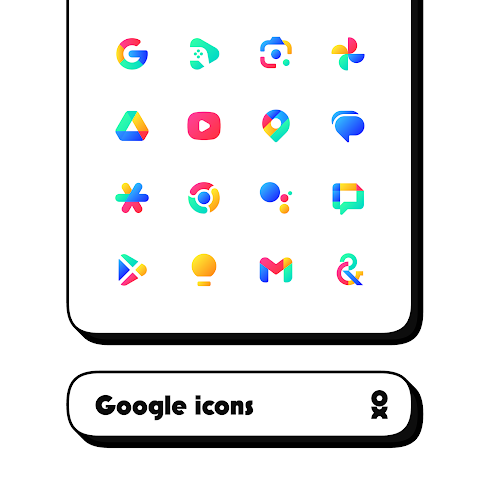
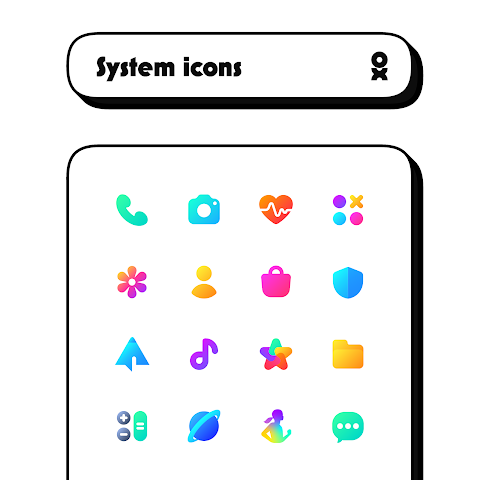
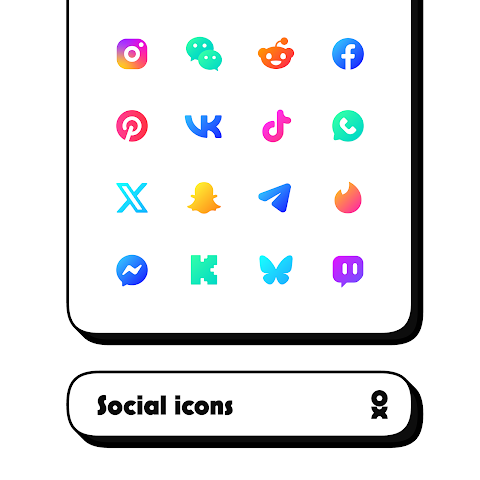
CHIC Icon Pack offers a beautiful collection of tiny shapeless icons that can transform your device's appearance. With over 6000 beautiful icons, this app ensures that your home screen looks vibrant and fresh every day. You can also customize your experience with cloud-based wallpapers that complement the icons perfectly.
One of the great features of CHIC Icon Pack is the icon request tool. If you can't find a specific icon you need, simply submit your request, and the team will consider adding it in regular updates. This means the icon pack keeps evolving, making it more useful and appealing over time.
Using the CHIC Icon Pack is straightforward. First, you need to install a supported launcher. The app works with many popular launchers, including Action Launcher, ABC Launcher, ADW Launcher, Apex Launcher, and Atom Launcher, among others. You can easily check if your launcher is compatible by looking through the FAQ section within the app.
Once you have a supported launcher set up, open the CHIC app and navigate to the apply section. From there, simply select your launcher to apply your new icons. If your launcher isn’t listed, don't worry — you may still be able to apply the icons by using your launcher settings directly.
It's important to remember that a supported launcher is required to use this icon pack. If you have any questions or need assistance, the FAQ section is a great resource to check before reaching out.
Whether you prefer a minimalist look or something more colorful, CHIC Icon Pack has something for everyone. It’s designed for users looking to personalize their devices with style. Enjoy the diverse options and regular updates to keep your home screen looking fresh and unique!
One of the great features of CHIC Icon Pack is the icon request tool. If you can't find a specific icon you need, simply submit your request, and the team will consider adding it in regular updates. This means the icon pack keeps evolving, making it more useful and appealing over time.
Using the CHIC Icon Pack is straightforward. First, you need to install a supported launcher. The app works with many popular launchers, including Action Launcher, ABC Launcher, ADW Launcher, Apex Launcher, and Atom Launcher, among others. You can easily check if your launcher is compatible by looking through the FAQ section within the app.
Once you have a supported launcher set up, open the CHIC app and navigate to the apply section. From there, simply select your launcher to apply your new icons. If your launcher isn’t listed, don't worry — you may still be able to apply the icons by using your launcher settings directly.
It's important to remember that a supported launcher is required to use this icon pack. If you have any questions or need assistance, the FAQ section is a great resource to check before reaching out.
Whether you prefer a minimalist look or something more colorful, CHIC Icon Pack has something for everyone. It’s designed for users looking to personalize their devices with style. Enjoy the diverse options and regular updates to keep your home screen looking fresh and unique!
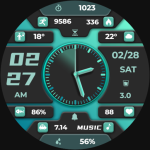
【Digital】Business Green Light
ZKin
$2.99
$0.99

Pixly Limitless – Icon Pack
Cris87
$2.79
$1.40
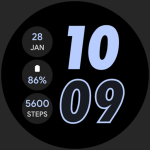
RUN PRO: Watch face
amoledwatchfaces™
$1.49
$0.45