
$0.99
FREE
100% Off
Concentric 1: Watch face
amoledwatchfaces™




About the App
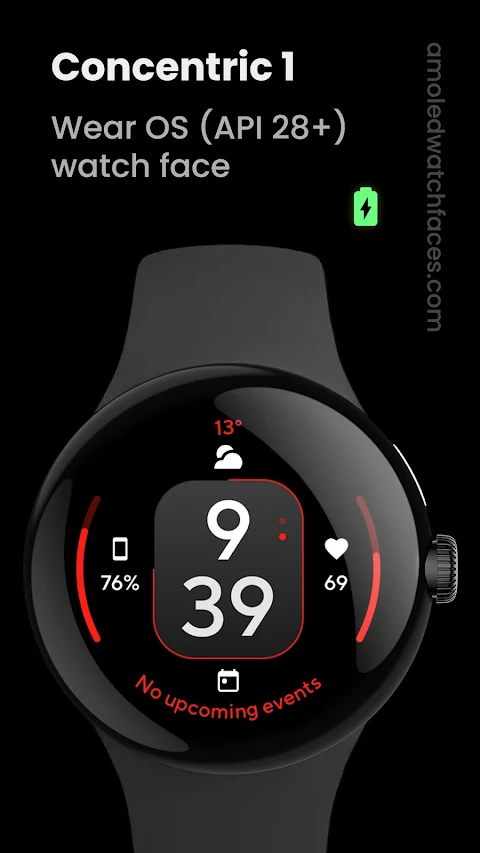
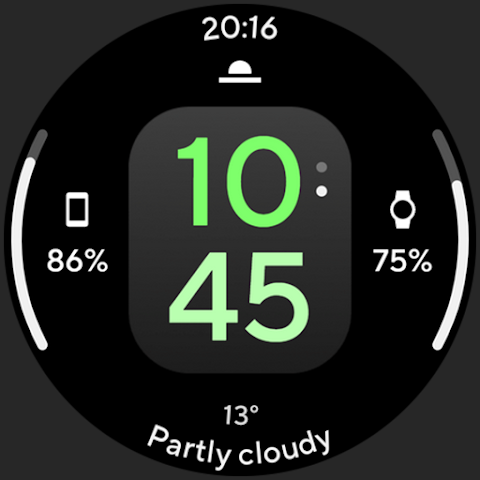
Concentric 1: Watch face is designed for Wear OS API 28+ devices. Unfortunately, it is not suitable for rectangular watches. This app is powered by the Watch Face Format, ensuring a clean and efficient user experience.
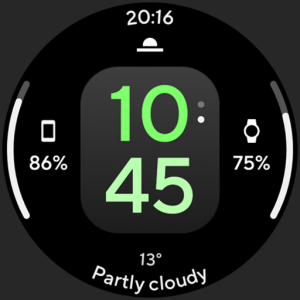
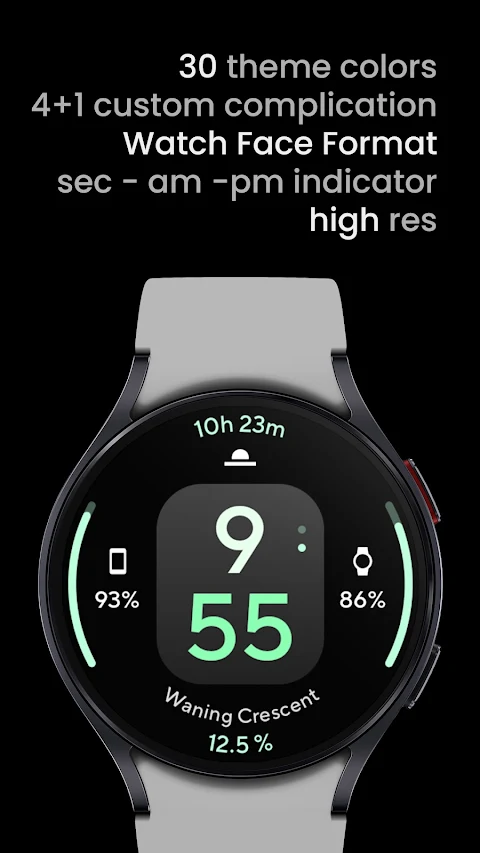
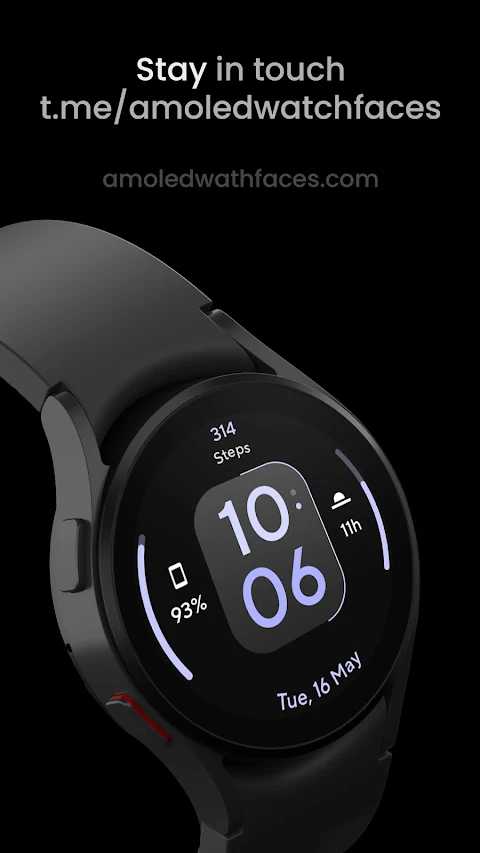
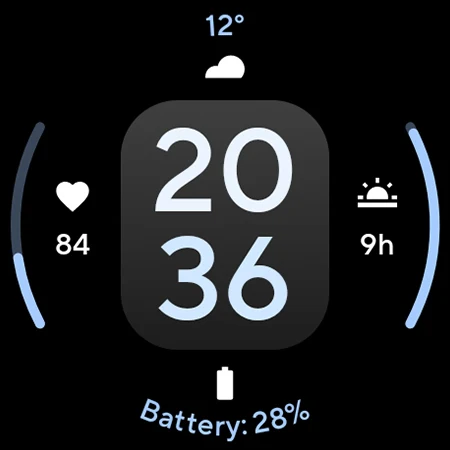
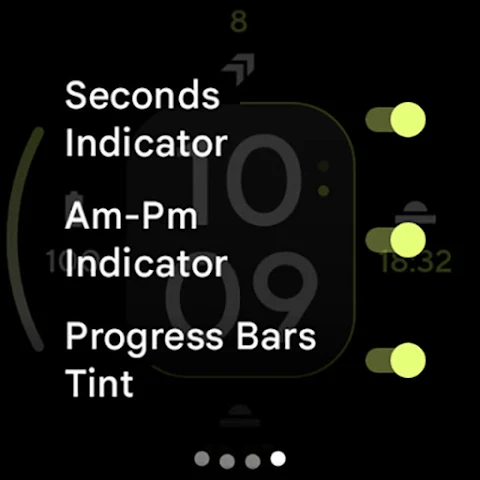
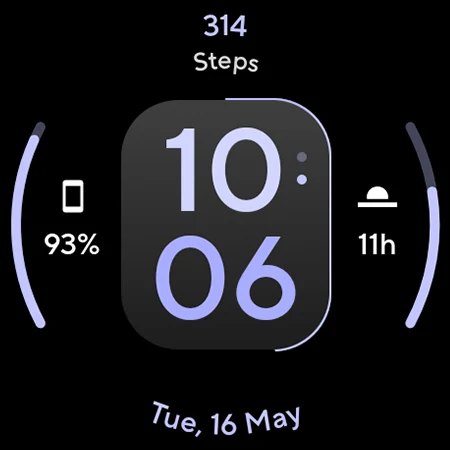
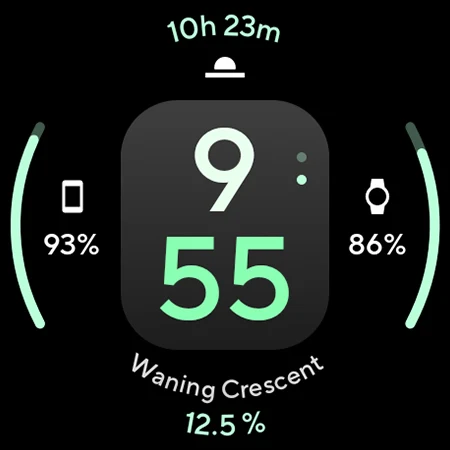
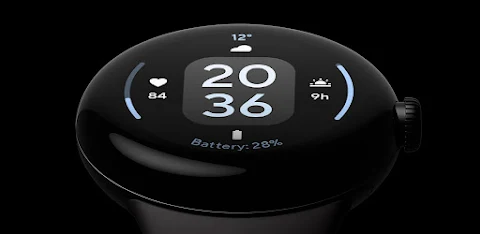
When you first use Concentric 1, you'll notice its simple and clean digital look. It features a unique seconds indicator that adds subtle movement to your watch face. The true black background enhances the overall appearance, making the colors pop. You will enjoy high resolution with every detail clear and sharp.
The design includes PNGQuant optimized layers, which makes it not only beautiful but also battery friendly. This way, you can enjoy your watch face for longer without worrying about draining your battery.
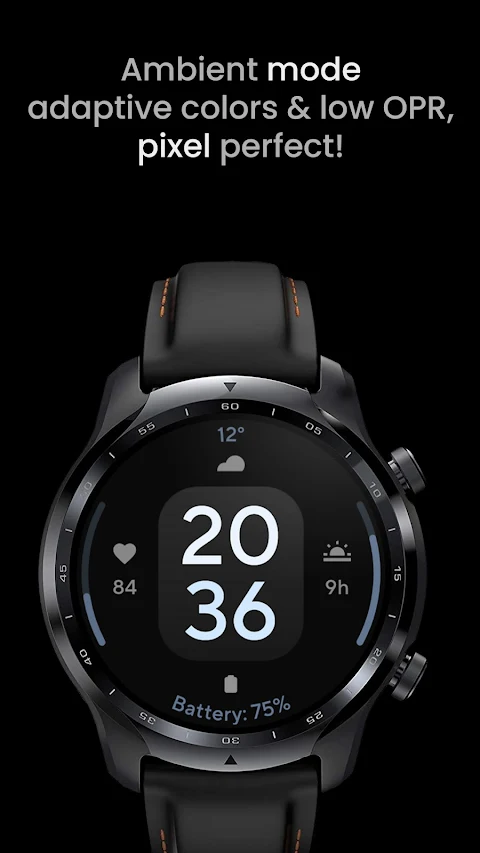
One of the standout features of Concentric 1 is the unique ambient mode. This mode operates in low OPR and offers adaptive color options, along with two display styles. This means you can glance at your watch without using a lot of power.
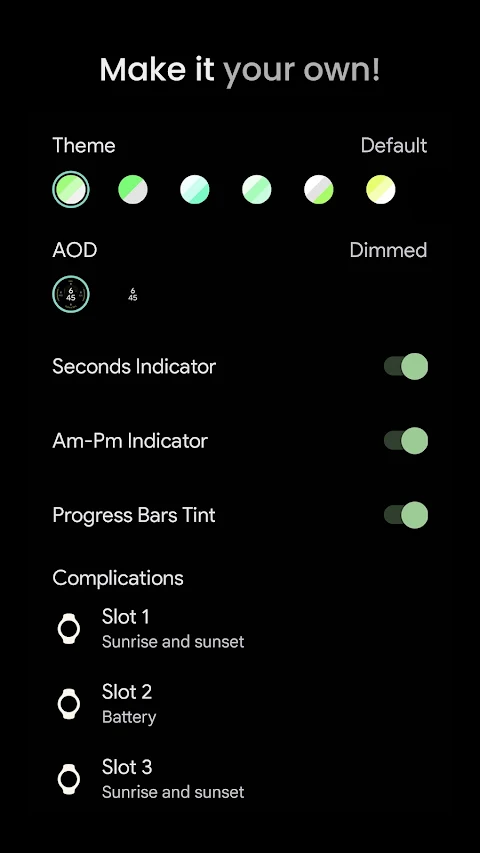
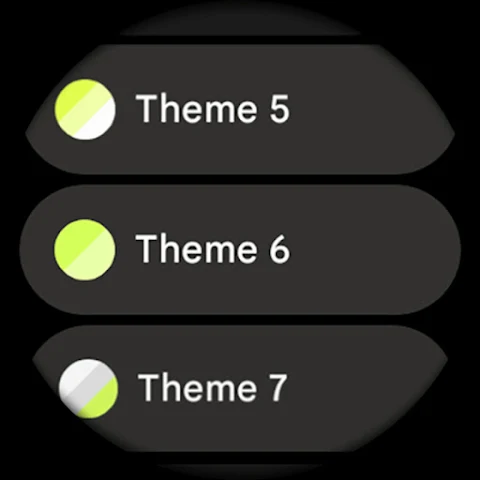
Custom complications enhance the watch face further. You have access to up to five custom complication slots. These slots allow you to personalize the information displayed on your watch to suit your needs. You can also explore various user configurations, such as choosing a color scheme, toggling the AM-PM indicator, or customizing progress bar tint if your device supports API 33+.
Many users appreciate the AOD (Always-On Display) style options, which let you choose how your watch looks at all times, even when inactive. The ability to configure the seconds indicator adds another layer of personalization.
For anyone who experiences issues or needs assistance, an installation guide and troubleshooting guide are available to help. You can visit amoledwatchfaces.com for these resources, as well as for information about any custom complication apps offered.
If you're looking for a great deal, don’t forget the buy one get one offer available at amoledwatchfaces.com/bogo.
For additional support, join our live support group on Telegram, where you can ask questions and engage with other users. Also, consider signing up for our newsletter at amoledwatchfaces.com/contact#newsletter to stay updated with new features and announcements.
Concentric 1 really stands out with its combination of digital look options and custom complications. Whether you’re a technology enthusiast or simply enjoy having a stylish watch face, Concentric 1: Watch face is tailored for you. It combines aesthetic appeal with practical features to meet your needs.
When you first use Concentric 1, you'll notice its simple and clean digital look. It features a unique seconds indicator that adds subtle movement to your watch face. The true black background enhances the overall appearance, making the colors pop. You will enjoy high resolution with every detail clear and sharp.
The design includes PNGQuant optimized layers, which makes it not only beautiful but also battery friendly. This way, you can enjoy your watch face for longer without worrying about draining your battery.
One of the standout features of Concentric 1 is the unique ambient mode. This mode operates in low OPR and offers adaptive color options, along with two display styles. This means you can glance at your watch without using a lot of power.
Custom complications enhance the watch face further. You have access to up to five custom complication slots. These slots allow you to personalize the information displayed on your watch to suit your needs. You can also explore various user configurations, such as choosing a color scheme, toggling the AM-PM indicator, or customizing progress bar tint if your device supports API 33+.
Many users appreciate the AOD (Always-On Display) style options, which let you choose how your watch looks at all times, even when inactive. The ability to configure the seconds indicator adds another layer of personalization.
For anyone who experiences issues or needs assistance, an installation guide and troubleshooting guide are available to help. You can visit amoledwatchfaces.com for these resources, as well as for information about any custom complication apps offered.
If you're looking for a great deal, don’t forget the buy one get one offer available at amoledwatchfaces.com/bogo.
For additional support, join our live support group on Telegram, where you can ask questions and engage with other users. Also, consider signing up for our newsletter at amoledwatchfaces.com/contact#newsletter to stay updated with new features and announcements.
Concentric 1 really stands out with its combination of digital look options and custom complications. Whether you’re a technology enthusiast or simply enjoy having a stylish watch face, Concentric 1: Watch face is tailored for you. It combines aesthetic appeal with practical features to meet your needs.
ClassicWIN Sport V2 Watch face
WinWatchfaces
$1.29
$0.84
Digital Mebevod Watch face
Magnum Watch Faces
$1.39
$0.39
JW100 jwstudio
JWstudio
$1.49
$0.75