
$1.49
$0.75
50% Off
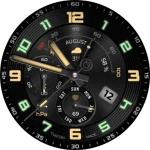
JW100 jwstudio
JWstudio

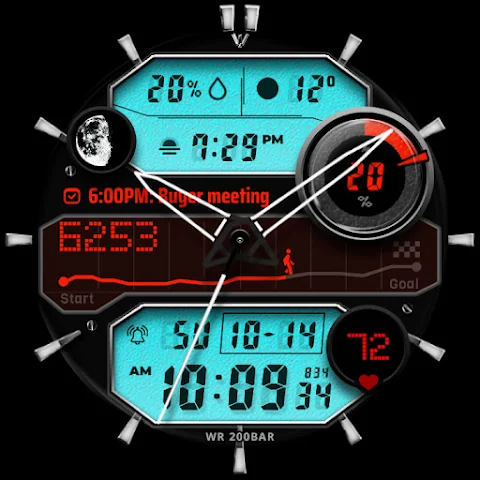
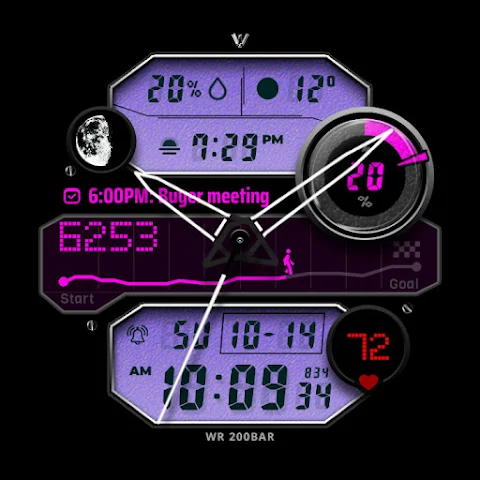
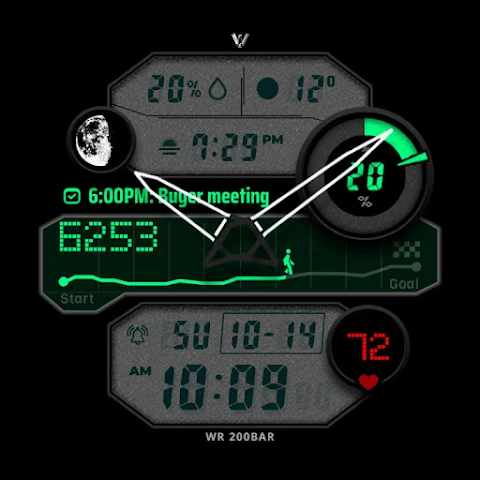
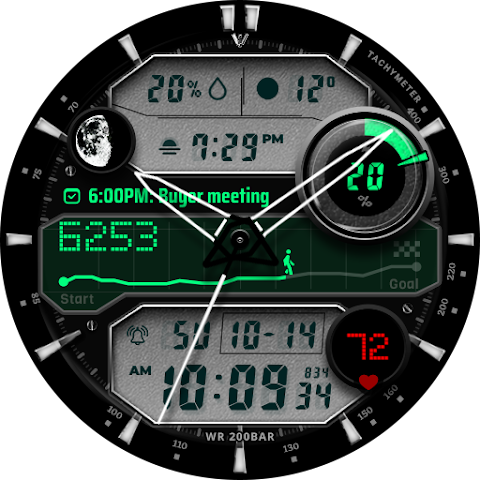
About the App
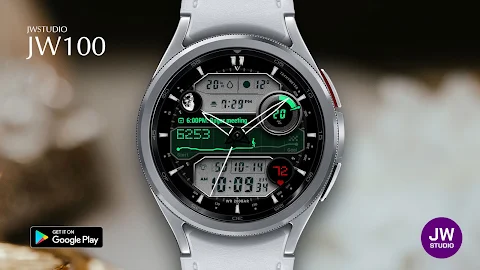
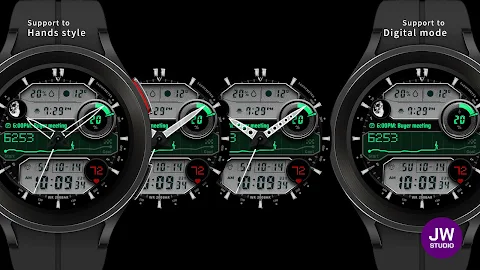
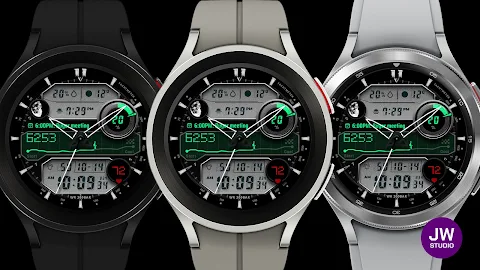
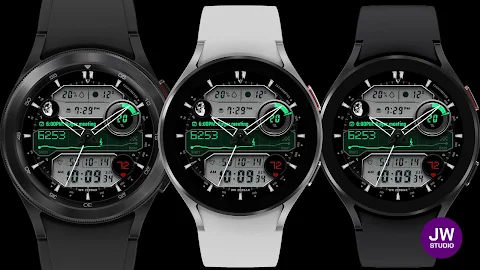
JW100 jwstudio is a versatile watch face that works with all Wear OS devices that have API level 30 or higher. This means you can easily enjoy its features on popular smartwatches like the Samsung Galaxy Watch 4, 5, 6, 7, 8, or the Pixel Watch.
Installing this watch face is simple. Before you click the payment button, make sure to select your watch device. You can do this by tapping the small triangle next to the payment button. If you need help, go to the menu in the top right of the Play Store app. Tap on the three dots, then select Share, and choose the Chrome browser. From there, select “Install on other devices” and then choose “Clock” to proceed with the installation.
Once you have installed JW100 jwstudio, find the watch face in your download list. You can also register it as a favorite for easy access later. To see your download list, click on "Add Watch Screen" on the far right of the favorites list that appears when you press the watch screen.
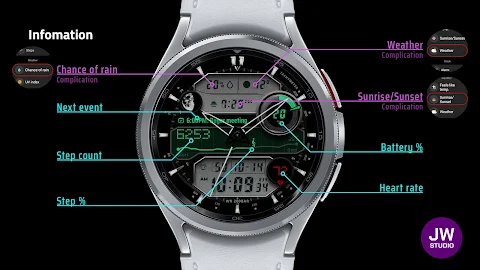
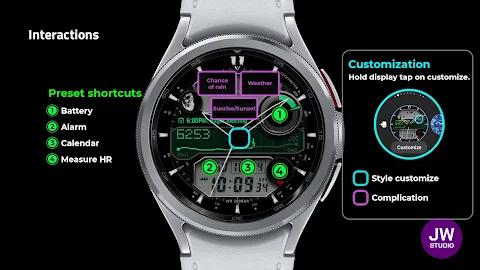
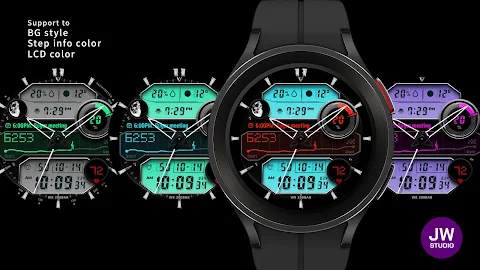
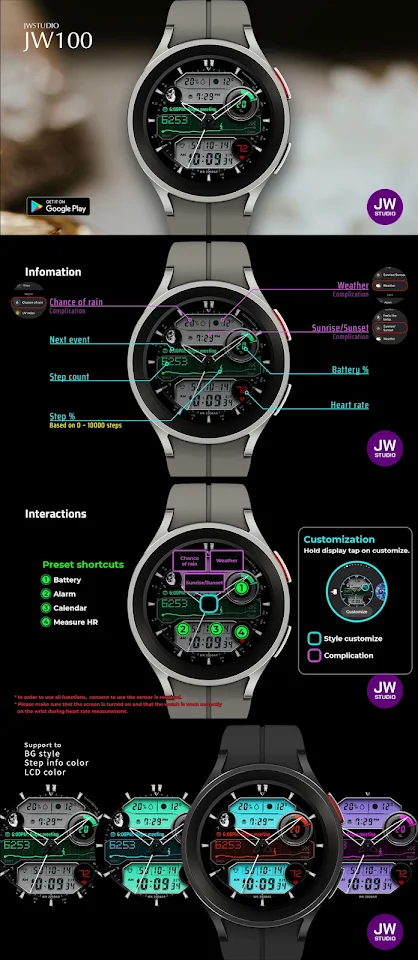
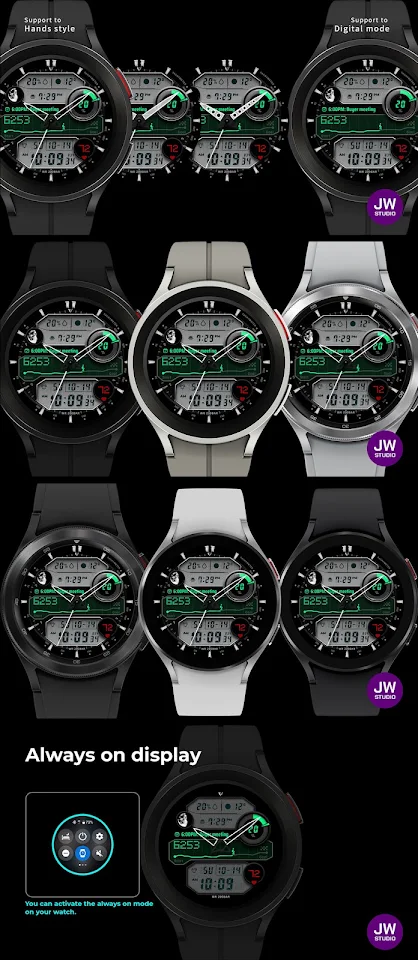
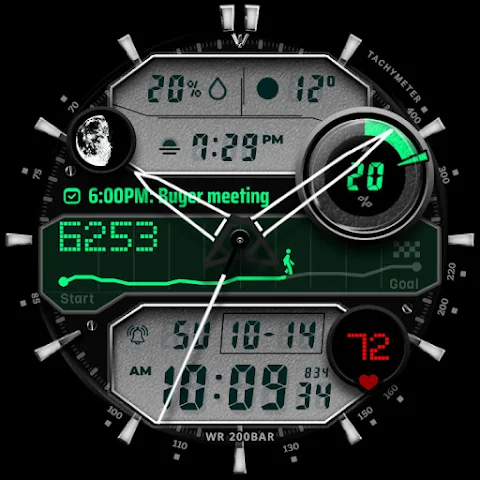
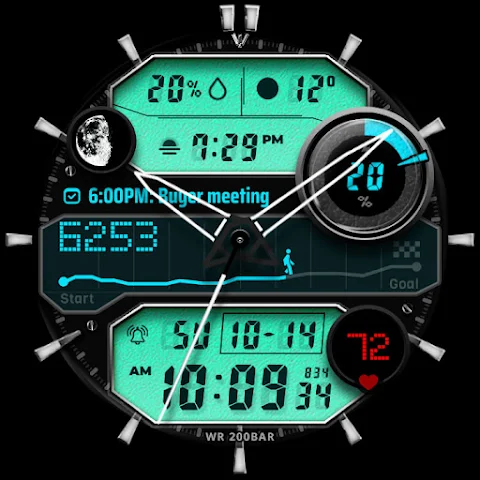
JW100 jwstudio comes with several handy features. You have four preset app shortcuts, which make it easy to access your most-used apps. You can also customize the watch face with three customizable fields to display information that matters to you. Change the color options and adjust the hands display settings to match your personal style.
To customize your watch face even further, simply touch and hold the display. This action will bring up the custom options menu, allowing you to make adjustments as you like.
For those who may have questions or need support, feel free to reach out through the provided customer support contact at jenniferwatches@gmail.com.
In summary, JW100 jwstudio is not just a watch face. It offers a personalized watch experience with various customization options, including easy installation and management through your download list. Enjoy the user interface customization and the straightforward installation payment process. With its multi-watch compatibility, you can use JW100 jwstudio on various Wear OS devices, making it a great addition to your smartwatch collection.
Installing this watch face is simple. Before you click the payment button, make sure to select your watch device. You can do this by tapping the small triangle next to the payment button. If you need help, go to the menu in the top right of the Play Store app. Tap on the three dots, then select Share, and choose the Chrome browser. From there, select “Install on other devices” and then choose “Clock” to proceed with the installation.
Once you have installed JW100 jwstudio, find the watch face in your download list. You can also register it as a favorite for easy access later. To see your download list, click on "Add Watch Screen" on the far right of the favorites list that appears when you press the watch screen.
JW100 jwstudio comes with several handy features. You have four preset app shortcuts, which make it easy to access your most-used apps. You can also customize the watch face with three customizable fields to display information that matters to you. Change the color options and adjust the hands display settings to match your personal style.
To customize your watch face even further, simply touch and hold the display. This action will bring up the custom options menu, allowing you to make adjustments as you like.
For those who may have questions or need support, feel free to reach out through the provided customer support contact at jenniferwatches@gmail.com.
In summary, JW100 jwstudio is not just a watch face. It offers a personalized watch experience with various customization options, including easy installation and management through your download list. Enjoy the user interface customization and the straightforward installation payment process. With its multi-watch compatibility, you can use JW100 jwstudio on various Wear OS devices, making it a great addition to your smartwatch collection.

【illustration】Lovely Sheep
ZKin
$2.99

iGlass Dark OS 26 Icon Pack
PizzApp Design
$0.99
$0.69
Analog Basic 36 WF Wear OS 5+
OQ Watchfaces
$1.49
$0.49