

$2.49
$1.74
30% Off
Photo Exif Editor Pro – Metada
Banana Studio











About the App
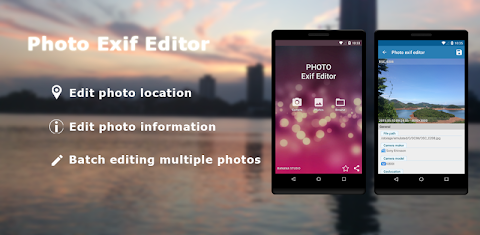
Photo Exif Editor Pro - Metada is a simple and effective photo editing tool that allows you to view and modify the Exif data of your pictures. With its user-friendly interface, this app makes it easy to correct any missing information in your favorite photos.
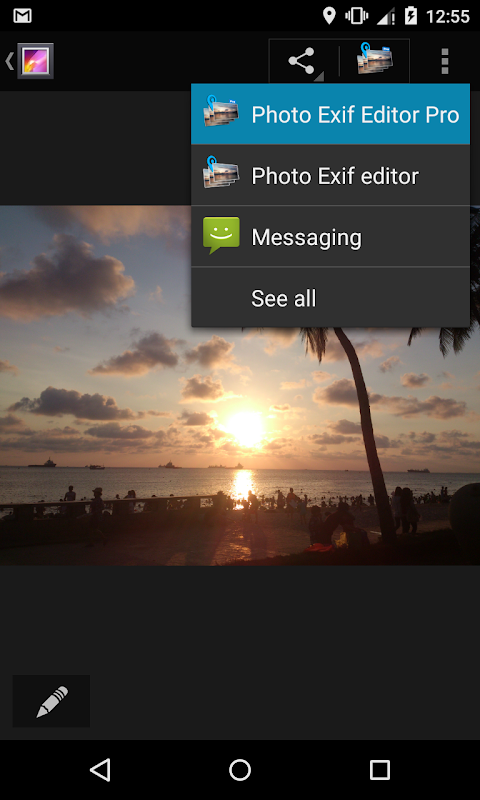
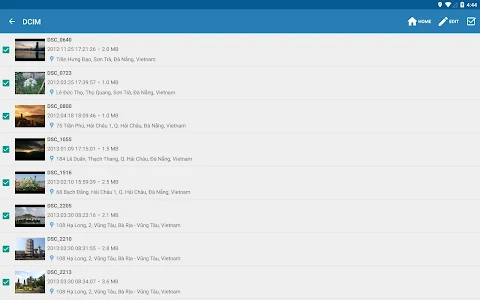
As the Pro version, Photo Exif Editor offers a no ads experience and the ability to show the full raw data display of each image. You can easily browse and view Exif information from your Android Gallery or use the app's integrated photo browser for a seamless experience.
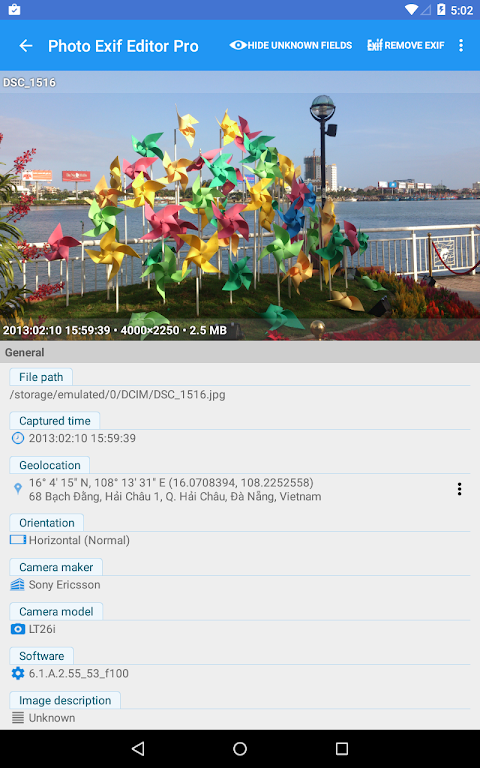
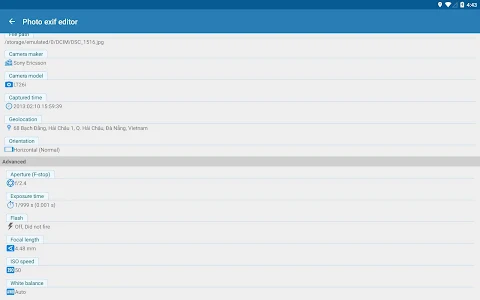
Understanding Exif data is important. It includes details like Camera model, Camera maker, orientation adjustments, aperture settings, shutter speed control, focal length details, ISO speed, and even GPS location information that tells you where each photo was taken. You can trust Photo Exif Editor to help you manage this important metadata correction for your photos.
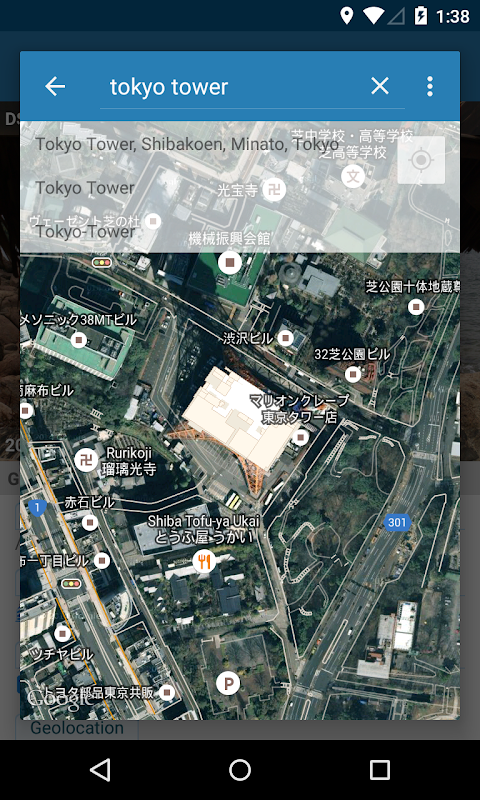
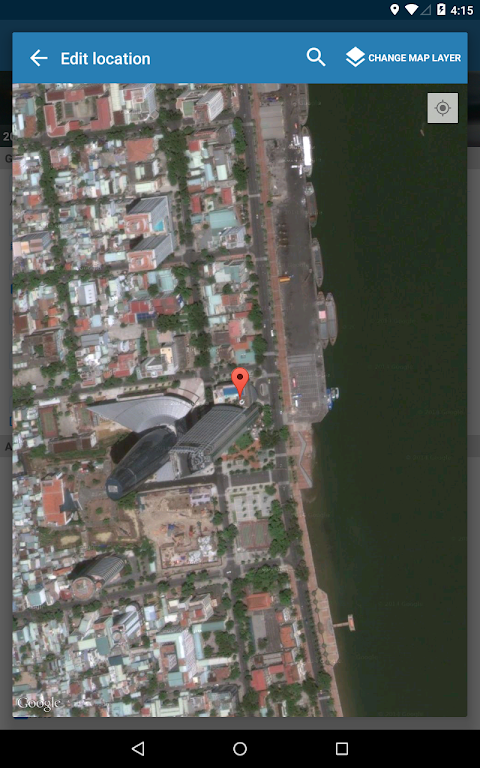
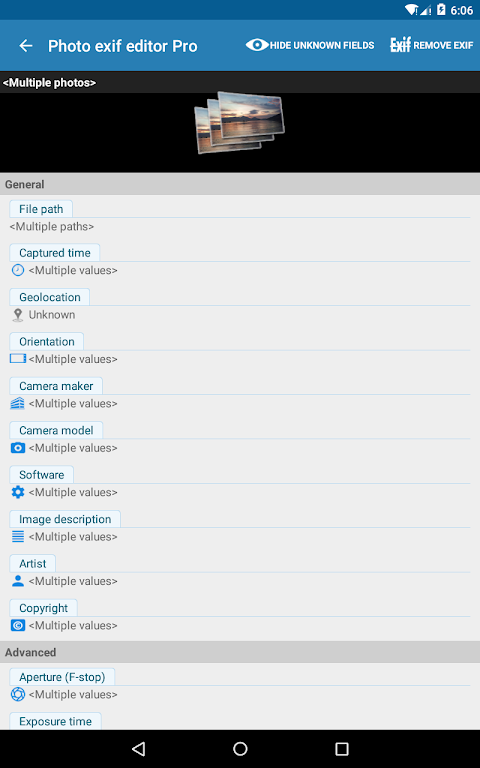
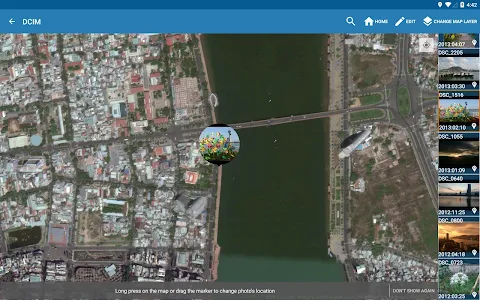
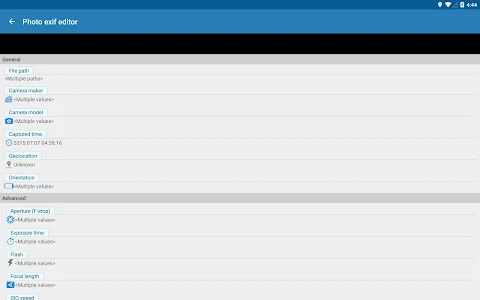
Using Photo Exif Editor, you can also add or correct the location of where a photo was taken using Google Maps. The app supports batch editing photos, allowing you to modify multiple images at once. You can add, modify Exif tags like captured time information, image orientation, and White balance adjustments without any hassle.
It's worth noting that all features from our previous app, ExifTool for Android, will soon be merged into Photo Exif Editor. This means even more capabilities will be available for editing various files, including images (JPG, PNG, RAW), audio, and video.
Please keep in mind that Android 4.4 (KitKat) has limitations that prevent non-system applications from writing files to external SD cards. For more details, you can visit the provided link.
Remember, to open the camera in the app, just long-press on the Gallery button.
If you're ever facing any problems or have suggestions for new features to improve the application, feel free to contact us via our support email. We appreciate your feedback and want to make Photo Exif Editor Pro - Metada even better for you.
For the app to function correctly, certain permissions are necessary. WiFi permission is needed to load Google Maps, which is essential for locating where photos were taken. Additionally, location permission is optional but helps the map identify your current location. If you're using Android 6.0 or above, you have the option to deny this location permission if you choose.
With Photo Exif Editor Pro - Metada, you can manage your photo metadata easily, allowing for effective digital photo editing and a streamlined photo viewing experience. Whether you're a casual user or a photography enthusiast, this app is designed to help you have better control over your photos.
As the Pro version, Photo Exif Editor offers a no ads experience and the ability to show the full raw data display of each image. You can easily browse and view Exif information from your Android Gallery or use the app's integrated photo browser for a seamless experience.
Understanding Exif data is important. It includes details like Camera model, Camera maker, orientation adjustments, aperture settings, shutter speed control, focal length details, ISO speed, and even GPS location information that tells you where each photo was taken. You can trust Photo Exif Editor to help you manage this important metadata correction for your photos.
Using Photo Exif Editor, you can also add or correct the location of where a photo was taken using Google Maps. The app supports batch editing photos, allowing you to modify multiple images at once. You can add, modify Exif tags like captured time information, image orientation, and White balance adjustments without any hassle.
It's worth noting that all features from our previous app, ExifTool for Android, will soon be merged into Photo Exif Editor. This means even more capabilities will be available for editing various files, including images (JPG, PNG, RAW), audio, and video.
Please keep in mind that Android 4.4 (KitKat) has limitations that prevent non-system applications from writing files to external SD cards. For more details, you can visit the provided link.
Remember, to open the camera in the app, just long-press on the Gallery button.
If you're ever facing any problems or have suggestions for new features to improve the application, feel free to contact us via our support email. We appreciate your feedback and want to make Photo Exif Editor Pro - Metada even better for you.
For the app to function correctly, certain permissions are necessary. WiFi permission is needed to load Google Maps, which is essential for locating where photos were taken. Additionally, location permission is optional but helps the map identify your current location. If you're using Android 6.0 or above, you have the option to deny this location permission if you choose.
With Photo Exif Editor Pro - Metada, you can manage your photo metadata easily, allowing for effective digital photo editing and a streamlined photo viewing experience. Whether you're a casual user or a photography enthusiast, this app is designed to help you have better control over your photos.

Light Meter X – Lux Exposure
WuxiangSoft
$2.49

iGallery Pro – OS
CLIPITRA DIGITAL SERVICES LLP
$0.49
MotionCam Pro: RAW Capture
MotionCam
$39.99
$20.00