
$2.99
$0.99
67% Off
ZKin Watch Blue Series Planet
ZKin

About the App
The ZKin Watch Blue Series Planet is a smartwatch face that operates on Wear OS. It's designed for users who want to track their health and fitness in a clear and simple way. This app makes it easy to monitor important data all in one place.
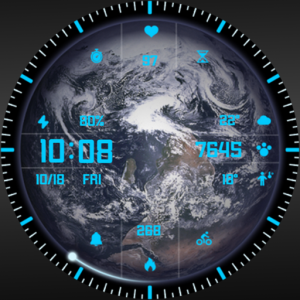
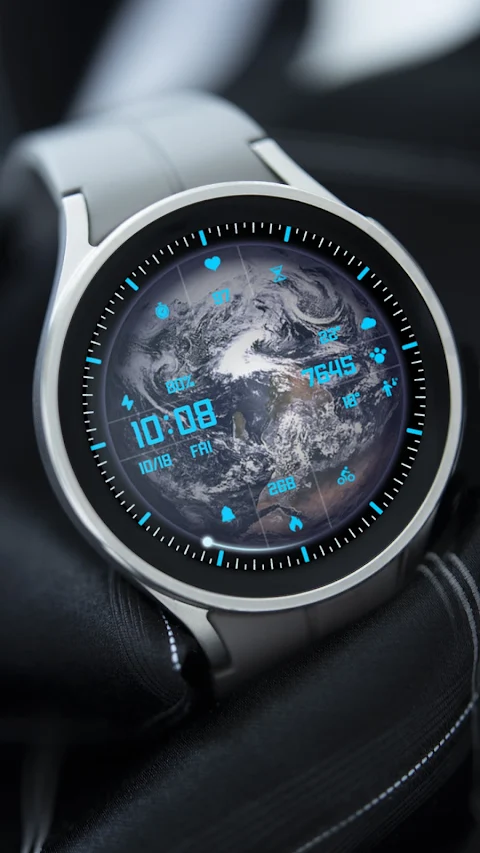
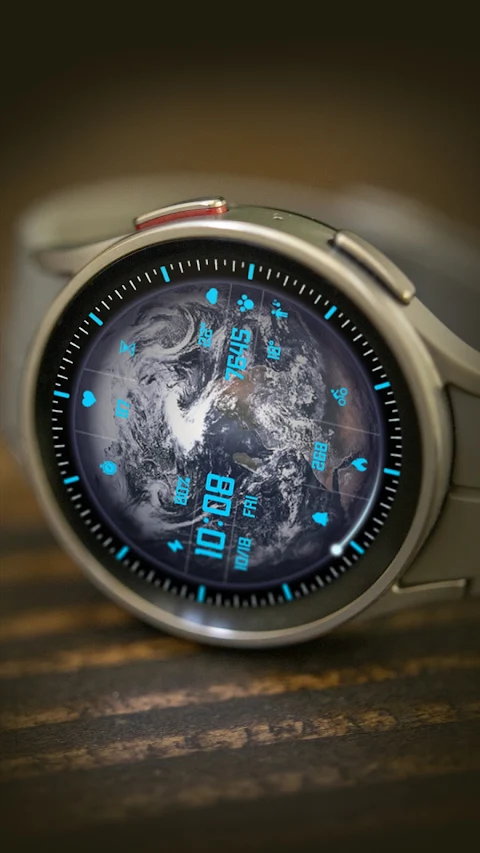
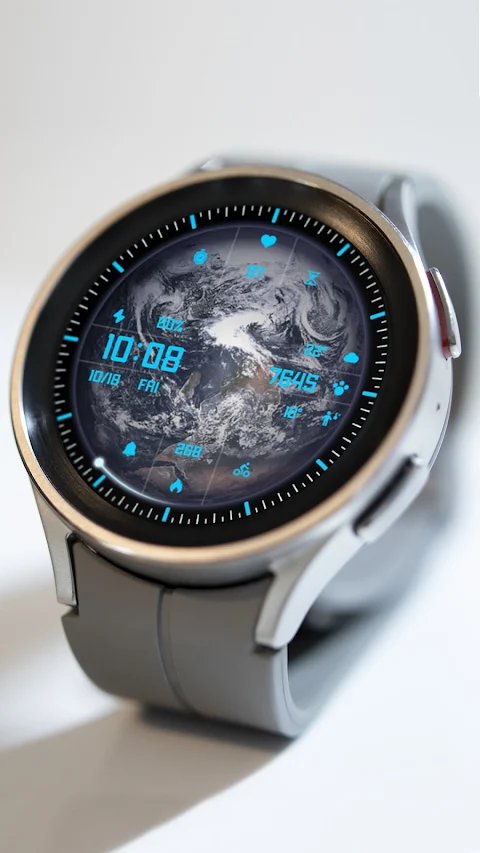
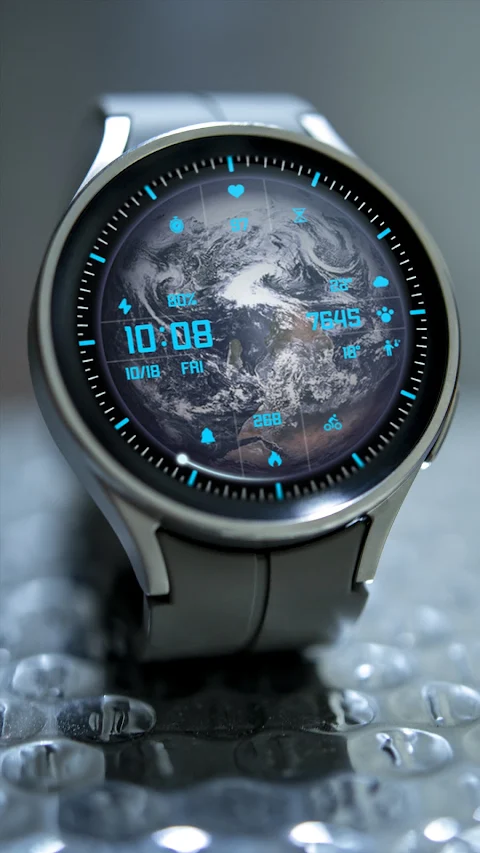
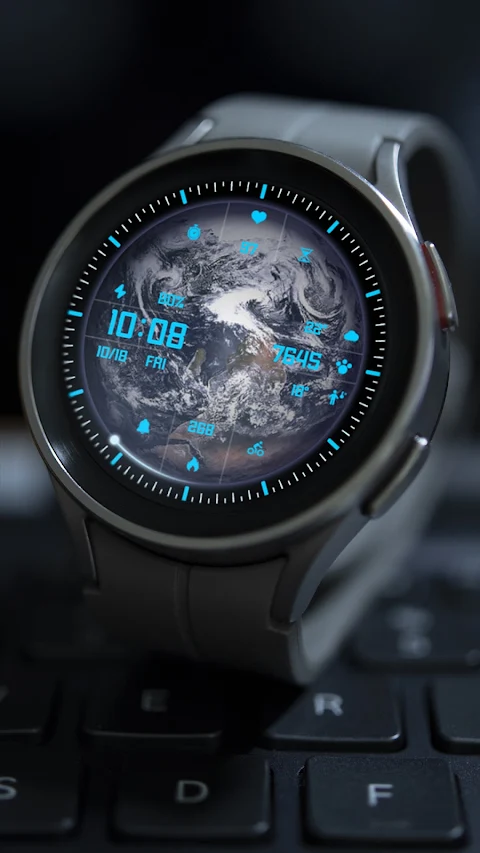
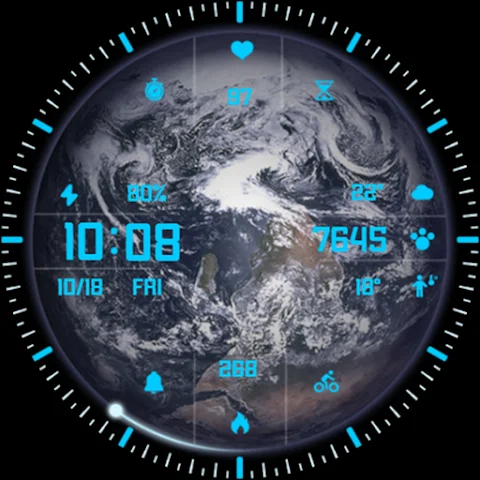
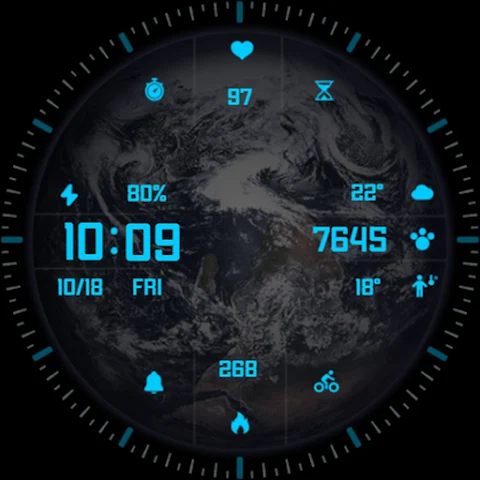
At the top of the dial, you'll find heart rate tracking. This feature helps you keep an eye on your heart rate, making it easier to manage your fitness goals. There’s also support for custom apps, so you can personalize your experience based on your needs.
The central part of the watch face displays several important items. It shows the electricity level of the device, along with custom data that you can set up. You can also glance at the time, steps taken, the date, and the week. For those who like tracking their daily routine, the watch provides morning and afternoon stats to give you a complete picture of your day.
At the bottom of the dial, you will see calories burned tracking. This is an excellent feature for anyone looking to monitor their calorie intake and expenditure. Similar to the top section, this part also supports custom apps.
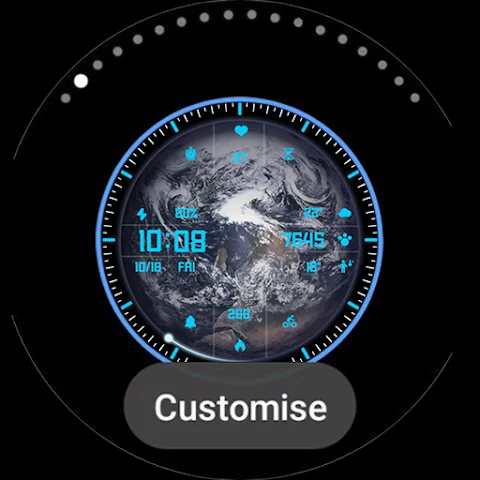
One of the best aspects of the ZKin Watch Blue Series Planet is the customization options it offers. Users have access to multiple customization areas, allowing them to tailor the watch face according to personal preferences and styles.
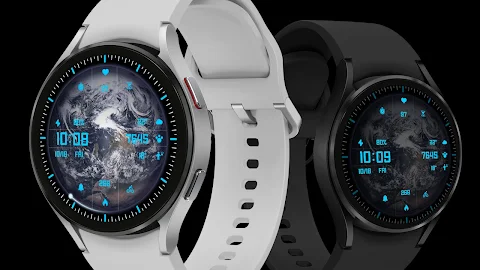
The watch face is compatible with a wide range of devices, including the Pixel Watch, Galaxy Watch 4, Galaxy Watch 5, Galaxy Watch 6, and Galaxy Watch 7, as well as other compatible devices. This makes it accessible for many smartwatch users.
If you're wondering how to install this watch face on Wear OS, the process is straightforward. First, you can install it directly from the Google Play Wear Store on your watch. For a complete customization experience, download and install the companion app on your Android phone. This app allows you to unlock all the customization areas, making it easy to personalize your watch face exactly how you like it.
The ZKin Watch Blue Series Planet offers a user-friendly interface that simplifies managing health metrics. Whether you're into fitness tracking or just want a stylish and functional watch face, this app has something for everyone. As part of wearable tech integration, it provides real-time data that's useful in your daily life.
With its multi-function capabilities and smartwatch compatibility, the ZKin Watch Blue Series Planet stands out as a versatile option for smartwatch users. You’ll find the installation guide for Wear OS helpful as you set up your new watch face, ensuring you can make the most of its features.
In summary, the ZKin Watch Blue Series Planet combines functionality and customization in an easy-to-use package, making it an excellent choice for anyone looking to enhance their smartwatch experience.
At the top of the dial, you'll find heart rate tracking. This feature helps you keep an eye on your heart rate, making it easier to manage your fitness goals. There’s also support for custom apps, so you can personalize your experience based on your needs.
The central part of the watch face displays several important items. It shows the electricity level of the device, along with custom data that you can set up. You can also glance at the time, steps taken, the date, and the week. For those who like tracking their daily routine, the watch provides morning and afternoon stats to give you a complete picture of your day.
At the bottom of the dial, you will see calories burned tracking. This is an excellent feature for anyone looking to monitor their calorie intake and expenditure. Similar to the top section, this part also supports custom apps.
One of the best aspects of the ZKin Watch Blue Series Planet is the customization options it offers. Users have access to multiple customization areas, allowing them to tailor the watch face according to personal preferences and styles.
The watch face is compatible with a wide range of devices, including the Pixel Watch, Galaxy Watch 4, Galaxy Watch 5, Galaxy Watch 6, and Galaxy Watch 7, as well as other compatible devices. This makes it accessible for many smartwatch users.
If you're wondering how to install this watch face on Wear OS, the process is straightforward. First, you can install it directly from the Google Play Wear Store on your watch. For a complete customization experience, download and install the companion app on your Android phone. This app allows you to unlock all the customization areas, making it easy to personalize your watch face exactly how you like it.
The ZKin Watch Blue Series Planet offers a user-friendly interface that simplifies managing health metrics. Whether you're into fitness tracking or just want a stylish and functional watch face, this app has something for everyone. As part of wearable tech integration, it provides real-time data that's useful in your daily life.
With its multi-function capabilities and smartwatch compatibility, the ZKin Watch Blue Series Planet stands out as a versatile option for smartwatch users. You’ll find the installation guide for Wear OS helpful as you set up your new watch face, ensuring you can make the most of its features.
In summary, the ZKin Watch Blue Series Planet combines functionality and customization in an easy-to-use package, making it an excellent choice for anyone looking to enhance their smartwatch experience.

Navigator for Mi Band
Francesco Re
$0.99
FREE

Gps Status Pro
Khalnadj Apps
$4.49

Kocaman Pro
Hakan KOCAMAN & Ümit Tacettin AKGÖL
$19.99
$10.00