
$1.79
$1.25
30% Off
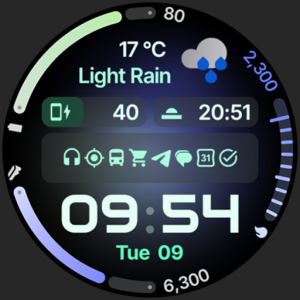
Zenith Watch Face
amoledwatchfaces™

About the App
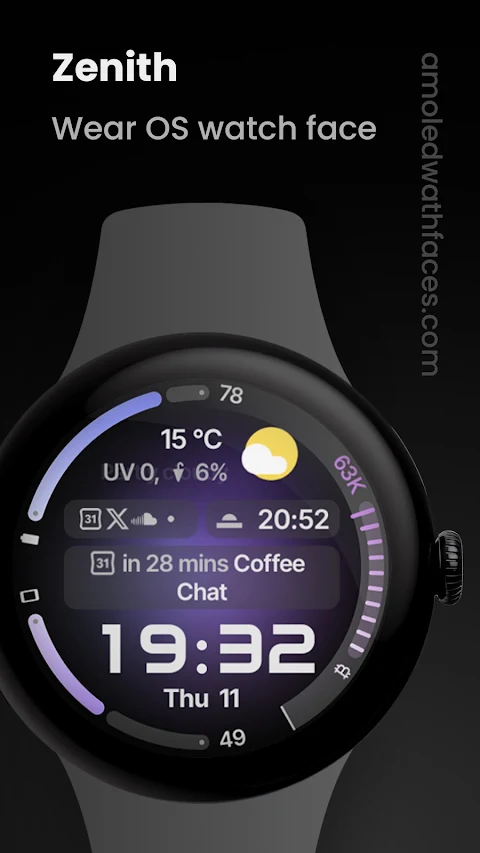
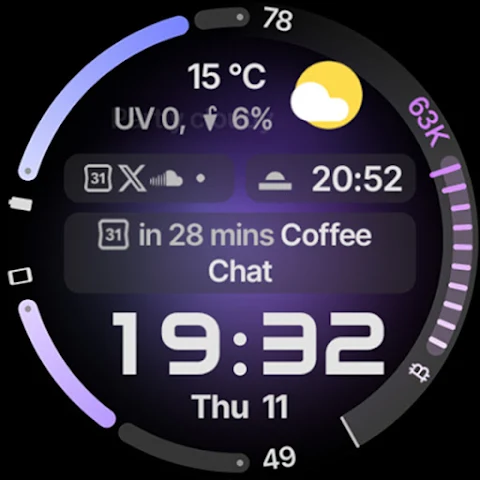
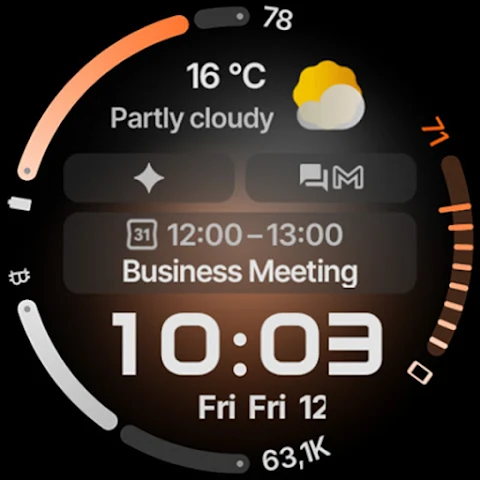
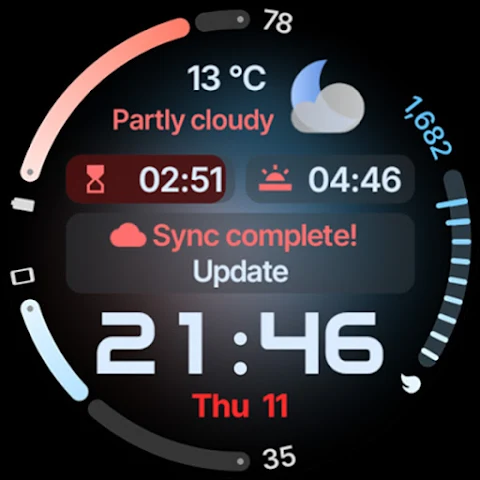
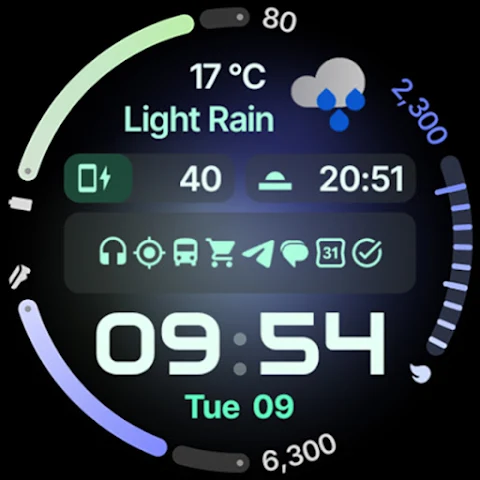
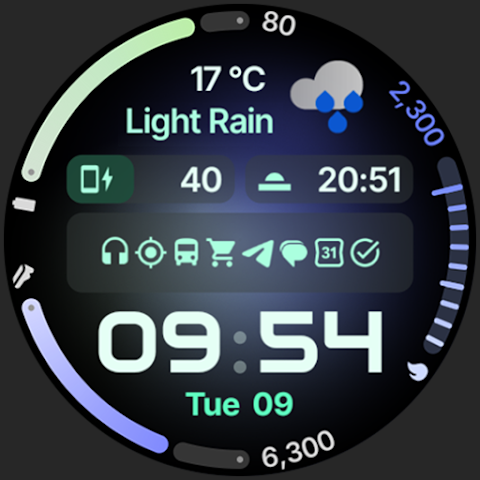
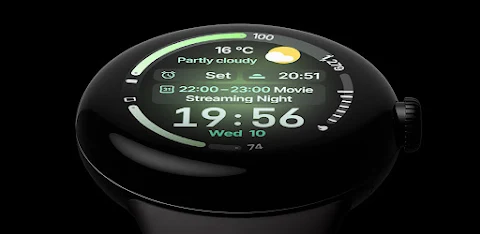
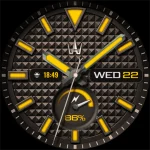
Zenith Watch Face is a specially designed app for Wear OS 4+ devices, bringing an elegant and functional watch face experience to your wrist. The app is powered by Watch Face Format 4, ensuring high-quality visuals and performance.
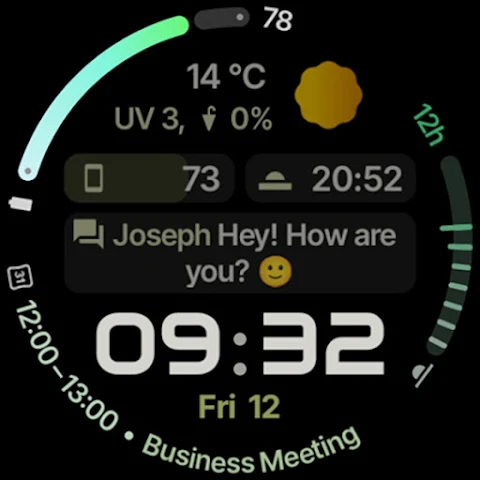
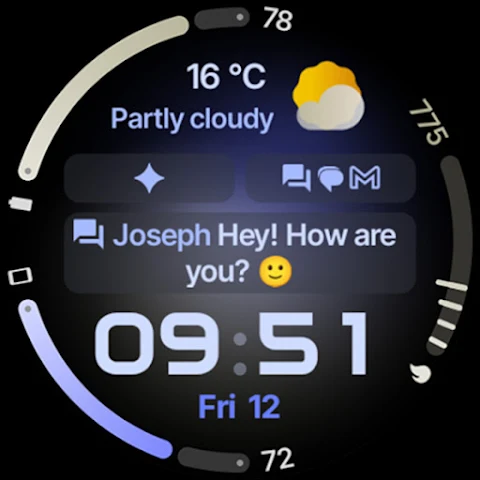
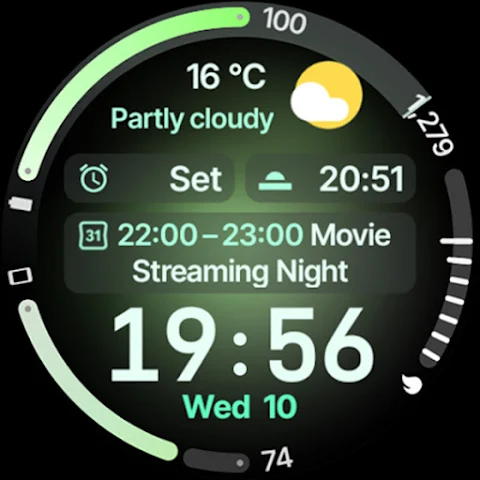
With a focus on style and usability, Zenith Watch Face features a clean, material design that fits perfectly with the native Wear OS aesthetic. Users can enjoy various customization options, including watch face presets that allow you to change looks with ease. Whether you want a classic look or something more modern, there are multiple design choices to explore.
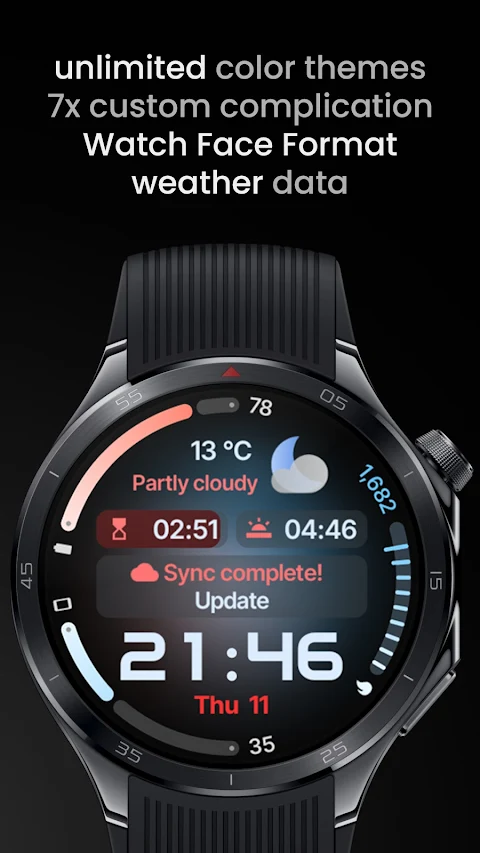
For those using Wear OS 5+, you can stay updated on the go with current weather information. Two weather icon packs are included, giving you options for how weather data is displayed. The animated AOD transition enhances the overall appearance, making the always-on display engaging and dynamic.
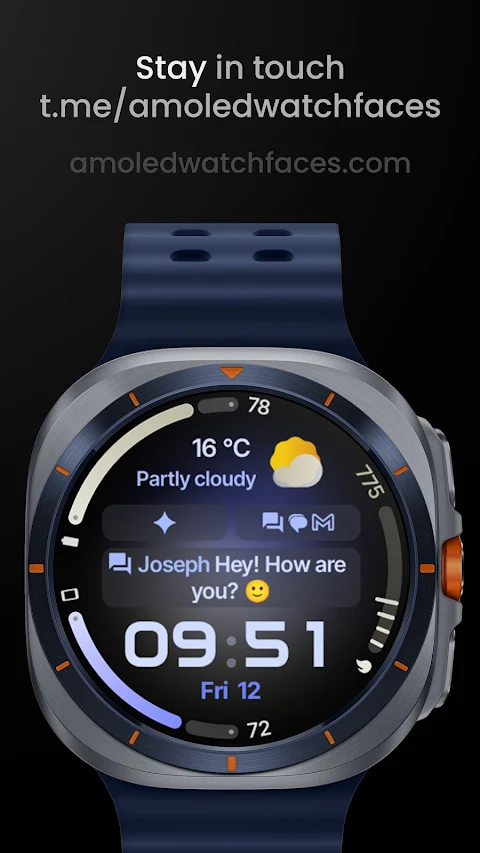
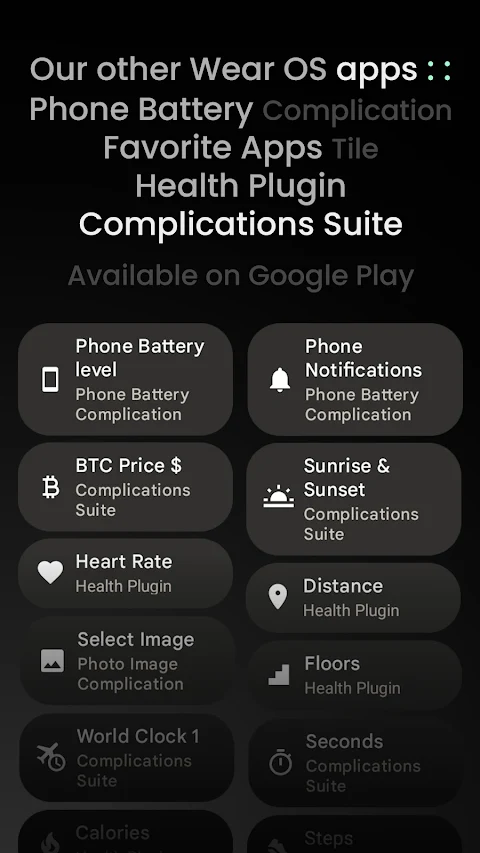
Zenith Watch Face also supports a variety of custom complications. You have seven custom complication slots where you can add useful information like notifications from your phone. The app supports various complication types, including SHORT_TEXT, LONG_TEXT, RANGED_VALUE, and MONOCHROMATIC_ICON, allowing for great flexibility in what you want to display. There is also phone notifications complication support, which enhances your connectivity without needing to check your phone constantly.
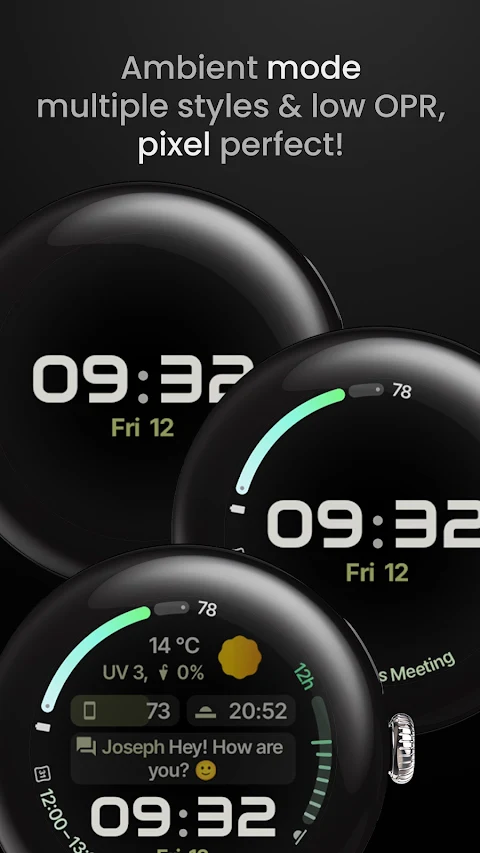
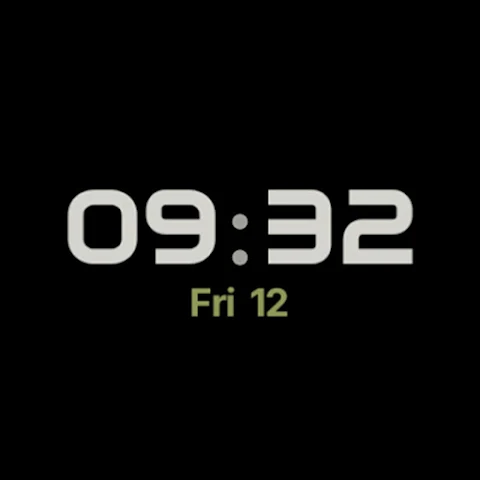
This app is accessible to many users, featuring multilanguage support, ensuring that more people can enjoy its benefits. You can also choose between glow and aurora backgrounds, adding a touch of personalization to your watch face experience. Plus, there are three always-on display styles available, so you can select how your watch looks when not actively in use.
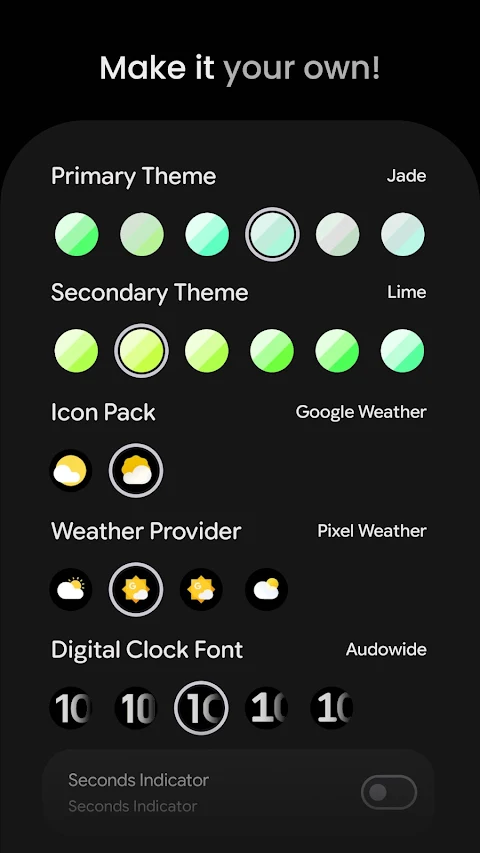
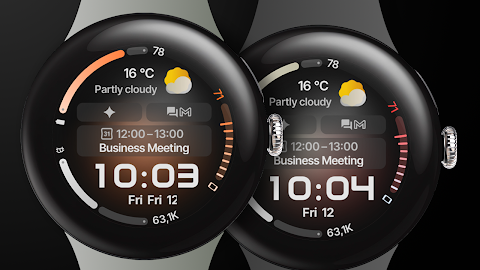
In terms of user configurations, Zenith Watch Face offers extensive options. You can select from over 60 primary, secondary, tertiary, and quaternary themes to customize the overall look. There are also five digital clock font options and seven date format configurations to choose from. For those who enjoy updating their watch faces, you have options for different backgrounds and weather icon packs, along with choices for weather providers.
The app makes it easy to set up custom complications. You can toggle the seconds indicator and leading zero options based on your preference. The vivid digital clock toggle is also available for users with Wear OS 6+, making your timekeeping more striking.
If you ever need help, there’s an installation and troubleshooting guide available. You can find it on the website, where you can also join our Telegram group for live support and discussion. This community can be a great place to connect with other users and share tips.
Don't miss out on our special deal! Check out the buy one get one offer available on our site. For those looking for even more customization, explore our collection of custom complication apps, which can enhance your watch experience even further.
In summary, Zenith Watch Face is not just a watch face; it’s a customizable tool that enhances how you interact with your Wear OS device. With its thoughtful features and flexibility, it invites users to create a unique and functional experience that suits their lifestyle.
With a focus on style and usability, Zenith Watch Face features a clean, material design that fits perfectly with the native Wear OS aesthetic. Users can enjoy various customization options, including watch face presets that allow you to change looks with ease. Whether you want a classic look or something more modern, there are multiple design choices to explore.
For those using Wear OS 5+, you can stay updated on the go with current weather information. Two weather icon packs are included, giving you options for how weather data is displayed. The animated AOD transition enhances the overall appearance, making the always-on display engaging and dynamic.
Zenith Watch Face also supports a variety of custom complications. You have seven custom complication slots where you can add useful information like notifications from your phone. The app supports various complication types, including SHORT_TEXT, LONG_TEXT, RANGED_VALUE, and MONOCHROMATIC_ICON, allowing for great flexibility in what you want to display. There is also phone notifications complication support, which enhances your connectivity without needing to check your phone constantly.
This app is accessible to many users, featuring multilanguage support, ensuring that more people can enjoy its benefits. You can also choose between glow and aurora backgrounds, adding a touch of personalization to your watch face experience. Plus, there are three always-on display styles available, so you can select how your watch looks when not actively in use.
In terms of user configurations, Zenith Watch Face offers extensive options. You can select from over 60 primary, secondary, tertiary, and quaternary themes to customize the overall look. There are also five digital clock font options and seven date format configurations to choose from. For those who enjoy updating their watch faces, you have options for different backgrounds and weather icon packs, along with choices for weather providers.
The app makes it easy to set up custom complications. You can toggle the seconds indicator and leading zero options based on your preference. The vivid digital clock toggle is also available for users with Wear OS 6+, making your timekeeping more striking.
If you ever need help, there’s an installation and troubleshooting guide available. You can find it on the website, where you can also join our Telegram group for live support and discussion. This community can be a great place to connect with other users and share tips.
Don't miss out on our special deal! Check out the buy one get one offer available on our site. For those looking for even more customization, explore our collection of custom complication apps, which can enhance your watch experience even further.
In summary, Zenith Watch Face is not just a watch face; it’s a customizable tool that enhances how you interact with your Wear OS device. With its thoughtful features and flexibility, it invites users to create a unique and functional experience that suits their lifestyle.

DADAM56: Digital Watch Face
DADAM Watch Faces
$1.89
$0.95
S4U RC ONE – Retro watch face
styles4you
$1.49
$0.60
WAW049 Analog Futuristic Face
WAW Watch Faces
$2.99