

$1.49
$0.49
67% Off
YellowLine Icon Pack : LineX
JustNewDesigns


About the App
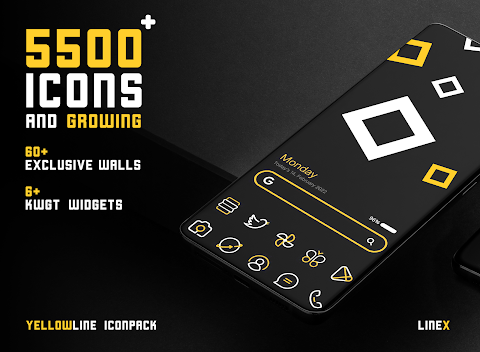
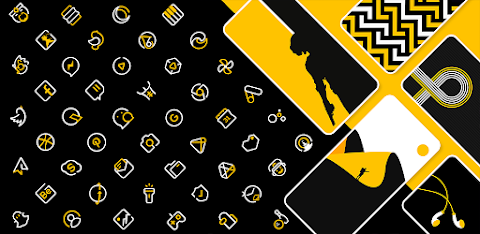
The YellowLine Icon Pack, formerly known as LimeLine Icon Pack, is a fresh take on mobile customization. This icon pack features a striking combination of yellow and white colors, offering a modern twist on digital aesthetics.
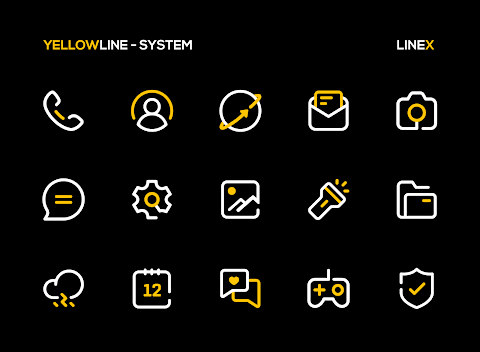
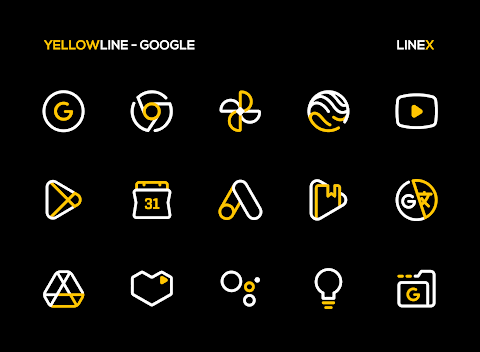
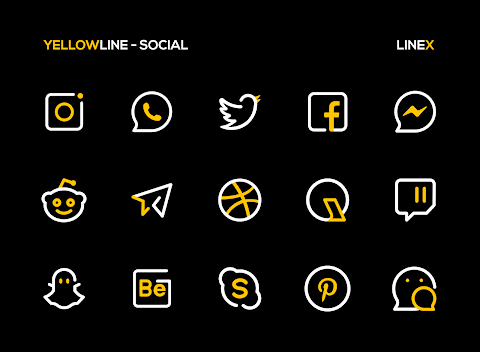
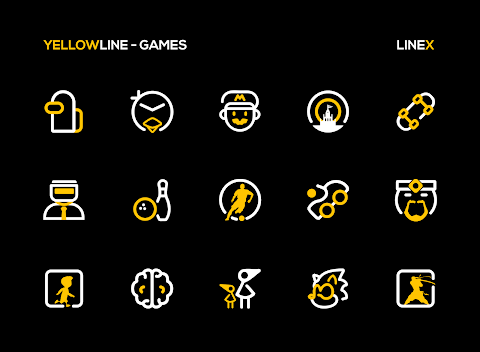
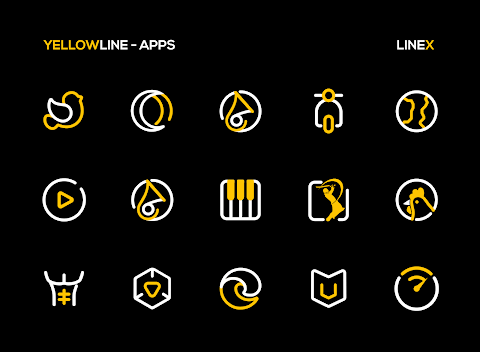
With over 5600 icons, the YellowLine Icon Pack provides a wide variety of line style icons designed to give your mobile screen a stunning look. Each icon is crafted with attention to detail, creating a unique user experience that enhances your daily interactions with your device.
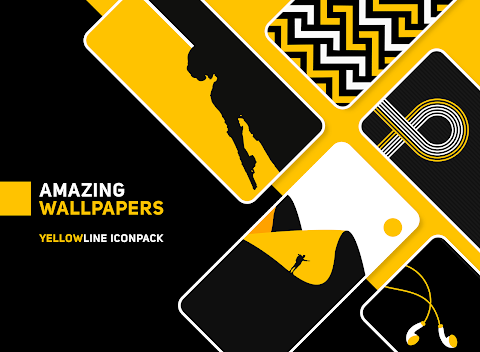
Alongside the impressive collection of icons, you will also find high-quality wallpapers to complete your mobile screen's look. The icons and wallpapers work together for a cohesive design that feels fresh and creative. This pack stands out as a must-have for anyone interested in Android customization.
What makes the YellowLine Icon Pack so appealing? First, it has a perfect masking system for unthemed icons, ensuring everything looks good and matches. You will also discover many alternative icons, giving you more options for customization. Frequent updates mean that the YellowLine Icon Pack continues to grow, adding even more icons for your enjoyment.
Using the YellowLine Icon Pack is easy. It's recommended to use it with Nova Launcher, where you can set the icon normalization off and adjust the icon size between 100% to 120% for the best experience. This setup provides a user-friendly design that is straightforward for anyone to configure.
The YellowLine Icon Pack includes features such as icon preview and search, dynamic calendar support, a material dashboard, and custom folder icons that add to the overall mobile personalization experience. Category-based icons and custom app drawer icons allow further customization, ensuring your device is truly unique.
If you ever feel confused or have questions, the YellowLine Icon Pack comes with easy icon request options, so you can request new icons directly. Plus, if you buy the pack and don't like it, there's a 100% refund policy, giving you peace of mind when trying it out.
To use the YellowLine Icon Pack, simply install a supported theme launcher, open the icon pack, and select your launcher to apply the new icons. If your launcher isn’t listed, you can still apply the icon pack through your launcher settings.
The YellowLine Icon Pack is compatible with various launchers. Whether you use Action Launcher, ADW Launcher, Apex Launcher, or others, this pack enhances your mobile user experience. However, note that Google Now Launcher does not support any icon packs, so it's best to use a recommended launcher like Nova Launcher to fully benefit from this pack.
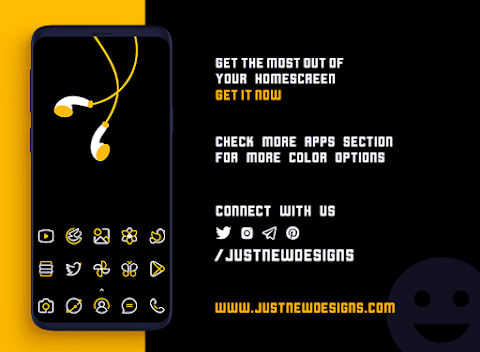
In summary, the YellowLine Icon Pack offers a creative and minimalist approach to Android customization. With its stunning icon representation, high-resolution icons, and commitment to user engagement, it’s a valuable tool for anyone looking to elevate their mobile experience. Enjoy the blend of beauty and functionality, and transform your device with the YellowLine Icon Pack today!
With over 5600 icons, the YellowLine Icon Pack provides a wide variety of line style icons designed to give your mobile screen a stunning look. Each icon is crafted with attention to detail, creating a unique user experience that enhances your daily interactions with your device.
Alongside the impressive collection of icons, you will also find high-quality wallpapers to complete your mobile screen's look. The icons and wallpapers work together for a cohesive design that feels fresh and creative. This pack stands out as a must-have for anyone interested in Android customization.
What makes the YellowLine Icon Pack so appealing? First, it has a perfect masking system for unthemed icons, ensuring everything looks good and matches. You will also discover many alternative icons, giving you more options for customization. Frequent updates mean that the YellowLine Icon Pack continues to grow, adding even more icons for your enjoyment.
Using the YellowLine Icon Pack is easy. It's recommended to use it with Nova Launcher, where you can set the icon normalization off and adjust the icon size between 100% to 120% for the best experience. This setup provides a user-friendly design that is straightforward for anyone to configure.
The YellowLine Icon Pack includes features such as icon preview and search, dynamic calendar support, a material dashboard, and custom folder icons that add to the overall mobile personalization experience. Category-based icons and custom app drawer icons allow further customization, ensuring your device is truly unique.
If you ever feel confused or have questions, the YellowLine Icon Pack comes with easy icon request options, so you can request new icons directly. Plus, if you buy the pack and don't like it, there's a 100% refund policy, giving you peace of mind when trying it out.
To use the YellowLine Icon Pack, simply install a supported theme launcher, open the icon pack, and select your launcher to apply the new icons. If your launcher isn’t listed, you can still apply the icon pack through your launcher settings.
The YellowLine Icon Pack is compatible with various launchers. Whether you use Action Launcher, ADW Launcher, Apex Launcher, or others, this pack enhances your mobile user experience. However, note that Google Now Launcher does not support any icon packs, so it's best to use a recommended launcher like Nova Launcher to fully benefit from this pack.
In summary, the YellowLine Icon Pack offers a creative and minimalist approach to Android customization. With its stunning icon representation, high-resolution icons, and commitment to user engagement, it’s a valuable tool for anyone looking to elevate their mobile experience. Enjoy the blend of beauty and functionality, and transform your device with the YellowLine Icon Pack today!

Carol – Icon Pack
Panoto Gomo
$0.99
FREE
Field Analog Dark Wear OS 5+
OQ Watchfaces
$0.99
$0.49

Reflector – Icon Pack
PhunktasticDesigns
$0.99
$0.50