

$1.49
FREE
100% Off
Yellowdiant – Icon Pack
GomoTheGom

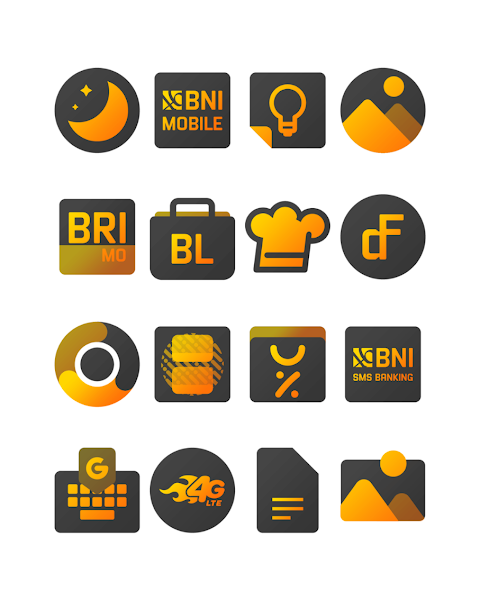

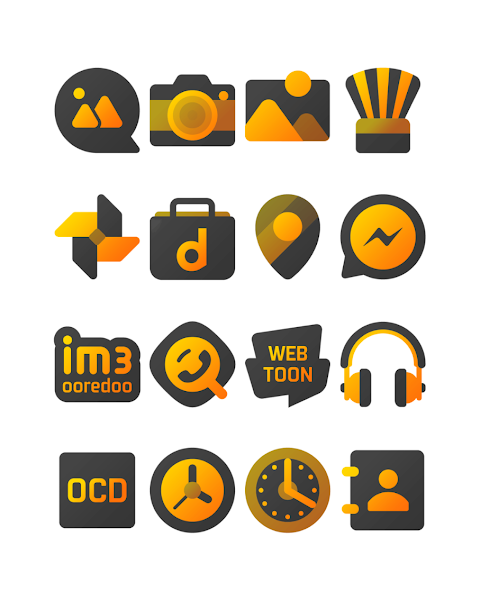
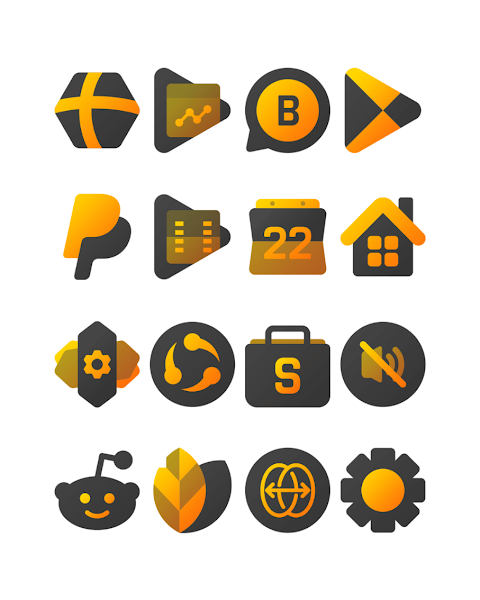



About the App
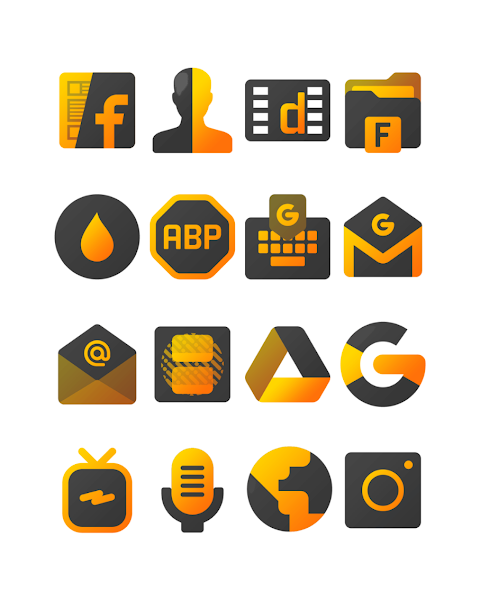
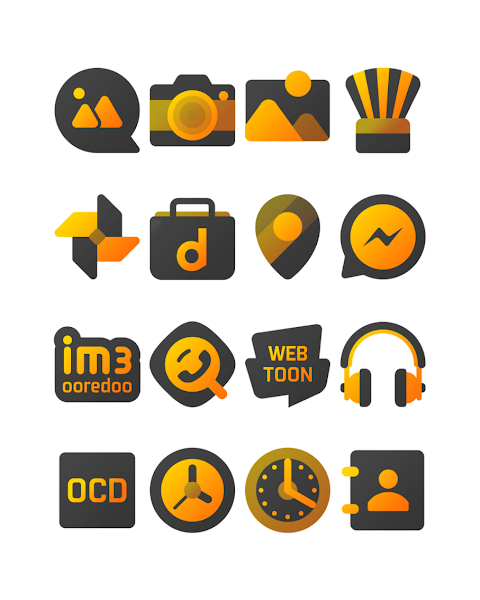
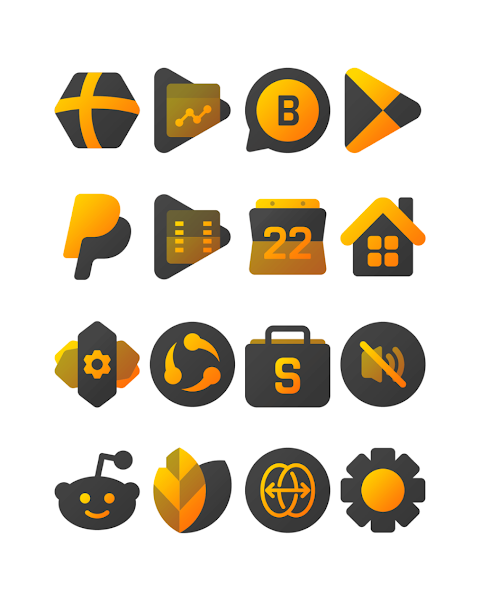
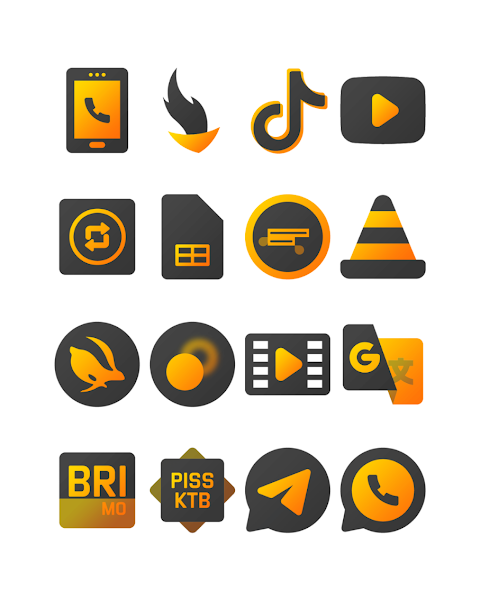
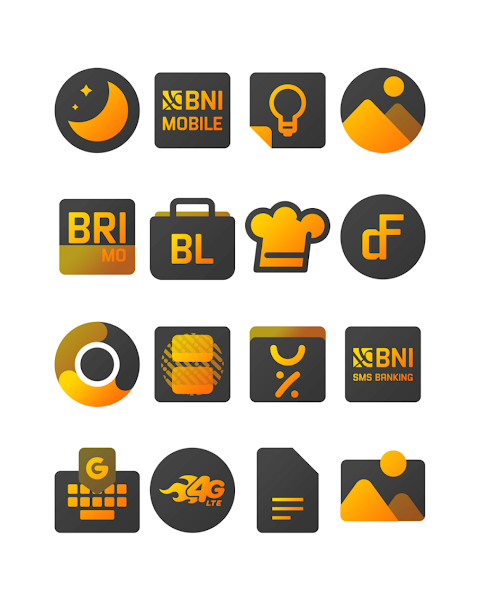
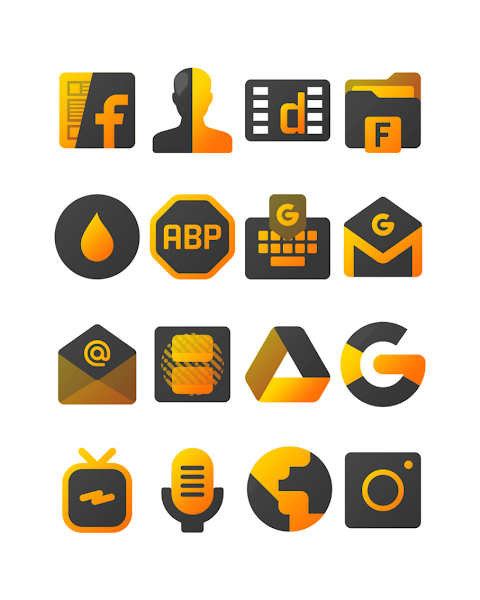
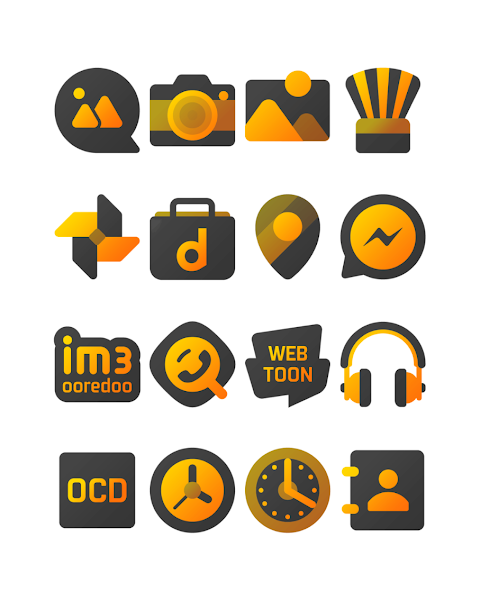
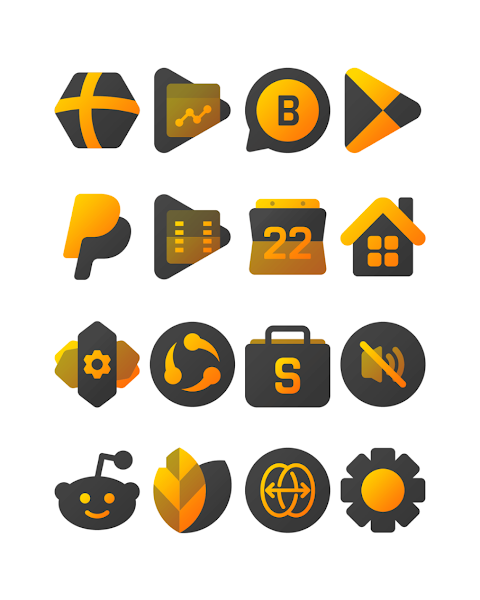
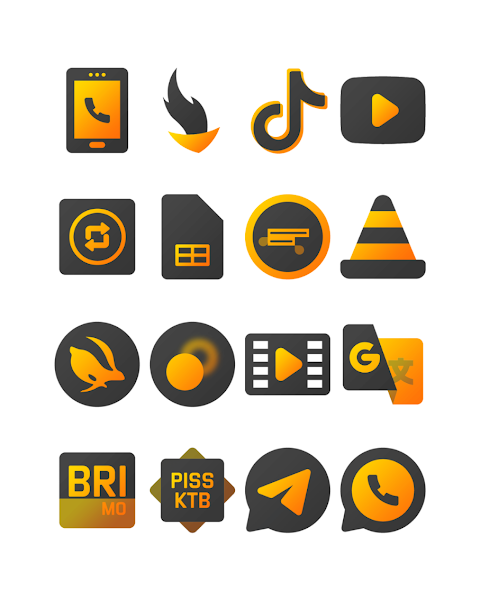
Yellowdiant is a vibrant yellowish gradient dark icon pack designed to brighten your day. It offers over 3000 icons, making it a perfect choice for anyone wanting to refresh their device's appearance. The icons come in HD icon resolution, with each one carefully crafted to enhance your home screen.
In addition to icons, Yellowdiant includes beautiful wallpapers that match the theme of the icon pack. You can also make use of the icon request feature, allowing you to suggest icons you’d like to see added. This flexibility means you can truly personalize your device.
Applying the Yellowdiant icon pack is simple. It supports numerous popular launchers, such as Nova Launcher and Evie Launcher. To install the icon pack, just follow these easy steps:
1. Open the Yellowdiant icon Pack app on your device.
2. Go to the "Apply Icon Pack" screen.
3. You will see a list of supported launchers, like Nova Launcher and Evie Launcher. Tap on the one you have installed on your phone to apply the icons.
4. The app will automatically set the icons from the Yellowdiant icon pack for your selected launcher.
Sometimes, if the launcher doesn’t appear when trying to apply from the icon pack, you can try to apply it directly from your launcher settings.
For users of Sony Xperia Home Launcher, you can also use the Yellowdiant icon pack. It requires a few different steps. Here’s how to do it:
1. Long press on the main screen of your Sony Xperia device.
2. Open the settings menu.
3. Scroll down and look for the appearance icon setting.
4. Select the Yellowdiant icon pack from there.
5. That’s it! Your Sony Xperia will now display the Yellowdiant icons.
It's important to note that to use the Yellowdiant icon pack, your Sony Xperia Home Launcher must be version 10.0.A.0.8 or higher.
The Yellowdiant icon pack also supports various other launchers. This includes Apex Launcher, ADW Launcher, ABC Launcher, Next Launcher, Holo Launcher, Lucid Launcher, M Launcher, Action Launcher, Aviate Launcher, Smart Launcher, Go Launcher (please note it does not support icon masking), and Zero Launcher (which also does not support icon masking).
With these features, the Yellowdiant icon pack offers an easy way to enjoy design customization and upgrade your mobile personalization tools. Whether you want vibrant dark theme icons or stylish gradient style icons, Yellowdiant makes your home screen unique and inviting. The user-friendly nature of this icon pack ensures that anyone can apply it effortlessly and enjoy a fresh look at their fingertips.
For more design inspiration and updates, you can follow Yellowdiant on Google+, Instagram, and Twitter. Special thanks go to Dani Mahardika for collaborating on this icon pack through the Candybar Dashboard. Transform your device with the Yellowdiant icon pack today!
In addition to icons, Yellowdiant includes beautiful wallpapers that match the theme of the icon pack. You can also make use of the icon request feature, allowing you to suggest icons you’d like to see added. This flexibility means you can truly personalize your device.
Applying the Yellowdiant icon pack is simple. It supports numerous popular launchers, such as Nova Launcher and Evie Launcher. To install the icon pack, just follow these easy steps:
1. Open the Yellowdiant icon Pack app on your device.
2. Go to the "Apply Icon Pack" screen.
3. You will see a list of supported launchers, like Nova Launcher and Evie Launcher. Tap on the one you have installed on your phone to apply the icons.
4. The app will automatically set the icons from the Yellowdiant icon pack for your selected launcher.
Sometimes, if the launcher doesn’t appear when trying to apply from the icon pack, you can try to apply it directly from your launcher settings.
For users of Sony Xperia Home Launcher, you can also use the Yellowdiant icon pack. It requires a few different steps. Here’s how to do it:
1. Long press on the main screen of your Sony Xperia device.
2. Open the settings menu.
3. Scroll down and look for the appearance icon setting.
4. Select the Yellowdiant icon pack from there.
5. That’s it! Your Sony Xperia will now display the Yellowdiant icons.
It's important to note that to use the Yellowdiant icon pack, your Sony Xperia Home Launcher must be version 10.0.A.0.8 or higher.
The Yellowdiant icon pack also supports various other launchers. This includes Apex Launcher, ADW Launcher, ABC Launcher, Next Launcher, Holo Launcher, Lucid Launcher, M Launcher, Action Launcher, Aviate Launcher, Smart Launcher, Go Launcher (please note it does not support icon masking), and Zero Launcher (which also does not support icon masking).
With these features, the Yellowdiant icon pack offers an easy way to enjoy design customization and upgrade your mobile personalization tools. Whether you want vibrant dark theme icons or stylish gradient style icons, Yellowdiant makes your home screen unique and inviting. The user-friendly nature of this icon pack ensures that anyone can apply it effortlessly and enjoy a fresh look at their fingertips.
For more design inspiration and updates, you can follow Yellowdiant on Google+, Instagram, and Twitter. Special thanks go to Dani Mahardika for collaborating on this icon pack through the Candybar Dashboard. Transform your device with the Yellowdiant icon pack today!

RUN PRO: Watch face
amoledwatchfaces™
$1.49
$0.45

Big Analog 4 WF Wear OS 5+
OQ Watchfaces
$1.39
$0.39
OTO – Icon Pack
GomoTheGom
$1.49
$0.29