

$0.99
FREE
100% Off
Yaktin Orange – Icon Pack
Panoto Gomo




About the App
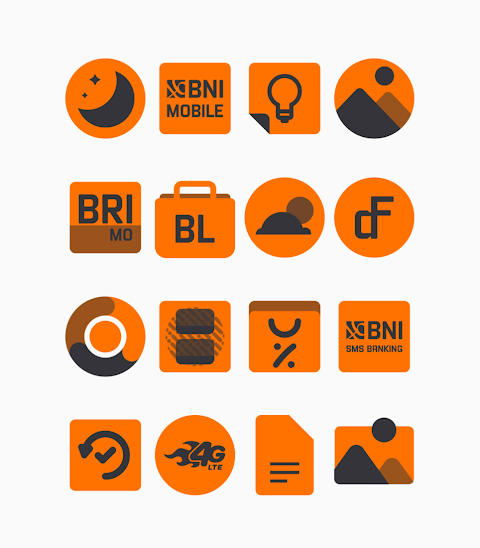
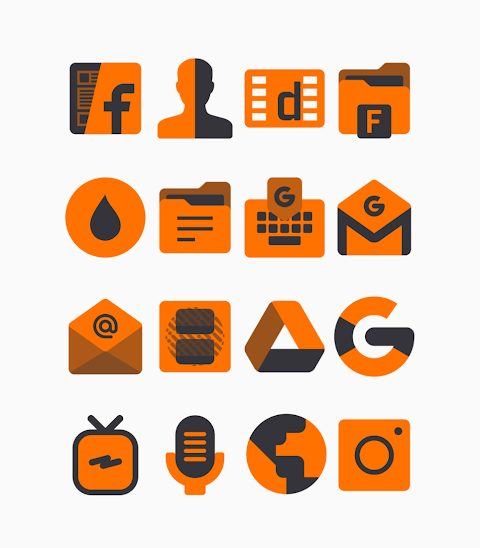
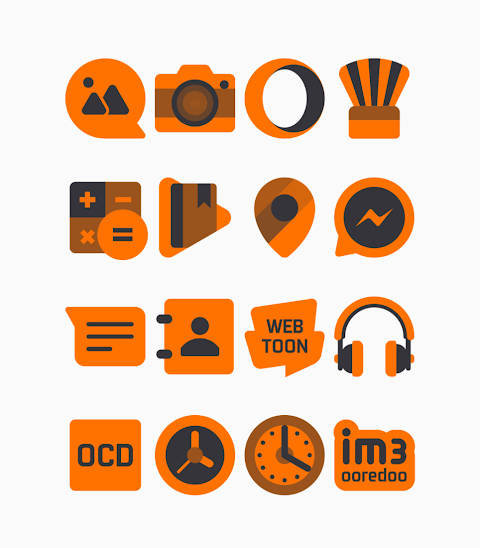
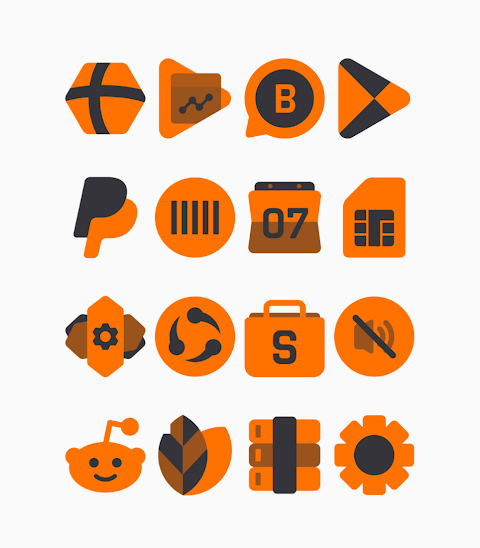
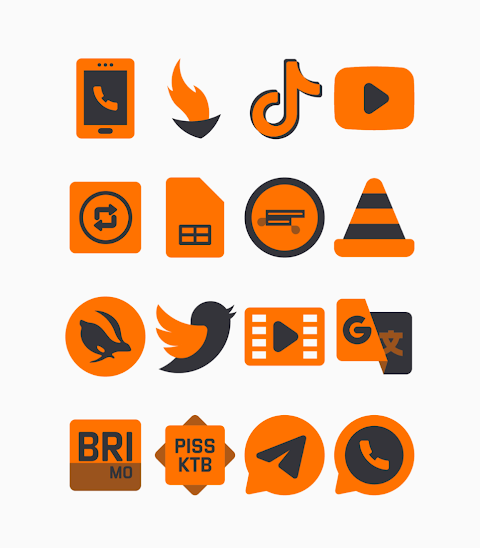
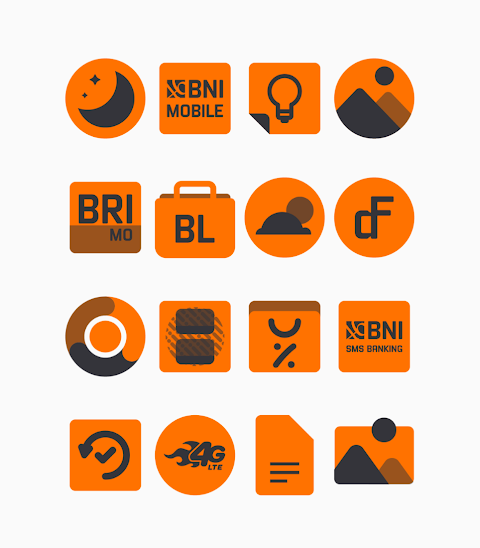
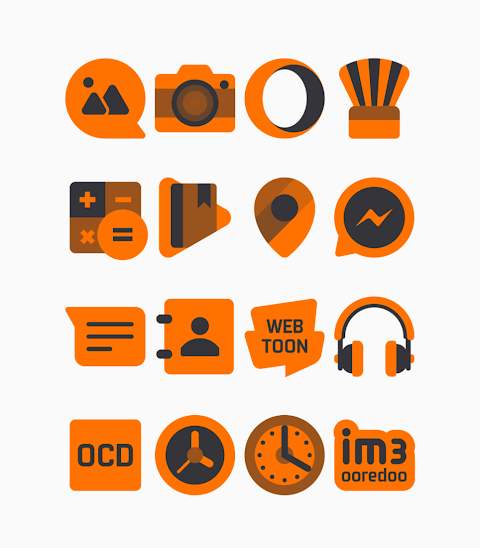
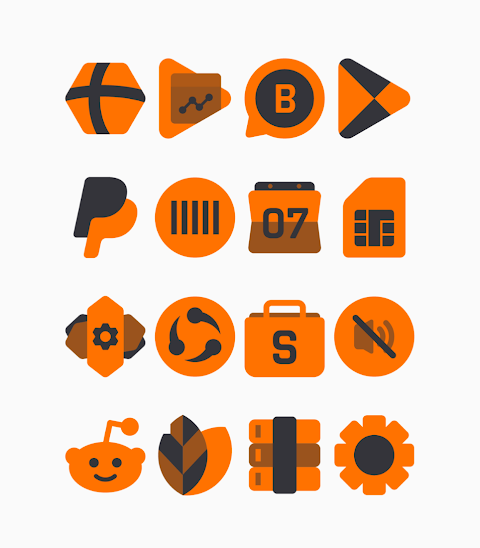
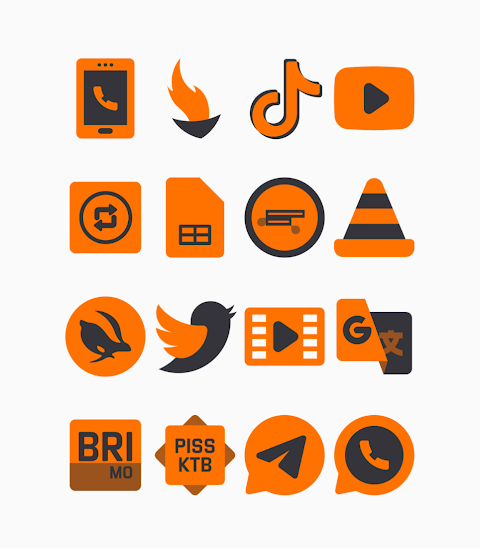
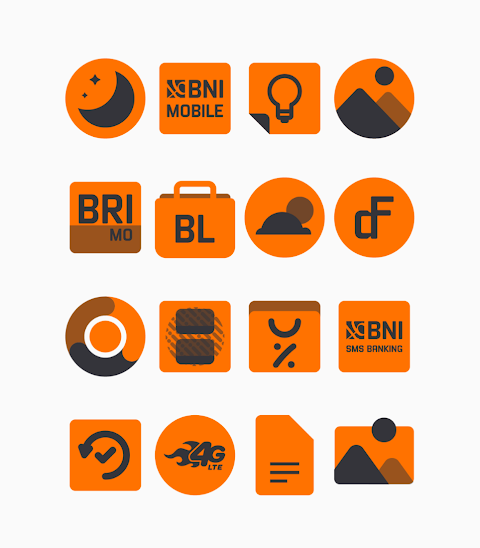
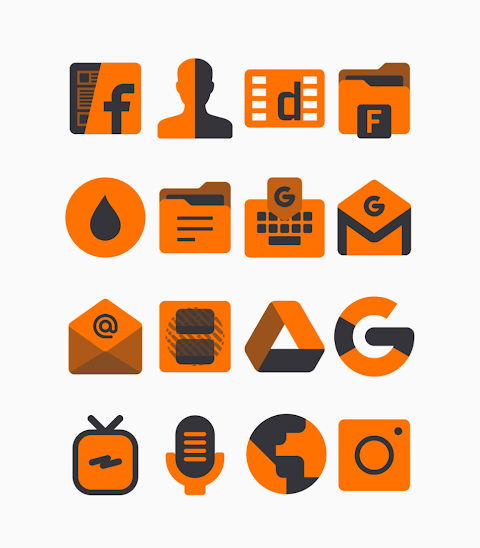
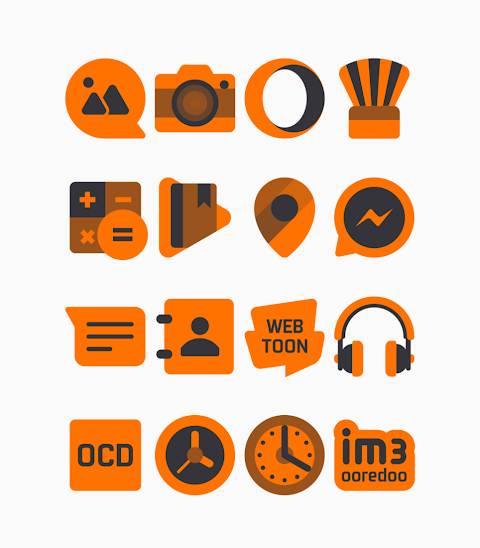
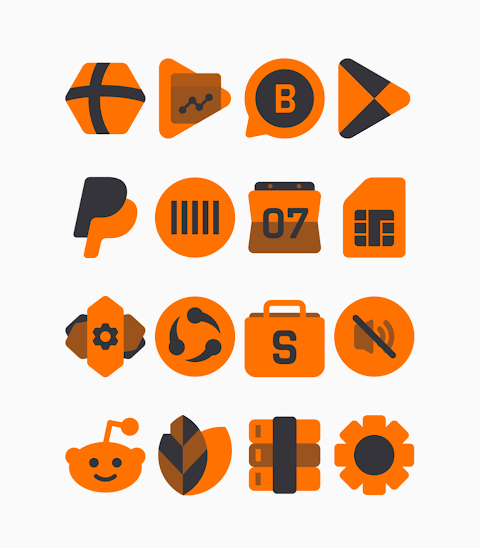
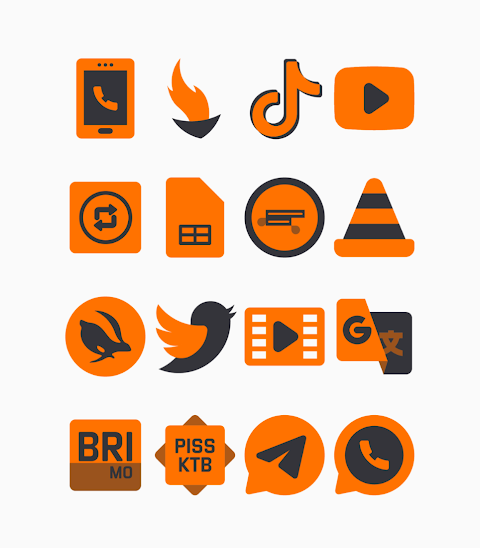
Transform your device's look with Yaktin Orange - Icon Pack. This app features a vibrant orange colored icon pack, distinguished by its beautiful shapeless design. Whether you want to refresh your home screen or make a statement, Yaktin Orange offers a wide variety of customization options.
With over 3000 icons and counting, you'll find plenty of designs to give your device a unique touch. Each icon comes in HD icon resolution, ensuring that everything looks sharp and clear on your screen. Alongside the icons, Yaktin Orange also includes wallpapers to further enhance your phone’s appearance. You can even use the icon request feature to get the icons you want.
Applying the Yaktin Orange icon pack is straightforward. It supports many popular launchers, including Nova Launcher, Evie Launcher, Apex Launcher, ADW Launcher, ABC Launcher, Next Launcher, Holo Launcher, Lucid Launcher, M Launcher, Action Launcher, and Sony Xperia Home Launcher. Here’s how you can easily apply the icon pack:
Start by opening the Yaktin Orange app on your device. Navigate to the Apply Icon Pack screen, where the app will show you a list of supported launchers. Select Nova Launcher or whichever launcher you have installed. Once selected, the app will apply the icons from Yaktin Orange automatically.
If you do not see your launcher in the app, you can still apply the icons directly from the launcher itself. For users with Sony Xperia Home Launcher, here's a quick guide on how to apply Yaktin Orange:
1. Long press on your main screen to bring up the settings.
2. Open the settings menu.
3. Scroll down to the appearance icon settings.
4. Choose Yaktin Orange icon pack from the options.
5. You’re all set! Your Sony Xperia will now display the Yaktin Orange icons.
Please note that this icon pack is supported on Sony Xperia Home Launcher version 10.0.A.0.8 or higher.
Yaktin Orange also takes care of compatibility issues, but some launchers like Go Launcher and Zero Launcher do not support icon masking. Make sure to check if your launcher is on the supported launchers list for the best experience.
For ongoing design updates and more information, follow Yaktin Orange on Google+, Instagram, and Twitter. You'll find exclusive content and announcements that can enhance your experience with the app. Special thanks to Dani Mahardika for the Candybar Dashboard, which helped shape this icon pack.
If you enjoy customizing your home screen and want a fresh look, Yaktin Orange - Icon Pack is the perfect choice. With its engaging design and ease of use, you can showcase your personal style with just a few taps. Get started today and make your phone truly yours!
With over 3000 icons and counting, you'll find plenty of designs to give your device a unique touch. Each icon comes in HD icon resolution, ensuring that everything looks sharp and clear on your screen. Alongside the icons, Yaktin Orange also includes wallpapers to further enhance your phone’s appearance. You can even use the icon request feature to get the icons you want.
Applying the Yaktin Orange icon pack is straightforward. It supports many popular launchers, including Nova Launcher, Evie Launcher, Apex Launcher, ADW Launcher, ABC Launcher, Next Launcher, Holo Launcher, Lucid Launcher, M Launcher, Action Launcher, and Sony Xperia Home Launcher. Here’s how you can easily apply the icon pack:
Start by opening the Yaktin Orange app on your device. Navigate to the Apply Icon Pack screen, where the app will show you a list of supported launchers. Select Nova Launcher or whichever launcher you have installed. Once selected, the app will apply the icons from Yaktin Orange automatically.
If you do not see your launcher in the app, you can still apply the icons directly from the launcher itself. For users with Sony Xperia Home Launcher, here's a quick guide on how to apply Yaktin Orange:
1. Long press on your main screen to bring up the settings.
2. Open the settings menu.
3. Scroll down to the appearance icon settings.
4. Choose Yaktin Orange icon pack from the options.
5. You’re all set! Your Sony Xperia will now display the Yaktin Orange icons.
Please note that this icon pack is supported on Sony Xperia Home Launcher version 10.0.A.0.8 or higher.
Yaktin Orange also takes care of compatibility issues, but some launchers like Go Launcher and Zero Launcher do not support icon masking. Make sure to check if your launcher is on the supported launchers list for the best experience.
For ongoing design updates and more information, follow Yaktin Orange on Google+, Instagram, and Twitter. You'll find exclusive content and announcements that can enhance your experience with the app. Special thanks to Dani Mahardika for the Candybar Dashboard, which helped shape this icon pack.
If you enjoy customizing your home screen and want a fresh look, Yaktin Orange - Icon Pack is the perfect choice. With its engaging design and ease of use, you can showcase your personal style with just a few taps. Get started today and make your phone truly yours!
Lunachron Luxury Watch Face
Time Canvas
$1.69
$0.85

Corvy Icons
myAP Devs
$0.99
$0.59

Inverted Watch Face
amoledwatchfaces™
$1.49
FREE