
$2.49
$0.99
60% Off
Win Launcher pro – AppLock
lwsoftipl Apps

About the App
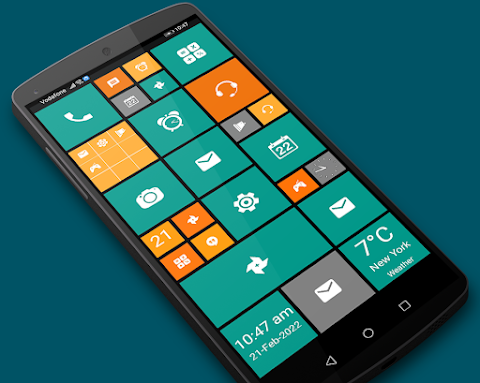
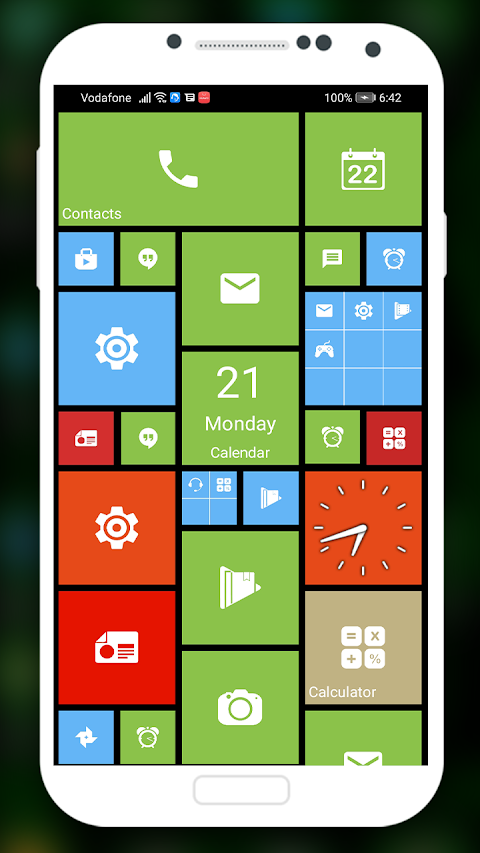
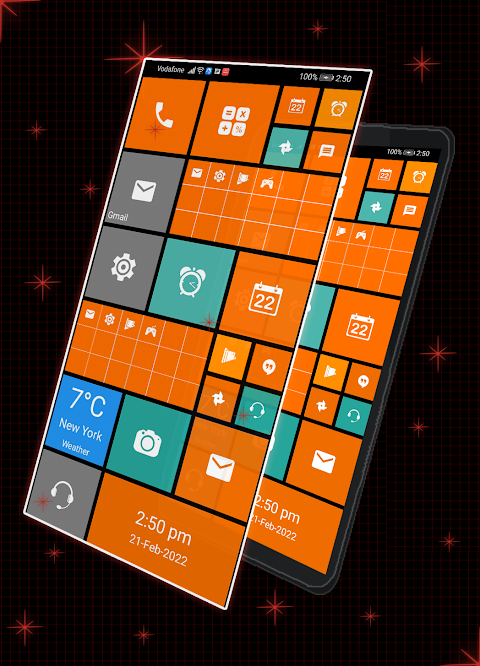
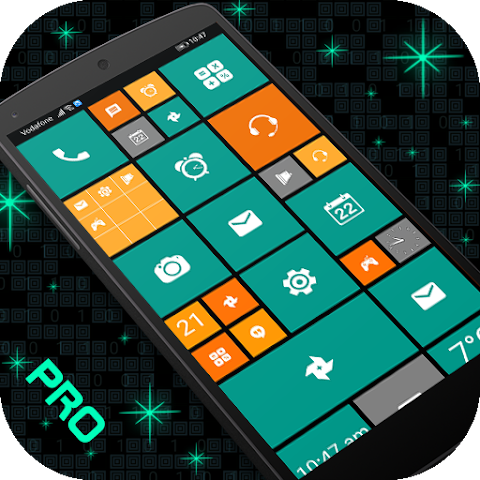
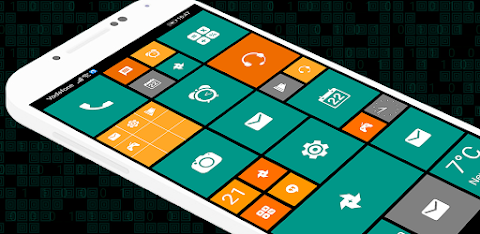
Win Launcher pro - AppLock is an Android launcher designed to give your device a fresh look reminiscent of Windows Phone styles. This app stands out because it has no advertisements, allowing for uninterrupted use.
One of the key features of Win Launcher pro is its smoother animations. This makes navigating through your apps enjoyable and quick, enhancing user interaction. You will find that the app is not only visually appealing but also highly responsive.
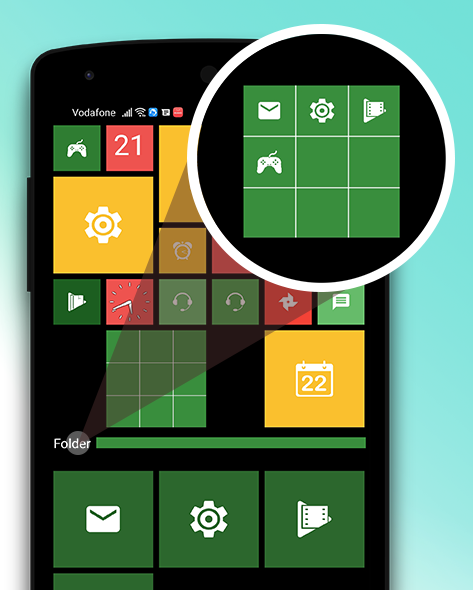
The drag and drop feature adds to its convenience. By simply long pressing on a tile, you can hold and then drag it anywhere on the screen. This is useful for creating folders by dropping one tile onto another, making organization easy and straightforward. The folder feature allows you to group your favorite apps together, making it simpler to find what you need.
Accessing all your apps is easy with a simple left swipe. This action gives you full app information, plus options like uninstalling or pinning apps to your home screen. If you want to make the most of your screen space, you can pin various apps to the launcher home screen by long pressing on an app in the list.
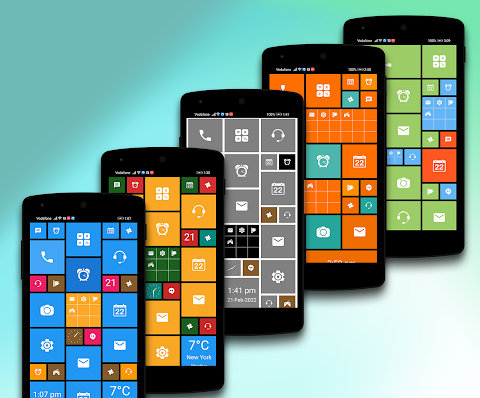
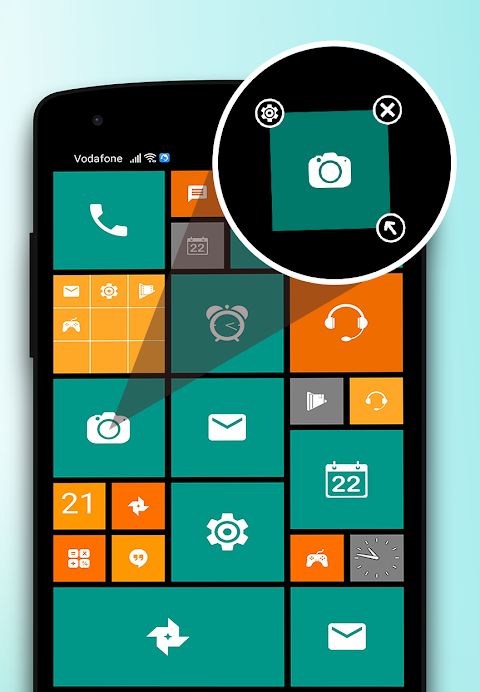
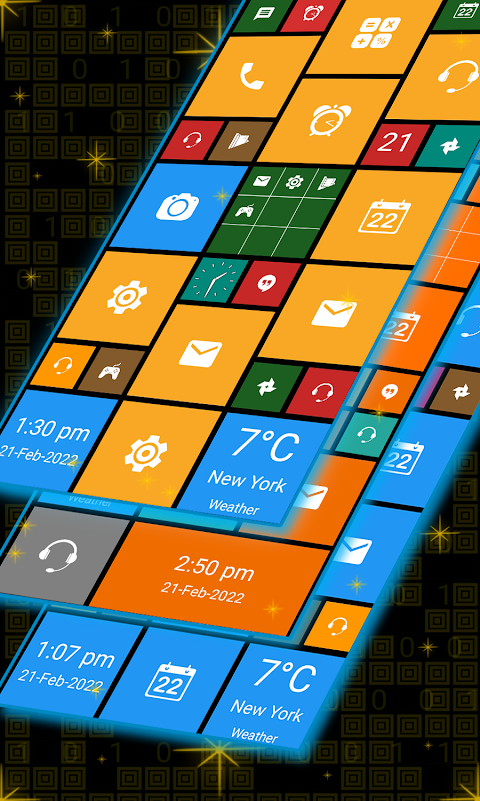
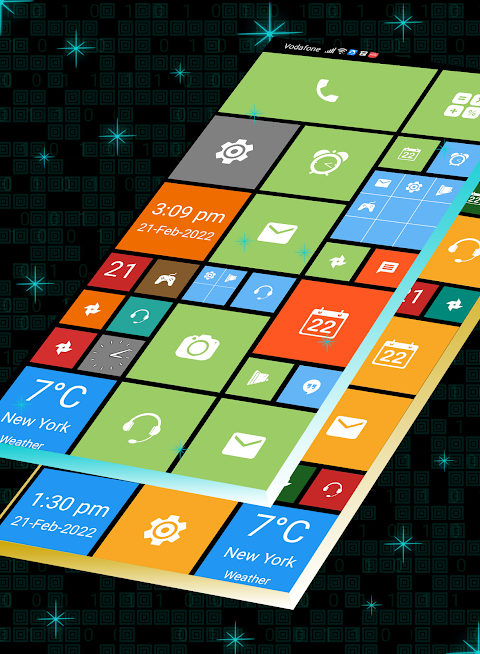
Win Launcher pro also comes with 20 unique themes, catering to different styles and preferences. You can customize tiles by long pressing on them, with options for background color customization available. Choose from 160 colors to create a vibrant appearance that suits your taste. You can change the tile transparency to fit your design ideas, too.
The user-friendly interface provides a smooth and clean UI, making it easy for anyone to navigate. You can easily resize tiles by long pressing and dragging. Additionally, repositioning tiles is just as simple, enabling you to arrange your apps exactly how you like.
Managing your apps is another strong point of Win Launcher pro. The app management system is efficient, allowing you to install or uninstall apps with just a long press. You can also rename a folder, or remove it entirely by holding down on it. This flexibility helps create a personalized experience tailored to your needs.
Switching themes is quick and easy. You can change the look of your launcher whenever you'd like, making your Android user experience refreshing. The tiled app layout is designed to enhance usability, with features that prioritize user interaction.
In summary, Win Launcher pro - AppLock is a fast access launcher that provides extensive mobile app customization options. With its various features like folder creation, favorite app grouping, and custom tile colors, your Android device can be transformed into a personalized workspace. Say goodbye to your old launcher and embrace a better experience with this new, sleek design. If you enjoy using Win Launcher pro, please take a moment to rate our app.
One of the key features of Win Launcher pro is its smoother animations. This makes navigating through your apps enjoyable and quick, enhancing user interaction. You will find that the app is not only visually appealing but also highly responsive.
The drag and drop feature adds to its convenience. By simply long pressing on a tile, you can hold and then drag it anywhere on the screen. This is useful for creating folders by dropping one tile onto another, making organization easy and straightforward. The folder feature allows you to group your favorite apps together, making it simpler to find what you need.
Accessing all your apps is easy with a simple left swipe. This action gives you full app information, plus options like uninstalling or pinning apps to your home screen. If you want to make the most of your screen space, you can pin various apps to the launcher home screen by long pressing on an app in the list.
Win Launcher pro also comes with 20 unique themes, catering to different styles and preferences. You can customize tiles by long pressing on them, with options for background color customization available. Choose from 160 colors to create a vibrant appearance that suits your taste. You can change the tile transparency to fit your design ideas, too.
The user-friendly interface provides a smooth and clean UI, making it easy for anyone to navigate. You can easily resize tiles by long pressing and dragging. Additionally, repositioning tiles is just as simple, enabling you to arrange your apps exactly how you like.
Managing your apps is another strong point of Win Launcher pro. The app management system is efficient, allowing you to install or uninstall apps with just a long press. You can also rename a folder, or remove it entirely by holding down on it. This flexibility helps create a personalized experience tailored to your needs.
Switching themes is quick and easy. You can change the look of your launcher whenever you'd like, making your Android user experience refreshing. The tiled app layout is designed to enhance usability, with features that prioritize user interaction.
In summary, Win Launcher pro - AppLock is a fast access launcher that provides extensive mobile app customization options. With its various features like folder creation, favorite app grouping, and custom tile colors, your Android device can be transformed into a personalized workspace. Say goodbye to your old launcher and embrace a better experience with this new, sleek design. If you enjoy using Win Launcher pro, please take a moment to rate our app.
Oxigen McLaren – Icon Pack
Cris87
$1.89
$0.39
Blue Light Weight ZKin Watch
ZKin
$2.99
$0.99
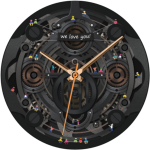
Mechanic Watch Face
Galaxy Design Watch Face
$1.99
FREE