

$4.19
$2.93
30% Off
WiFi Analyzer Pro
Zoltán Pallagi












About the App
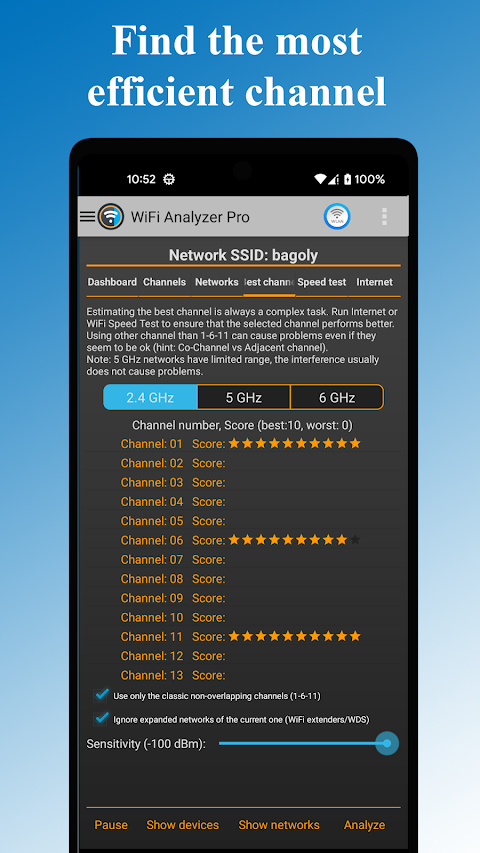
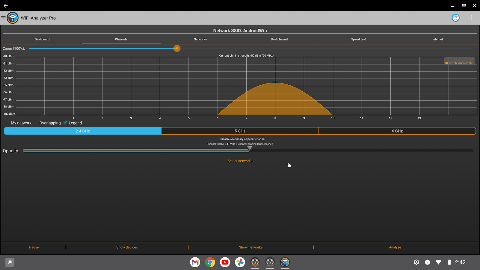
WiFi Analyzer Pro is a helpful tool designed to enhance your WiFi experience by recommending the best channel and placement for your router. With this app, you can make the most of your WiFi network performance.
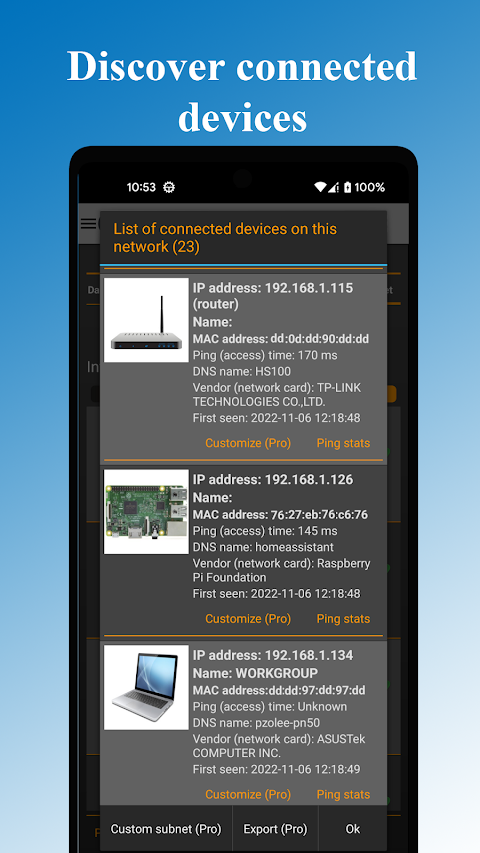
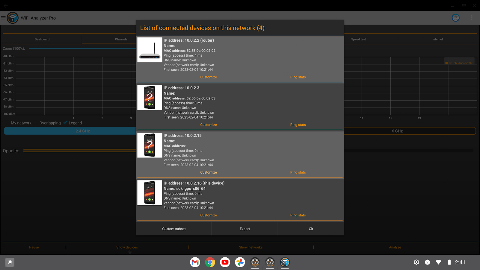
The app provides important information about your network and shows all connected devices, along with any nearby WiFi networks. This means you will always be aware of who is using your connection. Whether you are a beginner or more experienced, you can easily understand and use this WiFi analyzer app to find the best channel for optimal connection speed.
One standout feature of WiFi Analyzer Pro is its ability to scan multiple networks. It supports both 2.4 and 5 GHz frequencies, ensuring that you can analyze your WiFi effectively. You can perform wifi security analysis to detect any potential vulnerabilities, helping to keep your network safe.
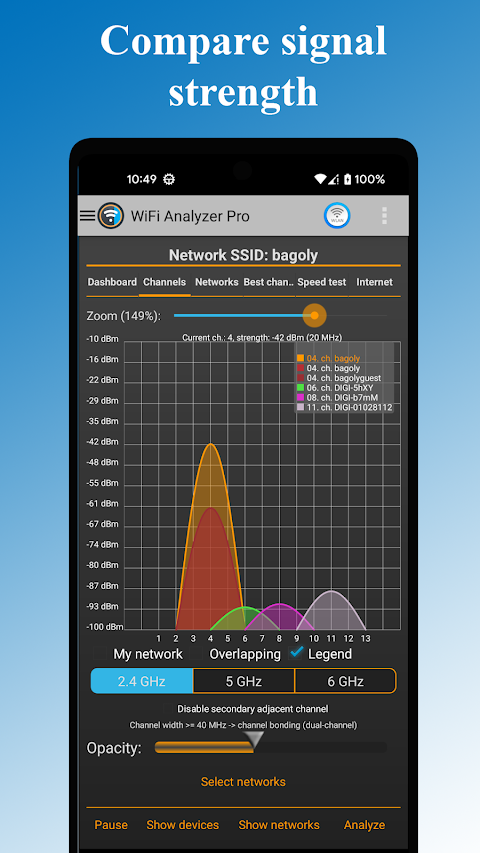
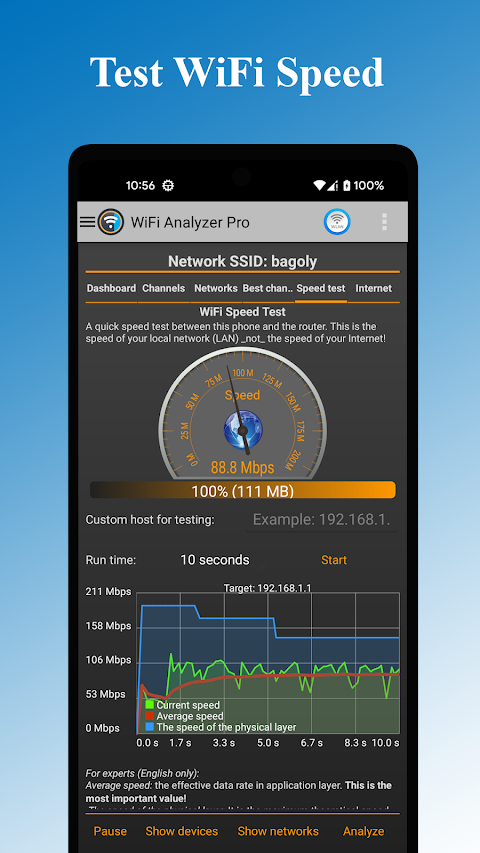
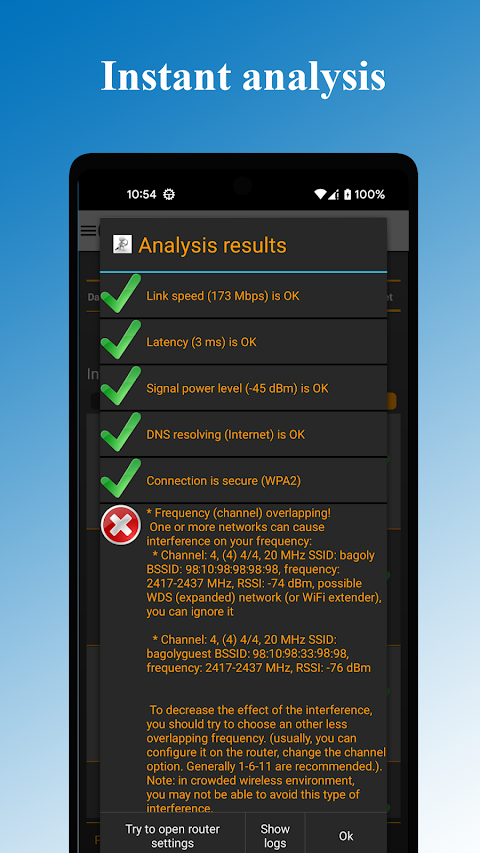
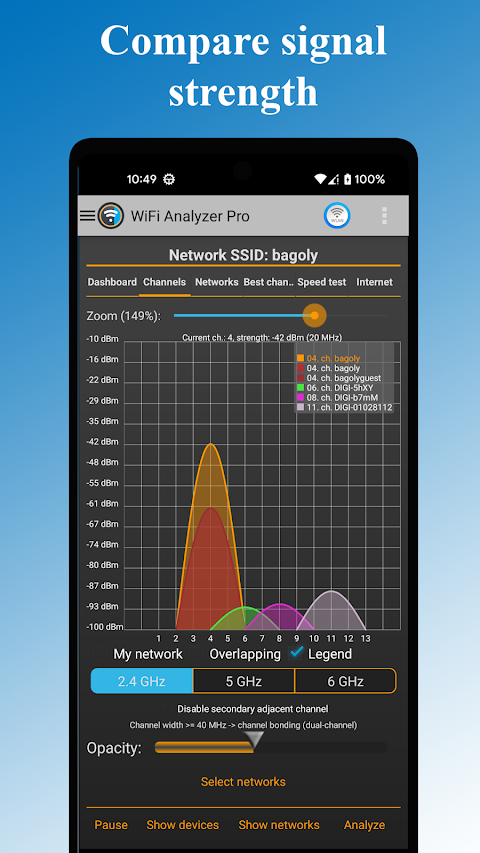
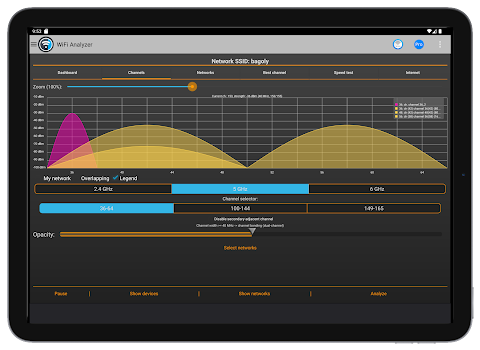
The app includes signal strength monitoring and a latency check tool, allowing you to see how well your connection is performing. You can even detect crowded channels with its crowded channel detection feature, which is crucial for maintaining fast speeds. The app can also verify DNS functionality, enhancing your overall experience.
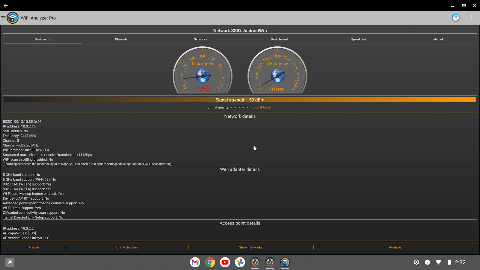
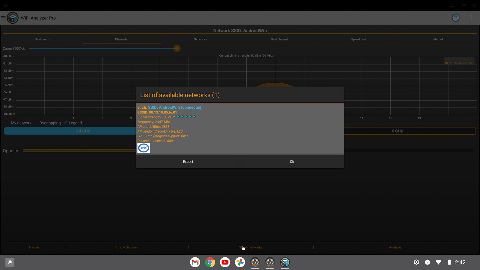
For users who like detailed insights, WiFi Analyzer Pro provides access point details, including the vendor, frequency, channel width, and security level. It also allows you to check network diagnostics to help identify any problems you might face. You can use SSID filtering options to easily manage which networks you want to focus on, and it even offers overlapping channel analysis for more refined results.
If you need to share your findings, the app lets you export WiFi results easily. This is especially useful if you want to send logs to your internet provider in case of issues. Plus, with customized device management, you can organize and monitor your connected devices overview, making it a breeze to manage your home network.
Another benefit is the ability to open router settings directly within the app. It acts as a best WiFi channel finder, guiding you to optimal settings for your network. To keep your experience smooth, WiFi Analytics features help you monitor WiFi issues regularly, so you can address any problems as they arise.
You'll have both light and dark themes available, letting you customize the look of the app according to your preference. The application is designed with intuitive interface design, which makes it very user-friendly. Even if you're not tech-savvy, this beginner-friendly tool provides accurate information without needing to understand complex terms like RSSI or link speed.
With WiFi Analyzer Pro, you can also check the compatibility of various WiFi network types, including WEP, WPA, and WPA2. This means you can ensure that your network is secure and running smoothly.
To make the most of this app on Android 6 (Marshmallow), be sure to enable the Android location service in your settings. This step ensures that the app can see all the networks around you properly.
In summary, WiFi Analyzer Pro is an essential tool for anyone looking to optimize their WiFi performance. With features like bug fixes and updates, monitoring your network has never been easier. Let WiFi Analyzer Pro help you discover and enhance your WiFi experience today!
The app provides important information about your network and shows all connected devices, along with any nearby WiFi networks. This means you will always be aware of who is using your connection. Whether you are a beginner or more experienced, you can easily understand and use this WiFi analyzer app to find the best channel for optimal connection speed.
One standout feature of WiFi Analyzer Pro is its ability to scan multiple networks. It supports both 2.4 and 5 GHz frequencies, ensuring that you can analyze your WiFi effectively. You can perform wifi security analysis to detect any potential vulnerabilities, helping to keep your network safe.
The app includes signal strength monitoring and a latency check tool, allowing you to see how well your connection is performing. You can even detect crowded channels with its crowded channel detection feature, which is crucial for maintaining fast speeds. The app can also verify DNS functionality, enhancing your overall experience.
For users who like detailed insights, WiFi Analyzer Pro provides access point details, including the vendor, frequency, channel width, and security level. It also allows you to check network diagnostics to help identify any problems you might face. You can use SSID filtering options to easily manage which networks you want to focus on, and it even offers overlapping channel analysis for more refined results.
If you need to share your findings, the app lets you export WiFi results easily. This is especially useful if you want to send logs to your internet provider in case of issues. Plus, with customized device management, you can organize and monitor your connected devices overview, making it a breeze to manage your home network.
Another benefit is the ability to open router settings directly within the app. It acts as a best WiFi channel finder, guiding you to optimal settings for your network. To keep your experience smooth, WiFi Analytics features help you monitor WiFi issues regularly, so you can address any problems as they arise.
You'll have both light and dark themes available, letting you customize the look of the app according to your preference. The application is designed with intuitive interface design, which makes it very user-friendly. Even if you're not tech-savvy, this beginner-friendly tool provides accurate information without needing to understand complex terms like RSSI or link speed.
With WiFi Analyzer Pro, you can also check the compatibility of various WiFi network types, including WEP, WPA, and WPA2. This means you can ensure that your network is secure and running smoothly.
To make the most of this app on Android 6 (Marshmallow), be sure to enable the Android location service in your settings. This step ensures that the app can see all the networks around you properly.
In summary, WiFi Analyzer Pro is an essential tool for anyone looking to optimize their WiFi performance. With features like bug fixes and updates, monitoring your network has never been easier. Let WiFi Analyzer Pro help you discover and enhance your WiFi experience today!

Ping Master: Network Tools PRO
AppPlanex
$9.99
$4.00
Ultra GPS Logger
FlashLight
$8.49
$3.39

Clock Widget – Word Clock
Power Mind Apps
$0.99
FREE