

$5.99
$1.99
67% Off
WeBe Bluetooth Mouse for Mac
Gabriel Hohener

About the App
WeBe Bluetooth Mouse for Mac is an app that transforms your iPhone into a precision trackpad and keyboard for both Mac and Windows computers. This app first launched in 2010 and has now returned as version 2.0, completely rebuilt to work seamlessly with today’s Mac and Windows systems.
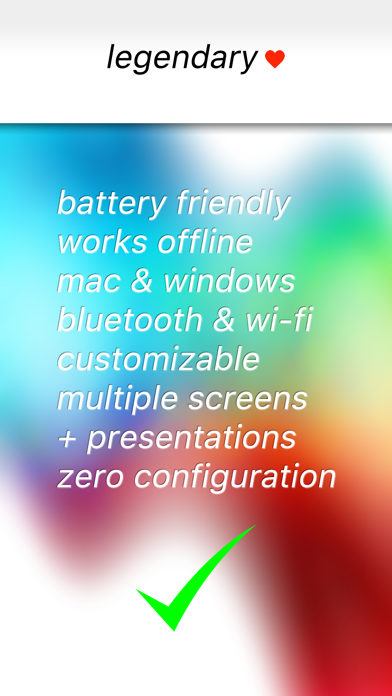
Connecting your iPhone to your computer is easy. You can use Bluetooth connectivity, Wi-Fi connectivity, or even USB connectivity. Once you're connected, you can control your computer instantly. Whether you are presenting at a meeting, working on a multi-monitor setup, or just controlling your computer from the couch, WeBe provides smooth scrolling functionality and precise control in just seconds.
Setting up the app is straightforward. You won’t have to deal with complicated setups or outdated helpers. To get started, simply install the desktop helper on your Mac or Windows PC, open WeBe on your iPhone, and connect using your preferred method. With easy desktop setup, you can start controlling your computer in no time.
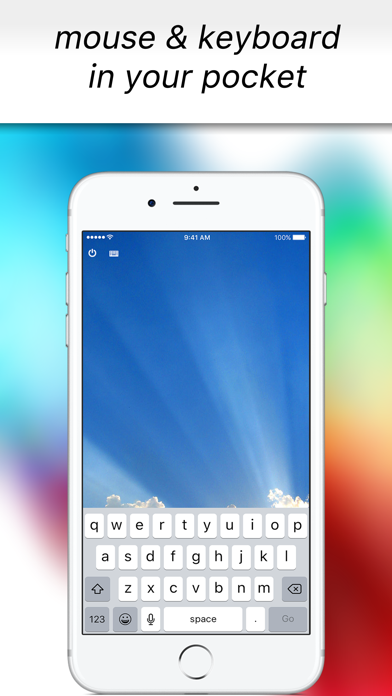
WeBe includes a built-in keyboard for instant typing, so you can type messages or documents quickly. It also supports multi-monitor setups, letting you switch between screens with ease. If you're using macOS Hot Corners for shortcuts or need to activate the Dock, this app is fully compatible with modern macOS versions and provides Windows compatibility as well.
This app is perfect for various situations. You can use it for slide control presentations, making it a handy tool during business meetings. It's also great for remote work setups, allowing you to control your computer from anywhere in the room. For media control solutions, you can easily manage music or videos from your couch. Plus, if your mouse ever fails, think of WeBe as an emergency mouse backup.
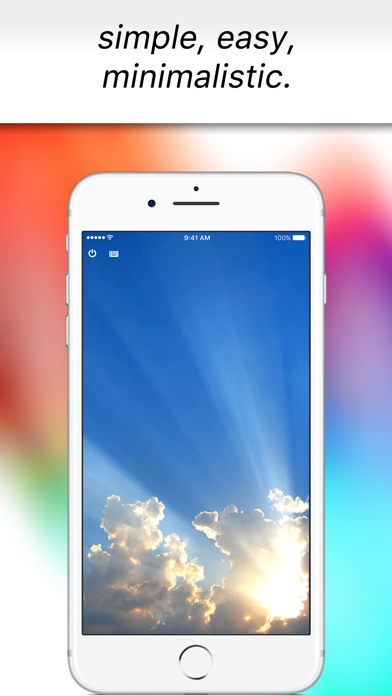
WeBe is built for speed and stability. Its minimal interface design makes it user-friendly, allowing you to focus on your work without distractions. The app enhances workflow efficiency with its smart device integration, making it a valuable tech tool for productivity. You can enjoy the convenience of multi-device control, effectively managing your tasks from any connected device.
In summary, WeBe Bluetooth Mouse for Mac is a versatile mobile control application that brings convenience and efficiency to your computing experience. Download it today to simplify your computer control with just your iPhone.
Connecting your iPhone to your computer is easy. You can use Bluetooth connectivity, Wi-Fi connectivity, or even USB connectivity. Once you're connected, you can control your computer instantly. Whether you are presenting at a meeting, working on a multi-monitor setup, or just controlling your computer from the couch, WeBe provides smooth scrolling functionality and precise control in just seconds.
Setting up the app is straightforward. You won’t have to deal with complicated setups or outdated helpers. To get started, simply install the desktop helper on your Mac or Windows PC, open WeBe on your iPhone, and connect using your preferred method. With easy desktop setup, you can start controlling your computer in no time.
WeBe includes a built-in keyboard for instant typing, so you can type messages or documents quickly. It also supports multi-monitor setups, letting you switch between screens with ease. If you're using macOS Hot Corners for shortcuts or need to activate the Dock, this app is fully compatible with modern macOS versions and provides Windows compatibility as well.
This app is perfect for various situations. You can use it for slide control presentations, making it a handy tool during business meetings. It's also great for remote work setups, allowing you to control your computer from anywhere in the room. For media control solutions, you can easily manage music or videos from your couch. Plus, if your mouse ever fails, think of WeBe as an emergency mouse backup.
WeBe is built for speed and stability. Its minimal interface design makes it user-friendly, allowing you to focus on your work without distractions. The app enhances workflow efficiency with its smart device integration, making it a valuable tech tool for productivity. You can enjoy the convenience of multi-device control, effectively managing your tasks from any connected device.
In summary, WeBe Bluetooth Mouse for Mac is a versatile mobile control application that brings convenience and efficiency to your computing experience. Download it today to simplify your computer control with just your iPhone.

Remote KeyPad and NumPad Pro
Remote Sunrise LTD
$4.00

Ad Block Multi
Roman Shevtsov
$0.99

Time & Date Calculator ++
Verosocial Studio
$0.99