

$0.99
$0.29
71% Off
Watermelon – Lines Icon Pack
Panoto Gomo








About the App
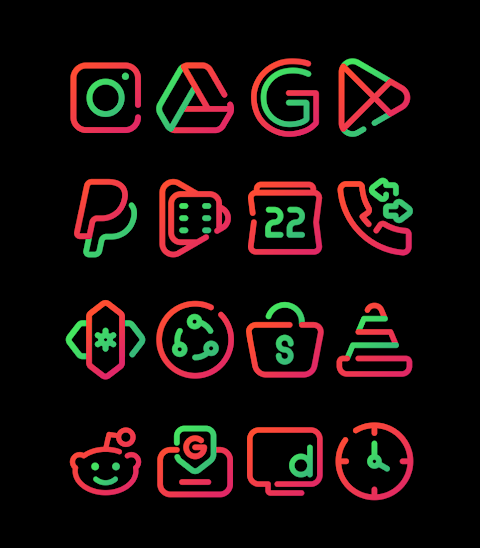
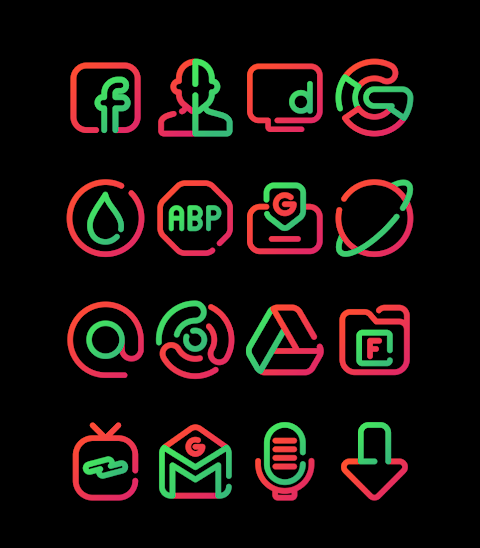
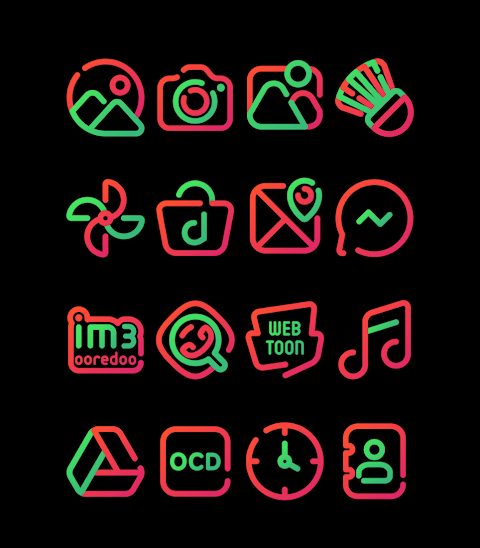
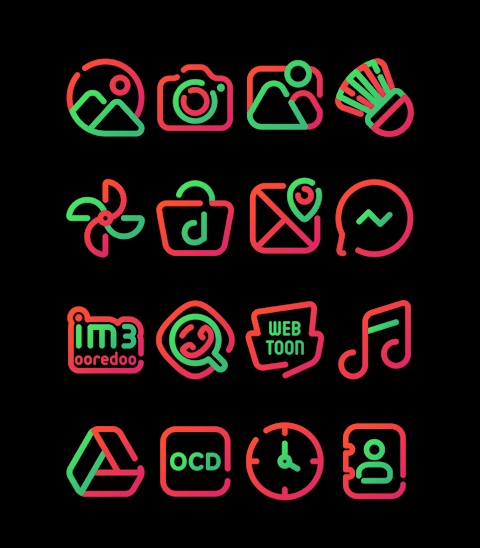
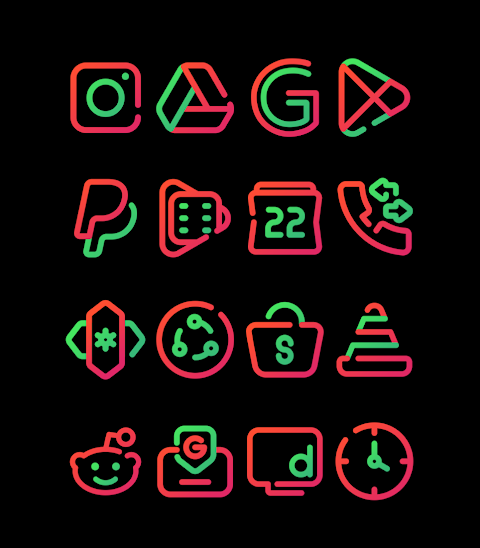
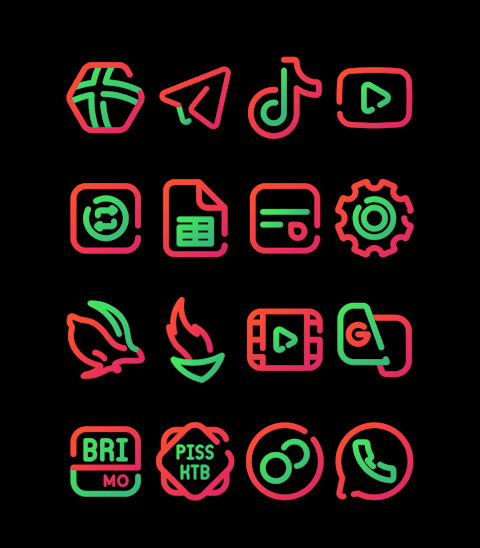
Watermelon is a colorful icon pack featuring Red and Green Linear Icons. With Watermelon, you get access to over 3000 Icons, perfect for making your device stand out. Each icon has an HD Icon Resolution of 256x256px, ensuring that they look sharp and clear on your screen. Plus, the Icon Request Feature allows you to suggest icons that you want, giving you even more customization options.
Using Watermelon is simple. It supports a variety of popular launchers, including Nova Launcher and Evie Launcher, among others. To apply the Watermelon - Lines icon pack, follow these easy steps:
1. Open the Watermelon - Lines Icon Pack app.
2. Go to the Apply Icon Pack Screen.
3. You will see a list of supported launchers. Select the Nova Launcher installed on your phone.
4. The app will automatically apply the icons from the Watermelon - Lines icon pack to your Nova Launcher.
If your desired launcher doesn’t show up while trying to apply from the icon pack, you may need to apply it directly from the launcher itself.
For users of the Sony Xperia Home Launcher, you can also apply the Watermelon icon pack with a few simple steps. Just long press on your main screen, open the settings, scroll down to the appearance icon settings, and choose the Watermelon - Lines icon pack. Make sure you are using Sony Xperia Home Launcher version 10.0.A.0.8 or higher for a smooth application.
Watermelon is compatible with many other launchers too, such as Apex Launcher, ADW Launcher, ABC Launcher, Next Launcher, Holo Launcher, Lucid Launcher, M Launcher, Action Launcher, Smart Launcher, Go Launcher, and Zero Launcher. However, note that some launchers may have Icon Masking Limitations.
As you explore the Watermelon icon design, you will also discover various themes and wallpapers to personalize your home screen. Whether you are just looking to refresh your device or dive into the world of mobile customization tools, the Watermelon icon pack is a fantastic choice.
For more design information, you can follow Watermelon on social media platforms like Google+, Instagram, and Twitter.
With Watermelon - Lines Icon Pack, transforming your device has never been easier! Enjoy customizing your home screen with beautiful icons that reflect your personal style.
Using Watermelon is simple. It supports a variety of popular launchers, including Nova Launcher and Evie Launcher, among others. To apply the Watermelon - Lines icon pack, follow these easy steps:
1. Open the Watermelon - Lines Icon Pack app.
2. Go to the Apply Icon Pack Screen.
3. You will see a list of supported launchers. Select the Nova Launcher installed on your phone.
4. The app will automatically apply the icons from the Watermelon - Lines icon pack to your Nova Launcher.
If your desired launcher doesn’t show up while trying to apply from the icon pack, you may need to apply it directly from the launcher itself.
For users of the Sony Xperia Home Launcher, you can also apply the Watermelon icon pack with a few simple steps. Just long press on your main screen, open the settings, scroll down to the appearance icon settings, and choose the Watermelon - Lines icon pack. Make sure you are using Sony Xperia Home Launcher version 10.0.A.0.8 or higher for a smooth application.
Watermelon is compatible with many other launchers too, such as Apex Launcher, ADW Launcher, ABC Launcher, Next Launcher, Holo Launcher, Lucid Launcher, M Launcher, Action Launcher, Smart Launcher, Go Launcher, and Zero Launcher. However, note that some launchers may have Icon Masking Limitations.
As you explore the Watermelon icon design, you will also discover various themes and wallpapers to personalize your home screen. Whether you are just looking to refresh your device or dive into the world of mobile customization tools, the Watermelon icon pack is a fantastic choice.
For more design information, you can follow Watermelon on social media platforms like Google+, Instagram, and Twitter.
With Watermelon - Lines Icon Pack, transforming your device has never been easier! Enjoy customizing your home screen with beautiful icons that reflect your personal style.
Splatter Digital
Bloomfield Watchfaces
$1.99
$0.40

Ballozi STEALTH CARBON Hybrid
BALLOZI Watch Faces
$1.79
$0.36

Splatter – Icon Pack
GomoTheGom
$1.49
$0.59