
$1.49
FREE
100% Off
W6 Dark Style Wear OS 5+
OQ Watchfaces

About the App
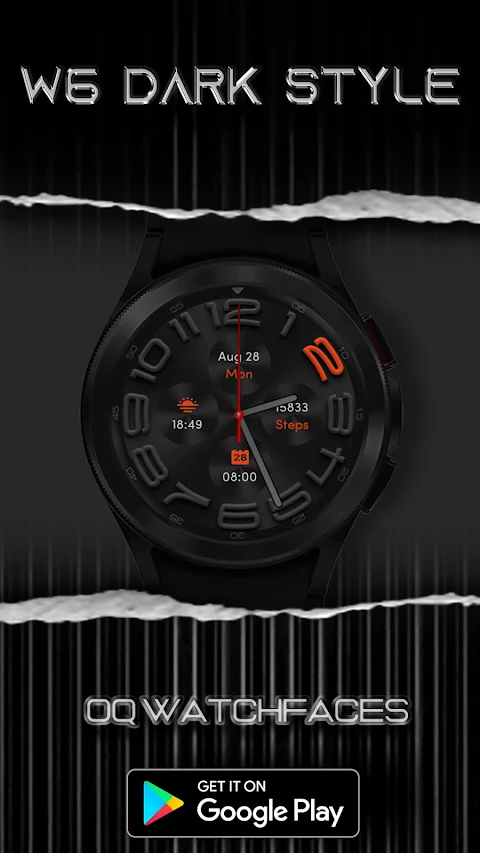
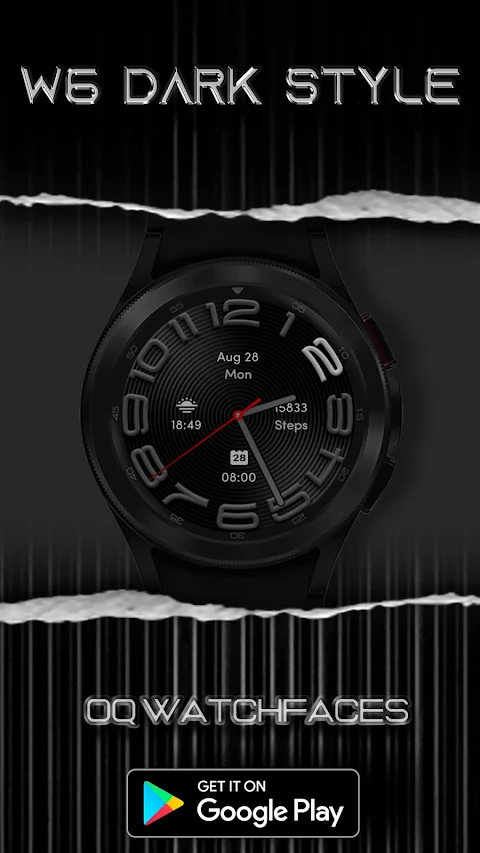
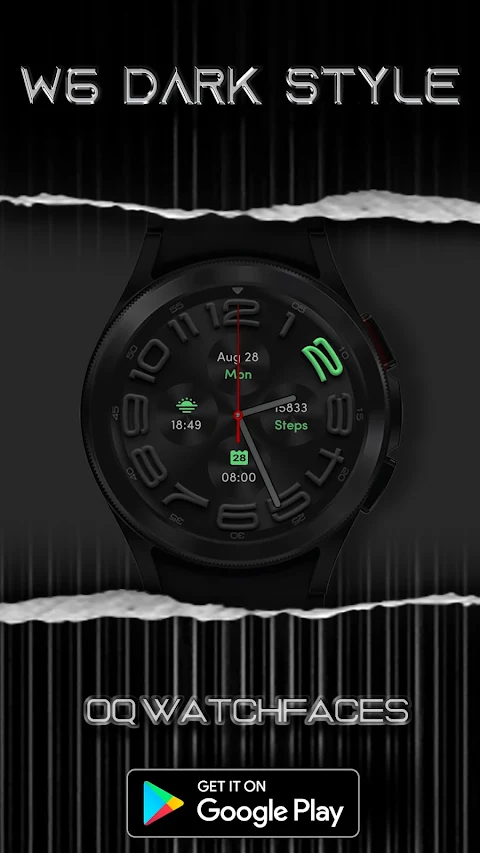
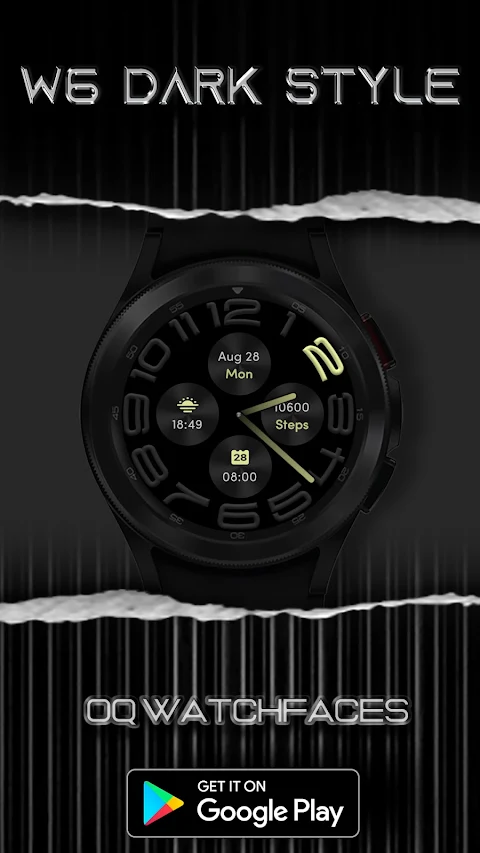
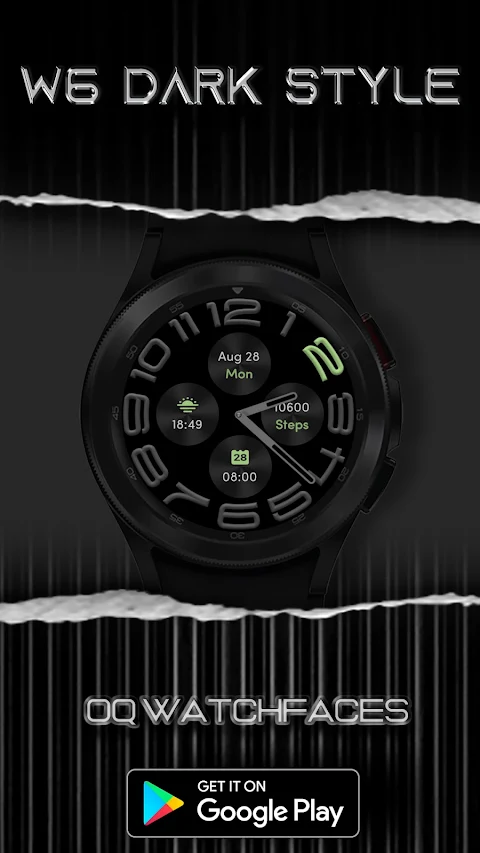
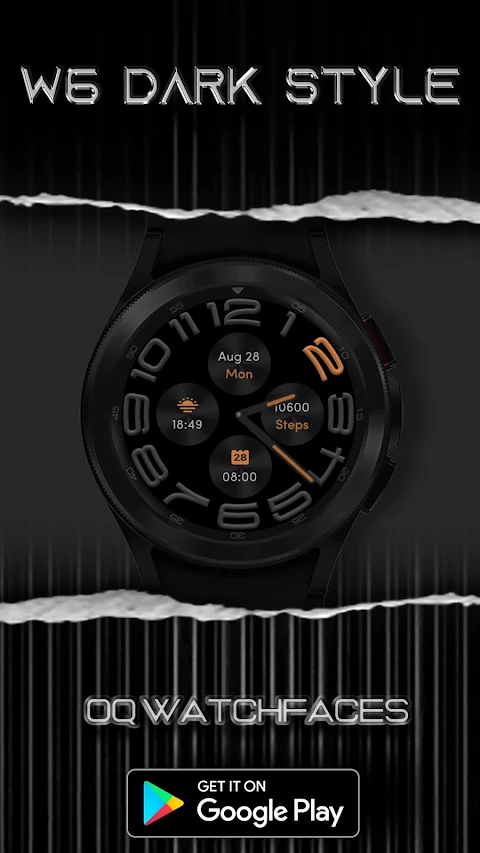
W6 Dark Style Wear OS 5+ is a stylish watch face designed for devices running Wear OS. Created using the Samsung Galaxy Watch Studio, this watch face has been tested on the Samsung Watch 4 Classic, Samsung Watch 5 Pro, and Tic Watch 5 Pro, and it also works with other Wear OS 5+ devices. However, keep in mind that some features might look a bit different on other watches.
Before you download, it’s important to read the installation instructions carefully. There is a detailed install guide by Tony Morelan, a senior developer and evangelist. This guide includes clear illustrations to help you install the watch face correctly. You can find it at the link provided in the original description.
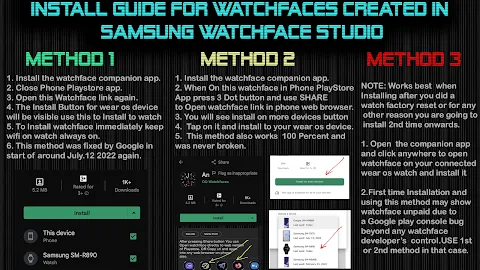
For those who are new to Android Wear OS, we created a brief installation guide. This includes images and screen previews to help you set up the watch face easily. Make sure to read it to avoid any confusion or installation issues.
When downloading, be careful not to pay twice in the Google Play Store. The install guide image shows three effective methods to get the watch face working on both your phone and watch. It’s useful to refer back to these instructions while installing.
The W6 Dark Style Wear OS 5+ has a variety of useful features. You can tap on specific parts of the watch face to access different apps. For example, tapping on the designated area allows you to open your Google Play Store app for your watch, Google Maps app for watch, or even the watch settings menu. There's also a tap shortcut to the watch phone app, an alarm app, and a calendar menu.
You’ll find that the watch face includes customizable complication shortcuts. You can hide or show these complications from the customization menu. This menu also allows you to customize the backgrounds of the complications, giving you more control over how your watch looks. All complications on the watch face are user-defined, meaning you can set them up however you prefer.
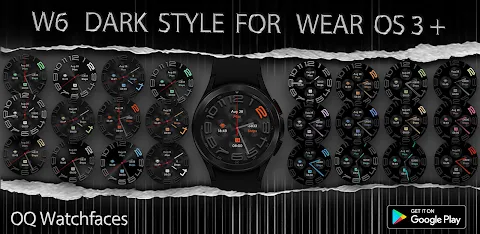
With six custom hands styles available, including a default option, you can choose hands that follow color customization. You can also adjust the brightness option for the hour index to match the background style. This feature works for both the main display and the Always-on Display (AoD).
There are three AoD styles available, which you can select from the customization menu. You can also change the movement of the seconds hand, though note that only three types of movements are supported. This is something you can set up yourself using transparent images.
To save battery, the AoD background is set to a pure black AMOLED by default. You also have the option to enable the AoD for a different look if you prefer.
Overall, W6 Dark Style Wear OS 5+ is a flexible watch face that allows you to customize your watch according to your preferences. Whether you're an experienced user or someone new to Android Wear OS, you'll find the installation guides and the customization options helpful. So go ahead, personalize your watch face and enjoy all the features available!
Before you download, it’s important to read the installation instructions carefully. There is a detailed install guide by Tony Morelan, a senior developer and evangelist. This guide includes clear illustrations to help you install the watch face correctly. You can find it at the link provided in the original description.
For those who are new to Android Wear OS, we created a brief installation guide. This includes images and screen previews to help you set up the watch face easily. Make sure to read it to avoid any confusion or installation issues.
When downloading, be careful not to pay twice in the Google Play Store. The install guide image shows three effective methods to get the watch face working on both your phone and watch. It’s useful to refer back to these instructions while installing.
The W6 Dark Style Wear OS 5+ has a variety of useful features. You can tap on specific parts of the watch face to access different apps. For example, tapping on the designated area allows you to open your Google Play Store app for your watch, Google Maps app for watch, or even the watch settings menu. There's also a tap shortcut to the watch phone app, an alarm app, and a calendar menu.
You’ll find that the watch face includes customizable complication shortcuts. You can hide or show these complications from the customization menu. This menu also allows you to customize the backgrounds of the complications, giving you more control over how your watch looks. All complications on the watch face are user-defined, meaning you can set them up however you prefer.
With six custom hands styles available, including a default option, you can choose hands that follow color customization. You can also adjust the brightness option for the hour index to match the background style. This feature works for both the main display and the Always-on Display (AoD).
There are three AoD styles available, which you can select from the customization menu. You can also change the movement of the seconds hand, though note that only three types of movements are supported. This is something you can set up yourself using transparent images.
To save battery, the AoD background is set to a pure black AMOLED by default. You also have the option to enable the AoD for a different look if you prefer.
Overall, W6 Dark Style Wear OS 5+ is a flexible watch face that allows you to customize your watch according to your preferences. Whether you're an experienced user or someone new to Android Wear OS, you'll find the installation guides and the customization options helpful. So go ahead, personalize your watch face and enjoy all the features available!
Emui – Icon Pack
Cris87
$2.79
$0.56

Silent Hybrid Watch Face
Comback Watch Faces
$0.99
FREE

Glassify Dark Icons
Mahmoud Zadah
$3.49
$1.75