
$1.49
$1.09
27% Off
Vivid Flowers
ChronoHarvest

About the App
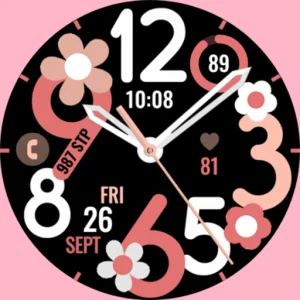
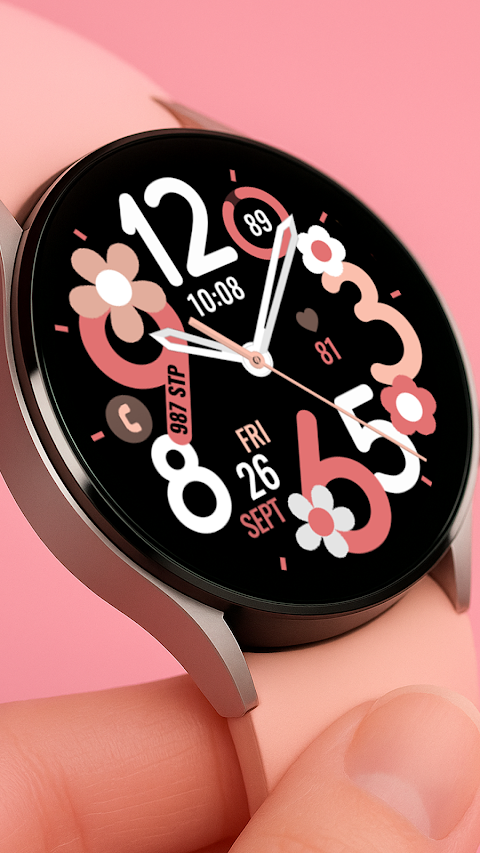
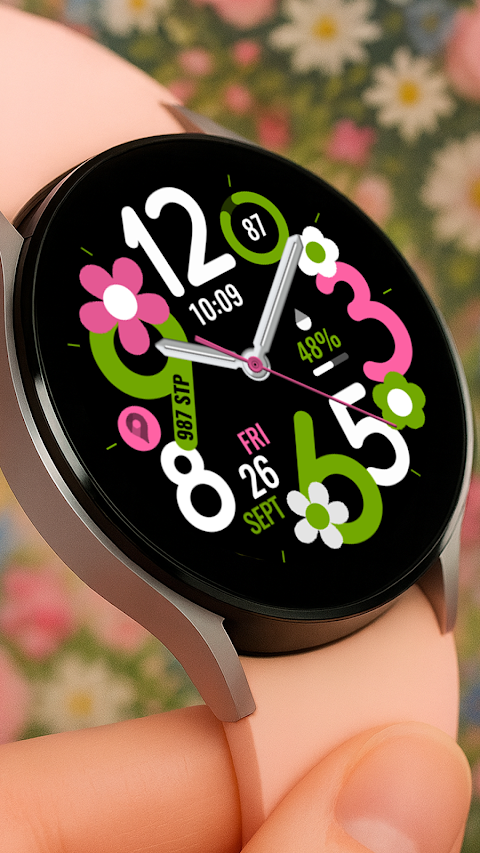
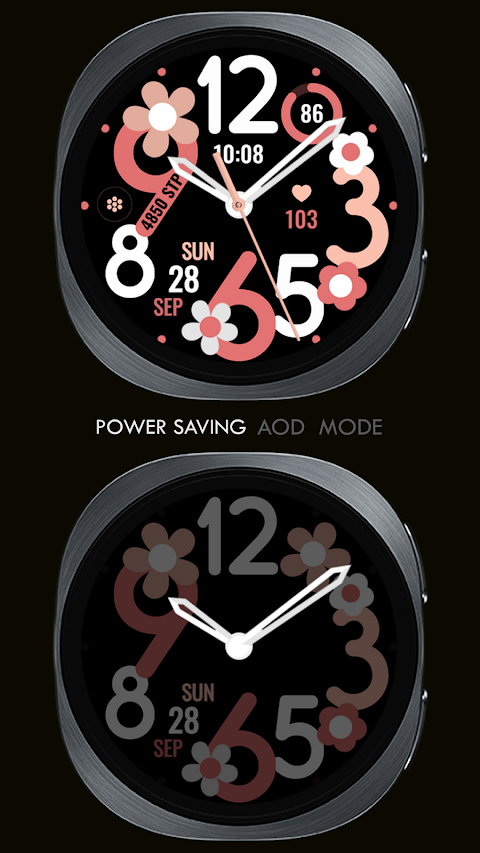
Vivid Flowers is a beautiful watch face designed for Wear OS devices. If you are a Galaxy Watch User, please note that the watch face editor in the Samsung Wearable app can sometimes have syncing issues. This means that complex watch faces may not load properly. Until Samsung resolves this, it's best to customize your watch face directly on your watch.
This artistic Flower Analog Clock is compatible with all Wear OS devices that support API Level 34 and later versions. While most features work with these devices, some may not be available on every watch.
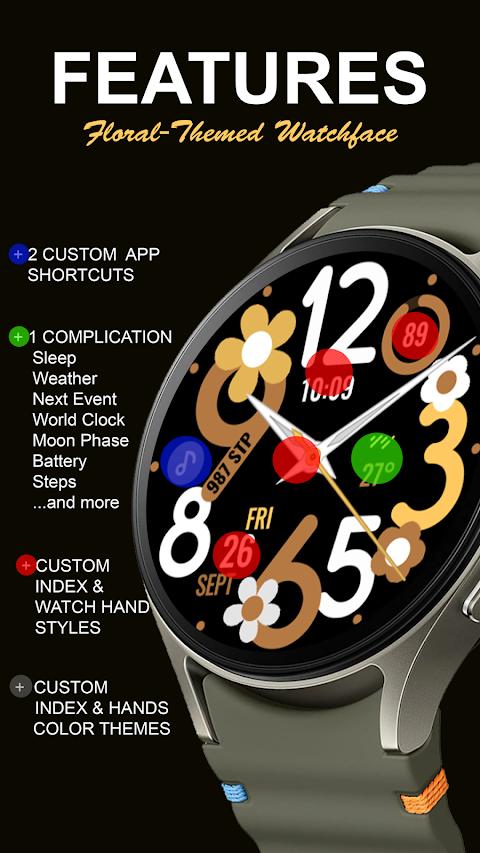
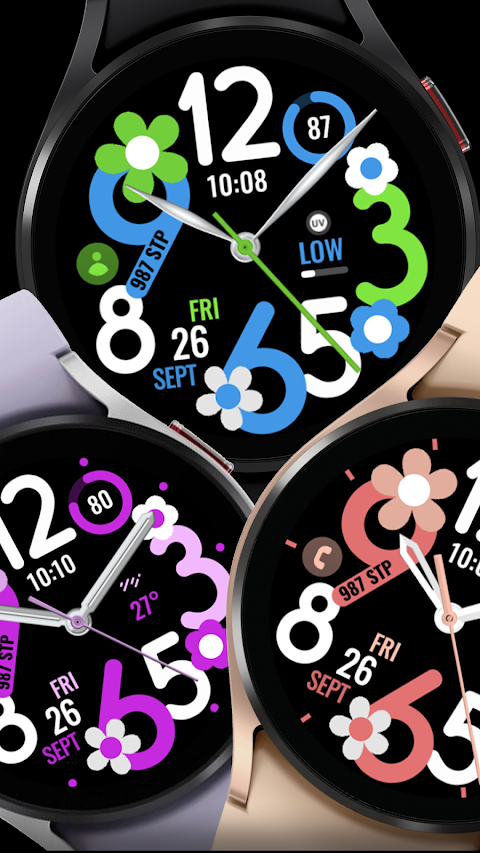
Vivid Flowers comes with some great features. You can set a pre-defined App Shortcut, which gives you quick access to essential apps like Alarm, Calendar, Settings, Battery Level Display, and Steps Tracker. Additionally, you can create one Custom App Shortcut for your favorite app.
The watch face also allows for one Custom Complication, which you can personalize with data relevant to you. Options include Date Display, Weather Information, Steps Tracker, World Clock Feature, Sunset/Sunrise Time, and even a Next Appointment Reminder. If you want more options, you might consider installing additional third-party complications.
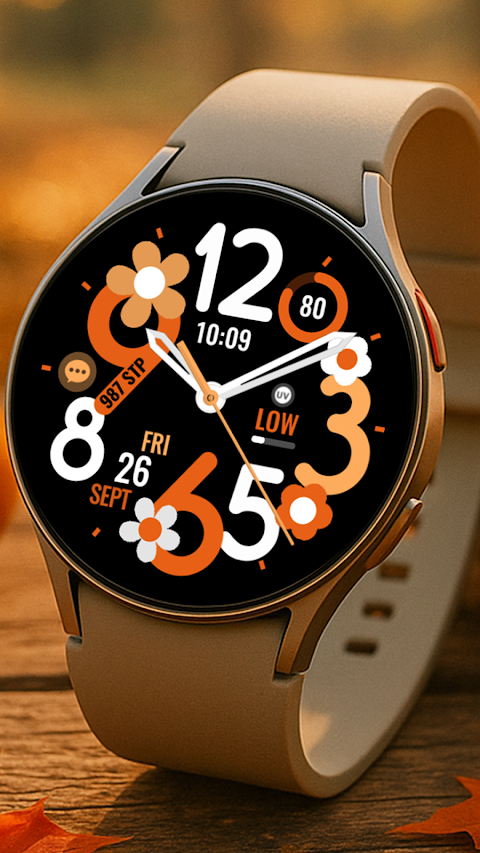
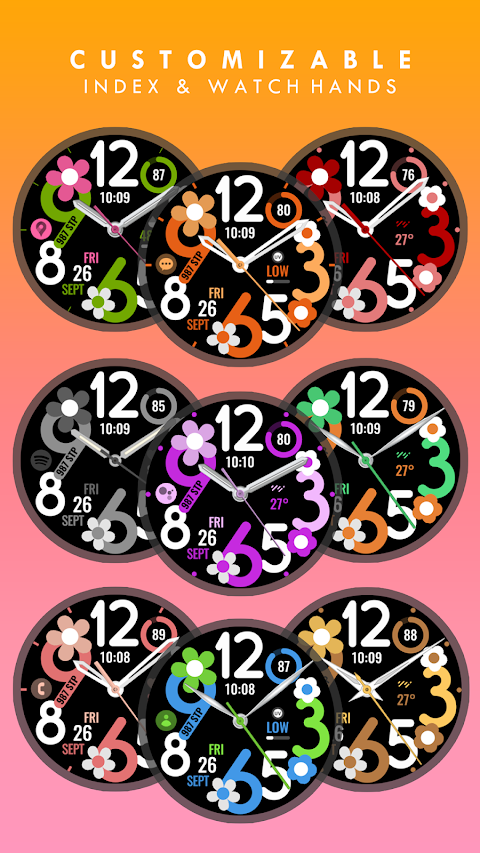
Custom Themes let you change the look of your watch face according to your style.
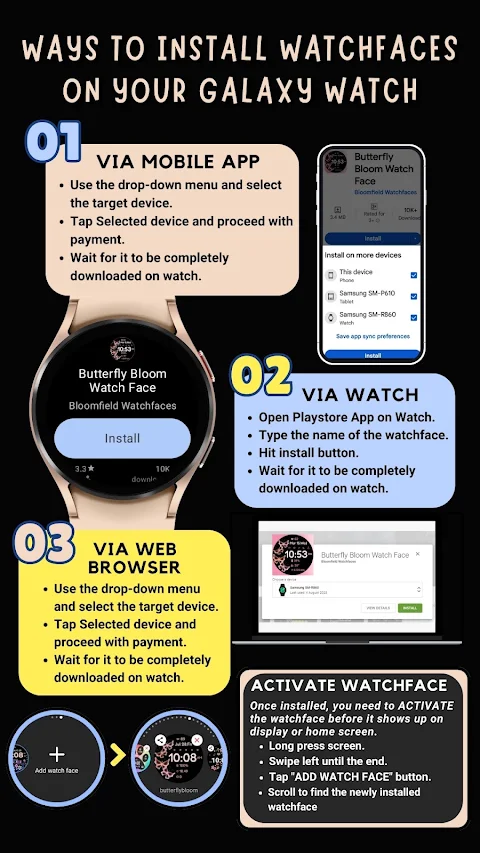
When you install Vivid Flowers, the watch face will automatically transfer to your Wear OS watch. Be sure to sync your watch with your phone using the same email address for a seamless installation experience. After downloading, wait a few minutes for the watch face to transfer. You will receive an Installation Notification on your watch once it is successfully transferred. If you don’t get a notification, you can try searching for "Vivid Flowers" in the Play Store on your watch.
Please remember that watch faces don’t automatically appear after installation. To add your new watch face, go to the home display, tap and hold, swipe to the end, and tap the plus sign (+) to add it. Rotate the bezel or scroll to find the Vivid Flowers watch face you just installed.
To fully operate Vivid Flowers, it’s important to allow all necessary permissions. You can do this by navigating to settings, then applications, and finally permissions on your device.
If for any reason you need a refund, please note that it is only available within 24 hours of your purchase.
For more information or any questions, feel free to contact us at ajgearbusiness@gmail.com. You can also check out our Installation Tutorial Video for step-by-step guidance on how to get started with Vivid Flowers. Enjoy customizing your watch face and make your timekeeping experience more vibrant!
This artistic Flower Analog Clock is compatible with all Wear OS devices that support API Level 34 and later versions. While most features work with these devices, some may not be available on every watch.
Vivid Flowers comes with some great features. You can set a pre-defined App Shortcut, which gives you quick access to essential apps like Alarm, Calendar, Settings, Battery Level Display, and Steps Tracker. Additionally, you can create one Custom App Shortcut for your favorite app.
The watch face also allows for one Custom Complication, which you can personalize with data relevant to you. Options include Date Display, Weather Information, Steps Tracker, World Clock Feature, Sunset/Sunrise Time, and even a Next Appointment Reminder. If you want more options, you might consider installing additional third-party complications.
Custom Themes let you change the look of your watch face according to your style.
When you install Vivid Flowers, the watch face will automatically transfer to your Wear OS watch. Be sure to sync your watch with your phone using the same email address for a seamless installation experience. After downloading, wait a few minutes for the watch face to transfer. You will receive an Installation Notification on your watch once it is successfully transferred. If you don’t get a notification, you can try searching for "Vivid Flowers" in the Play Store on your watch.
Please remember that watch faces don’t automatically appear after installation. To add your new watch face, go to the home display, tap and hold, swipe to the end, and tap the plus sign (+) to add it. Rotate the bezel or scroll to find the Vivid Flowers watch face you just installed.
To fully operate Vivid Flowers, it’s important to allow all necessary permissions. You can do this by navigating to settings, then applications, and finally permissions on your device.
If for any reason you need a refund, please note that it is only available within 24 hours of your purchase.
For more information or any questions, feel free to contact us at ajgearbusiness@gmail.com. You can also check out our Installation Tutorial Video for step-by-step guidance on how to get started with Vivid Flowers. Enjoy customizing your watch face and make your timekeeping experience more vibrant!
Pixly Fluo – Icon Pack
Cris87
$1.89
$0.39
ZKin Watch Warm Light Quartz
ZKin
$2.99
$1.49
Rolex Sky-Dweller Watch face
Sagur Studio
$1.49
$0.39