
$1.49
$0.29
81% Off
Violet – Purple Icon Pack
GomoTheGom

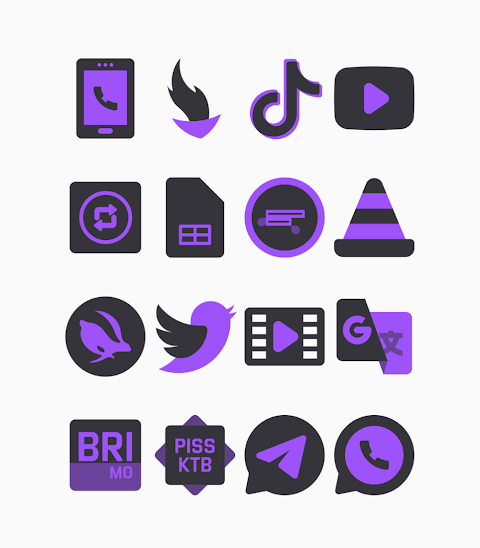


About the App
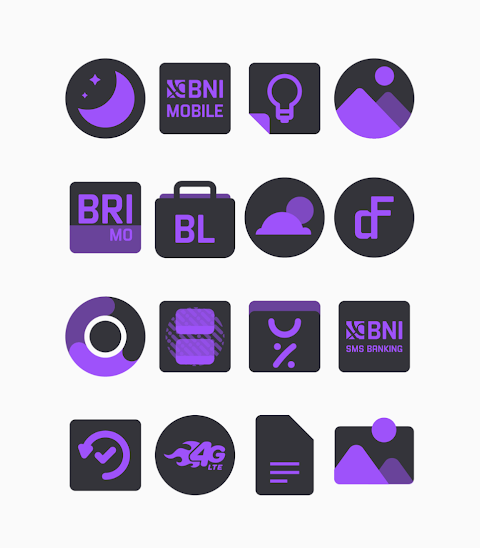
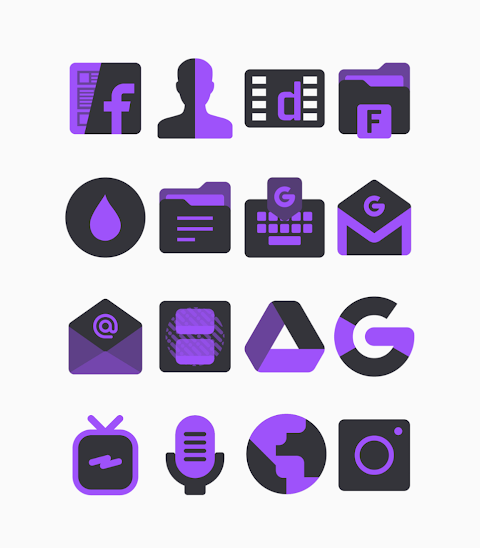
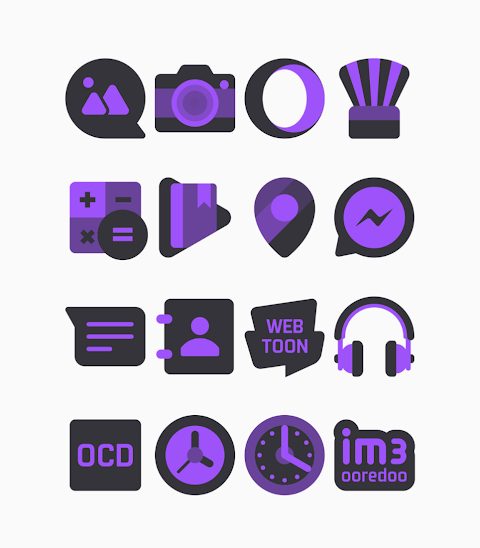
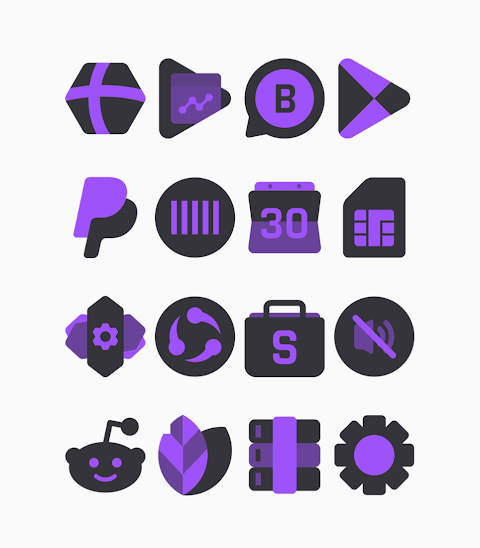
Violet is a beautiful Dark Purple Icon Pack designed to enhance your device's look. With more than 3000+ icons available and still growing, Violet offers a vibrant way to refresh your smartphone or tablet. The icons are crafted at an HD Icon Resolution of 256x256px, ensuring they look stunning on your screen.
One of the key features of Violet is the Icon Request Feature. This allows you to suggest additional icons you’d like to see included, helping you customize your experience even further. You can also choose from Alternate Icons within the pack to match your personal style.
Using the Violet - Purple Icon Pack is simple. It supports many popular launchers, making it easy to apply these beautiful icons on your device. For those using Nova Launcher or Evie Launcher, just follow the Apply Icon Pack Instructions:
1. Open the Violet - Purple Icon Pack app.
2. Go to the Apply Icon Pack Screen.
3. Find the launcher you want to use, like Nova Launcher or Evie Launcher, in the list. Select it to apply the icons from Violet.
4. The app will automatically apply the icons for you.
If your launcher isn’t showing up when you try to apply from the app, you may need to do it directly from the launcher settings.
For Sony Xperia Home Launcher users, applying the Violet - Purple Icon Pack is also possible, but with a few extra steps. You can set it up by:
1. Long pressing on the main screen.
2. Opening the settings.
3. Scrolling down to find and open the appearance icon setting.
4. Selecting the Violet - Purple Dark icon pack from the list.
5. After that, you’re all set, and your Sony Xperia will display the gorgeous icons.
Remember that the Violet - Purple Icon Pack only supports Sony Xperia Home Launcher version 10.0.A.0.8 or later.
In addition to Nova Launcher and Evie Launcher, Violet also offers Apex Launcher Compatibility, ADW Launcher Integration, ABC Launcher Support, Next Launcher Icon Pack, Holo Launcher Compatibility, Lucid Launcher Support, M Launcher Icon Pack, Action Launcher Integration, Aviate Launcher Compatibility, Smart Launcher Support, and Go Launcher Icon Pack. However, be aware that Go Launcher and Zero Launcher do not support icon masking, so take that into account when customizing.
With Violet, you gain access to a launcher compatibility list, making it easy to see which launchers work best with the pack. You can enjoy a wide range of Icon Customization Options, enabling you to tailor your device to your liking.
You will also find that the alternate icons feature adds another layer of personalization. Whether you want to refresh your home screen or just try something new, Violet provides a smooth experience for customizing your device.
If you’re interested in design updates or want to connect, check out more about Violet on social media platforms like Google+, Instagram, and Twitter. You can find inspiring ideas and design information there. A special thanks goes to Dani Mahardika for the Candybar Dashboard integration, which helps bring this app to life.
Explore Violet - Purple Icon Pack today and transform your device into a visually stunning experience!
One of the key features of Violet is the Icon Request Feature. This allows you to suggest additional icons you’d like to see included, helping you customize your experience even further. You can also choose from Alternate Icons within the pack to match your personal style.
Using the Violet - Purple Icon Pack is simple. It supports many popular launchers, making it easy to apply these beautiful icons on your device. For those using Nova Launcher or Evie Launcher, just follow the Apply Icon Pack Instructions:
1. Open the Violet - Purple Icon Pack app.
2. Go to the Apply Icon Pack Screen.
3. Find the launcher you want to use, like Nova Launcher or Evie Launcher, in the list. Select it to apply the icons from Violet.
4. The app will automatically apply the icons for you.
If your launcher isn’t showing up when you try to apply from the app, you may need to do it directly from the launcher settings.
For Sony Xperia Home Launcher users, applying the Violet - Purple Icon Pack is also possible, but with a few extra steps. You can set it up by:
1. Long pressing on the main screen.
2. Opening the settings.
3. Scrolling down to find and open the appearance icon setting.
4. Selecting the Violet - Purple Dark icon pack from the list.
5. After that, you’re all set, and your Sony Xperia will display the gorgeous icons.
Remember that the Violet - Purple Icon Pack only supports Sony Xperia Home Launcher version 10.0.A.0.8 or later.
In addition to Nova Launcher and Evie Launcher, Violet also offers Apex Launcher Compatibility, ADW Launcher Integration, ABC Launcher Support, Next Launcher Icon Pack, Holo Launcher Compatibility, Lucid Launcher Support, M Launcher Icon Pack, Action Launcher Integration, Aviate Launcher Compatibility, Smart Launcher Support, and Go Launcher Icon Pack. However, be aware that Go Launcher and Zero Launcher do not support icon masking, so take that into account when customizing.
With Violet, you gain access to a launcher compatibility list, making it easy to see which launchers work best with the pack. You can enjoy a wide range of Icon Customization Options, enabling you to tailor your device to your liking.
You will also find that the alternate icons feature adds another layer of personalization. Whether you want to refresh your home screen or just try something new, Violet provides a smooth experience for customizing your device.
If you’re interested in design updates or want to connect, check out more about Violet on social media platforms like Google+, Instagram, and Twitter. You can find inspiring ideas and design information there. A special thanks goes to Dani Mahardika for the Candybar Dashboard integration, which helps bring this app to life.
Explore Violet - Purple Icon Pack today and transform your device into a visually stunning experience!

Climber Watch Face, WearOS
Rayan's
$0.99
$0.50

OneUI Widgets
JustNewDesigns
$1.89
$0.38

Marine Digital: Watch face
amoledwatchfaces™
$1.49
$0.75