
$0.99
$0.40
60% Off
Tiles Window Watch Face NTV556
NTV Watchfaces




About the App
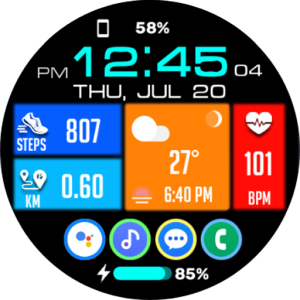
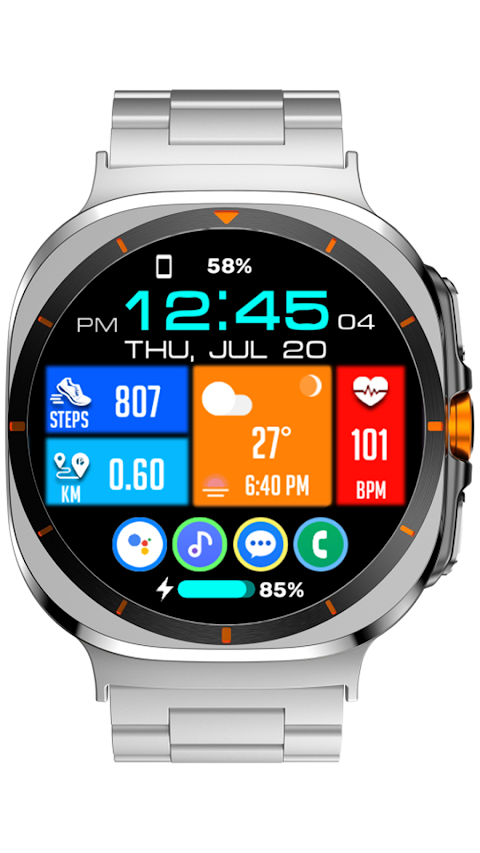
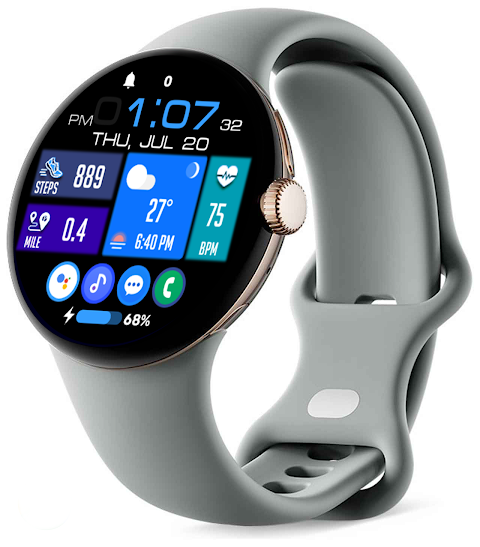
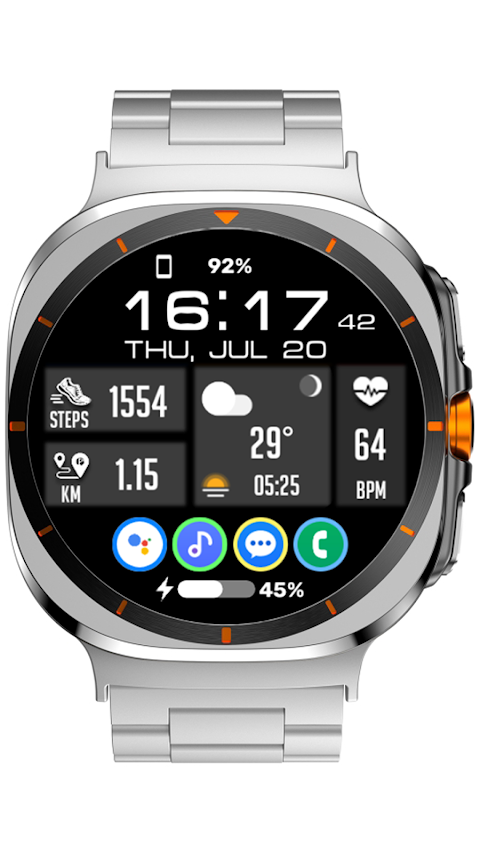
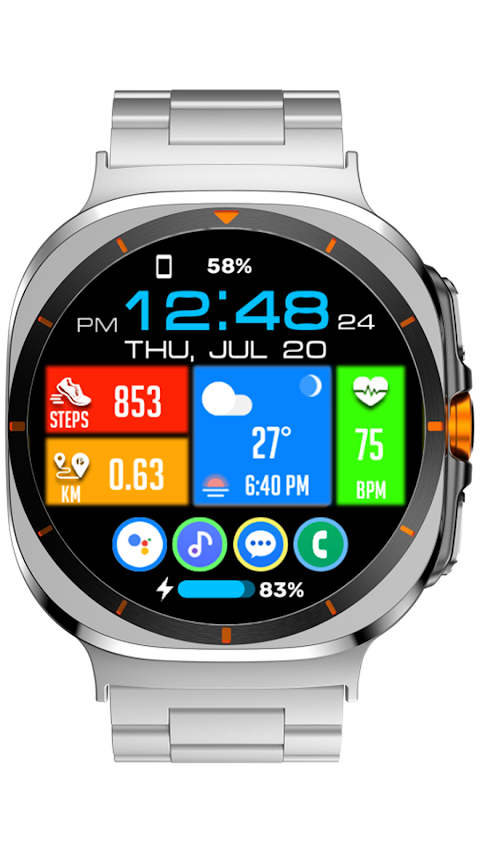
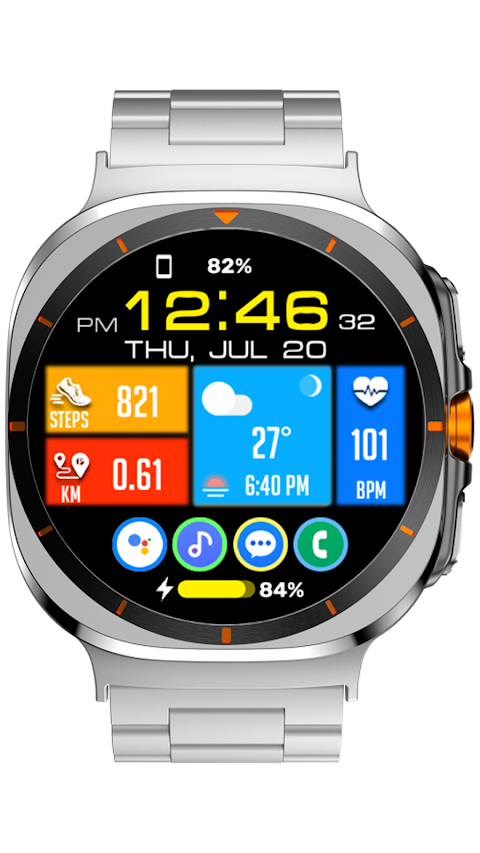
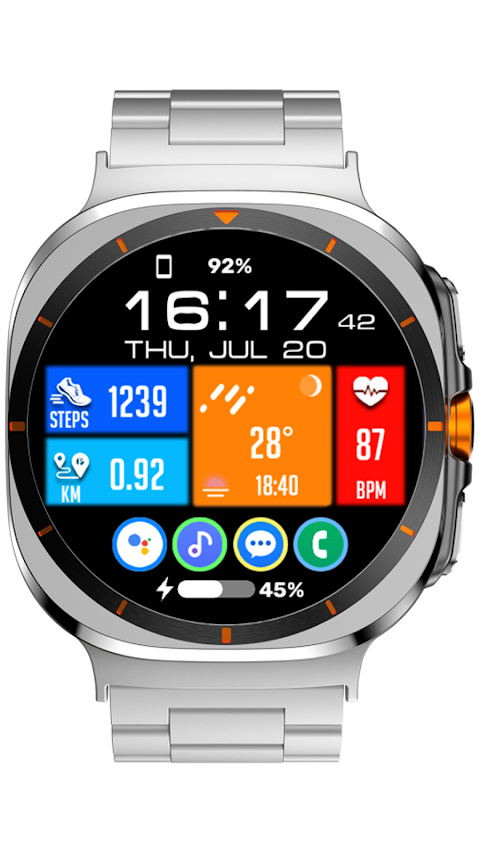
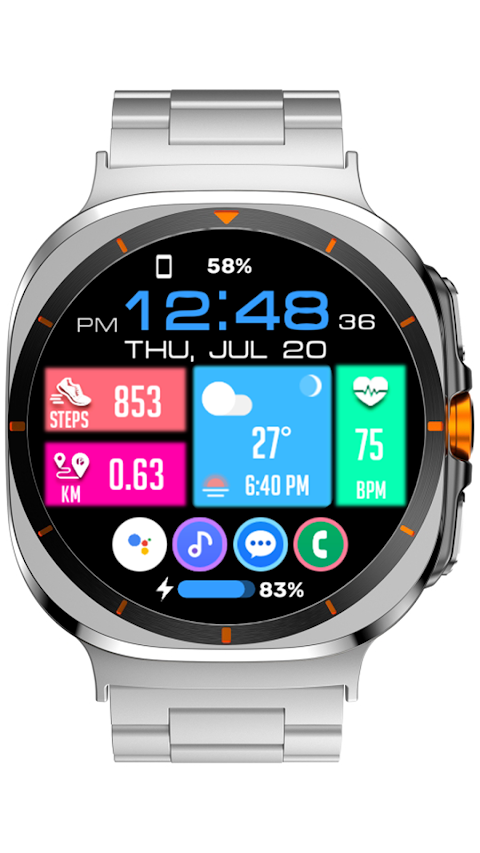
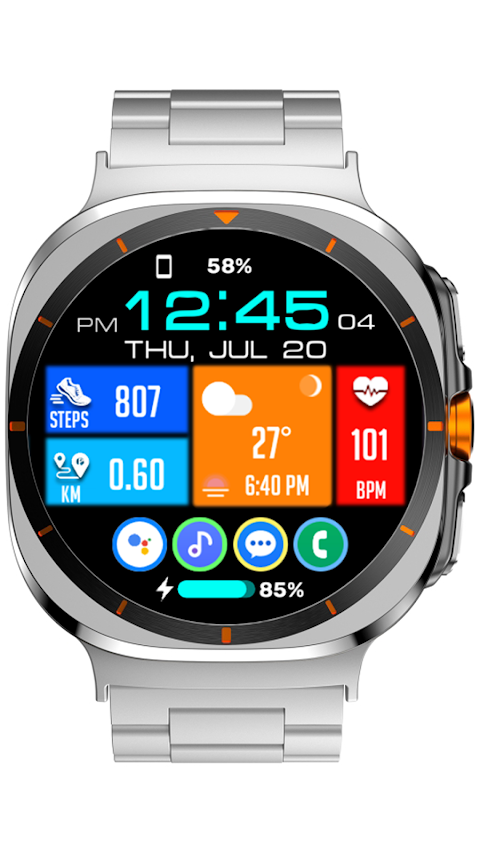
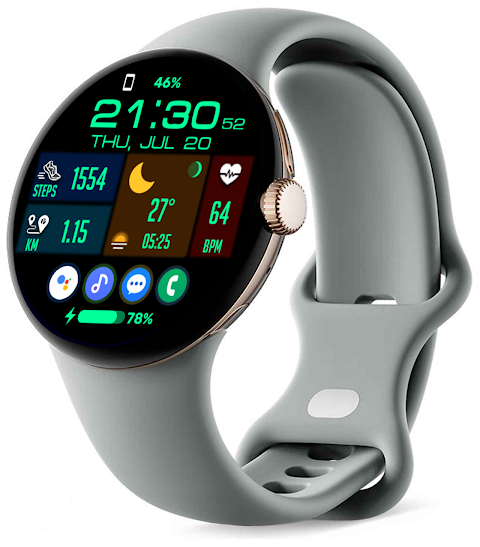
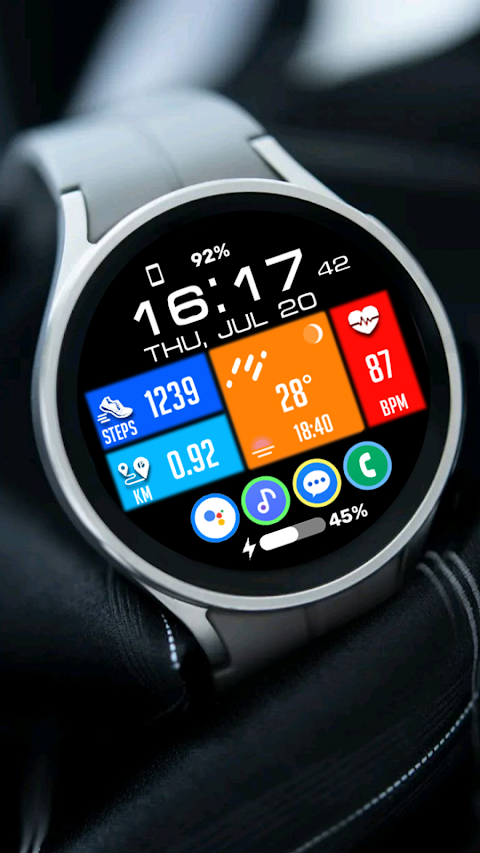
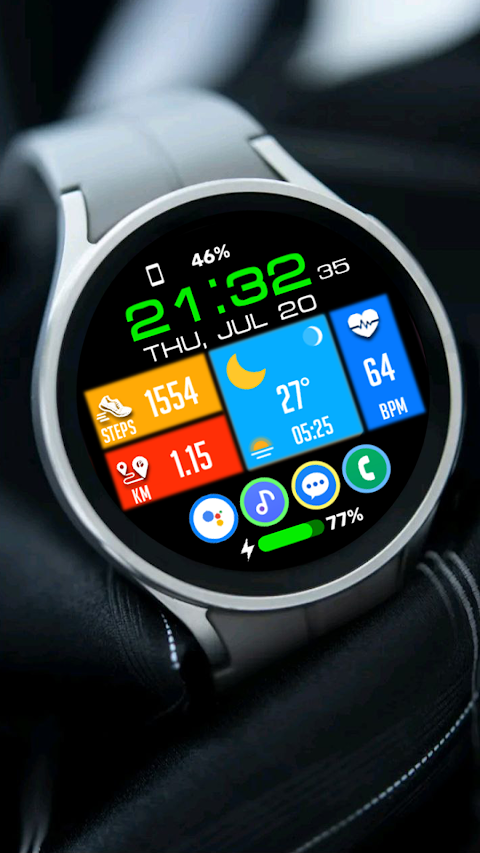
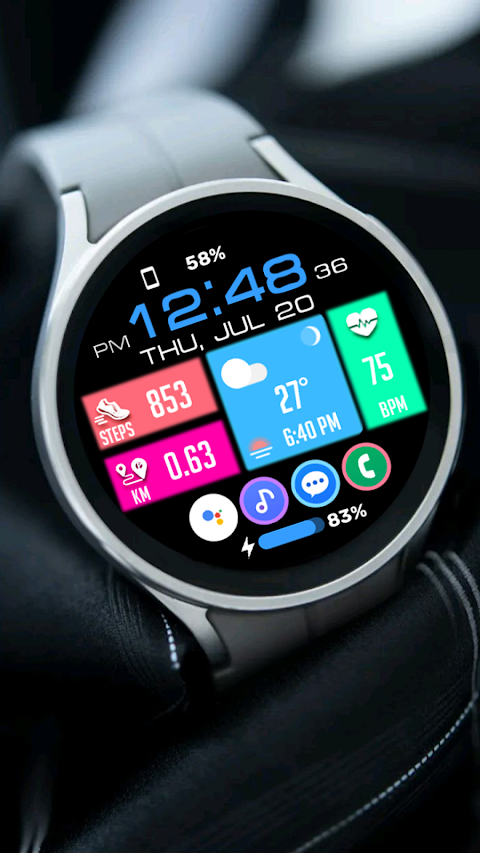
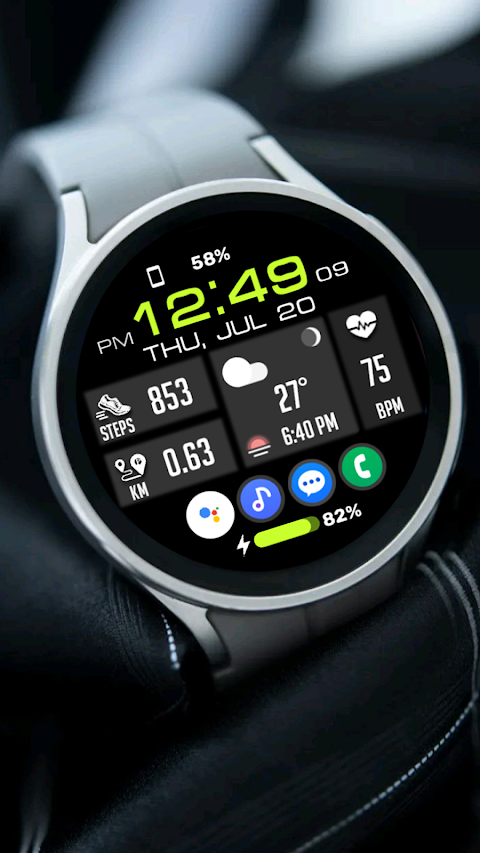
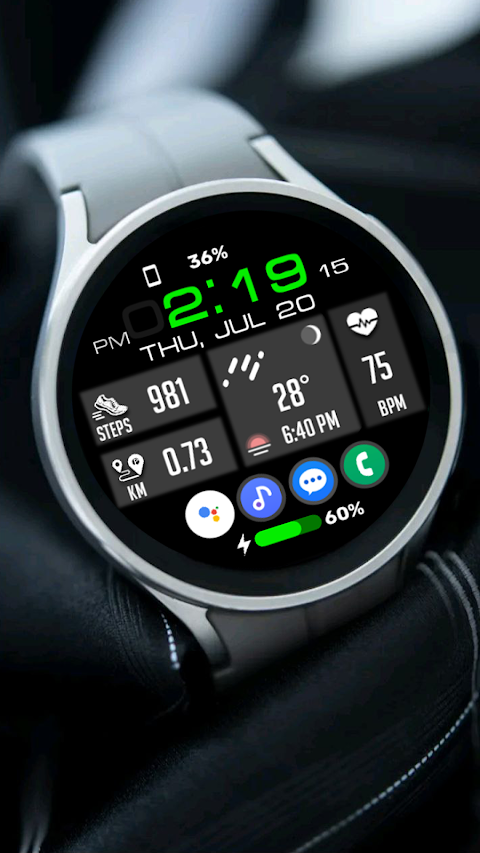
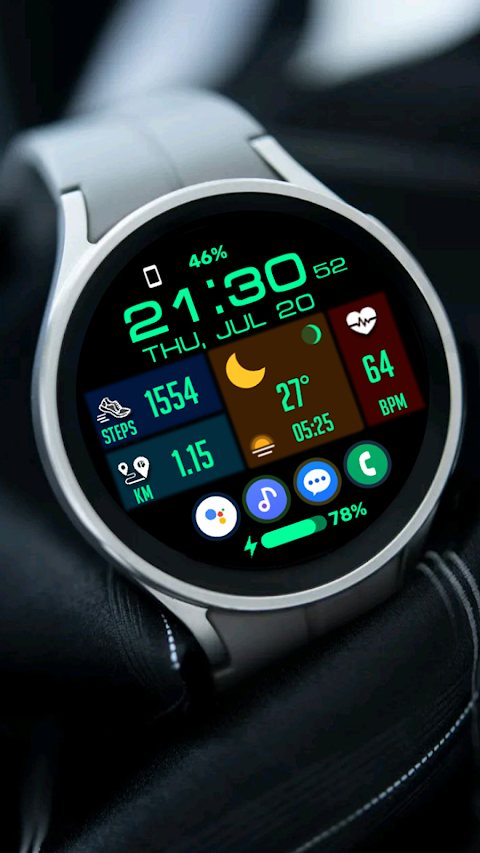
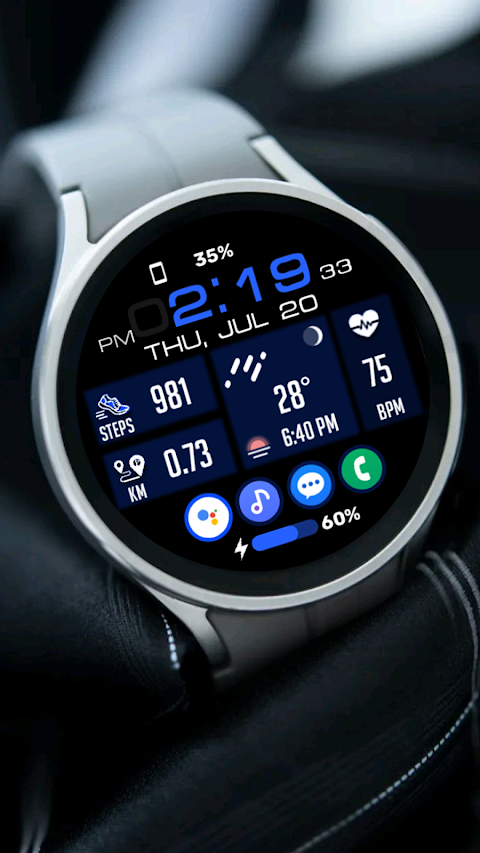
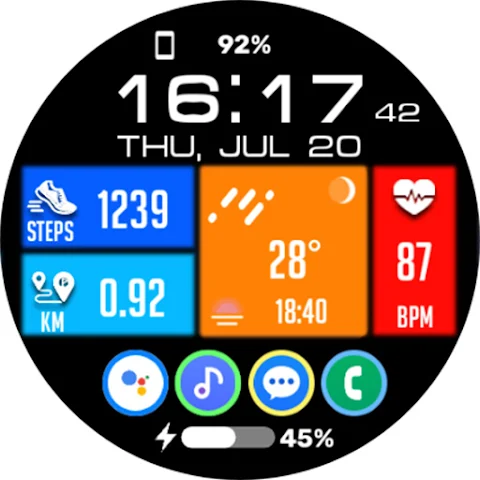
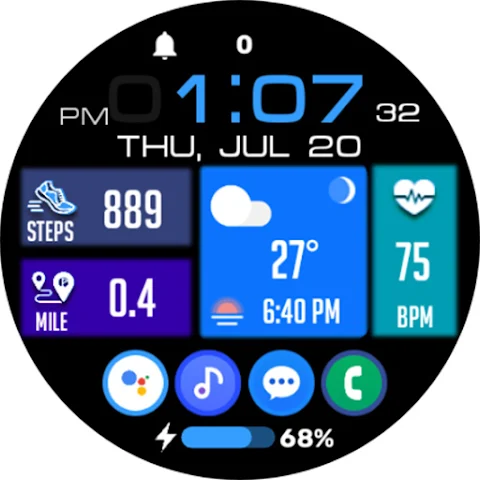
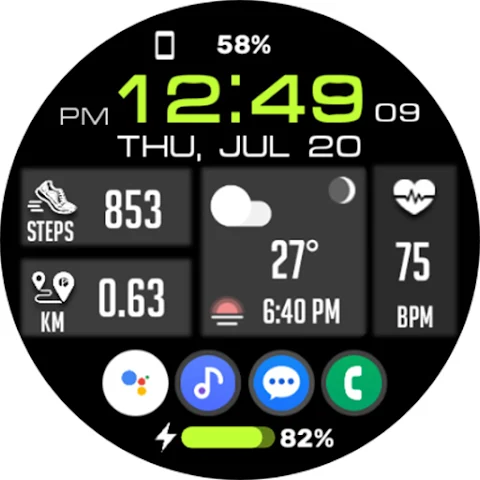
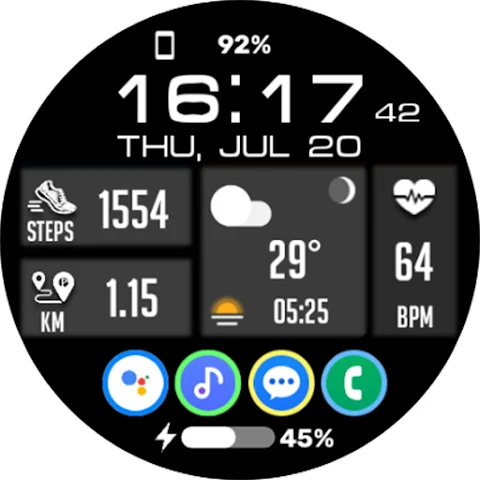
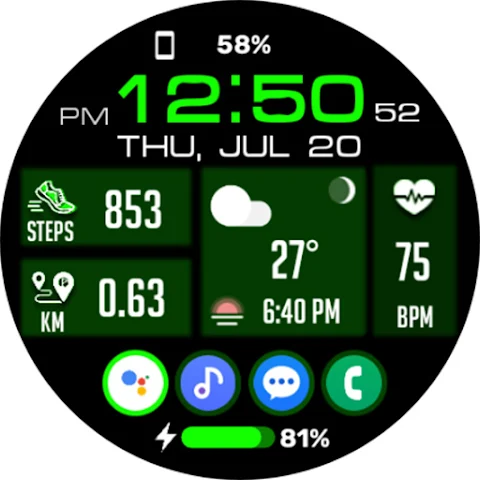
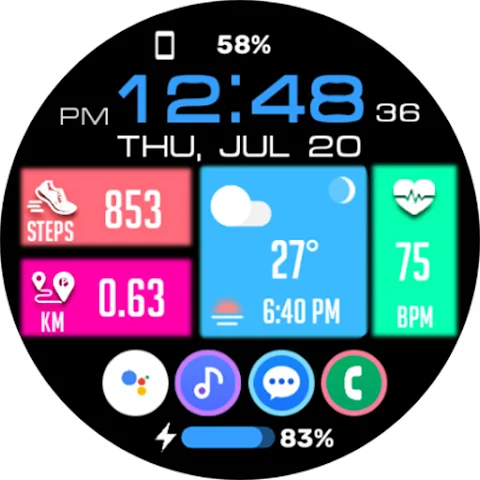
Tiles Window Watch Face NTV556 is a versatile tool that allows you to personalize your watch in a fun and simple way. Whether you want to change the look of your watch or track your fitness, this app has many features to help you.
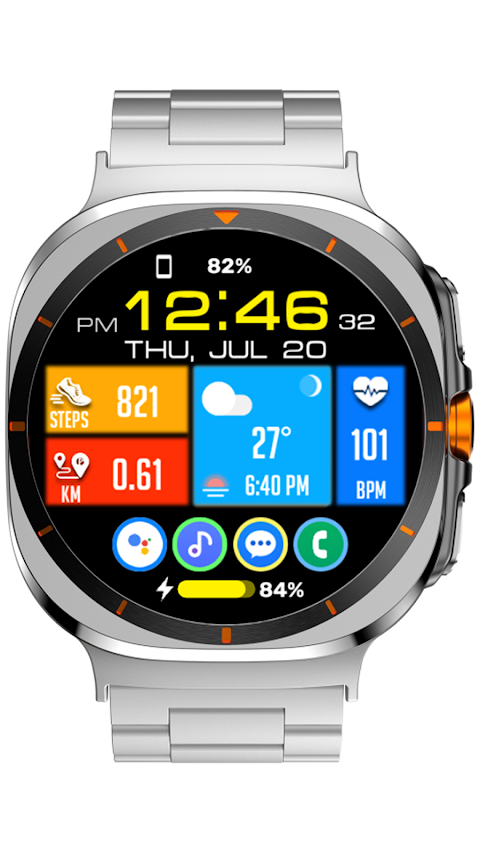
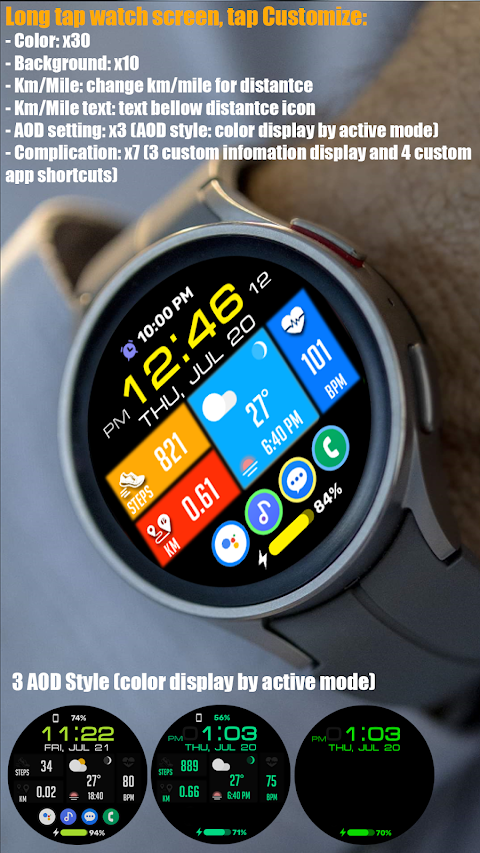
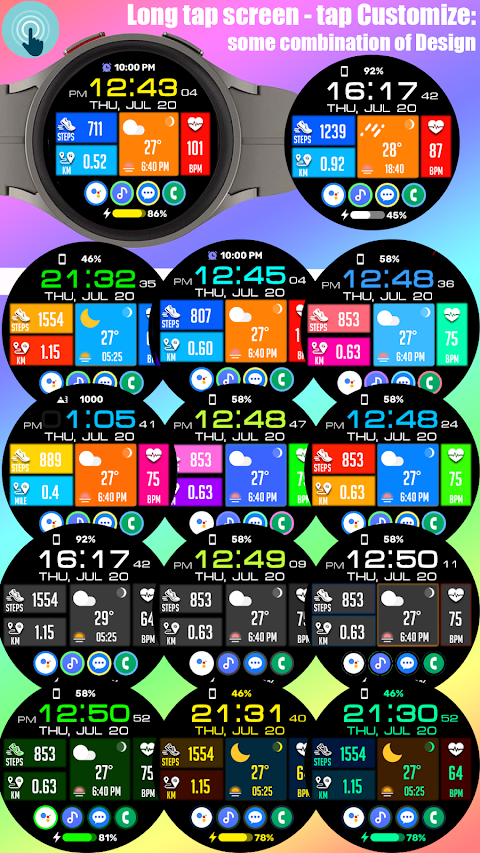
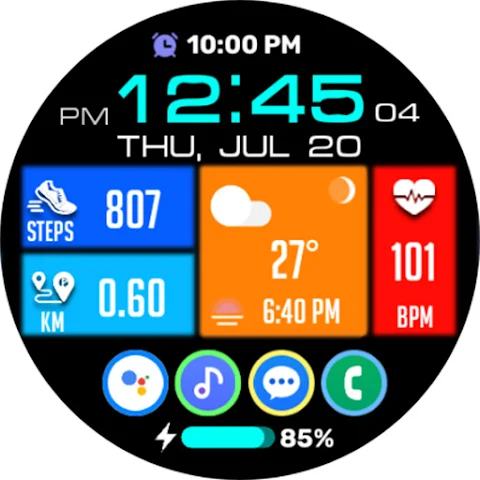
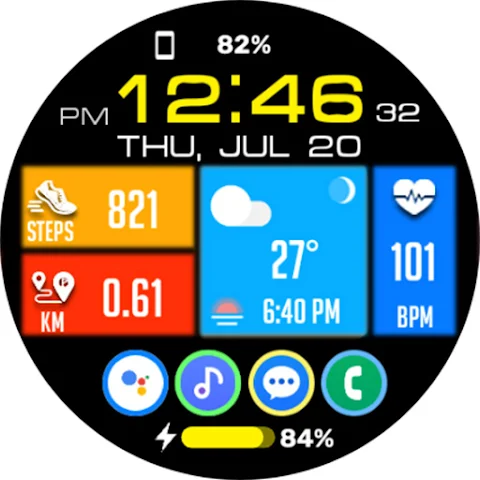
With the Watch Face Customization option, you can easily make your watch unique. Just long press the watch screen and tap on Customize. From there, you can swipe left or right to explore 30 color options and 10 background variants, making it easy to find a style that suits you.
The app also gives you the ability to adjust distance settings. You can choose between kilometer or mile settings, and you can even change how this information is displayed under the distance icon. This is perfect for anyone keeping an eye on their fitness goals.
This watch face features a Digital Clock Display that supports both 12-hour and 24-hour formats. You can see the day, date, and month clearly, thanks to its Day and Date Display feature. The Multi-Language Support makes it easy for many users to enjoy these features, no matter their language preference.
For fitness enthusiasts, the app includes a Step Counts Feature and Heart Rate Monitoring, letting you track your physical activity right on your wrist. You can also view your Battery Percentage Display, so you never run out of charge unexpectedly.
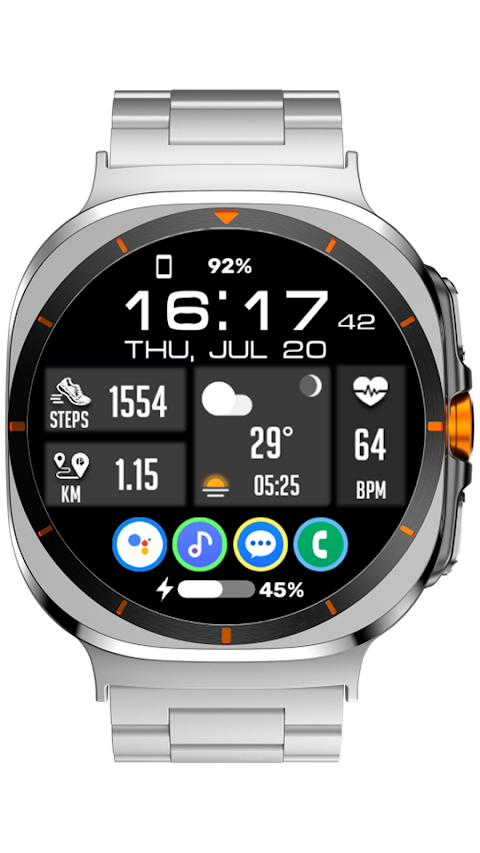
Tiles Window Watch Face NTV556 offers an Always-On Display Mode, ensuring you can glance at the time and important stats without needing to wake your watch. Additionally, there are 3 AOD Styles to choose from, allowing the display to match your preference when your watch is inactive.
With Custom App Shortcuts, you can set quick access to your favorite apps right on your watch face. Simply tap the shortcuts to launch these apps without needing to scroll through your device. The app includes Complications for Information, which allows you to customize how various data is displayed on your watch face. You can set up to three custom information displays and four app shortcuts for easy use.
The Entry Customization feature allows for intuitive control options as you can swipe up or down to change settings easily. You’ll find flexible design choices that give you the freedom to adjust your watch face to your liking.
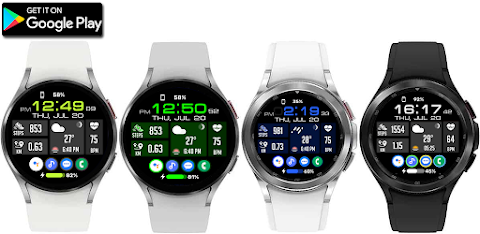
Tiles Window Watch Face NTV556 is compatible with all Wear OS devices that run on API level 28 or higher. This makes it accessible for a wide range of users.
For any questions or suggestions regarding the app, feel free to reach out via email. Your feedback is valued, and it helps improve the app for everyone. Personalize your watch today and enjoy all the features that Tiles Window Watch Face NTV556 has to offer!
With the Watch Face Customization option, you can easily make your watch unique. Just long press the watch screen and tap on Customize. From there, you can swipe left or right to explore 30 color options and 10 background variants, making it easy to find a style that suits you.
The app also gives you the ability to adjust distance settings. You can choose between kilometer or mile settings, and you can even change how this information is displayed under the distance icon. This is perfect for anyone keeping an eye on their fitness goals.
This watch face features a Digital Clock Display that supports both 12-hour and 24-hour formats. You can see the day, date, and month clearly, thanks to its Day and Date Display feature. The Multi-Language Support makes it easy for many users to enjoy these features, no matter their language preference.
For fitness enthusiasts, the app includes a Step Counts Feature and Heart Rate Monitoring, letting you track your physical activity right on your wrist. You can also view your Battery Percentage Display, so you never run out of charge unexpectedly.
Tiles Window Watch Face NTV556 offers an Always-On Display Mode, ensuring you can glance at the time and important stats without needing to wake your watch. Additionally, there are 3 AOD Styles to choose from, allowing the display to match your preference when your watch is inactive.
With Custom App Shortcuts, you can set quick access to your favorite apps right on your watch face. Simply tap the shortcuts to launch these apps without needing to scroll through your device. The app includes Complications for Information, which allows you to customize how various data is displayed on your watch face. You can set up to three custom information displays and four app shortcuts for easy use.
The Entry Customization feature allows for intuitive control options as you can swipe up or down to change settings easily. You’ll find flexible design choices that give you the freedom to adjust your watch face to your liking.
Tiles Window Watch Face NTV556 is compatible with all Wear OS devices that run on API level 28 or higher. This makes it accessible for a wide range of users.
For any questions or suggestions regarding the app, feel free to reach out via email. Your feedback is valued, and it helps improve the app for everyone. Personalize your watch today and enjoy all the features that Tiles Window Watch Face NTV556 has to offer!

Material You Widgets
AppsLab Co.
$1.99
$0.90

Big Digital: Watch face
amoledwatchfaces™
$0.99
$0.50
CFS120 Solar Sync
CFS Creative Face Studio
$1.49
$0.69