

$14.99
$7.50
50% Off
Tesor
arter97



About the App
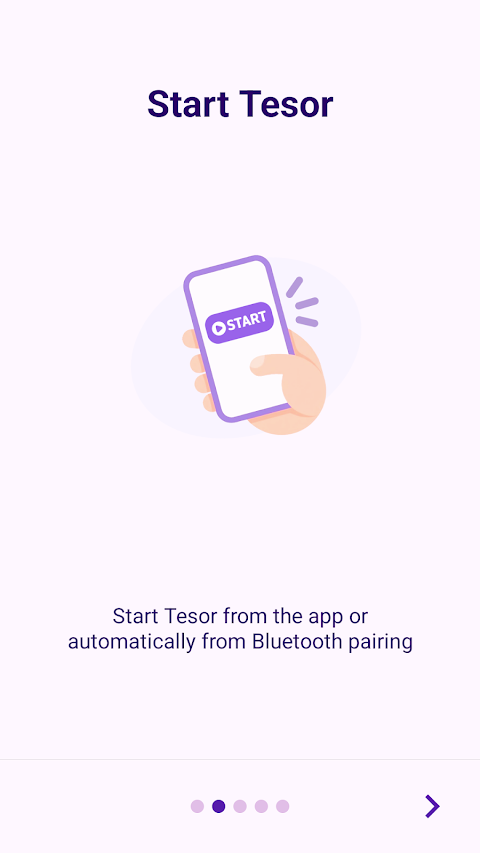
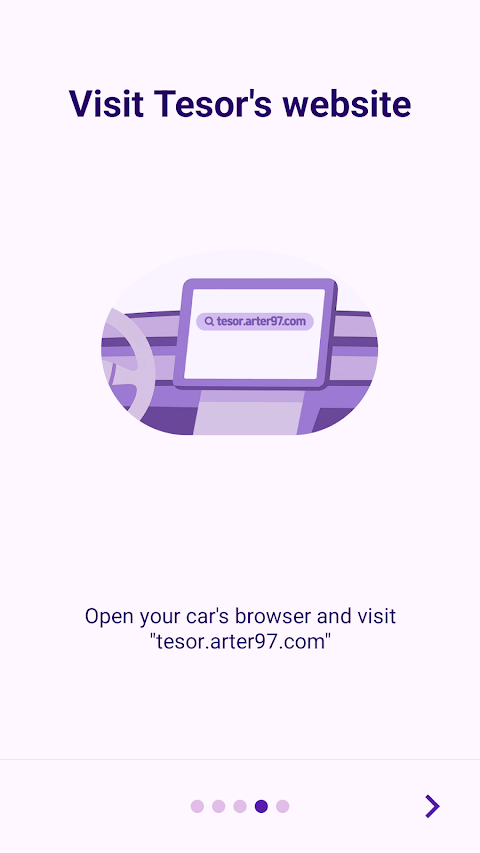
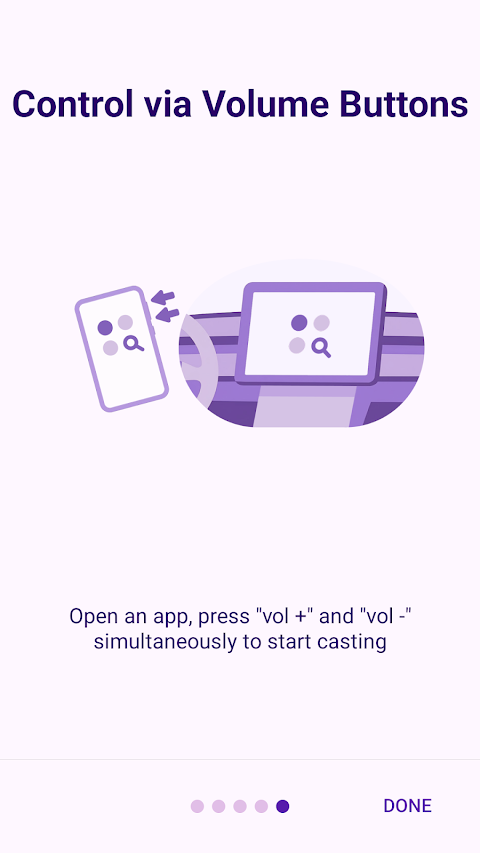
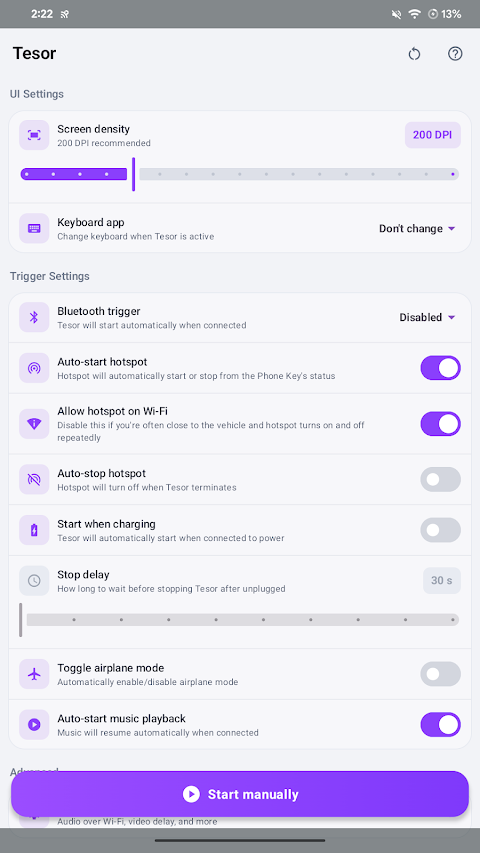
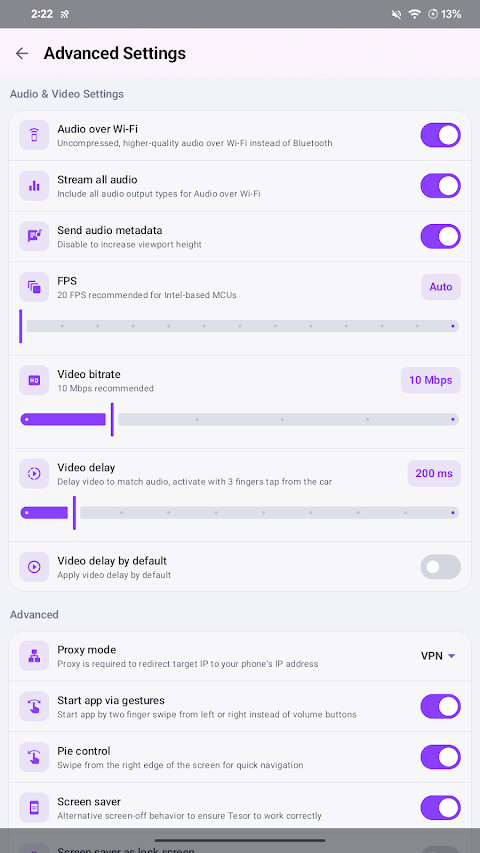
Tesor is a handy app that allows you to cast your Android phone’s apps directly to your vehicle's built-in browser. This means you can enjoy your favorite mobile apps right on your car's screen. Unlike typical mirroring apps, Tesor offers screen independent mirroring. Your phone's display works on its own while you use the car's multimedia system.
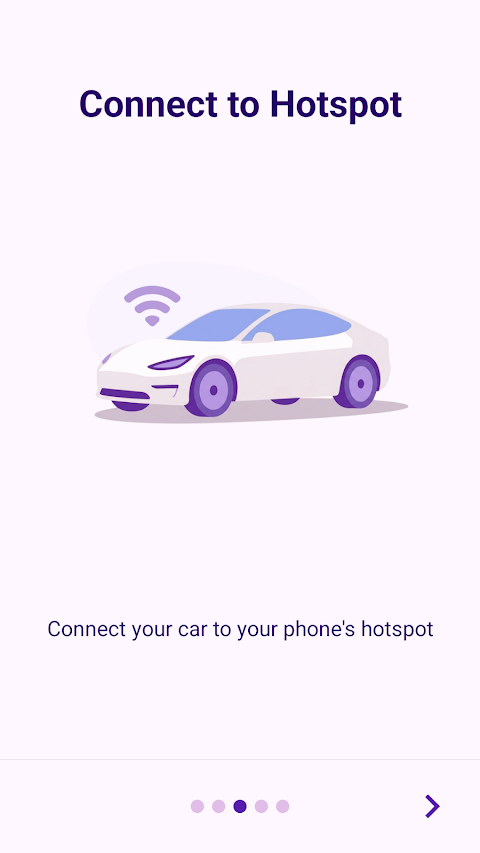
To get started with Tesor, you need to make sure that developer options are enabled on your phone. Additionally, Tesor requires a 5 GHz hotspot to be active. This is essential for the app to function correctly. However, be aware that some streaming apps may not work due to streaming apps limitations, specifically DRM limitations. This means not all media content can be streamed through the app.
Tesor has been tested with Tesla vehicles that were produced after 2018, ensuring compatibility with this specific range of cars. For detailed instructions on how to use the app, you can refer to the Tesor manual available online.
If Tesor does not meet your expectations, you can take advantage of the refund request policy, which allows you to ask for a refund within two weeks of your purchase date.
For a secure and efficient connection, Tesor uses a local VPN connection to establish communication between your phone and the car. It's important to note that there is no server-side VPN involved in this process, and the app ensures user data privacy by not collecting any data through the VPN.
Tesor makes vehicle app casting easy and allows for seamless mobile app streaming. With features that enhance your in-car browsing experience, the app fits well in the world of connected car technology. Tesor also offers support for third-party app support, making it more versatile. You can enjoy customizable mobile features while ensuring easy integration with your device.
Just remember the hotspot requirements and the streaming compatibility, as these aspects are important for the app's success. With Tesor, you can explore new ways to enhance your driving experience by integrating your phone's capabilities into your vehicle's system effortlessly.
To get started with Tesor, you need to make sure that developer options are enabled on your phone. Additionally, Tesor requires a 5 GHz hotspot to be active. This is essential for the app to function correctly. However, be aware that some streaming apps may not work due to streaming apps limitations, specifically DRM limitations. This means not all media content can be streamed through the app.
Tesor has been tested with Tesla vehicles that were produced after 2018, ensuring compatibility with this specific range of cars. For detailed instructions on how to use the app, you can refer to the Tesor manual available online.
If Tesor does not meet your expectations, you can take advantage of the refund request policy, which allows you to ask for a refund within two weeks of your purchase date.
For a secure and efficient connection, Tesor uses a local VPN connection to establish communication between your phone and the car. It's important to note that there is no server-side VPN involved in this process, and the app ensures user data privacy by not collecting any data through the VPN.
Tesor makes vehicle app casting easy and allows for seamless mobile app streaming. With features that enhance your in-car browsing experience, the app fits well in the world of connected car technology. Tesor also offers support for third-party app support, making it more versatile. You can enjoy customizable mobile features while ensuring easy integration with your device.
Just remember the hotspot requirements and the streaming compatibility, as these aspects are important for the app's success. With Tesor, you can explore new ways to enhance your driving experience by integrating your phone's capabilities into your vehicle's system effortlessly.
PDF Editor Tools & PDF Reader
GEO SOFTECH
$1.99
$0.99

txtpad+ — Create txt files
pohrebniakov
$1.99
$1.00
Decibel Meter: Wear OS
Nebulae Apps
$5.49
$1.65