

$1.49
FREE
100% Off
Squircle Dark – Icon Pack
GomoTheGom

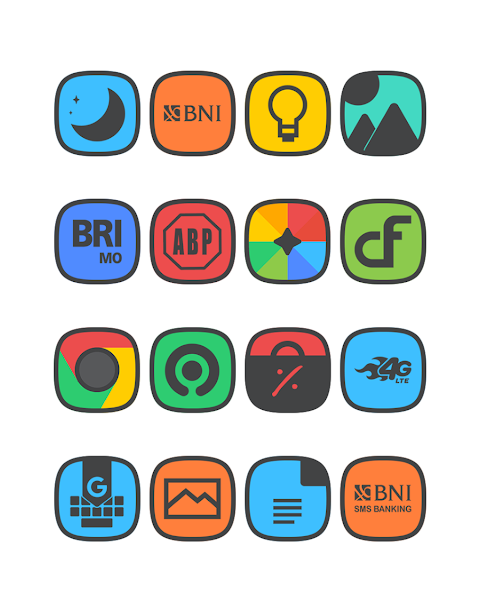
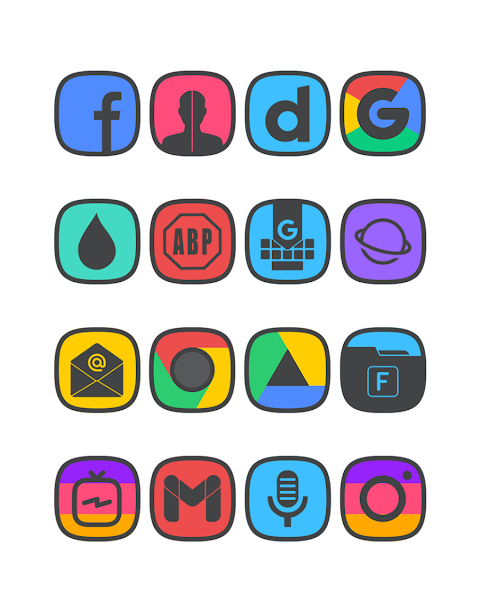
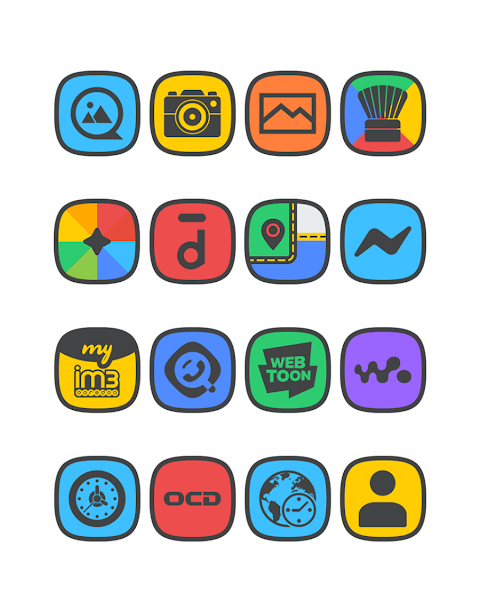
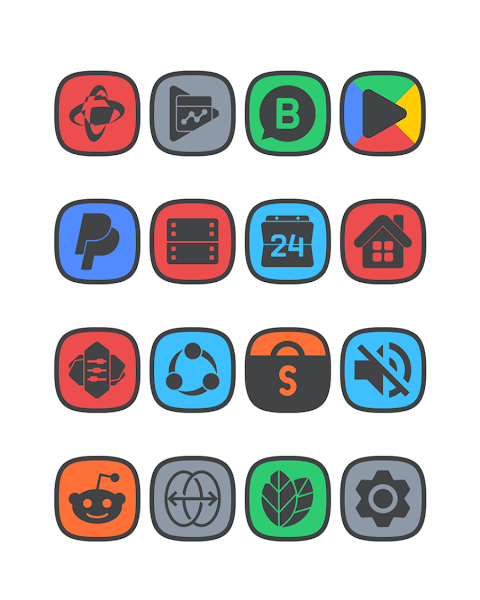



About the App
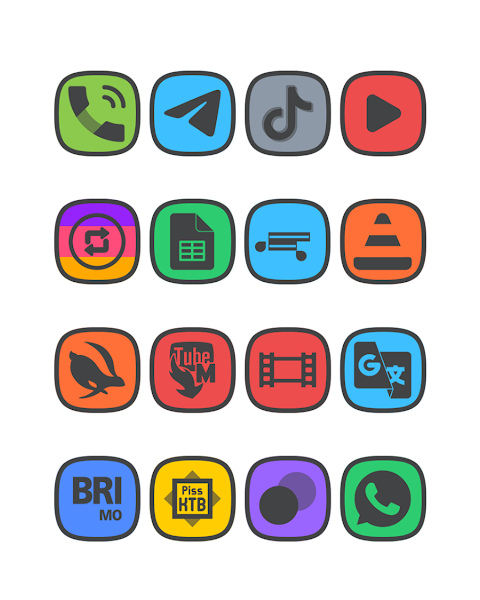
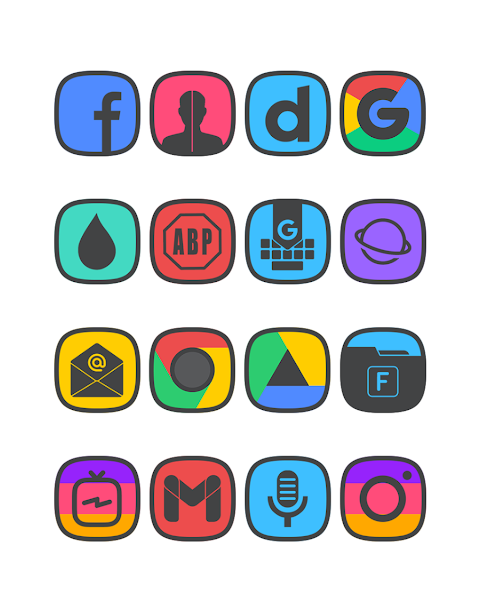
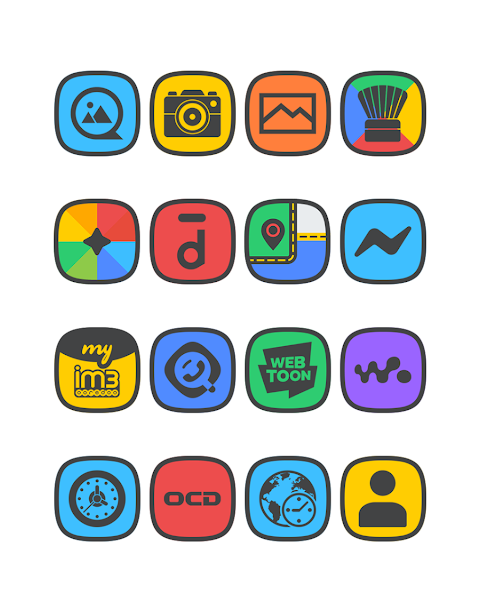
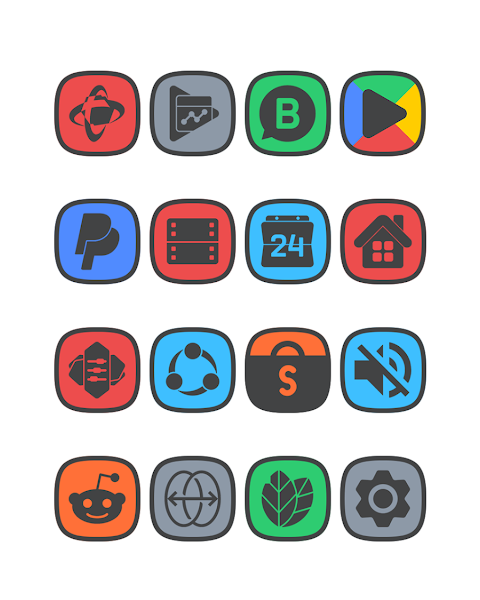
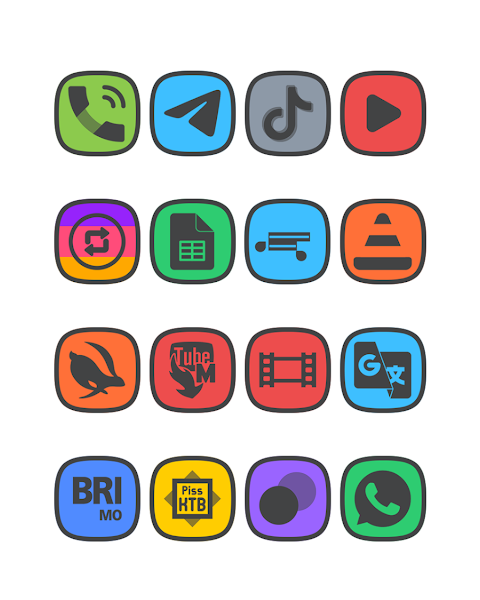
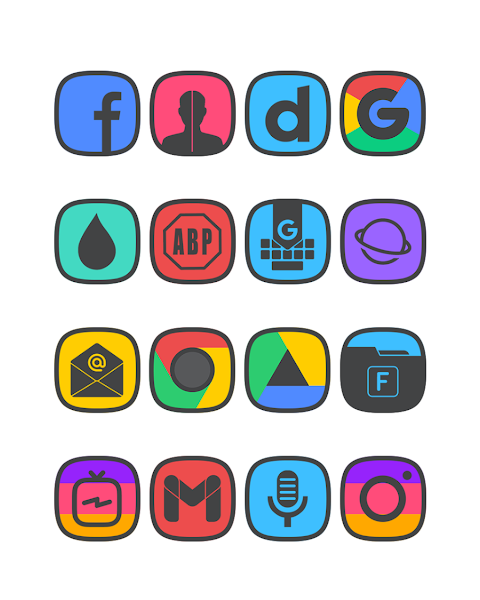
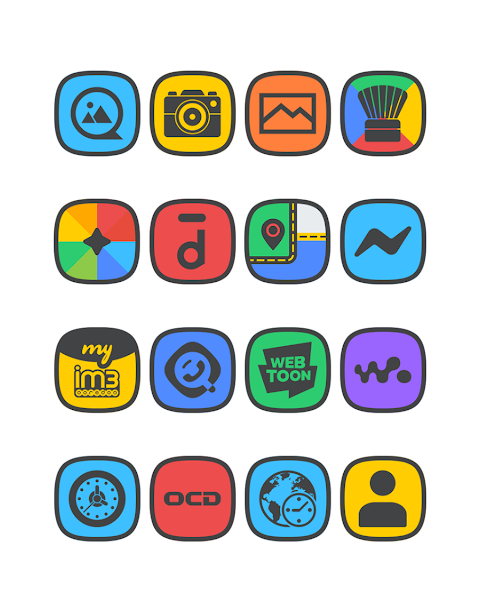
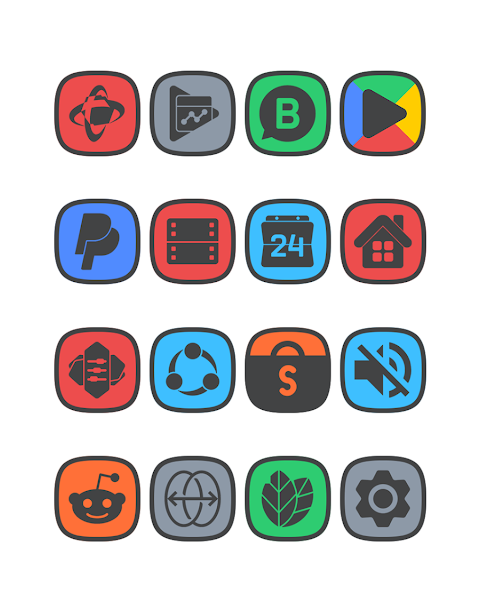
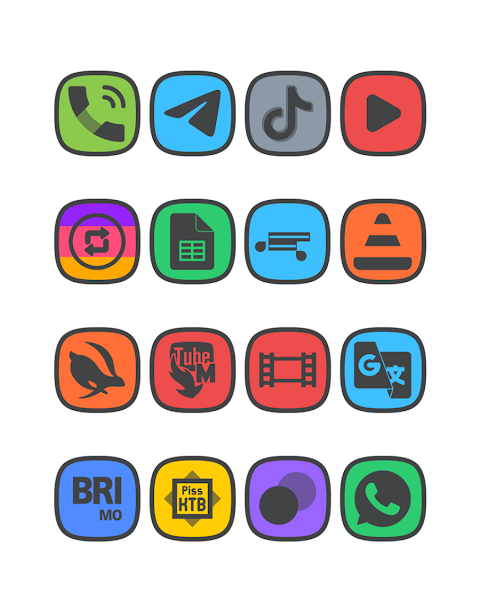
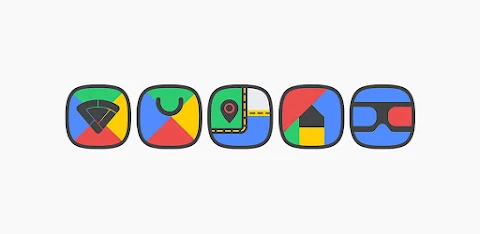
Squircle Dark is a flat icon pack designed to enhance your mobile experience with a sleek, modern look. It features a dark main icon and border, which gives your device a stylish appearance. With over 7,000 icons and counting, this pack offers a wide variety of choices to match your personal style.
One of the standout features of the Squircle Dark icon pack is its HD icon resolution of 192x192px. This means your icons will look sharp and crisp on your screen. In addition, the pack includes not only themed icons but also an icon request feature. This allows you to suggest more icons that could be added, ensuring that your favorite apps are covered.
You can also enhance your experience with the included HD wallpapers, which help complete the overall aesthetic of your home screen. The icon pack is designed to be user-friendly, making it easy for anyone to customize their device.
Applying the Squircle Dark icon pack is simple. It supports many popular launchers, including Nova Launcher and Evie Launcher. To use it, just follow these easy steps:
1. Open the Squircle Dark icon pack app.
2. Navigate to the "Apply Icon Pack" screen.
3. A list of supported launchers will appear. Choose Nova Launcher or any other launcher that you have installed.
4. The app will automatically apply the icons from the Squircle Dark pack to your chosen launcher.
If you don’t see your launcher listed while applying from the Squircle Dark icon pack, you can try applying it directly from the launcher itself.
For users of the Sony Xperia Home Launcher, you can also use this icon pack, but it requires a few extra steps:
1. Long press on the main screen to access settings.
2. Open the settings menu.
3. Scroll down to the appearance icon settings.
4. Select Squircle Dark from the options available.
5. Your Sony Xperia will have the Squircle Dark icon pack applied successfully.
Remember, the Squircle Dark icon pack only supports Sony Xperia Home Launcher version 10.0.A.0.8 or higher.
In addition to Nova Launcher and Evie Launcher, the icon pack works with various other launchers. You can use it with Apex Launcher, ADW Launcher, ABC Launcher, Next Launcher, Holo Launcher, Lucid Launcher, M Launcher, Action Launcher, Smart Launcher, Go Launcher, and Zero Launcher, though bear in mind that Go Launcher and Zero Launcher have icon masking limitations.
Squircle Dark not only offers customizable icon themes but also focuses on design aesthetics and visual personalization. It allows for mobile icon customization that reflects your personality. The seamless integration with the Candybar Dashboard, designed by Dani Mahardika, enhances the overall experience.
For more design inspiration and information, you can find Squircle Dark on social media platforms like Google+, Instagram, and Twitter. Whether you're looking for modern app icons or just want to give your phone a fresh look, Squircle Dark provides a complete solution for launcher customization. Enjoy transforming your device with this versatile icon pack!
One of the standout features of the Squircle Dark icon pack is its HD icon resolution of 192x192px. This means your icons will look sharp and crisp on your screen. In addition, the pack includes not only themed icons but also an icon request feature. This allows you to suggest more icons that could be added, ensuring that your favorite apps are covered.
You can also enhance your experience with the included HD wallpapers, which help complete the overall aesthetic of your home screen. The icon pack is designed to be user-friendly, making it easy for anyone to customize their device.
Applying the Squircle Dark icon pack is simple. It supports many popular launchers, including Nova Launcher and Evie Launcher. To use it, just follow these easy steps:
1. Open the Squircle Dark icon pack app.
2. Navigate to the "Apply Icon Pack" screen.
3. A list of supported launchers will appear. Choose Nova Launcher or any other launcher that you have installed.
4. The app will automatically apply the icons from the Squircle Dark pack to your chosen launcher.
If you don’t see your launcher listed while applying from the Squircle Dark icon pack, you can try applying it directly from the launcher itself.
For users of the Sony Xperia Home Launcher, you can also use this icon pack, but it requires a few extra steps:
1. Long press on the main screen to access settings.
2. Open the settings menu.
3. Scroll down to the appearance icon settings.
4. Select Squircle Dark from the options available.
5. Your Sony Xperia will have the Squircle Dark icon pack applied successfully.
Remember, the Squircle Dark icon pack only supports Sony Xperia Home Launcher version 10.0.A.0.8 or higher.
In addition to Nova Launcher and Evie Launcher, the icon pack works with various other launchers. You can use it with Apex Launcher, ADW Launcher, ABC Launcher, Next Launcher, Holo Launcher, Lucid Launcher, M Launcher, Action Launcher, Smart Launcher, Go Launcher, and Zero Launcher, though bear in mind that Go Launcher and Zero Launcher have icon masking limitations.
Squircle Dark not only offers customizable icon themes but also focuses on design aesthetics and visual personalization. It allows for mobile icon customization that reflects your personality. The seamless integration with the Candybar Dashboard, designed by Dani Mahardika, enhances the overall experience.
For more design inspiration and information, you can find Squircle Dark on social media platforms like Google+, Instagram, and Twitter. Whether you're looking for modern app icons or just want to give your phone a fresh look, Squircle Dark provides a complete solution for launcher customization. Enjoy transforming your device with this versatile icon pack!

iLOOK Icon pack UX THEME
JustNewDesigns
$1.49
$0.49
【Digital】Business Green Light
ZKin
$2.99
$0.99
Ballozi TRANO GHOST Hybrid
BALLOZI Watch Faces
$1.99
$0.40