

$1.49
$0.29
81% Off
Square Dark – Icon Pack
GomoTheGom


About the App
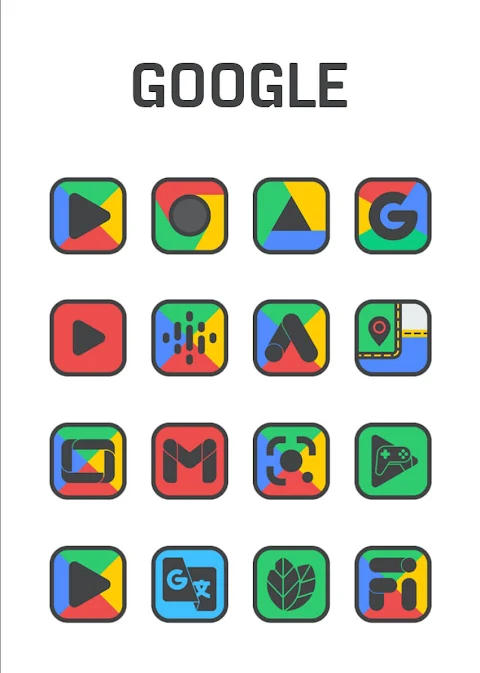
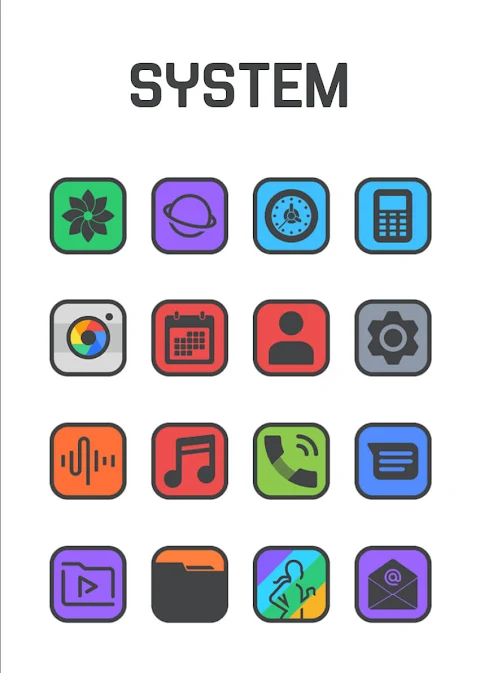
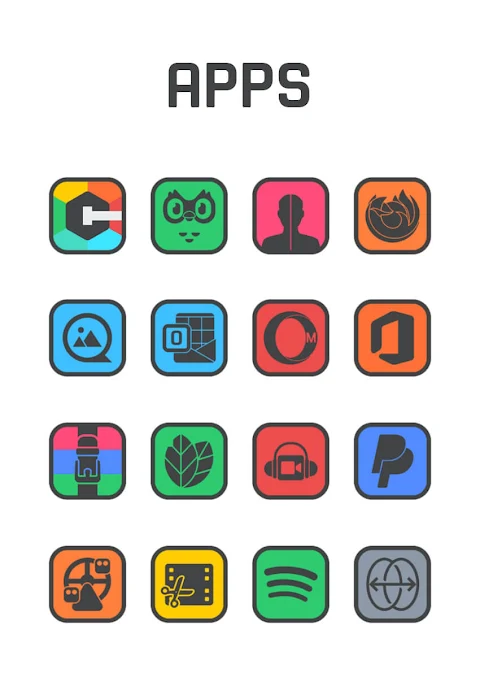
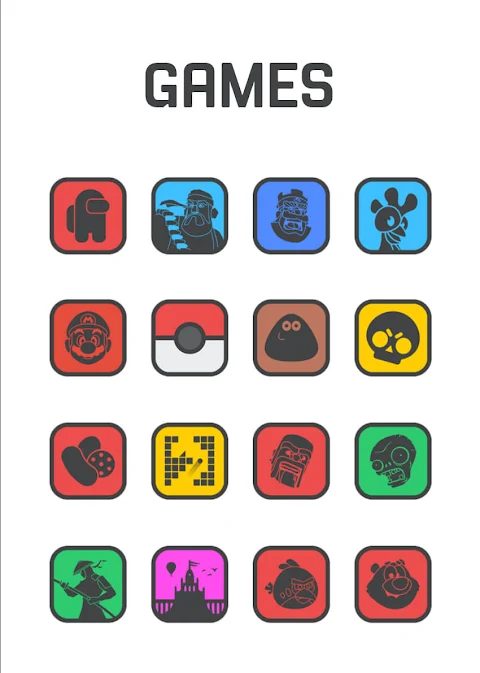
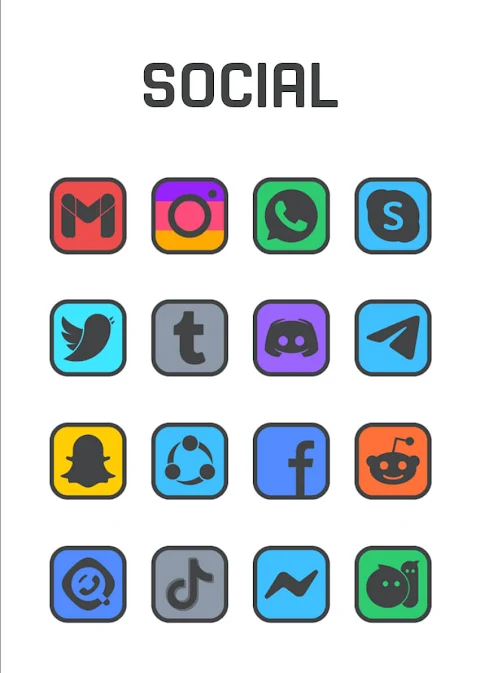
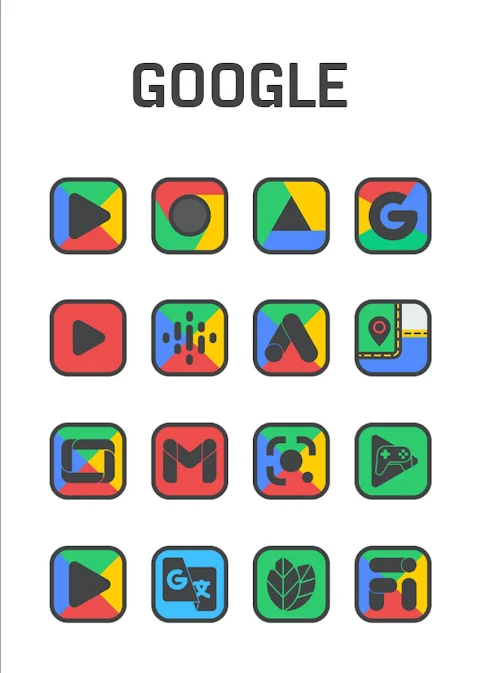
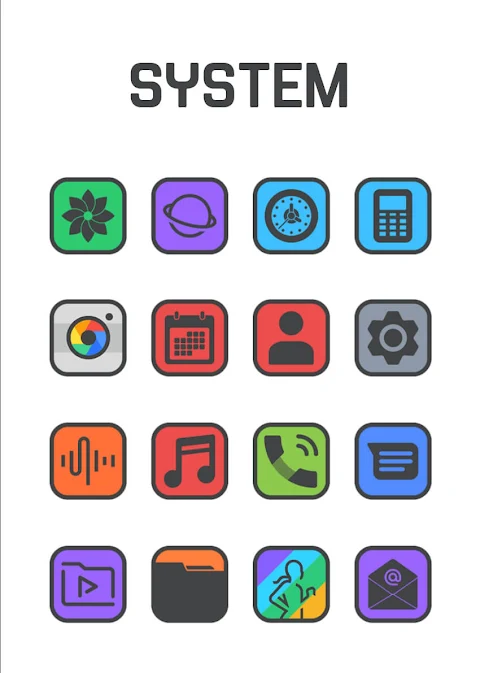
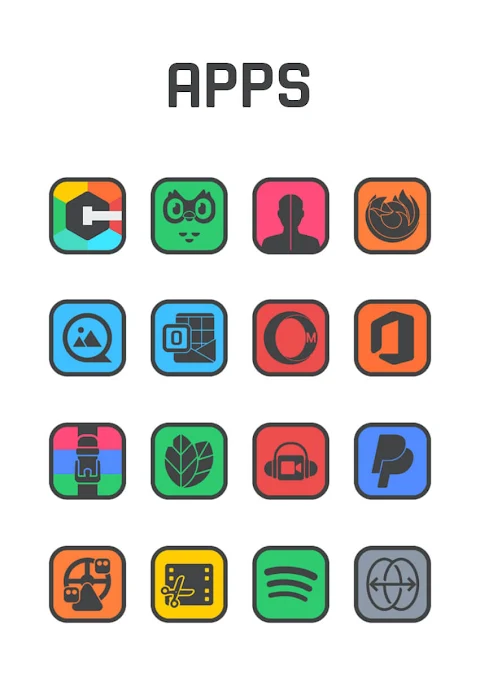
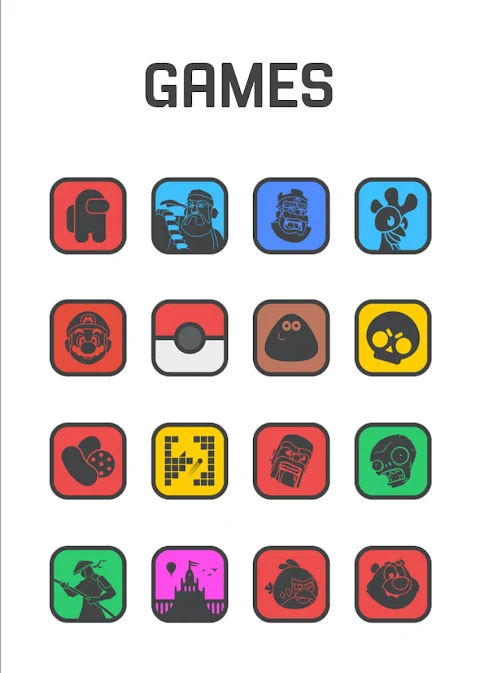
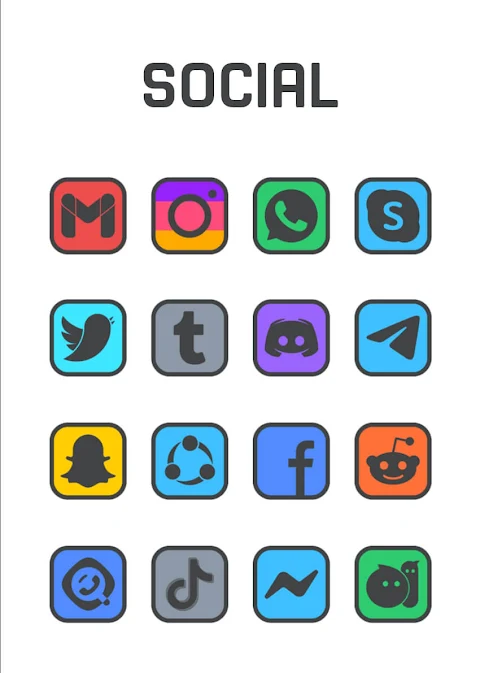
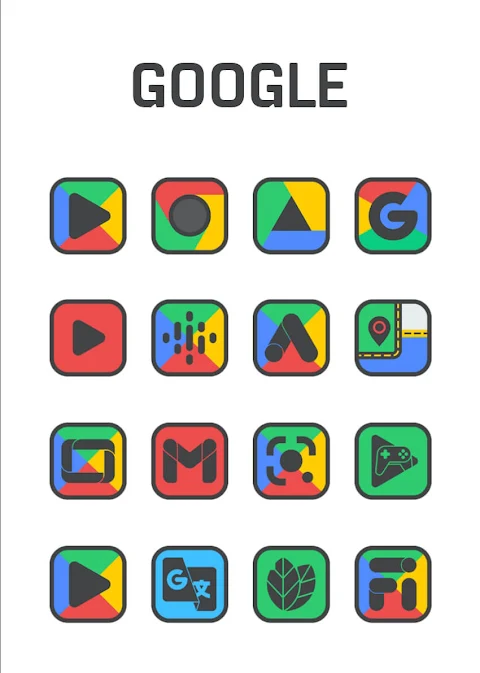
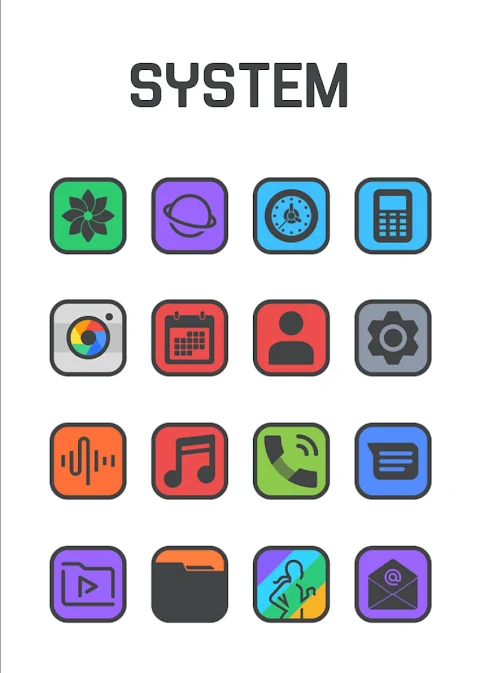
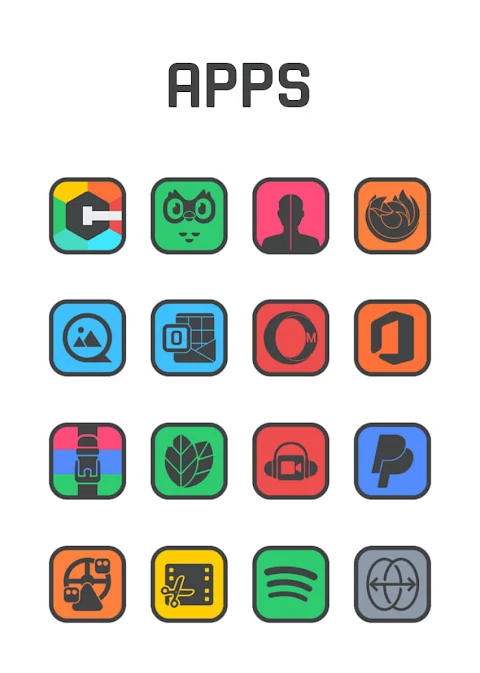
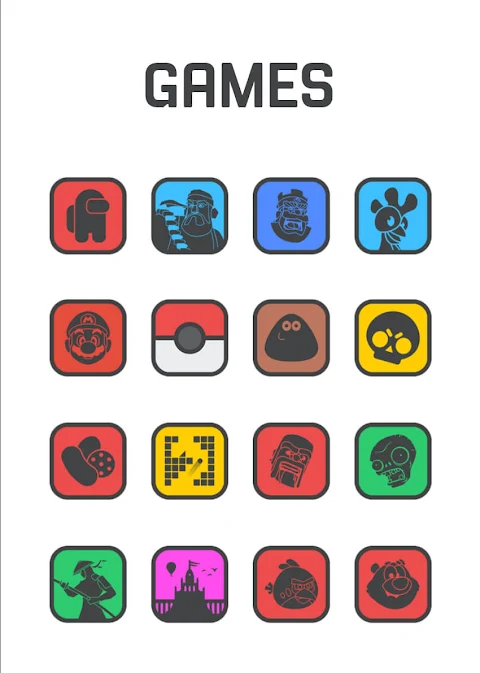
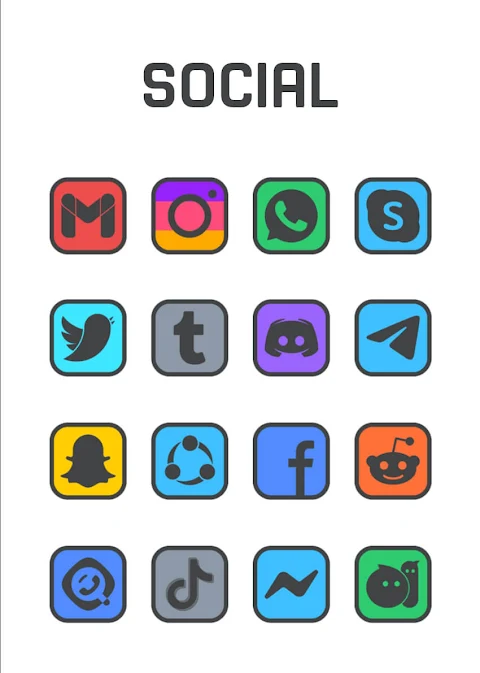
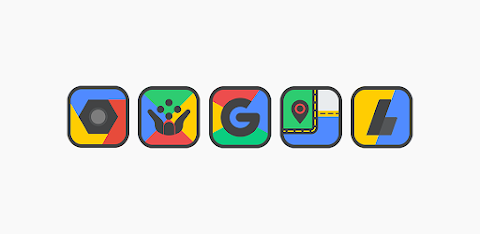
Square Dark - Icon Pack is a beautifully designed dark border icon pack that features colorful backgrounds. This simple square border design is perfect for users who want their app icons to pop against both light and dark wallpapers. Each icon is crafted with great care, making them true masterpiece icons that are satisfying to look at.
With over 7500 high quality icons, each measuring 254x254 pixels, this collection continues to grow with frequent updates. Users can also download high-resolution wallpapers that complement the icons beautifully, enhancing the overall look of their devices. If you notice any missing apps, the icon request feature allows you to request icons for those apps at no cost.
To make the experience even smoother, Square Dark - Icon Pack offers a quick apply feature for favorite launchers. You'll find an intuitive user dashboard that makes icon pack management easy. You can even preview how the icons will look on your current wallpaper using the dashboard preview pane.
For the best results, it's suggested to install a compatible launcher like Nova Launcher or Lawnchair. Once you open Square Dark - Icon Pack, applying the icons is straightforward. Even if your launcher isn’t listed, you can change the icon pack set from your phone’s theme or icon change screen. This will allow you to find Square Dark in the list and set it as your current icon pack.
Square Dark - Icon Pack is compatible with various launchers. You can apply it via the dashboard using popular options such as Action Launcher, Apex Launcher, Evie Launcher, and Go Launcher, among others. If you're using Poco Launcher, Arrow Launcher, or Xperia Home, you can also set it through the launcher/theme settings.
Do keep in mind that a supported launcher is necessary to use this icon pack smoothly. If you encounter any issues, feel free to reach out for support. The team is committed to providing quick and helpful responses.
Additionally, if you experience any trouble with Go Launcher, you can change the icon pack theme settings by clicking on the downloaded button at the top right of the screen. If some icons remain unchanged, simply long-press the icon and use the replace menu to select the Square Dark icon.
When using Nova Launcher, note that icons may appear rounded automatically. You can adjust this in the Nova theme menu by ensuring that the option to change icon shapes is turned off, allowing you to enjoy the unique square borders of your new icons.
With creative icon designs and customizable icon shapes, Square Dark - Icon Pack enhances your mobile with themed icon packs that truly stand out. Upgrade your device with this stunning icon pack download and bring your apps to life. Whether you prefer light wallpapers or dark wallpapers, Square Dark - Icon Pack is designed to impress and to fit any style. Enjoy a fully supported icon experience that is visually pleasing and functional with each use.
With over 7500 high quality icons, each measuring 254x254 pixels, this collection continues to grow with frequent updates. Users can also download high-resolution wallpapers that complement the icons beautifully, enhancing the overall look of their devices. If you notice any missing apps, the icon request feature allows you to request icons for those apps at no cost.
To make the experience even smoother, Square Dark - Icon Pack offers a quick apply feature for favorite launchers. You'll find an intuitive user dashboard that makes icon pack management easy. You can even preview how the icons will look on your current wallpaper using the dashboard preview pane.
For the best results, it's suggested to install a compatible launcher like Nova Launcher or Lawnchair. Once you open Square Dark - Icon Pack, applying the icons is straightforward. Even if your launcher isn’t listed, you can change the icon pack set from your phone’s theme or icon change screen. This will allow you to find Square Dark in the list and set it as your current icon pack.
Square Dark - Icon Pack is compatible with various launchers. You can apply it via the dashboard using popular options such as Action Launcher, Apex Launcher, Evie Launcher, and Go Launcher, among others. If you're using Poco Launcher, Arrow Launcher, or Xperia Home, you can also set it through the launcher/theme settings.
Do keep in mind that a supported launcher is necessary to use this icon pack smoothly. If you encounter any issues, feel free to reach out for support. The team is committed to providing quick and helpful responses.
Additionally, if you experience any trouble with Go Launcher, you can change the icon pack theme settings by clicking on the downloaded button at the top right of the screen. If some icons remain unchanged, simply long-press the icon and use the replace menu to select the Square Dark icon.
When using Nova Launcher, note that icons may appear rounded automatically. You can adjust this in the Nova theme menu by ensuring that the option to change icon shapes is turned off, allowing you to enjoy the unique square borders of your new icons.
With creative icon designs and customizable icon shapes, Square Dark - Icon Pack enhances your mobile with themed icon packs that truly stand out. Upgrade your device with this stunning icon pack download and bring your apps to life. Whether you prefer light wallpapers or dark wallpapers, Square Dark - Icon Pack is designed to impress and to fit any style. Enjoy a fully supported icon experience that is visually pleasing and functional with each use.
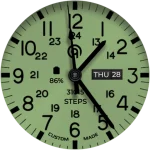
Field Watch 2 Bright WearOS 5+
OQ Watchfaces
$1.79
$0.69
Pixly Professional – Icon Pack
Cris87
$1.89
$0.39

LuX IconPack
JustNewDesigns
$1.49
$0.49