
$1.99
$0.49
75% Off
SketchTrace: AR Drawing
AppInitDev

About the App
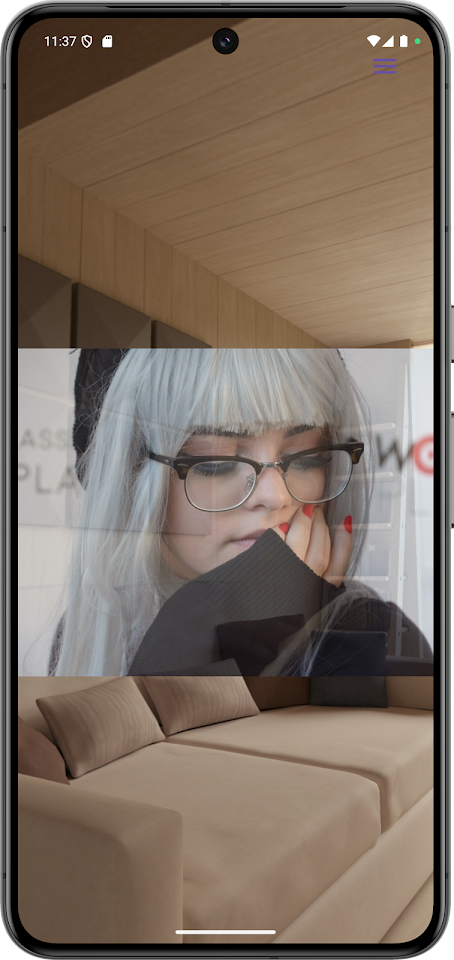
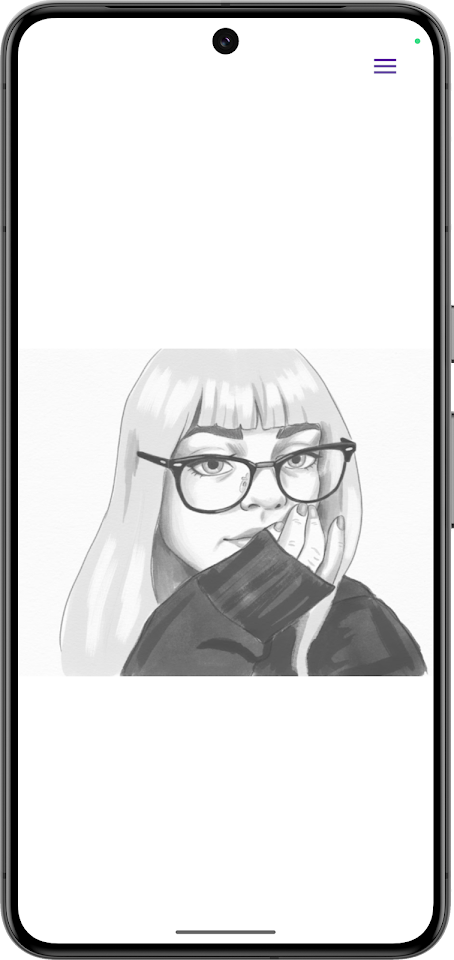
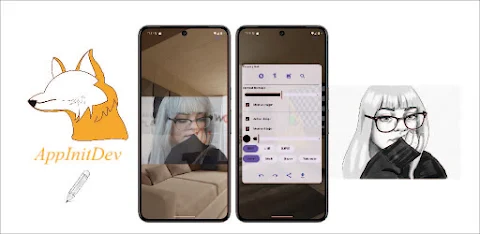
SketchTrace: AR Drawing is an innovative app that helps you trace any image on paper using augmented reality, or AR. This makes it easier to improve your drawing skills. You can turn your phone into a drawing assistant. Just place your phone above your sketchbook, and follow the on-screen guide.
With SketchTrace, you won’t have to guess shapes or proportions anymore. The app projects images right onto your paper, allowing you to trace them step by step like a pro. This feature is perfect for anyone, including beginners who need a drawing guide, students practicing their skills, and artists looking to improve their craft.
One of the highlights of SketchTrace is its AR tracing tools. You simply place your phone over any sheet of paper and follow the virtual lines. This makes it very simple to practice proportions and outlines, making it an ideal option for both beginners and experienced artists.
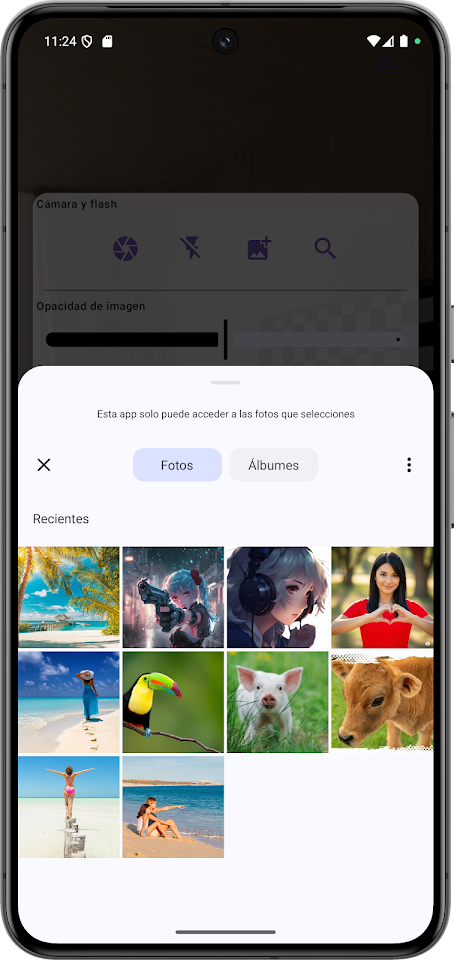
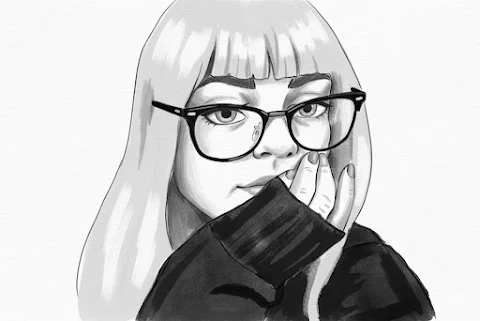
In addition to tracing, you can also import any image you like. You can choose photos from your gallery or take new ones to trace various subjects such as portraits, characters, landscapes, or objects. Every image you select can become a template for your next masterpiece, providing you with endless possibilities for creative tracing methods.
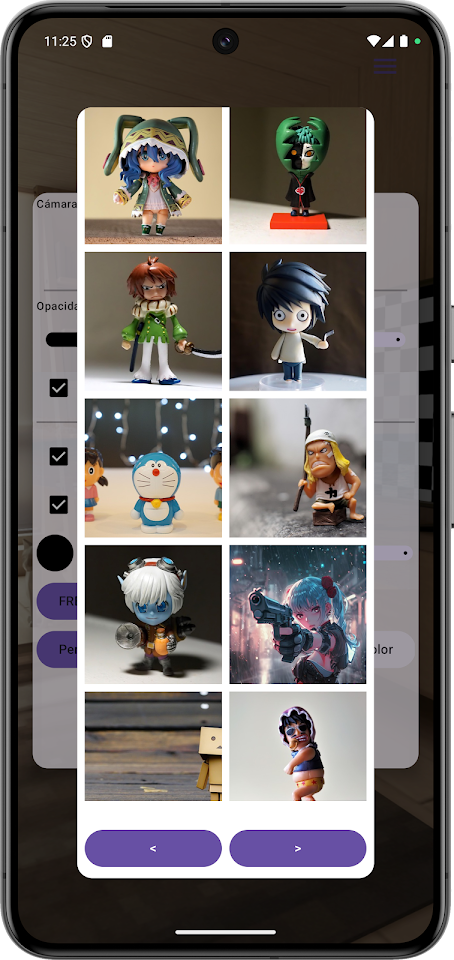
Another exciting feature is the built-in anime character gallery. You can enjoy a curated selection of anime characters ready for you to trace and learn. This allows you to practice your favorite anime styles while improving your accuracy and line control.
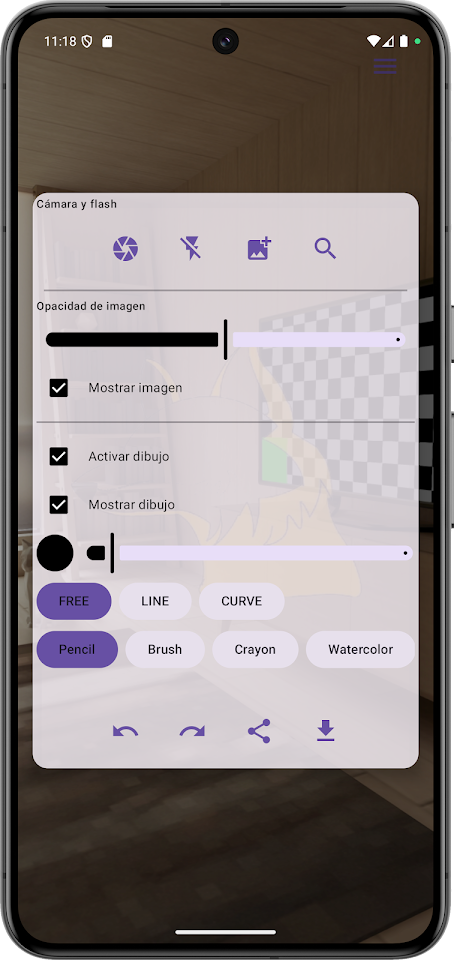
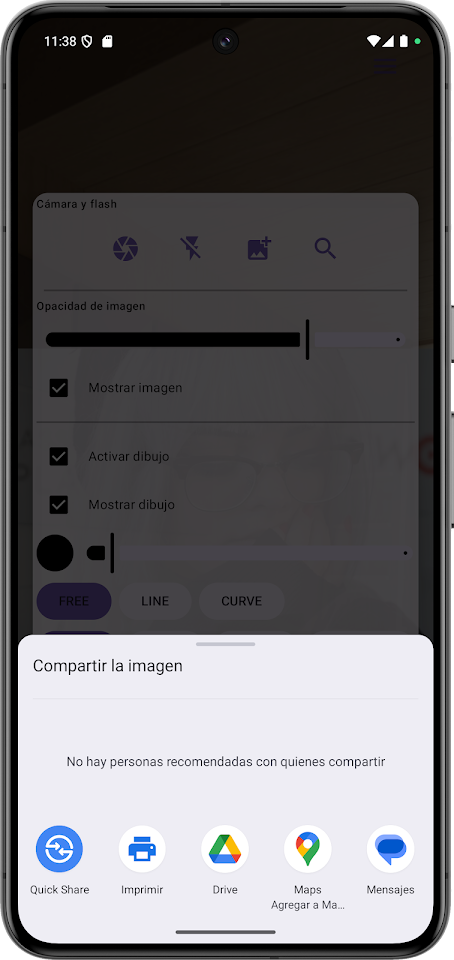
When you use SketchTrace, precision tracing control is important. The app allows you to adjust image opacity, size, rotation, and motion sensitivity. This ensures that you can easily position your image and trace at your own pace for maximum accuracy.
You can also draw anytime and anywhere with the flashlight drawing mode. This feature lets you keep creating even in dim light, so inspiration never has to stop.
For a distraction-free experience, SketchTrace offers an immersive drawing mode. This hides the on-screen controls so you can focus solely on your art while still benefiting from the AR overlay.
To further support your artistic journey, SketchTrace provides guided drawing tutorials. These tutorials help you learn new techniques and develop your own artistic style. They are especially good for practicing anatomy, faces, or even geometric forms.
There are many reasons to choose SketchTrace. It is user-friendly and does not require special equipment. It works perfectly with any kind of paper, notebook, or surface. This makes it a great tool for artists, students, and hobbyists alike. The app encourages hands-on artistic learning through tracing practice, making drawing a fun and accurate activity.
So why wait? Download SketchTrace: AR Drawing today. Unleash your creativity, trace with precision, and learn to draw like never before using augmented reality!
With SketchTrace, you won’t have to guess shapes or proportions anymore. The app projects images right onto your paper, allowing you to trace them step by step like a pro. This feature is perfect for anyone, including beginners who need a drawing guide, students practicing their skills, and artists looking to improve their craft.
One of the highlights of SketchTrace is its AR tracing tools. You simply place your phone over any sheet of paper and follow the virtual lines. This makes it very simple to practice proportions and outlines, making it an ideal option for both beginners and experienced artists.
In addition to tracing, you can also import any image you like. You can choose photos from your gallery or take new ones to trace various subjects such as portraits, characters, landscapes, or objects. Every image you select can become a template for your next masterpiece, providing you with endless possibilities for creative tracing methods.
Another exciting feature is the built-in anime character gallery. You can enjoy a curated selection of anime characters ready for you to trace and learn. This allows you to practice your favorite anime styles while improving your accuracy and line control.
When you use SketchTrace, precision tracing control is important. The app allows you to adjust image opacity, size, rotation, and motion sensitivity. This ensures that you can easily position your image and trace at your own pace for maximum accuracy.
You can also draw anytime and anywhere with the flashlight drawing mode. This feature lets you keep creating even in dim light, so inspiration never has to stop.
For a distraction-free experience, SketchTrace offers an immersive drawing mode. This hides the on-screen controls so you can focus solely on your art while still benefiting from the AR overlay.
To further support your artistic journey, SketchTrace provides guided drawing tutorials. These tutorials help you learn new techniques and develop your own artistic style. They are especially good for practicing anatomy, faces, or even geometric forms.
There are many reasons to choose SketchTrace. It is user-friendly and does not require special equipment. It works perfectly with any kind of paper, notebook, or surface. This makes it a great tool for artists, students, and hobbyists alike. The app encourages hands-on artistic learning through tracing practice, making drawing a fun and accurate activity.
So why wait? Download SketchTrace: AR Drawing today. Unleash your creativity, trace with precision, and learn to draw like never before using augmented reality!

Home Plan Creator Floorplan 3D
AUSTECH STUDIO
$4.99
$2.00
Outlined Watch Face
amoledwatchfaces™
$0.99
$0.30
2D ANIMATION – DRAW & CREATE
Global Apps and Games
$2.99
FREE