

$0.99
$0.69
30% Off
Simply You Icon Pack
PizzApp Design












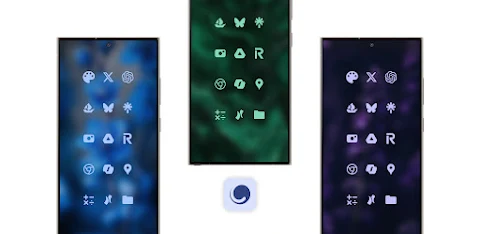
About the App
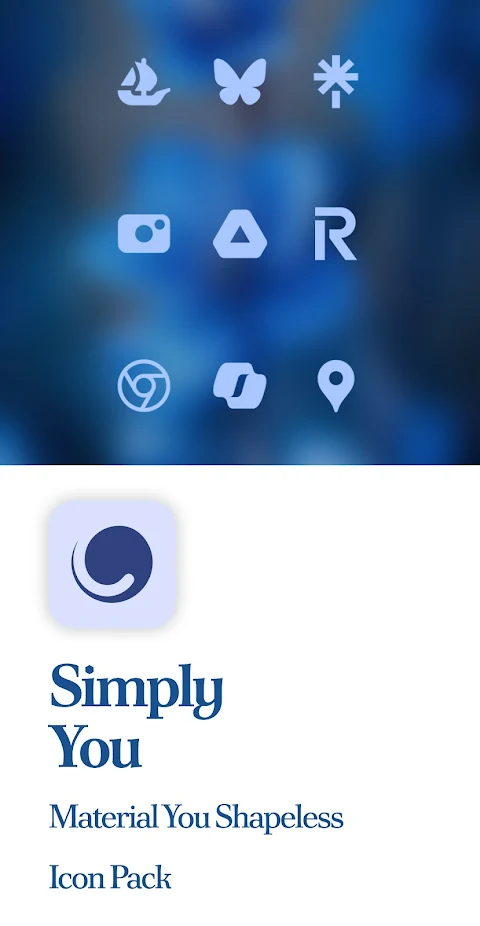
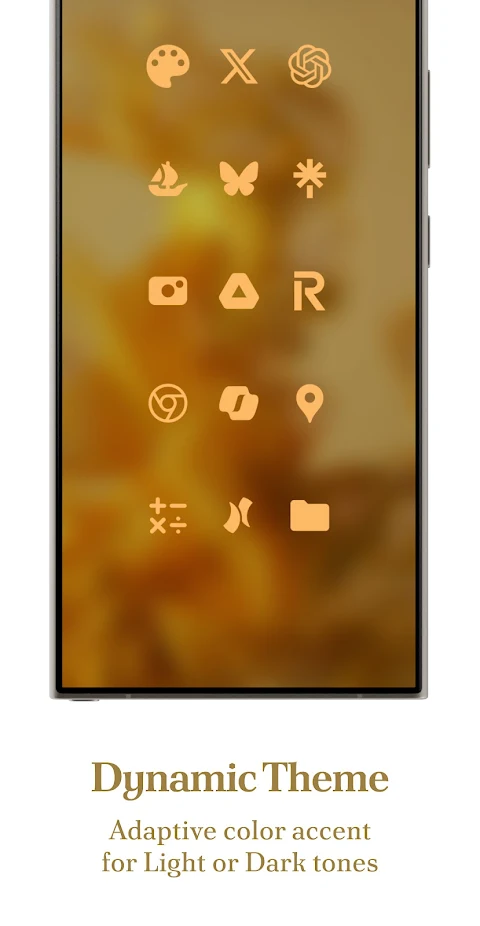
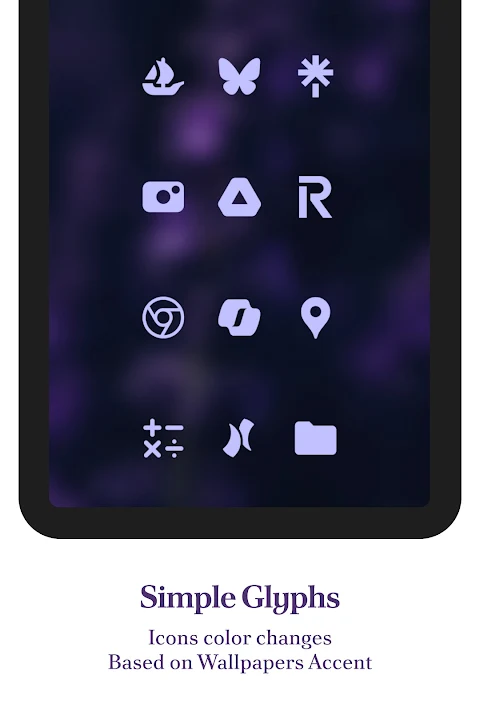
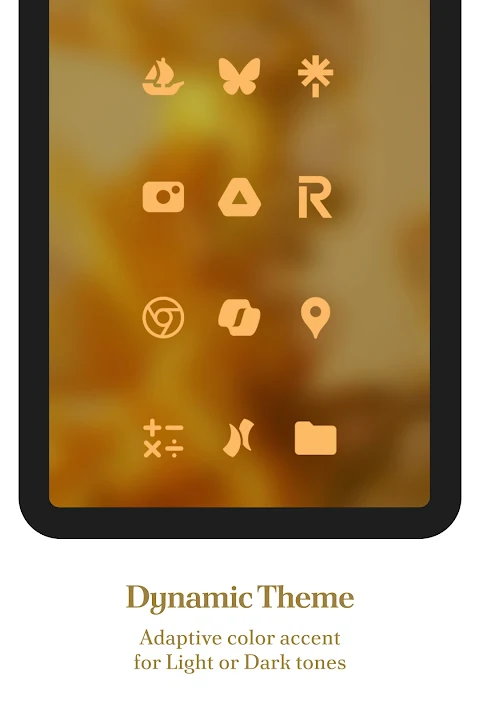
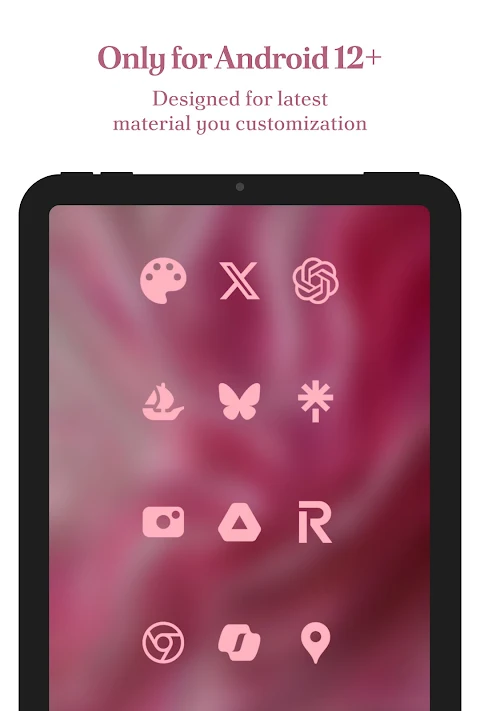
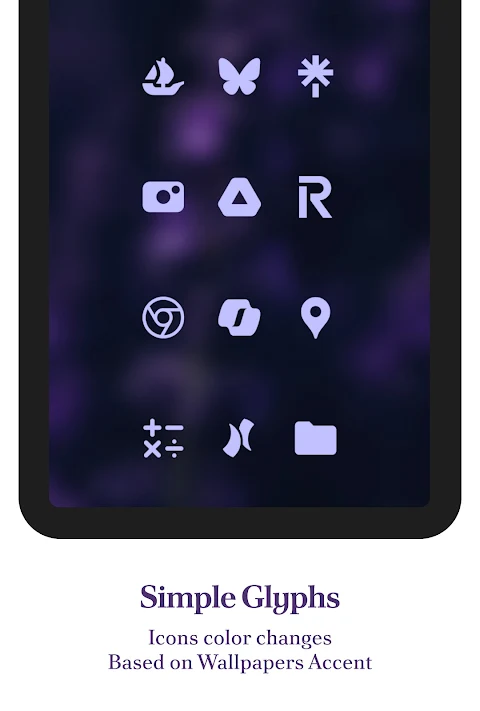
Simply You Icon Pack offers a unique way to customize your device with the Material You Icon Pack. This pack dynamically adjusts to match your wallpaper’s accent colors, giving you a fresh look whenever you change themes. It also supports both Day and Night modes for a seamless experience. Designed for use with third-party launchers, Simply You Icon Pack makes your device feel personal.
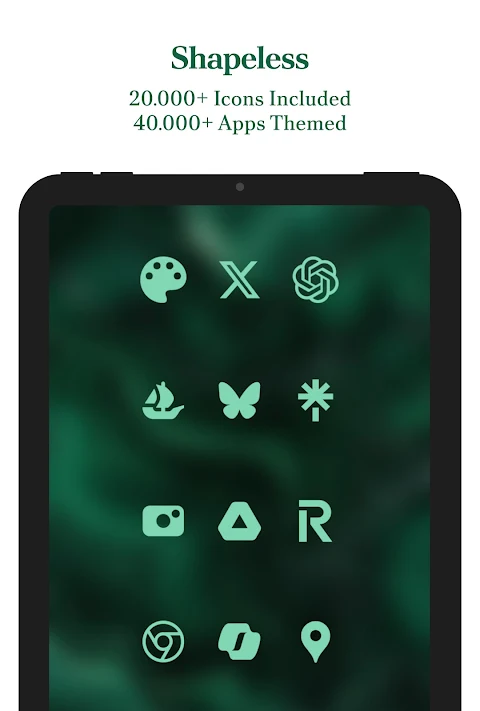
Every icon in this pack is crafted with attention to detail, maintaining balanced proportions and colors that align perfectly with Material You design. With over 25,000 Material You Icons included, you can transform the appearance of more than 45,000 apps. Whether you use System Apps, Google Apps, Social Apps, or Media Apps, you’ll find the perfect icons to fit your style.
The pack also includes exclusive Custom Wallpapers and features like Dynamic Calendars for launchers that support it. The user-friendly Material You Dashboard makes navigating your options simple. You can even utilize Icon Masking with the Theme Accent feature for unthemed apps, enhancing your device’s consistency.
If you find any icons that aren’t thematically polished or missing, Simply You Icon Pack allows for Icon Requests. You can request icons for free or opt for Premium Requests for more options. This feature ensures you can keep your icon set fresh and up-to-date with regular icon updates provided by the developers.
To get started, you need to have a compatible launcher installed. Simply open the Simply You Icon Pack app, tap on apply, or select it in your launcher settings. It works well with popular launchers like Nova Launcher, Hyperion Launcher, Kiss Launcher, Lawnchair Launcher, and many more including Samsung One UI with Theme Park, Poco Launcher, Smart Launcher, Square Launcher, and Tinybit Launcher. Even if your launcher isn’t listed, it may still support this icon pack.
Before you begin, just note that the appearance of colors and icons can vary based on your device’s settings and theme. The screenshots shown in the app are taken using Nova Launcher, so results may differ slightly on your device.
The app does require a third-party launcher or OEM compatibility to function correctly. There is an FAQ section inside the app that provides answers to common questions, helping you troubleshoot before reaching out for support.
Stay connected with us through various platforms! You can find updates and support on our social media channels or through email. Visit our link in bio or follow us on Instagram, Twitter, and Telegram to keep up with new releases and community discussions.
With Simply You Icon Pack, you have all the tools to enhance your Android experience. Enjoy an extensive range of Icon Customization Options, independent icon requests, and a solution for any un-themed icons. Upgrade your device today with a stylish look that reflects your personal taste!
Every icon in this pack is crafted with attention to detail, maintaining balanced proportions and colors that align perfectly with Material You design. With over 25,000 Material You Icons included, you can transform the appearance of more than 45,000 apps. Whether you use System Apps, Google Apps, Social Apps, or Media Apps, you’ll find the perfect icons to fit your style.
The pack also includes exclusive Custom Wallpapers and features like Dynamic Calendars for launchers that support it. The user-friendly Material You Dashboard makes navigating your options simple. You can even utilize Icon Masking with the Theme Accent feature for unthemed apps, enhancing your device’s consistency.
If you find any icons that aren’t thematically polished or missing, Simply You Icon Pack allows for Icon Requests. You can request icons for free or opt for Premium Requests for more options. This feature ensures you can keep your icon set fresh and up-to-date with regular icon updates provided by the developers.
To get started, you need to have a compatible launcher installed. Simply open the Simply You Icon Pack app, tap on apply, or select it in your launcher settings. It works well with popular launchers like Nova Launcher, Hyperion Launcher, Kiss Launcher, Lawnchair Launcher, and many more including Samsung One UI with Theme Park, Poco Launcher, Smart Launcher, Square Launcher, and Tinybit Launcher. Even if your launcher isn’t listed, it may still support this icon pack.
Before you begin, just note that the appearance of colors and icons can vary based on your device’s settings and theme. The screenshots shown in the app are taken using Nova Launcher, so results may differ slightly on your device.
The app does require a third-party launcher or OEM compatibility to function correctly. There is an FAQ section inside the app that provides answers to common questions, helping you troubleshoot before reaching out for support.
Stay connected with us through various platforms! You can find updates and support on our social media channels or through email. Visit our link in bio or follow us on Instagram, Twitter, and Telegram to keep up with new releases and community discussions.
With Simply You Icon Pack, you have all the tools to enhance your Android experience. Enjoy an extensive range of Icon Customization Options, independent icon requests, and a solution for any un-themed icons. Upgrade your device today with a stylish look that reflects your personal taste!
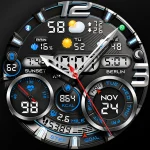
PER32 Ultra Hybrit Watch Face
PERSONA Watch Face
$2.29
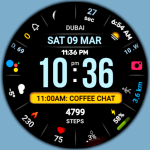
Black Military 3
WinWatchfaces
$1.29
$0.71
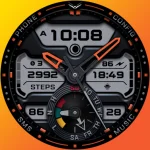
Ballozi VERTICE – Hybrid Face
BALLOZI Watch Faces
$1.49
$0.34