
$0.99
$0.69
30% Off
Simply Adaptive Icon Pack
PizzApp Design

About the App
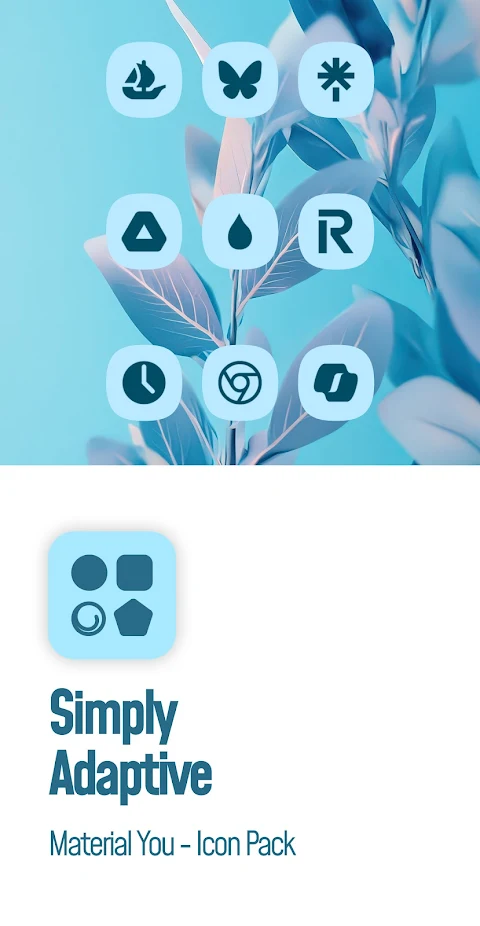
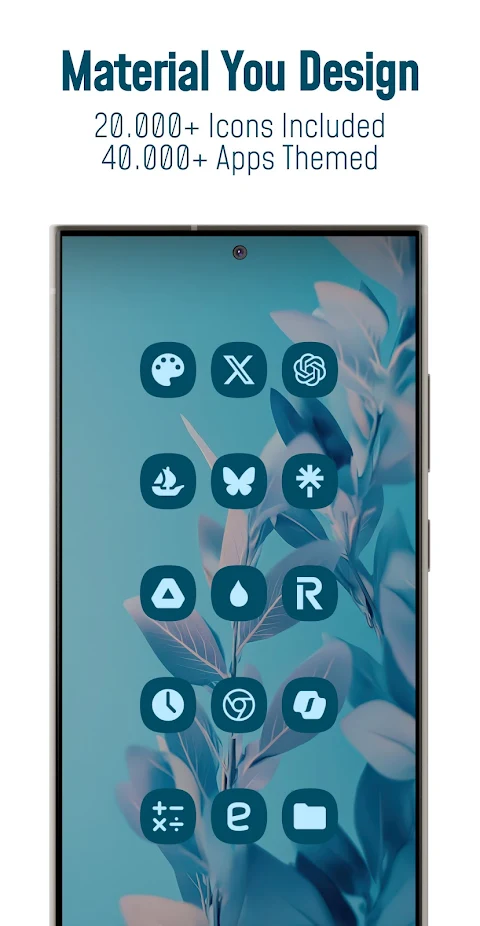
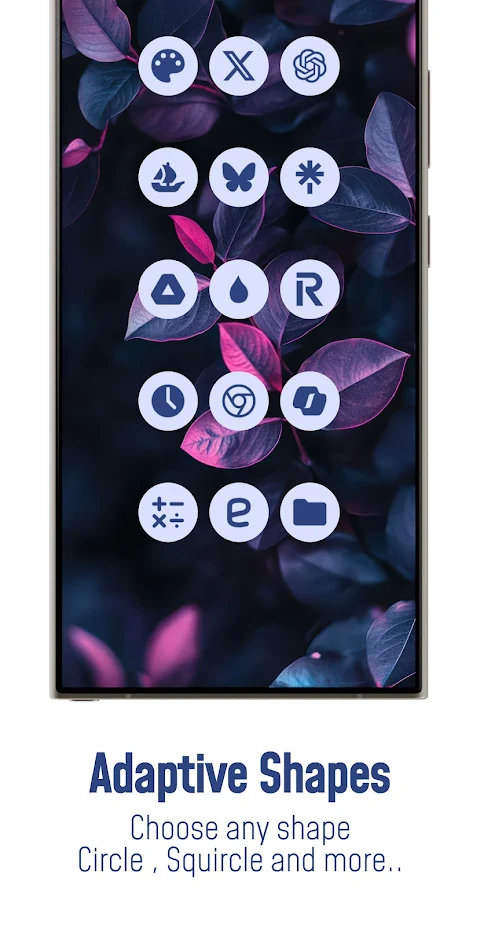
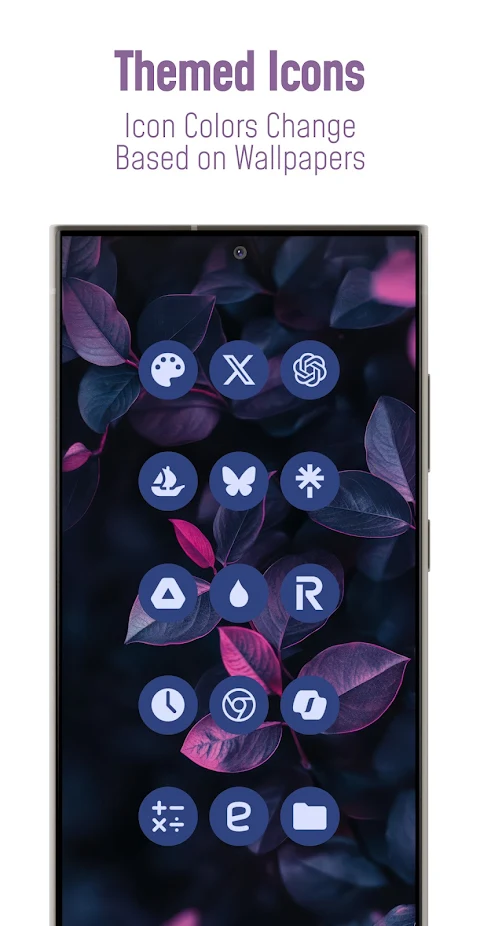
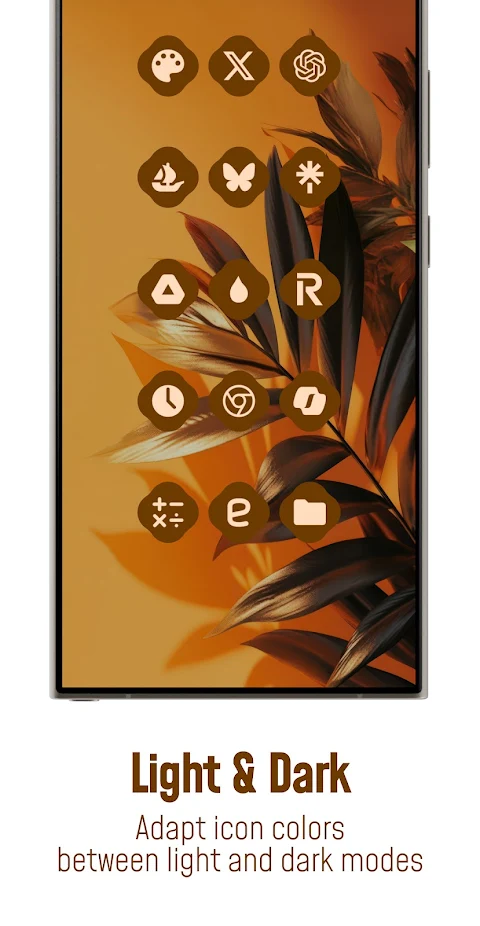
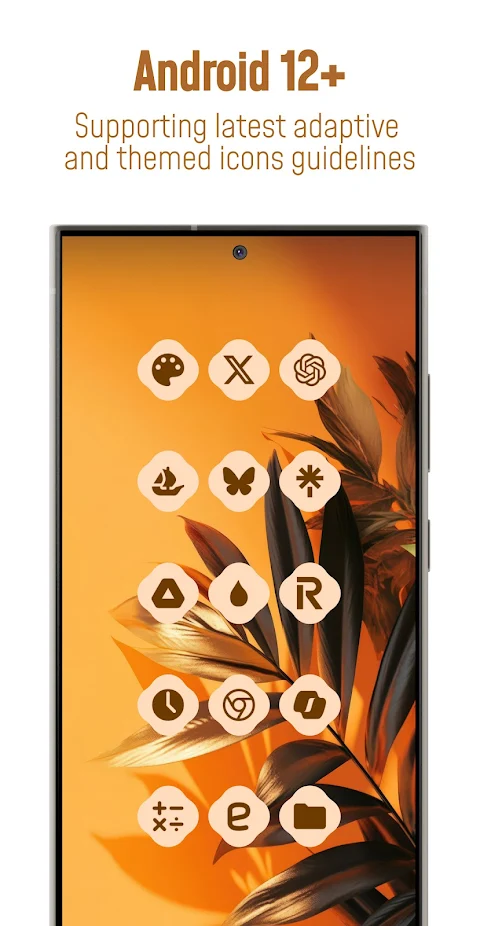
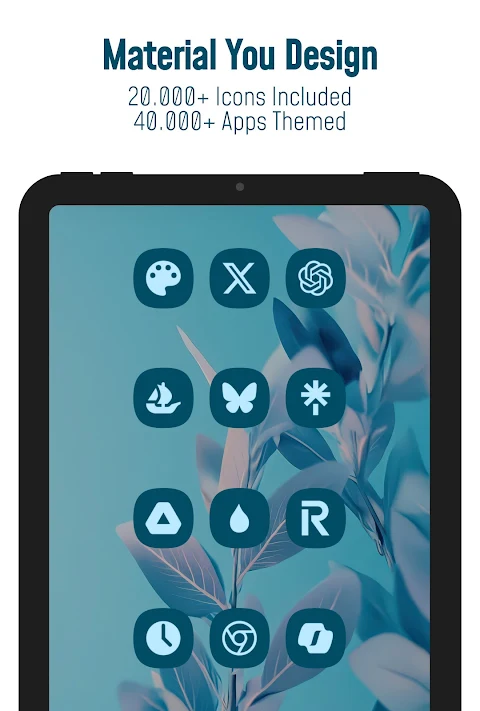
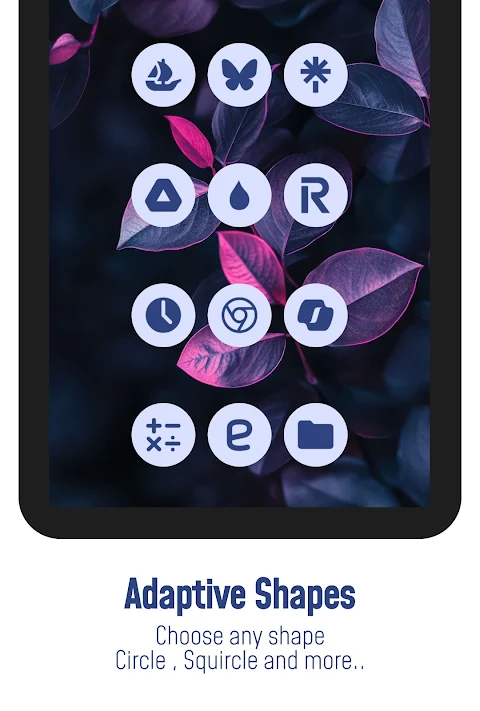
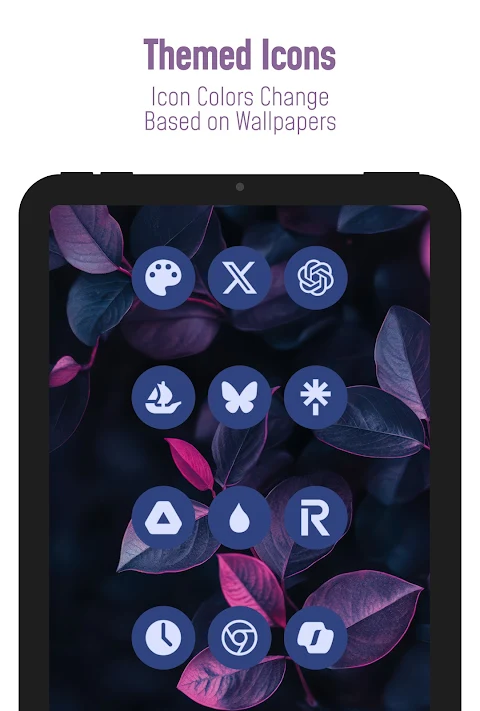
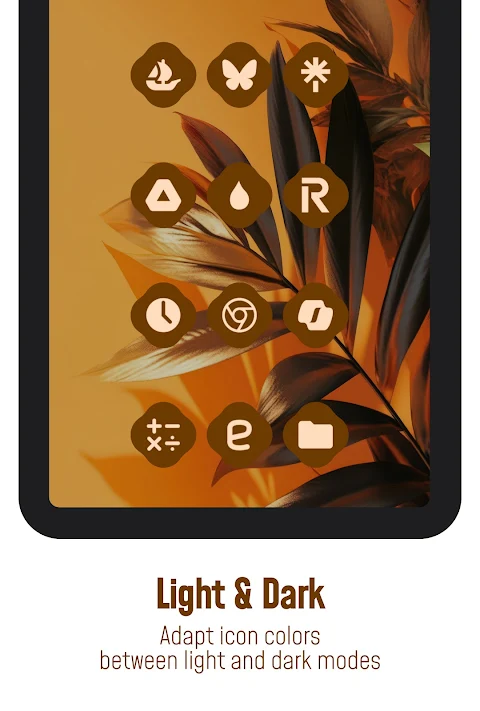
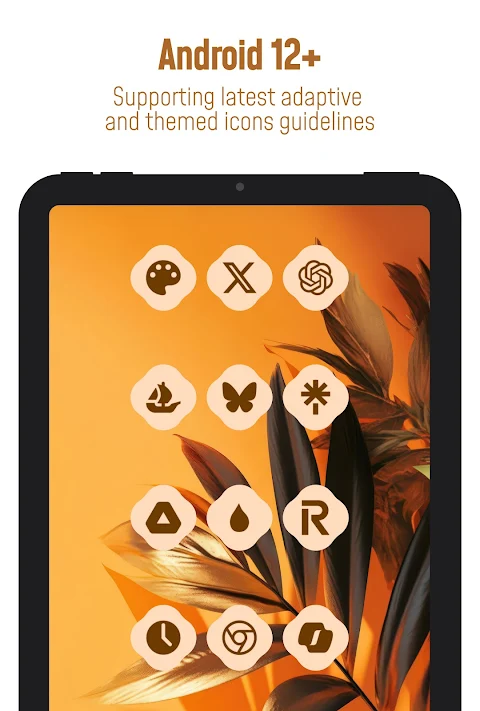
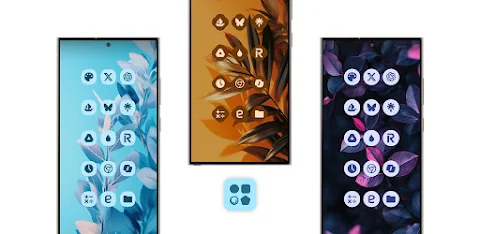
Simply Adaptive Icon Pack transforms your Android 12+ home screen into a vibrant experience. With this Material You Icon Pack, your icons adapt seamlessly to the dominant colors of your wallpaper. They also shift in color tones between Day and Night modes, creating a lovely visual effect. You can easily choose from various shapes, including rounded squares and teardrop shapes, enhancing your device's look. This icon pack works smoothly with many third-party launchers, making customization simple and fun.
Each icon is designed with balanced proportions and a color palette that complements Material You design. It's worth noting that the colors of the icons may vary based on your device’s launcher, theme settings, and other factors. For example, the screenshots you see might have been captured using Nova Launcher, and your results may look slightly different based on your setup.
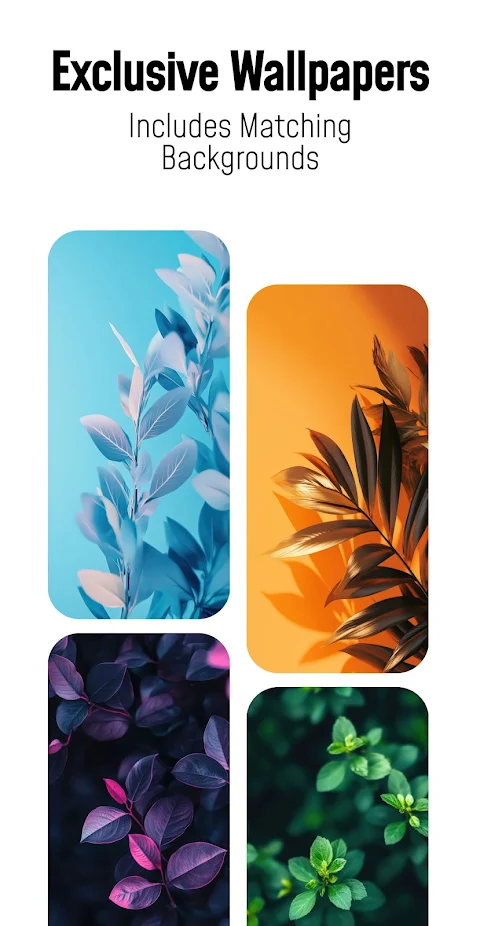
The Simply Adaptive Icon Pack includes over 25,000 Material You icons, covering more than 50,000 apps. You will also find exclusive dynamic wallpapers and dynamic calendars that work with supported launchers. The user-friendly dashboard makes it easy to navigate the app, and you can submit free icon requests for your favorite apps. For those wanting even more customization, premium icon requests are also available. Regular updates mean that new icons will be added frequently, keeping your home screen fresh.
This icon pack covers a wide range of app categories. You will find icons for system apps, Google apps, stock OEM apps, social apps, media apps, and games apps, among others. No matter what types of apps you use, there’s likely an icon ready for each one.
To get started, you simply need to install a compatible launcher like Nova Launcher, Hyperion Launcher, or Lawnchair Launcher. Once installed, open the Simply Adaptive Icon Pack app, tap on apply, or select it within your launcher settings. Other supported launchers include Niagara, Poco, Samsung One UI (with Theme Park), Smart Launcher, Tinybit Launcher, and Kiss Launcher. Some other launchers may also be compatible even if they aren't listed here.
Keep in mind that using a third-party launcher or ensuring OEM compatibility is necessary for this pack to work correctly. If you find any icons unthemed or missing, you can easily send a free icon request through the app, and it will be included in future updates. An FAQ section within the app answers many common questions, so check that out before sending any inquiries.
For support, you can contact us through email or join our Telegram community. We’re here to help you make the most of the Simply Adaptive Icon Pack.
With Simply Adaptive Icon Pack, you can customize your device with ease, enjoy a cleaner look, and express your style through unique, custom icons. Whether you are looking for media apps icons, social apps icons, or any other themed material, this pack has got you covered. With balanced icon proportions and a complementary color palette, your home screen will come to life in ways you never thought possible.
Each icon is designed with balanced proportions and a color palette that complements Material You design. It's worth noting that the colors of the icons may vary based on your device’s launcher, theme settings, and other factors. For example, the screenshots you see might have been captured using Nova Launcher, and your results may look slightly different based on your setup.
The Simply Adaptive Icon Pack includes over 25,000 Material You icons, covering more than 50,000 apps. You will also find exclusive dynamic wallpapers and dynamic calendars that work with supported launchers. The user-friendly dashboard makes it easy to navigate the app, and you can submit free icon requests for your favorite apps. For those wanting even more customization, premium icon requests are also available. Regular updates mean that new icons will be added frequently, keeping your home screen fresh.
This icon pack covers a wide range of app categories. You will find icons for system apps, Google apps, stock OEM apps, social apps, media apps, and games apps, among others. No matter what types of apps you use, there’s likely an icon ready for each one.
To get started, you simply need to install a compatible launcher like Nova Launcher, Hyperion Launcher, or Lawnchair Launcher. Once installed, open the Simply Adaptive Icon Pack app, tap on apply, or select it within your launcher settings. Other supported launchers include Niagara, Poco, Samsung One UI (with Theme Park), Smart Launcher, Tinybit Launcher, and Kiss Launcher. Some other launchers may also be compatible even if they aren't listed here.
Keep in mind that using a third-party launcher or ensuring OEM compatibility is necessary for this pack to work correctly. If you find any icons unthemed or missing, you can easily send a free icon request through the app, and it will be included in future updates. An FAQ section within the app answers many common questions, so check that out before sending any inquiries.
For support, you can contact us through email or join our Telegram community. We’re here to help you make the most of the Simply Adaptive Icon Pack.
With Simply Adaptive Icon Pack, you can customize your device with ease, enjoy a cleaner look, and express your style through unique, custom icons. Whether you are looking for media apps icons, social apps icons, or any other themed material, this pack has got you covered. With balanced icon proportions and a complementary color palette, your home screen will come to life in ways you never thought possible.

Hexa Icon Pack : Hexagonal
JustNewDesigns
$1.29
$0.19
Rolex Daytona Watch Face
Prime Legacy Watch Faces Studio
$1.99
$0.39
CFS104 Digital
CFS Creative Face Studio
$1.49
$0.75