
$1.49
FREE
100% Off
Shield – Icon Pack
GomoTheGom

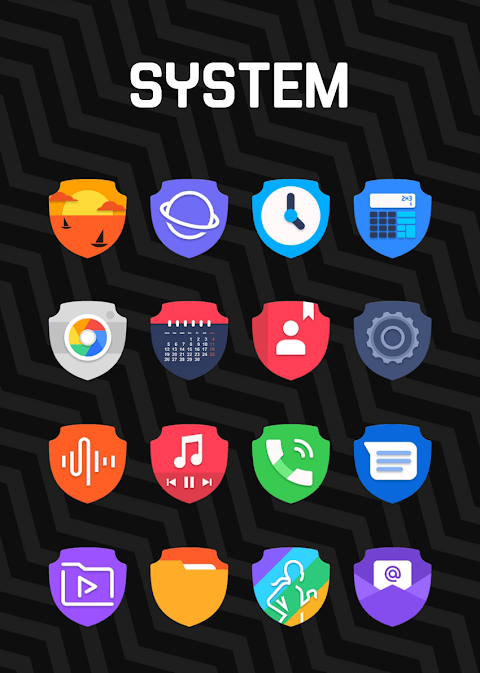
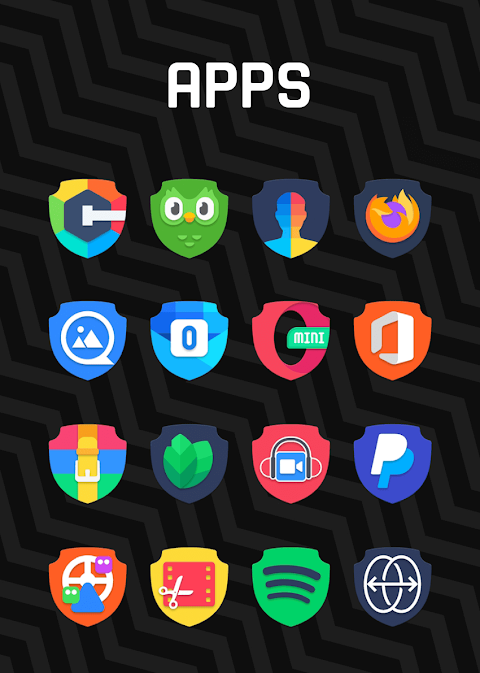
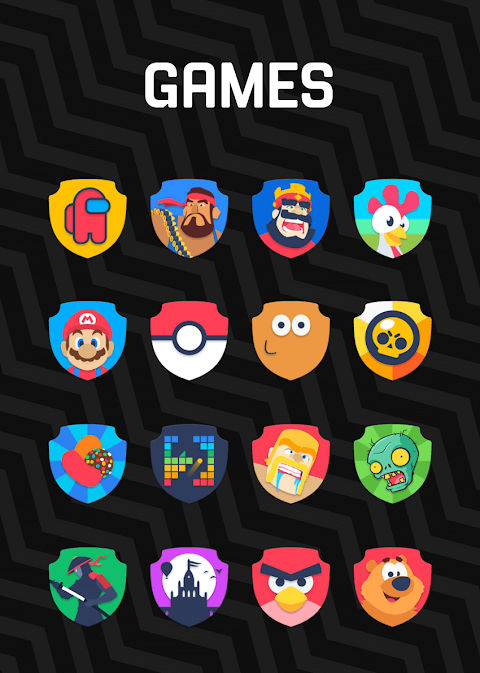
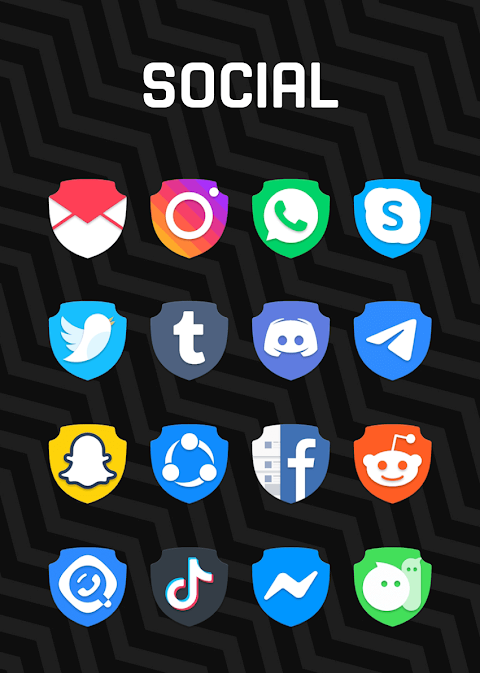
About the App
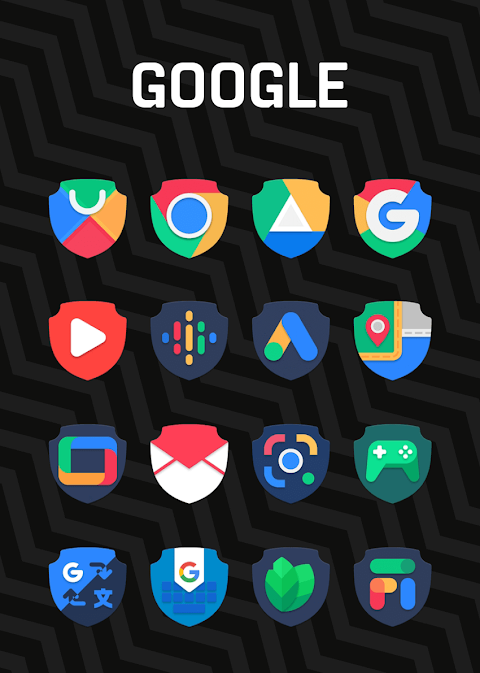
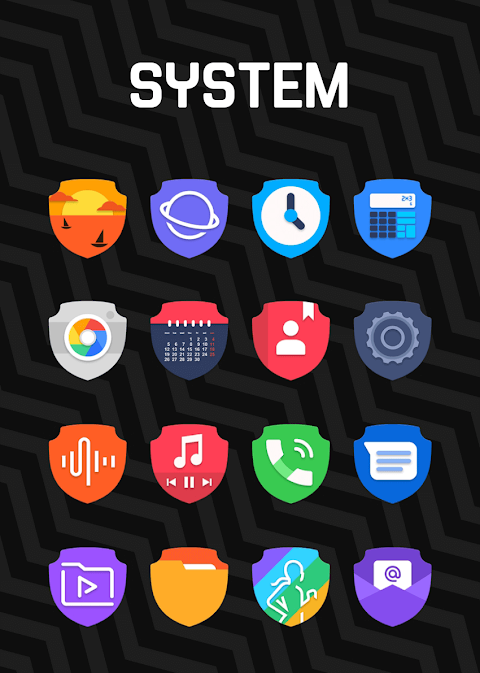
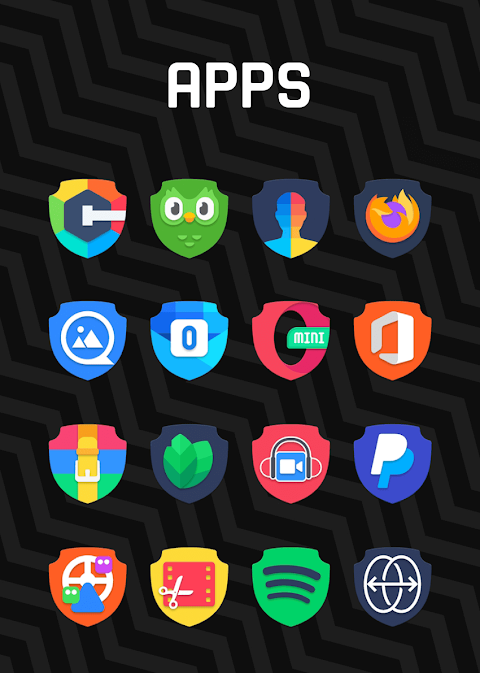
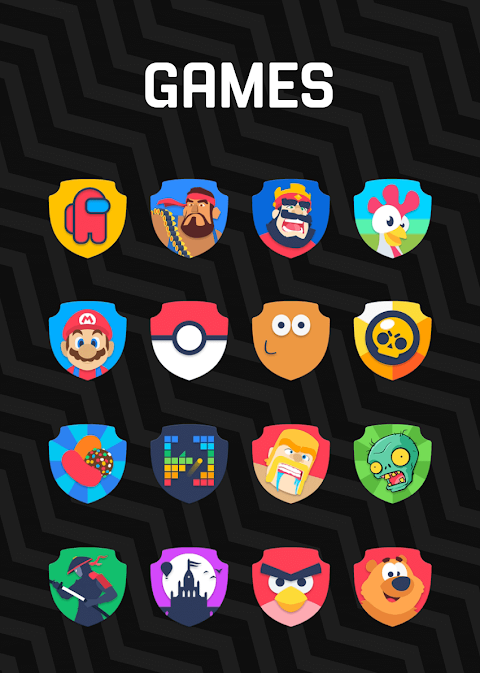
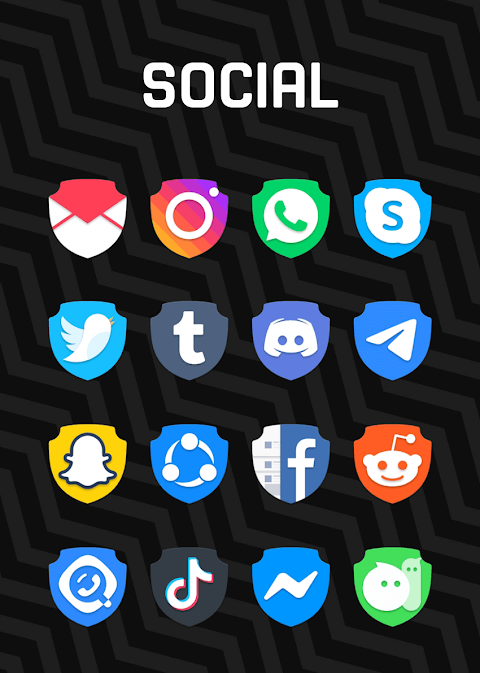
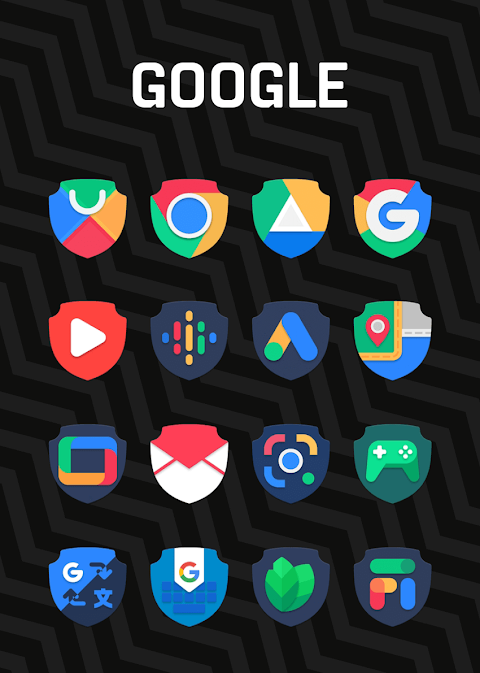
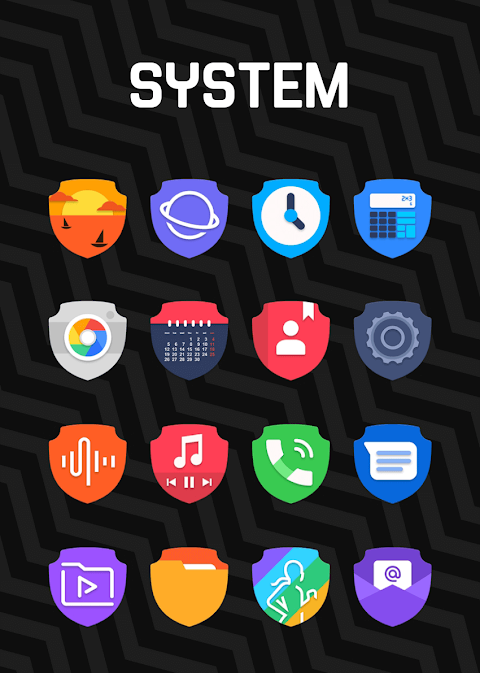
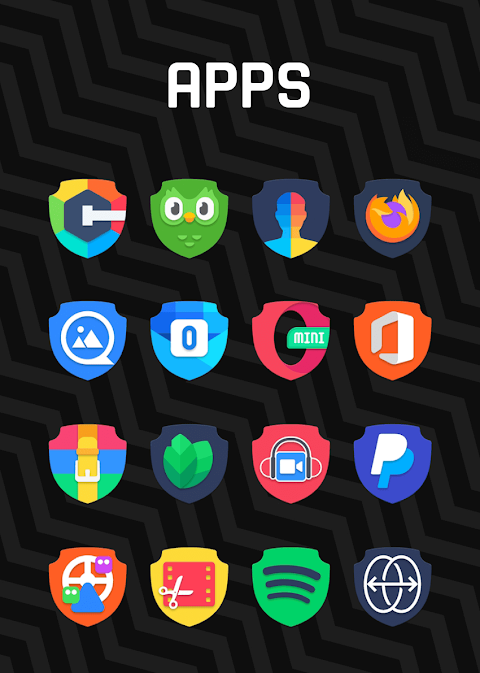
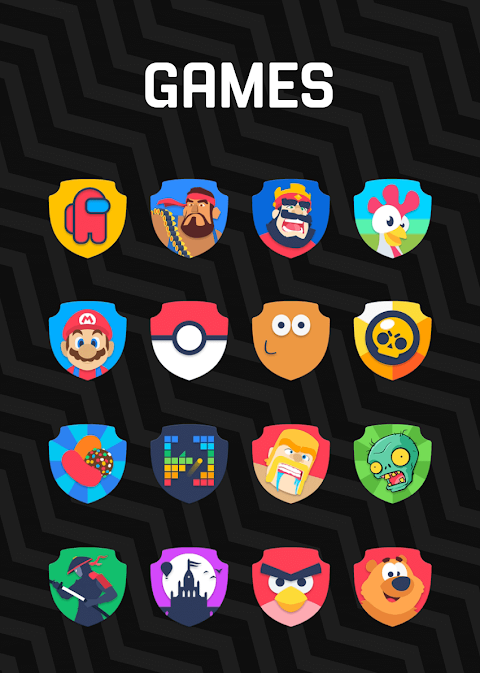
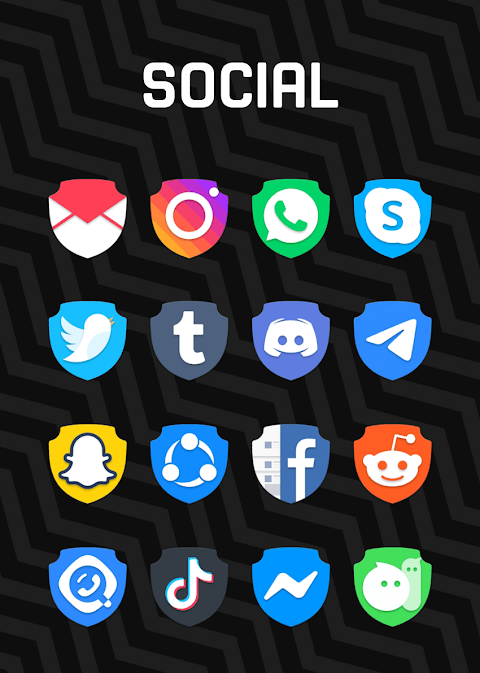
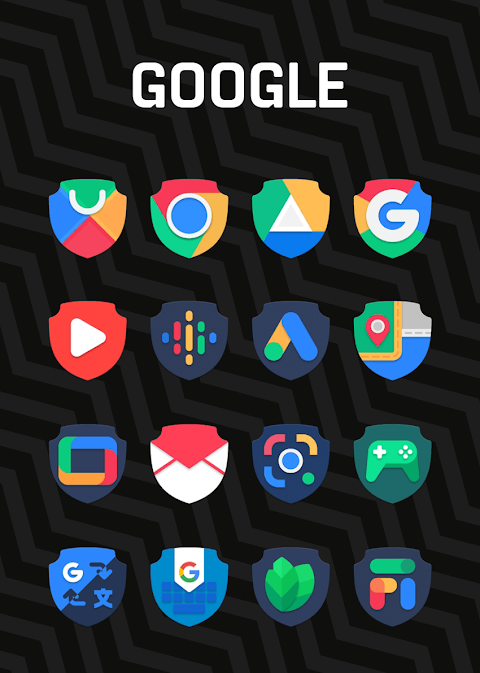
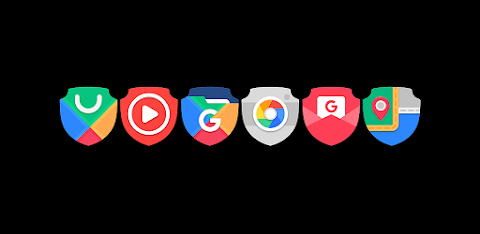
Shield - Icon Pack is a unique collection of Shield shaped icons inspired by Google's Material Design. This app is perfect for anyone who wants to enhance their phone's look with beautifully designed icons that follow Material Design guidelines.
With over 7500+ high quality icons and more on the way, Shield - Icon Pack offers a vast selection to personalize your device. You will also find high quality wallpapers that can complement the icons and make your home screen more vibrant. If you notice an app that is missing from the collection, there's a free icon request feature that lets you ask for new icons to be added.
Using Shield - Icon Pack is straightforward. To get started, you need to install a compatible launcher. We suggest trying Nova Launcher or Lawnchair. Once you have a compatible launcher installed, open the Shield - Icon Pack and apply your chosen icons instantly. If your launcher isn't listed, you can still change the icon pack by accessing your phone's launcher theme or icon change screen. Look for Shield - Icon Pack in the options available to you.
The app features a handy dashboard for icon pack management. This dashboard lets you preview icons on your current wallpaper in a dashboard preview pane, making it easy to see how the icons look on your device. Frequent updates ensure you’ll have long term support, keeping your icon pack fresh and engaging.
Shield - Icon Pack is compatible with a wide range of launchers. You can apply it via the dashboard with options like Abc Launcher, Action Launcher, Adw Launcher, Apex Launcher, and many others including Atom Launcher, Aviate Launcher, Cm Launcher, Evie Launcher, and Go Launcher. For those who prefer to apply via launcher or theme settings, it works with Poco Launcher, Arrow Launcher, Xperia Home, and many more.
Should you encounter any problems, our support team is ready to help. Just reach out to us via email at gomo.panoto@gmail.com or through our Twitter page.
Please note that some launchers may require special settings. For instance, if Go Launcher does not change the icons, you can adjust the icon pack theme settings by selecting the downloaded button in the corner. Also, when changing icon sets in Nova Launcher, be aware that icons might appear rounded. This can be corrected by adjusting the icon shape settings in the Nova theme menu.
With Shield - Icon Pack, you can truly personalize your device, making it reflect your unique style while enjoying a great range of features and support.
With over 7500+ high quality icons and more on the way, Shield - Icon Pack offers a vast selection to personalize your device. You will also find high quality wallpapers that can complement the icons and make your home screen more vibrant. If you notice an app that is missing from the collection, there's a free icon request feature that lets you ask for new icons to be added.
Using Shield - Icon Pack is straightforward. To get started, you need to install a compatible launcher. We suggest trying Nova Launcher or Lawnchair. Once you have a compatible launcher installed, open the Shield - Icon Pack and apply your chosen icons instantly. If your launcher isn't listed, you can still change the icon pack by accessing your phone's launcher theme or icon change screen. Look for Shield - Icon Pack in the options available to you.
The app features a handy dashboard for icon pack management. This dashboard lets you preview icons on your current wallpaper in a dashboard preview pane, making it easy to see how the icons look on your device. Frequent updates ensure you’ll have long term support, keeping your icon pack fresh and engaging.
Shield - Icon Pack is compatible with a wide range of launchers. You can apply it via the dashboard with options like Abc Launcher, Action Launcher, Adw Launcher, Apex Launcher, and many others including Atom Launcher, Aviate Launcher, Cm Launcher, Evie Launcher, and Go Launcher. For those who prefer to apply via launcher or theme settings, it works with Poco Launcher, Arrow Launcher, Xperia Home, and many more.
Should you encounter any problems, our support team is ready to help. Just reach out to us via email at gomo.panoto@gmail.com or through our Twitter page.
Please note that some launchers may require special settings. For instance, if Go Launcher does not change the icons, you can adjust the icon pack theme settings by selecting the downloaded button in the corner. Also, when changing icon sets in Nova Launcher, be aware that icons might appear rounded. This can be corrected by adjusting the icon shape settings in the Nova theme menu.
With Shield - Icon Pack, you can truly personalize your device, making it reflect your unique style while enjoying a great range of features and support.
Venture Digital Watch Face
Time Canvas
$1.49
$0.49
CELEST5521 Analog Watch
CELEST Watches
$1.99
$1.00
OniOn watchface 005 Pixel
Yangpa
$0.99
$0.50