

$1.49
FREE
100% Off
Sharp – Square Icon Pack
GomoTheGom


About the App
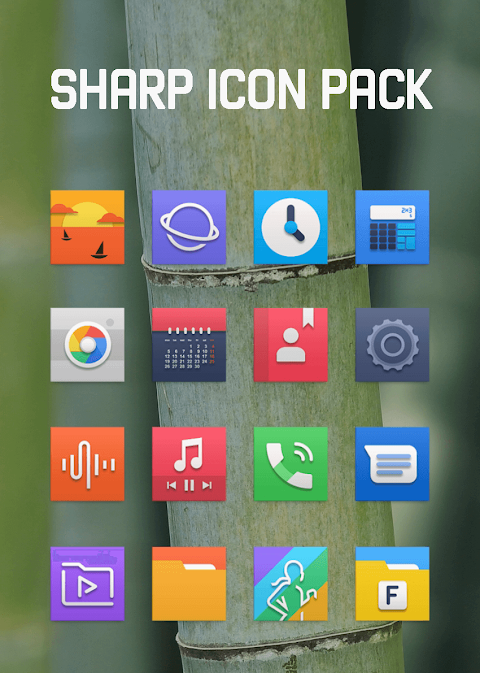
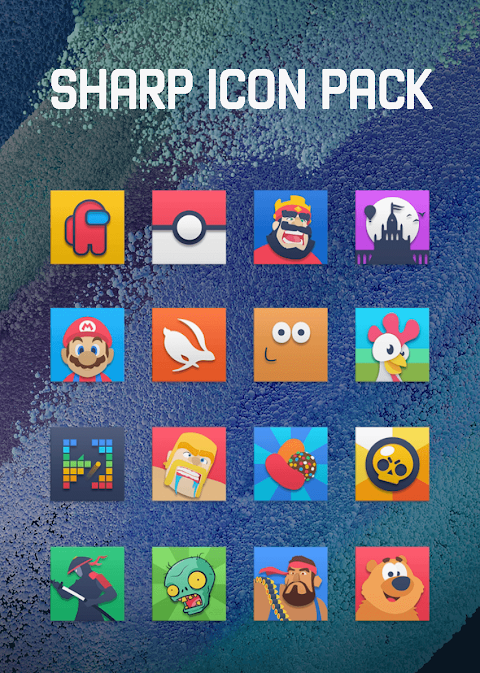
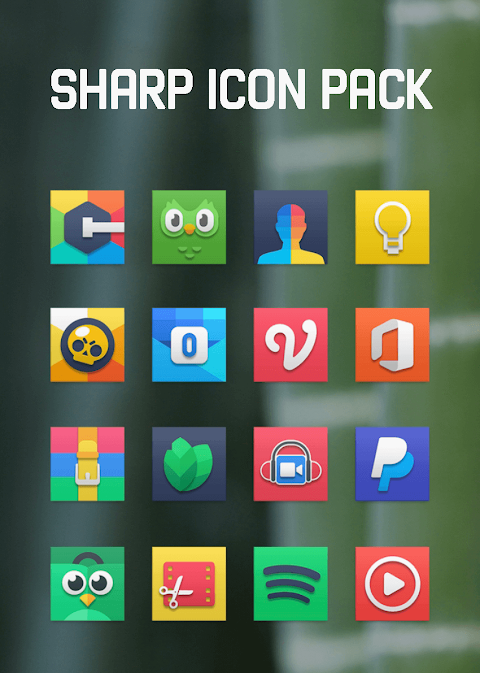
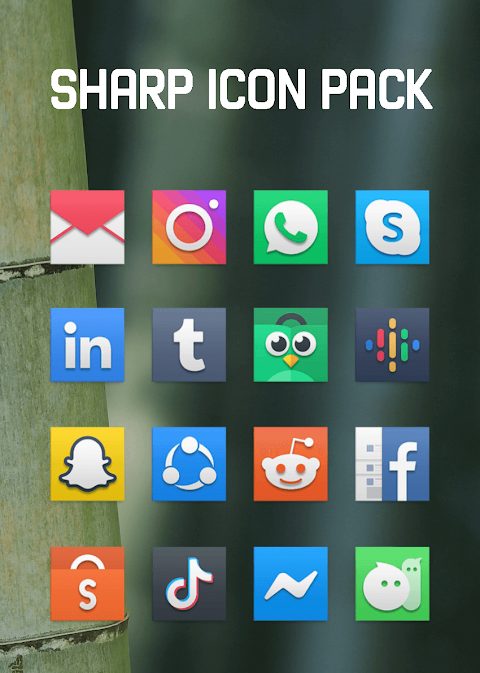
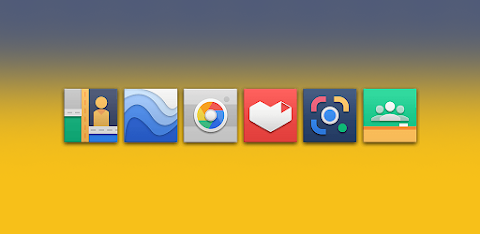
Sharp is a colorful icon pack designed with unique, sharper edges. This app offers over 7000 icons to choose from, making it easy for you to customize your device. Alongside these icons, you will find more than 36 HD wallpapers that add a vibrant touch to your home screen. Plus, the icons come in a high-definition resolution of 192x192px, ensuring they look great on any device.
Applying the Sharp icon pack is simple and works well with many popular launchers. This includes Nova Launcher and Evie Launcher, both of which are excellent choices for personalizing your phone. You can follow a few easy steps to apply this icon pack. Start by opening the Sharp app and heading to the "Apply Icon Pack" screen. Here, you will see a list of supported launchers. Select Nova Launcher, or another launcher you have installed. The app will automatically apply the icons from the Sharp icon pack for you.
If you’re using the Sony Xperia Home Launcher, you may notice it does not appear in the initial list. However, you can still apply the Sharp icon pack with a few adjustments. Just long-press on your main screen, open the settings, scroll down to the appearance icon setting, and choose the Sharp icon pack. It’s important to note that this icon pack only supports Sony Xperia Home Launcher versions 10.0.A.0.8 and up.
The Sharp icon pack is compatible with several popular launchers, including Apex Launcher, ADW Launcher, ABC Launcher, Next Launcher, Holo Launcher, Lucid Launcher, M Launcher, Action Launcher, Aviate Launcher, Smart Launcher, Go Launcher, and Zero Launcher. However, there are some limitations with Go Launcher and Zero Launcher, as they do not support icon masking.
With its engaging design and variety of options, the Sharp icon pack enhances mobile user personalization. Its graphic design for icons allows you to make an aesthetic choice that fits your style. The shape-based design further adds to the overall appeal, making it an ideal choice for those who enjoy customizing their UI. The app also includes an icon request feature, meaning if there's a specific icon you’d like to see, you can ask for it.
If you are looking for UI customization tools or want to explore launcher features, the Sharp icon pack provides the perfect solution. You’ll find the process of applying the icon pack to be straightforward, enriching your device with beautiful digital wallpaper designs and a cohesive look.
Explore your creative side with Sharp, and enjoy the endless possibilities it offers for your device's aesthetic.
Applying the Sharp icon pack is simple and works well with many popular launchers. This includes Nova Launcher and Evie Launcher, both of which are excellent choices for personalizing your phone. You can follow a few easy steps to apply this icon pack. Start by opening the Sharp app and heading to the "Apply Icon Pack" screen. Here, you will see a list of supported launchers. Select Nova Launcher, or another launcher you have installed. The app will automatically apply the icons from the Sharp icon pack for you.
If you’re using the Sony Xperia Home Launcher, you may notice it does not appear in the initial list. However, you can still apply the Sharp icon pack with a few adjustments. Just long-press on your main screen, open the settings, scroll down to the appearance icon setting, and choose the Sharp icon pack. It’s important to note that this icon pack only supports Sony Xperia Home Launcher versions 10.0.A.0.8 and up.
The Sharp icon pack is compatible with several popular launchers, including Apex Launcher, ADW Launcher, ABC Launcher, Next Launcher, Holo Launcher, Lucid Launcher, M Launcher, Action Launcher, Aviate Launcher, Smart Launcher, Go Launcher, and Zero Launcher. However, there are some limitations with Go Launcher and Zero Launcher, as they do not support icon masking.
With its engaging design and variety of options, the Sharp icon pack enhances mobile user personalization. Its graphic design for icons allows you to make an aesthetic choice that fits your style. The shape-based design further adds to the overall appeal, making it an ideal choice for those who enjoy customizing their UI. The app also includes an icon request feature, meaning if there's a specific icon you’d like to see, you can ask for it.
If you are looking for UI customization tools or want to explore launcher features, the Sharp icon pack provides the perfect solution. You’ll find the process of applying the icon pack to be straightforward, enriching your device with beautiful digital wallpaper designs and a cohesive look.
Explore your creative side with Sharp, and enjoy the endless possibilities it offers for your device's aesthetic.
Dots Iconpack
JustNewDesigns
$1.59
$0.19

Dove Icon Pack
JustNewDesigns
$1.29
$0.19
Colorful Turntable ZKin Watch
ZKin
$2.99
$0.99