
$2.59
FREE
100% Off
Scientific Calculator Scalar
INFIMA


About the App
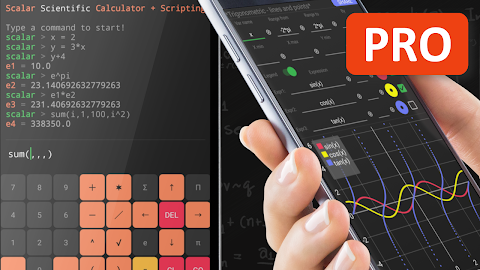
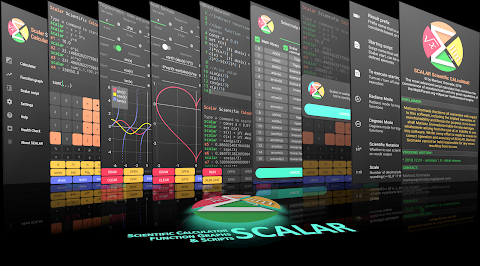
Scalar is a powerful scientific calculator that goes beyond basic calculations. It combines the simplicity of standard calculators with the flexibility of a math engine and a math scripting language. With Scalar, you can easily define user defined functions, set user defined arguments, and even create user defined random variables. This makes your calculations straightforward and efficient.
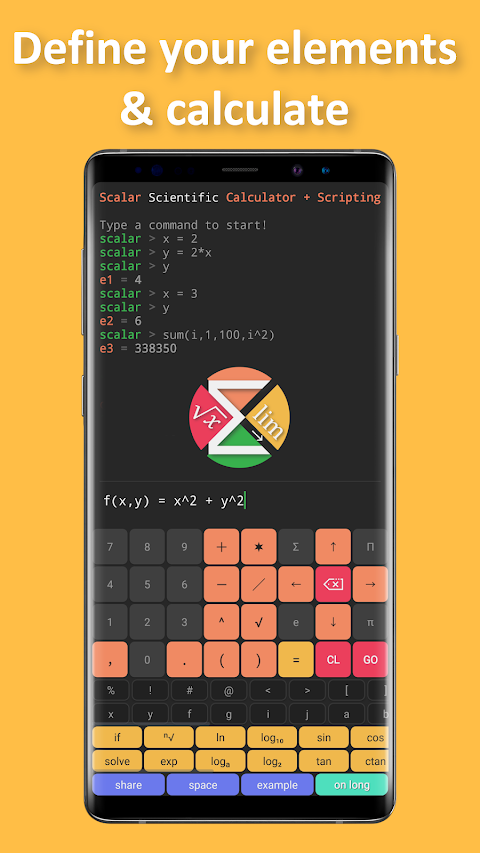
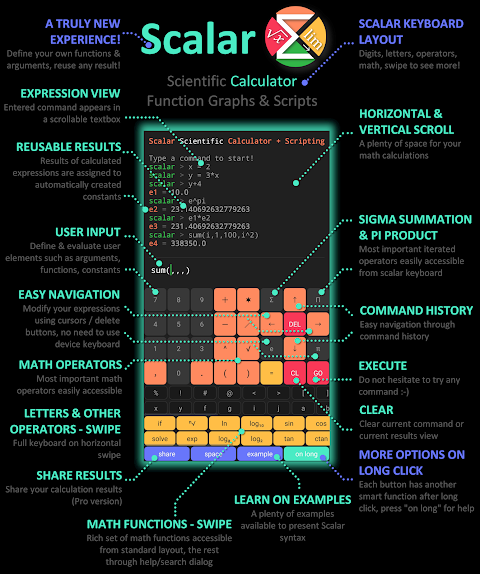
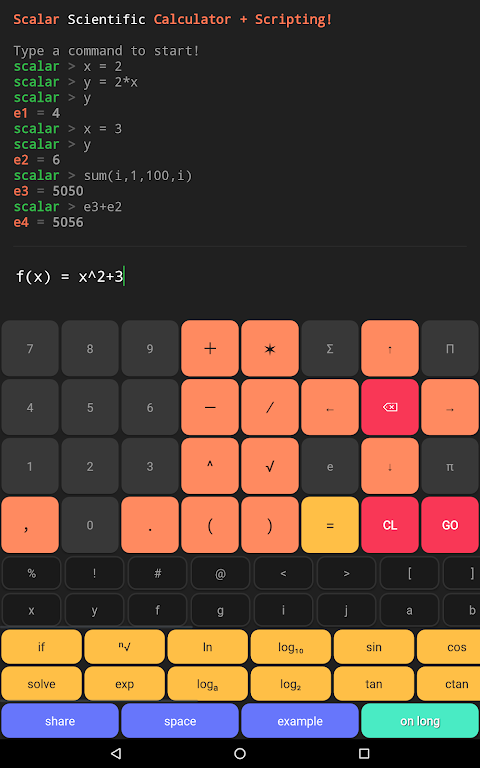
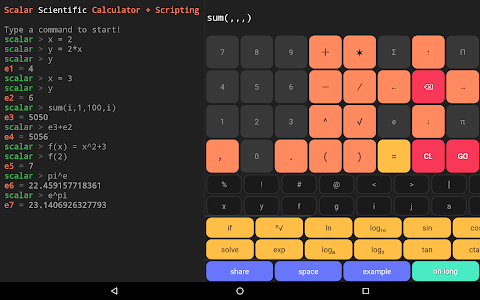
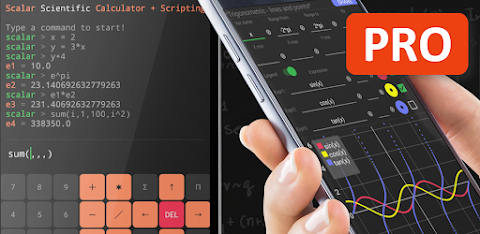
One of the key features of Scalar is its advanced calculator keyboard, which is designed for convenience. You can easily re-use previous calculations by referencing constants you've created. For instance, if you set a variable like x = 2, you can use it in later calculations without any hassle. This scripting convenience allows you to personalize your experience and tailor it to your needs.
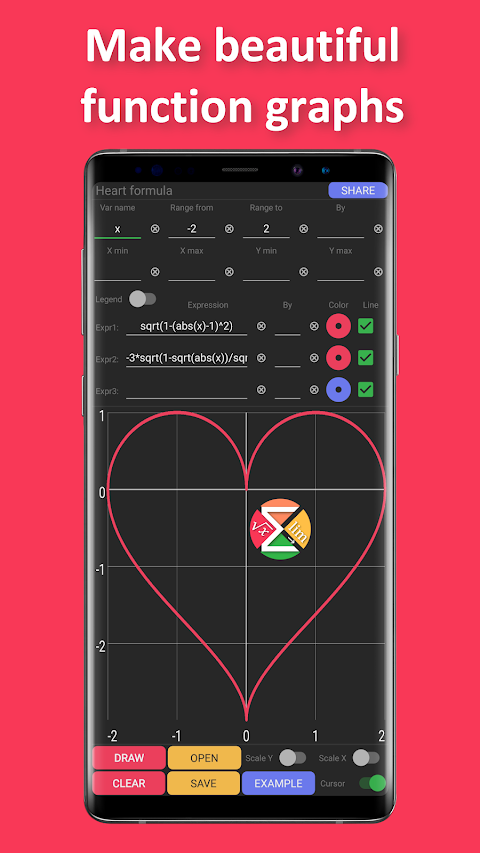
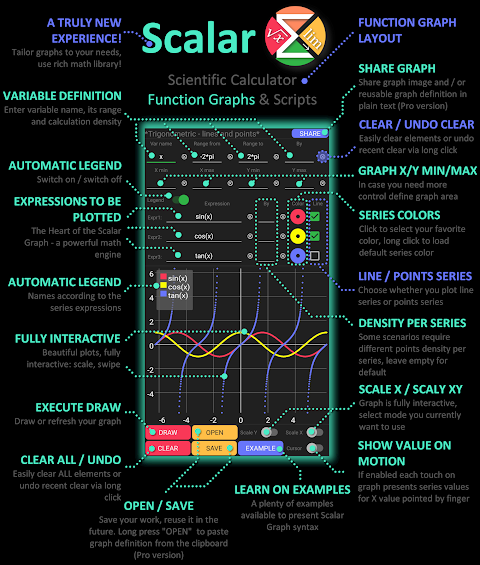
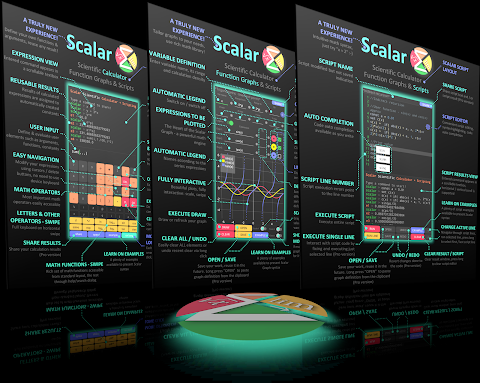
Scalar also lets you create beautiful function graphs. You can define expressions and interact with charts to visualize your data better. The functions graphs are fully interactive, allowing you to read values, scale, and zoom in as needed. You can even save or share these personalized function charts if you're using the pro version.
In Scalar, work saving features ensure that you don’t have to manually save results; every calculation creates an automatically generated constant. For example, if you input 2 + 3, the result will be saved under e1 = 5.0, making it easy to use in future calculations, like e1 + e2. This is just one example of how Scalar makes prime number calculations and other mathematical expressions simple.
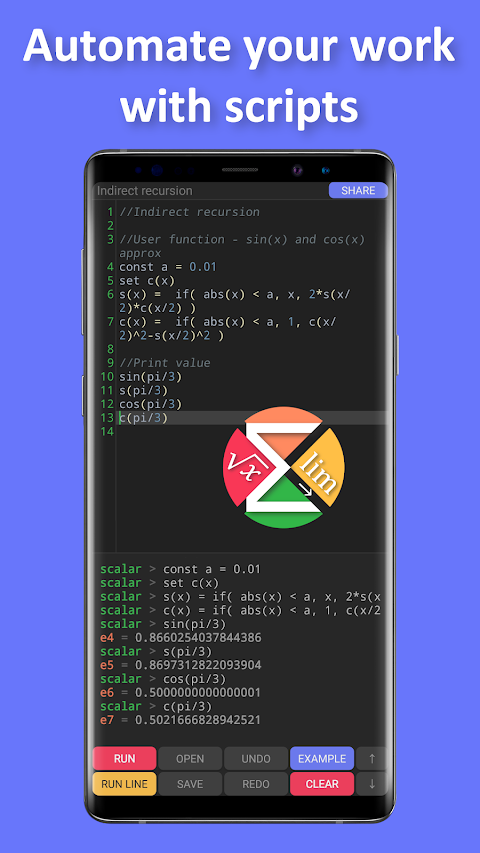
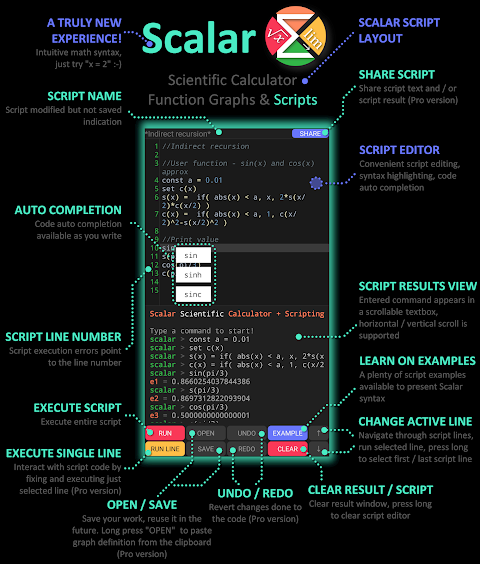
When you're ready to go beyond basic calculations, Scalar supports scripts programming. You can write your scripts using the app's script editor, which includes syntax highlighting and syntax hints, making it easier and faster to create complex functions. If you're using the pro version, your scripts can be saved or shared, and you can even set up a startup script for added convenience.
Whether you are a student, a teacher, or someone who enjoys math, Scalar offers comprehensive math functions and built-in examples to help you get started. Summation and product operators are built directly into the app, enabling you to tackle tasks like calculating the number of prime numbers between 2 and 1000 with ease.
In summary, Scalar is an advanced scientific calculator that makes math simple and efficient. From defining user defined functions to creating scalable function visualizations, Scalar has tools that cater to both beginners and advanced users alike. Enjoy using Scalar Scientific Calculator and unlock the full potential of your mathematical abilities! For more details, you can visit ScalarMath.org.
One of the key features of Scalar is its advanced calculator keyboard, which is designed for convenience. You can easily re-use previous calculations by referencing constants you've created. For instance, if you set a variable like x = 2, you can use it in later calculations without any hassle. This scripting convenience allows you to personalize your experience and tailor it to your needs.
Scalar also lets you create beautiful function graphs. You can define expressions and interact with charts to visualize your data better. The functions graphs are fully interactive, allowing you to read values, scale, and zoom in as needed. You can even save or share these personalized function charts if you're using the pro version.
In Scalar, work saving features ensure that you don’t have to manually save results; every calculation creates an automatically generated constant. For example, if you input 2 + 3, the result will be saved under e1 = 5.0, making it easy to use in future calculations, like e1 + e2. This is just one example of how Scalar makes prime number calculations and other mathematical expressions simple.
When you're ready to go beyond basic calculations, Scalar supports scripts programming. You can write your scripts using the app's script editor, which includes syntax highlighting and syntax hints, making it easier and faster to create complex functions. If you're using the pro version, your scripts can be saved or shared, and you can even set up a startup script for added convenience.
Whether you are a student, a teacher, or someone who enjoys math, Scalar offers comprehensive math functions and built-in examples to help you get started. Summation and product operators are built directly into the app, enabling you to tackle tasks like calculating the number of prime numbers between 2 and 1000 with ease.
In summary, Scalar is an advanced scientific calculator that makes math simple and efficient. From defining user defined functions to creating scalable function visualizations, Scalar has tools that cater to both beginners and advanced users alike. Enjoy using Scalar Scientific Calculator and unlock the full potential of your mathematical abilities! For more details, you can visit ScalarMath.org.

Turbo Boost: Game Booster
Forge Lynx
$2.49
$1.62

Sensi FF Macro – Game Booster
Sensi Tech
$2.49
$0.49

Game Booster 4x Faster Pro
G19 Mobile
$2.69
$0.49