

$0.99
$0.69
30% Off
Sapphire Blue Icon Pack
PizzApp Design


About the App
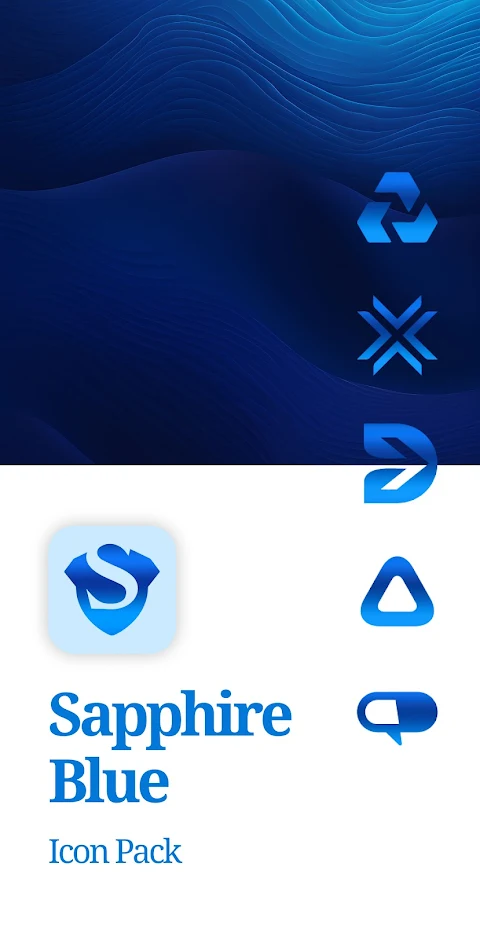
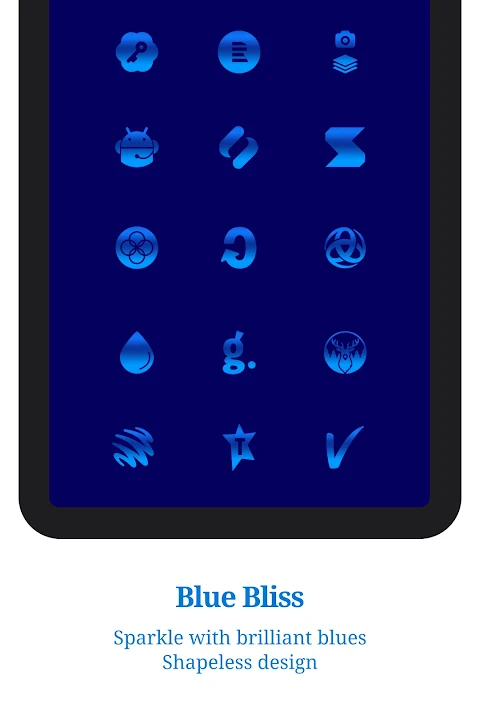
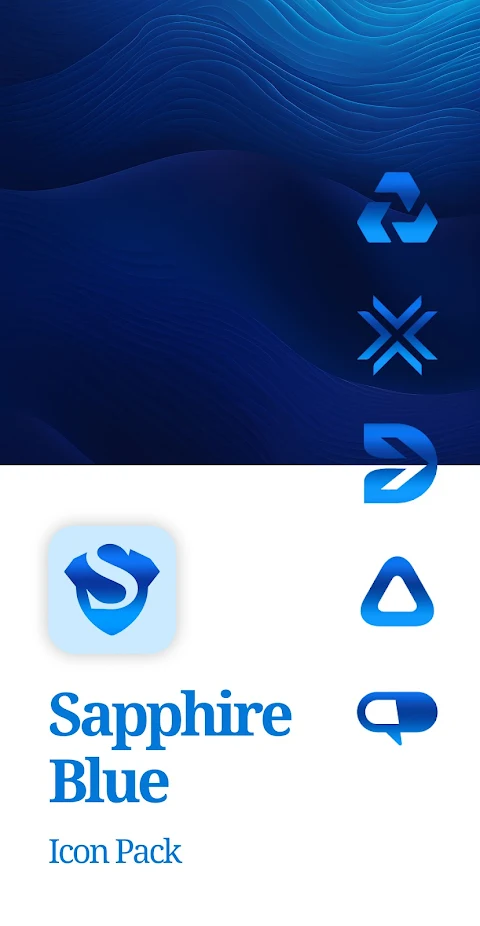
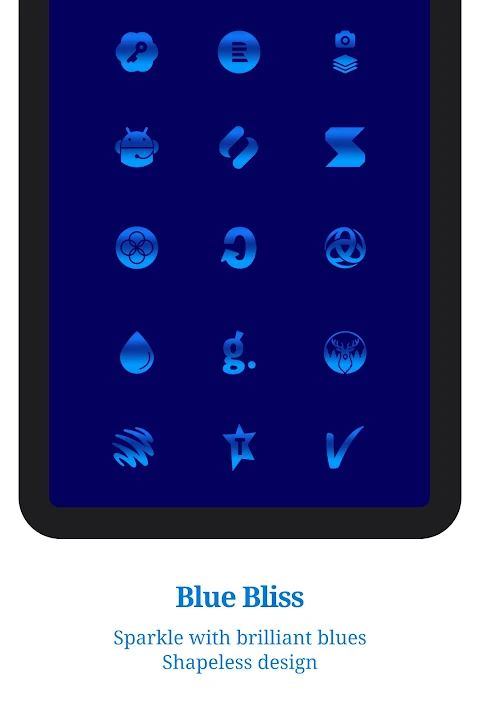
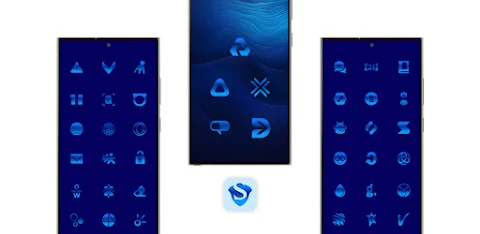
Bring a touch of luxury to your home screen with the Sapphire Blue Icon Pack. This collection offers a beautiful array of deep blue-hued icons, all expertly crafted to elevate the look of every app on your device. With this icon pack, you can achieve a cohesive and polished appearance that enhances your Android experience.
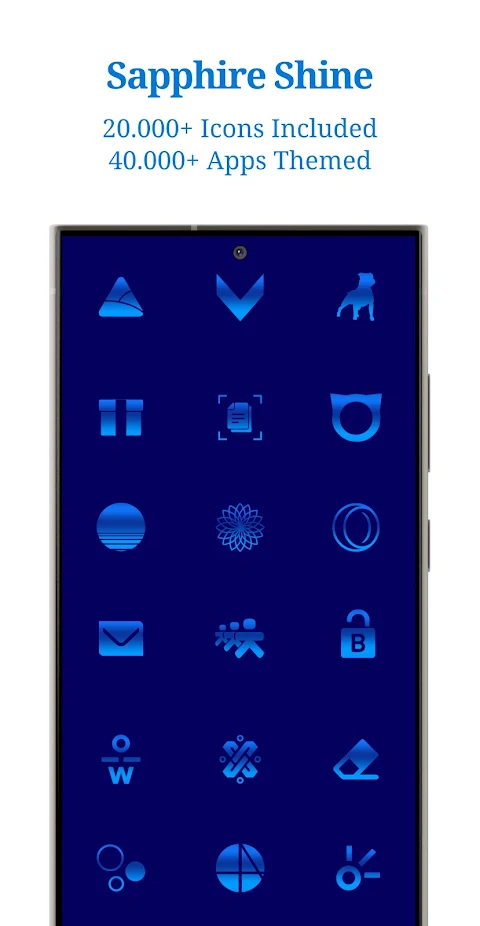
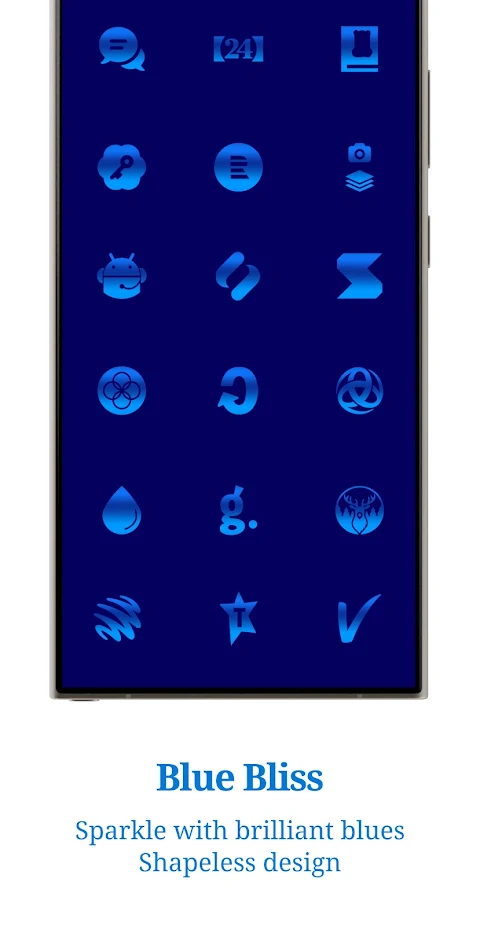
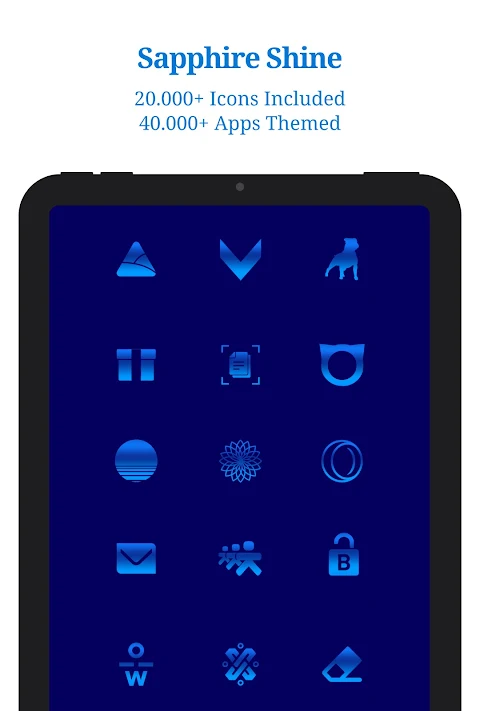
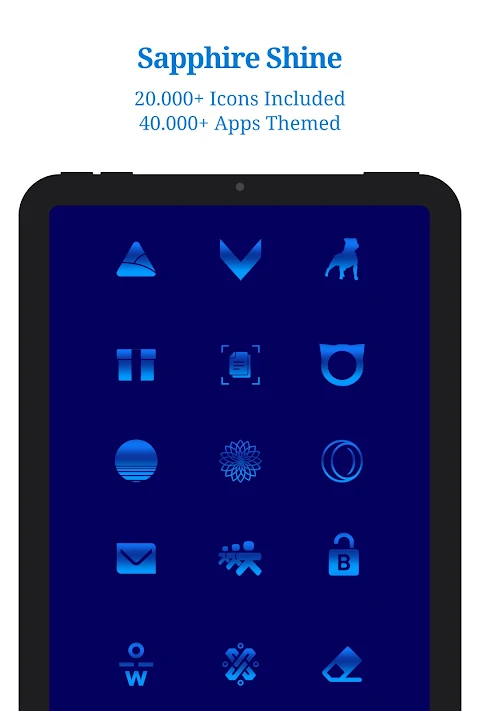
The Sapphire Blue Icon Pack includes over 25,000 uniquely designed icons, covering more than 45,000 themed apps. This means you can find icons for various categories, including System Apps, Google Apps, Social Media Apps, Media Apps, and even Games Apps. Each icon complements the others, creating a harmonious look for your device.
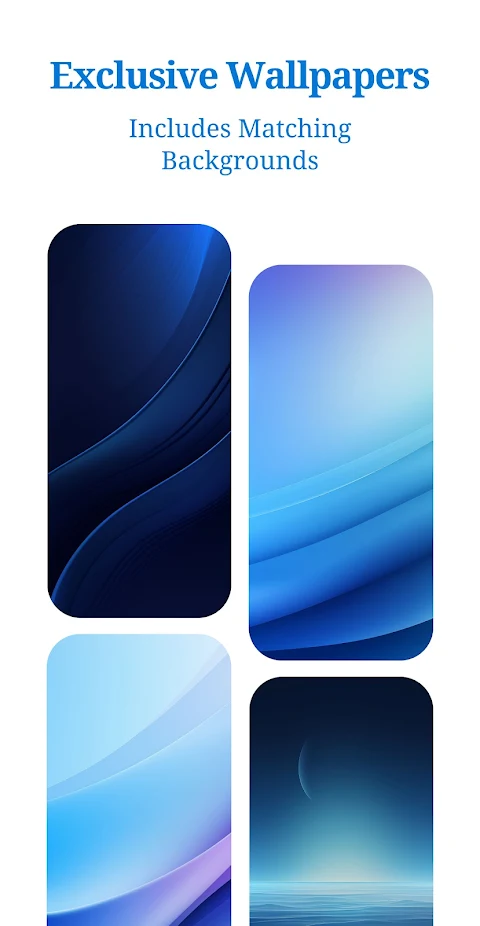
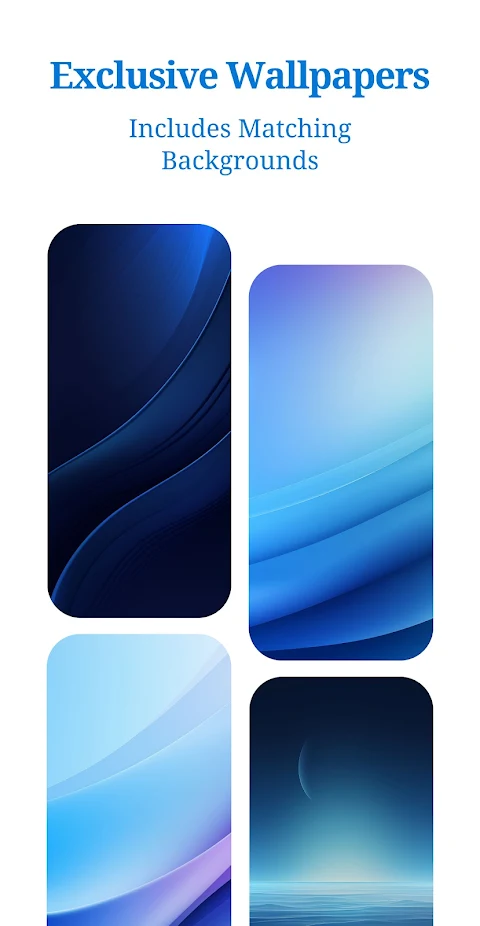
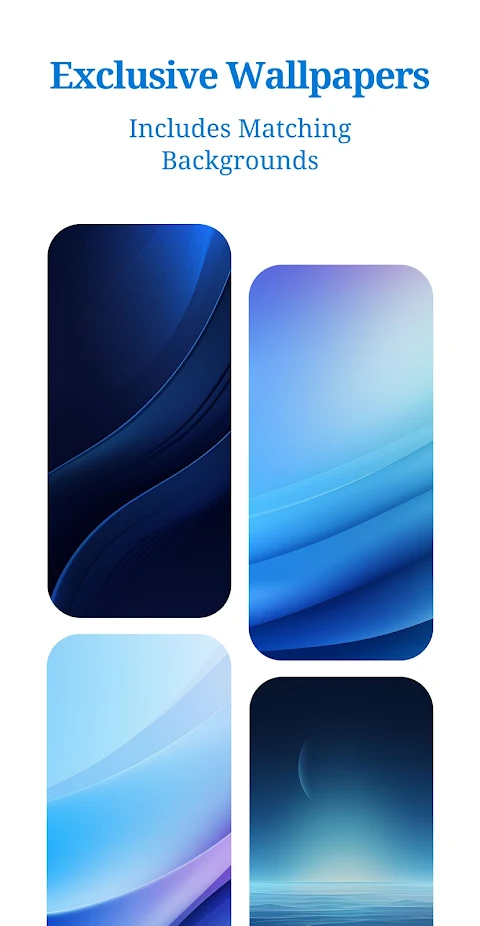
One of the standout features of the Sapphire Blue Icon Pack is its exclusive blue colored wallpapers. These wallpapers are perfect for matching the icons, ensuring everything on your home screen feels connected. You'll also find dynamic calendars available for supported launchers, making your home screen not only stylish but also functional.
The app comes with a Material You User-Friendly Dashboard, which makes it easy to navigate and apply the icons on your device. In addition to icon masking for unthemed apps, the Sapphire Blue Icon Pack offers icon requests, allowing you to ask for new icons, whether it’s a free request or a premium one. Regular updates ensure that new icons will be added, keeping your home screen fresh and exciting.
To use the Sapphire Blue Icon Pack, you need to install a compatible launcher, which is clearly listed within the app. After installing the icon pack, simply open it and tap on apply or select it in your launcher settings. This straightforward installation process makes it easy for anyone to customize their device.
In terms of launcher compatibility, the Sapphire Blue Icon Pack supports a wide range of popular launchers. These include, but are not limited to, Action, ADW, Color OS, Nova Launcher, and Samsung One UI. Many of these launchers work well together, but a third-party launcher or OEM compatibility is necessary for the icon pack to function correctly.
If you ever find icons that are unthemed or missing, you can send a request through the app. The FAQ section inside the app can also help with many common questions, so it's a good idea to check there before reaching out for support.
For anyone interested in enhancing their Android device, the Sapphire Blue Icon Pack serves as an outstanding tool. With beautiful icons, blue colored wallpapers, and a polished look, you can create a home screen that reflects your style.
The community support channels are also an excellent resource, where you can engage with other users and find tips for using the Sapphire Blue Icon Pack effectively. Whether you're looking to refresh your device or completely overhaul its look, you'll find that this Android icon pack offers a fantastic way to enrich your home screen experience.
The Sapphire Blue Icon Pack includes over 25,000 uniquely designed icons, covering more than 45,000 themed apps. This means you can find icons for various categories, including System Apps, Google Apps, Social Media Apps, Media Apps, and even Games Apps. Each icon complements the others, creating a harmonious look for your device.
One of the standout features of the Sapphire Blue Icon Pack is its exclusive blue colored wallpapers. These wallpapers are perfect for matching the icons, ensuring everything on your home screen feels connected. You'll also find dynamic calendars available for supported launchers, making your home screen not only stylish but also functional.
The app comes with a Material You User-Friendly Dashboard, which makes it easy to navigate and apply the icons on your device. In addition to icon masking for unthemed apps, the Sapphire Blue Icon Pack offers icon requests, allowing you to ask for new icons, whether it’s a free request or a premium one. Regular updates ensure that new icons will be added, keeping your home screen fresh and exciting.
To use the Sapphire Blue Icon Pack, you need to install a compatible launcher, which is clearly listed within the app. After installing the icon pack, simply open it and tap on apply or select it in your launcher settings. This straightforward installation process makes it easy for anyone to customize their device.
In terms of launcher compatibility, the Sapphire Blue Icon Pack supports a wide range of popular launchers. These include, but are not limited to, Action, ADW, Color OS, Nova Launcher, and Samsung One UI. Many of these launchers work well together, but a third-party launcher or OEM compatibility is necessary for the icon pack to function correctly.
If you ever find icons that are unthemed or missing, you can send a request through the app. The FAQ section inside the app can also help with many common questions, so it's a good idea to check there before reaching out for support.
For anyone interested in enhancing their Android device, the Sapphire Blue Icon Pack serves as an outstanding tool. With beautiful icons, blue colored wallpapers, and a polished look, you can create a home screen that reflects your style.
The community support channels are also an excellent resource, where you can engage with other users and find tips for using the Sapphire Blue Icon Pack effectively. Whether you're looking to refresh your device or completely overhaul its look, you'll find that this Android icon pack offers a fantastic way to enrich your home screen experience.

DADAM86: Digital Watch Face
DADAM Watch Faces
$0.99
$0.50

Cubic Light – 3D Icon Pack
GomoTheGom
$1.49
FREE

Kenobi watch face Wear OS
Rayan's
$0.99
$0.79