
$1.49
FREE
100% Off
S4U Ancient Winter SE
styles4you

About the App
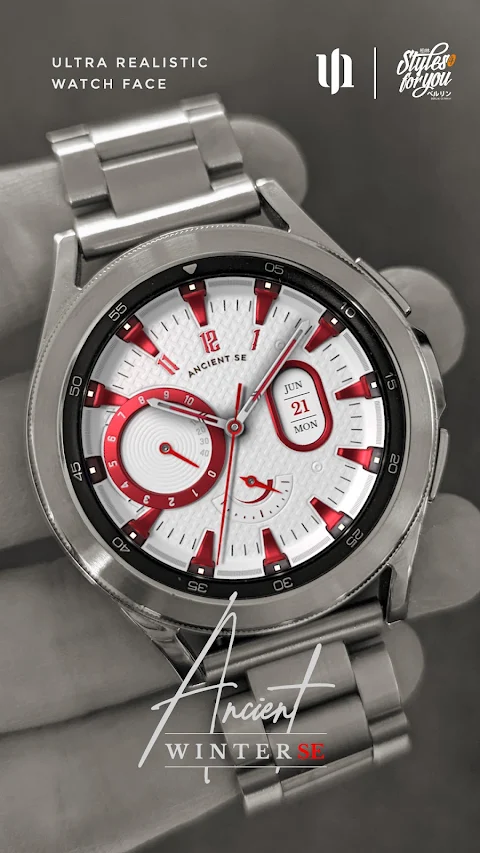
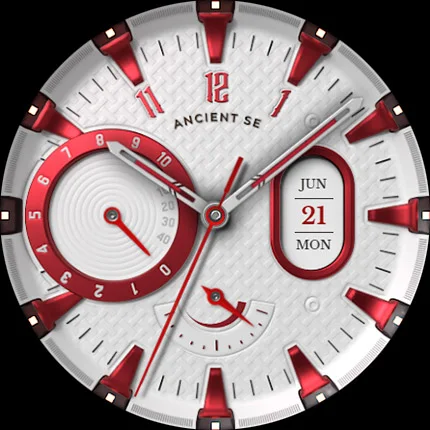
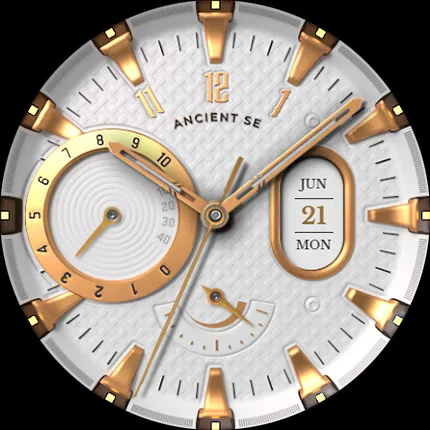
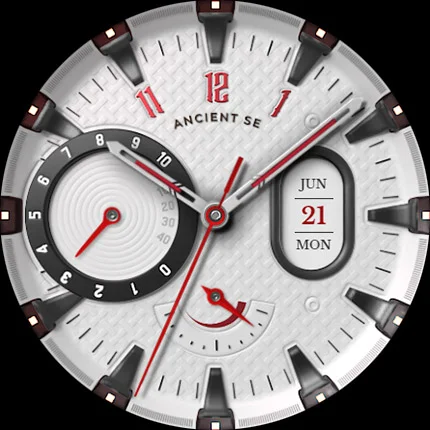
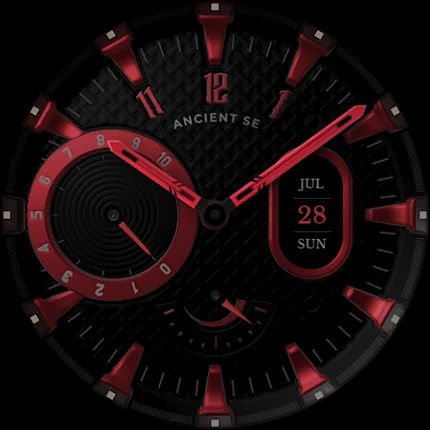
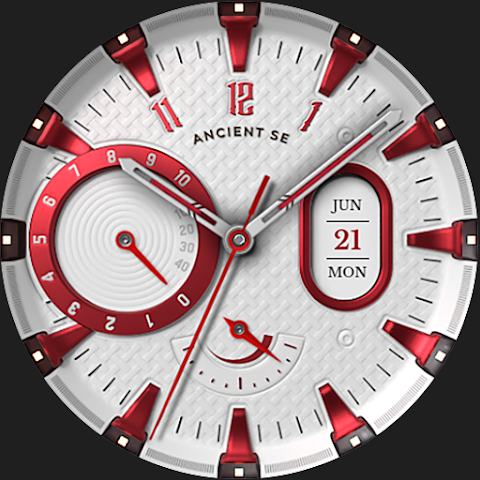
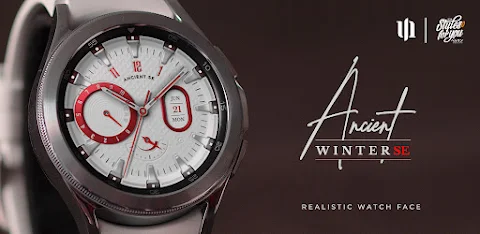
The S4U Ancient Winter SE is a special edition of the original S4U Ancient Winter. This watch face has an ultra-realistic watch design that mimics a real watch with stunning detail. It's perfect for anyone looking for a high-value and exclusive watch experience. The app features a unique 3D effect that enhances the realism, giving you an enjoyable and immersive way to tell time.
This app is designed specifically for those using Wear OS 5 or higher. Compatible devices include the Samsung Galaxy Watch 8, Ultra, 7, 6, 5, 4, as well as the Google Pixel Watch Series and other smartwatches with Wear OS 5+. To make sure the app works well, ensure your smartwatch is updated to the latest version of Wear OS. If you encounter any issues during installation or downloading, you can follow the steps provided in the companion app. You can also reach out to me directly at wear@s4u-watches.com for assistance.
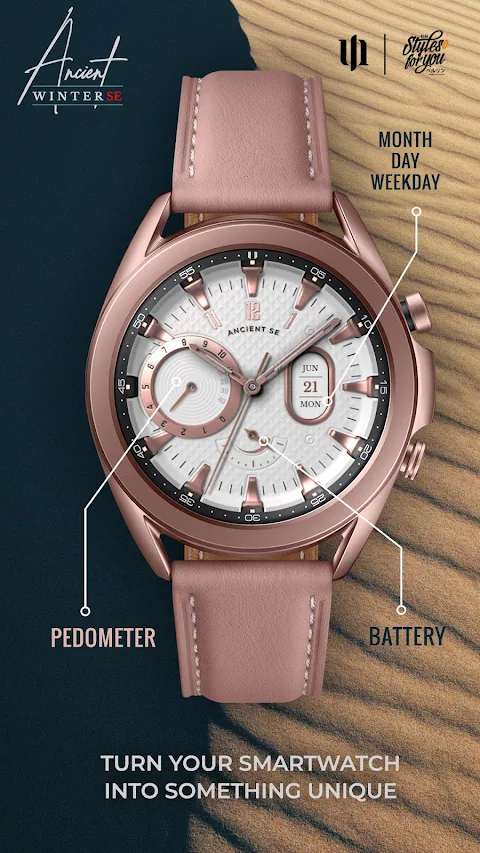
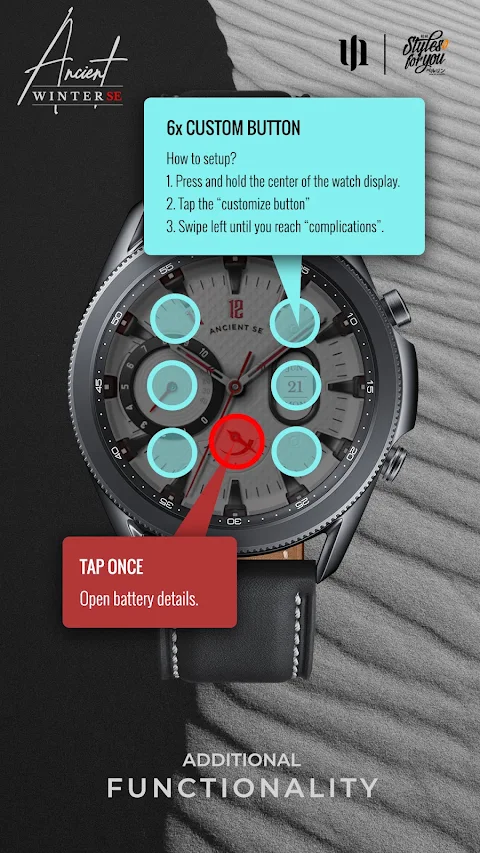
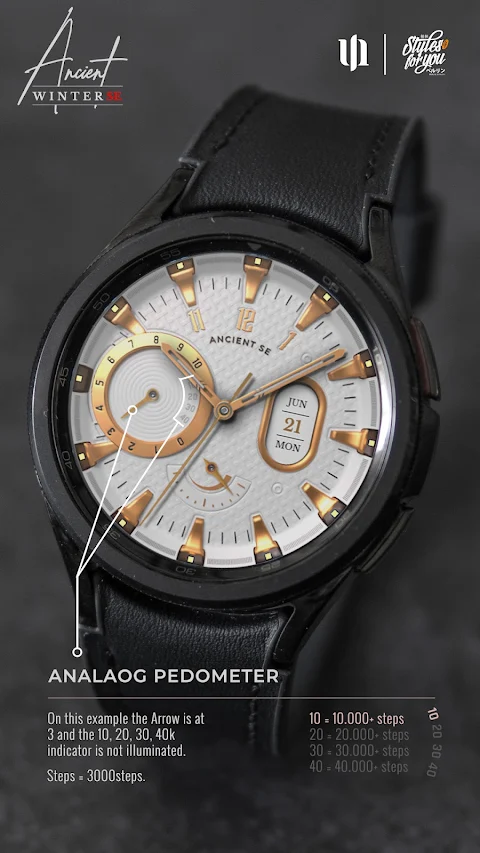
The S4U Ancient Winter SE comes packed with features. For example, the watch face can display the day of the month, month, and weekday on the right side, while the left side features an analog pedometer. This pedometer has a steps counter analog hand that resets after every 10,000 steps and can track up to 49,999 steps. At the bottom of the watch face, a battery status display shows your battery life from 0 to 100 percent, and you can click it to open more battery details.
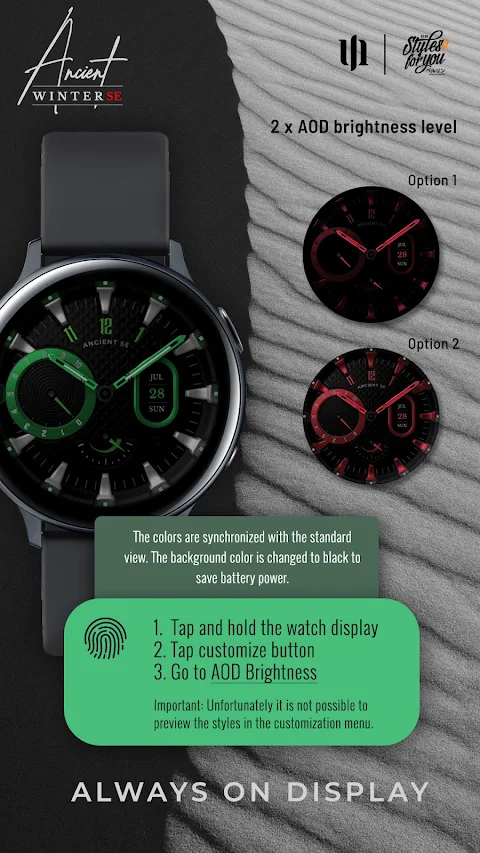
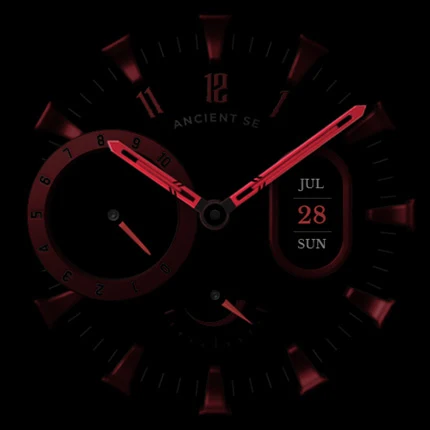
A great aspect of the S4U Ancient Winter SE is its Always-On Display (AOD). This feature is designed to save battery life by turning the watch face background to black while keeping the watch readable. However, using AOD may impact battery life depending on your smartwatch’s settings. Additionally, some devices automatically adjust the brightness of the AOD display based on ambient light conditions.
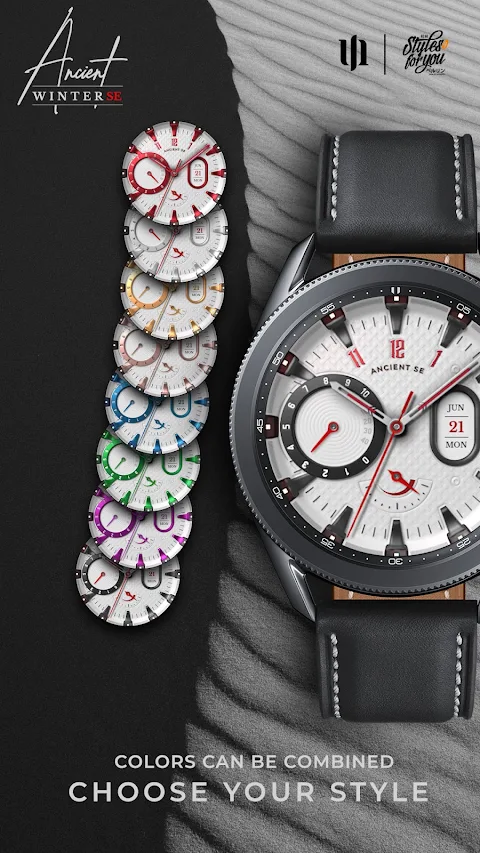
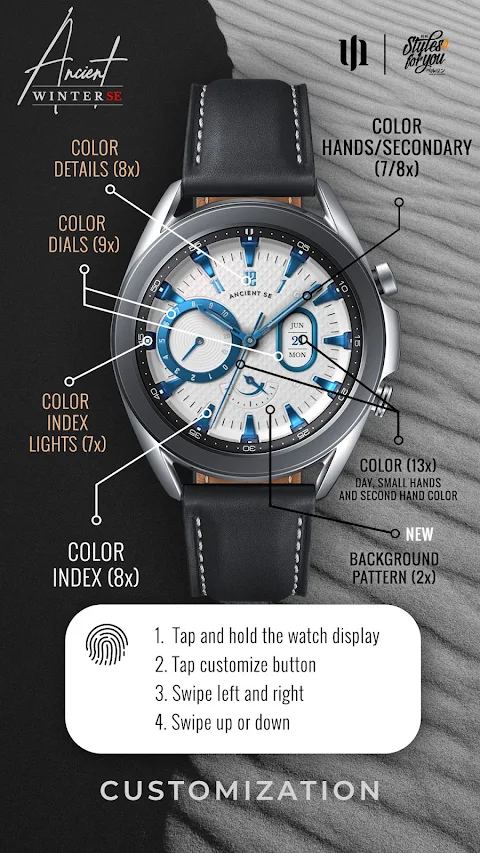
Customization is a major highlight of the S4U Ancient Winter SE. By pressing and holding the watch display, you can access several customization options. You can scroll through features like color index lights, where you have seven color choices, and color details options with eight choices available. There are also choices for color dials and hands, adding to the overall watch face personalization. The shadow border customization offers three styles to make your watch even more unique.
You can also configure six custom buttons for widgets. These allow you to easily access your favorite apps directly from your watch face. To set these shortcuts, press and hold the display, tap the customize button, and swipe through to “complications.” From there, you can select the shortcuts you'd like to set.
For users looking to explore more, I encourage you to check out my other designs available for Wear OS. There will be more choices in the future, so feel free to visit my website at https://www.s4u-watches.com for updates.
Your feedback is essential. I welcome your thoughts and suggestions in the Play Store. If you have ideas on what you like or dislike, please share them with me. Staying in touch with users helps me keep improving the app. You can also find me on social media platforms like Instagram, Facebook, YouTube, and X to stay up-to-date on new releases and features.

WallStone
Raj Arya Designs
$1.49
$0.49
ML2U 328 Watch Face
ML2U
$1.64
$0.25
h1403 Information King Space
Happy Watch Faces
$4.49