
$1.49
$0.28
81% Off
S4U Abandon Time watch face
styles4you

About the App
The S4U Abandon Time watch face is a beautiful addition to your smartwatch. This app works only with Wear OS devices that support API 30 or higher. Compatible models include the Samsung Galaxy Watch 4, Samsung Galaxy Watch 5, Samsung Galaxy Watch 6, and Samsung Galaxy Watch 7, among others.
If you experience any difficulty with the installation or download, don’t worry. Just open the companion app included with the download and follow the instructions under Install/Problems. You can also email me at wear@s4u-watches.com for any support.
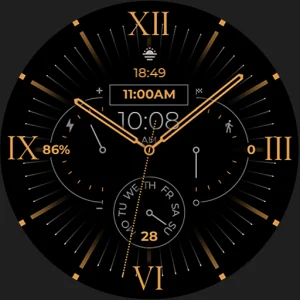
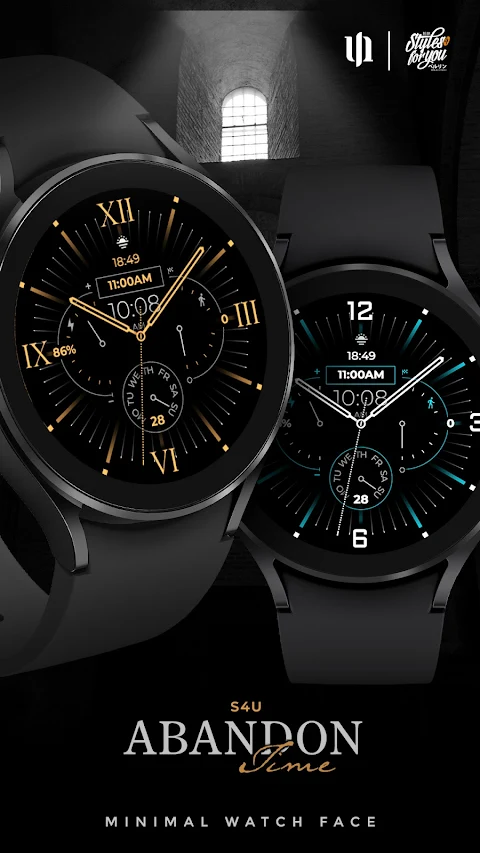
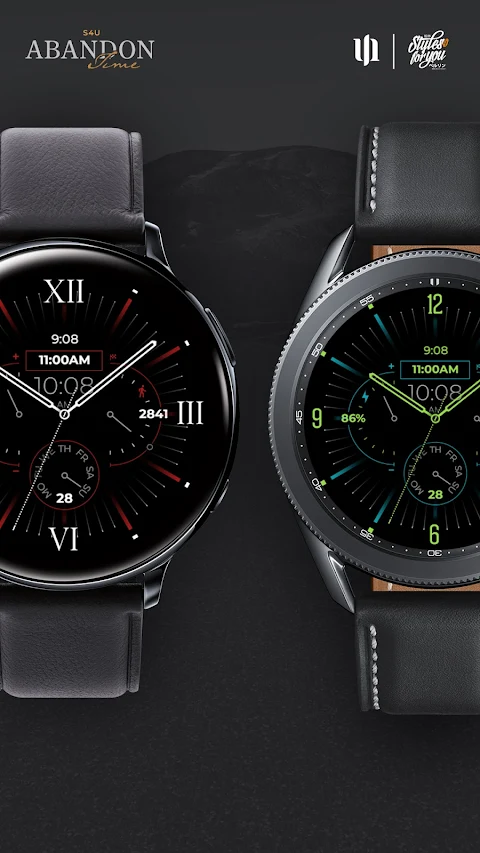
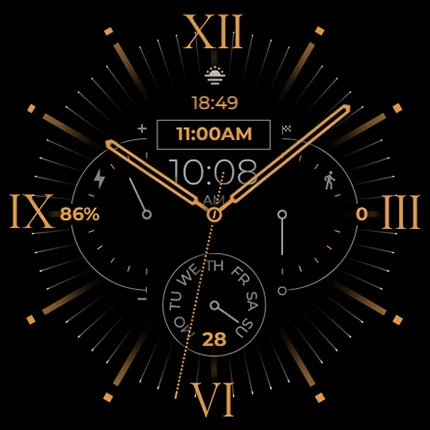
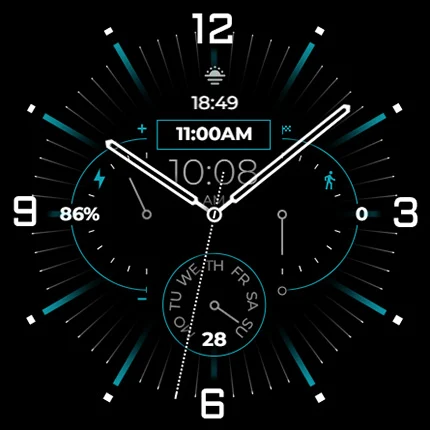
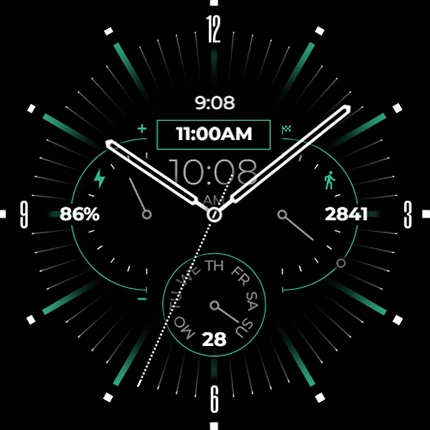
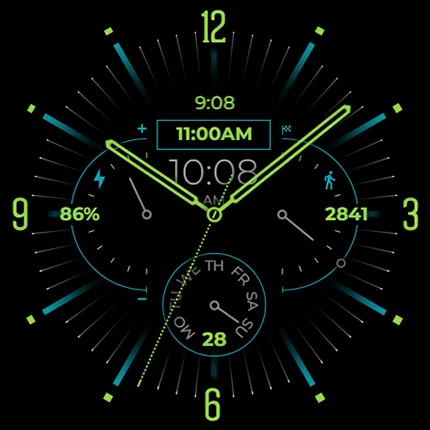
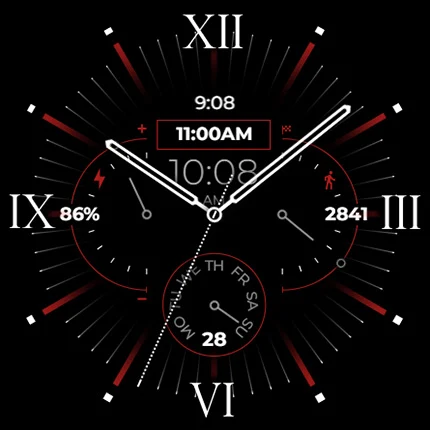
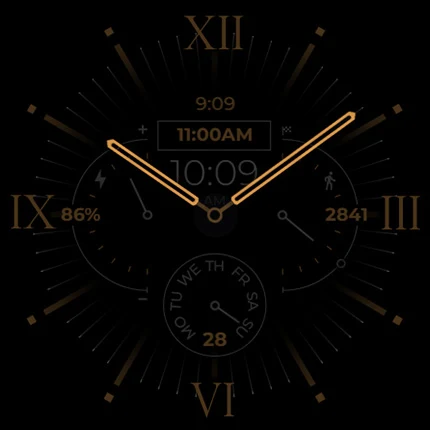
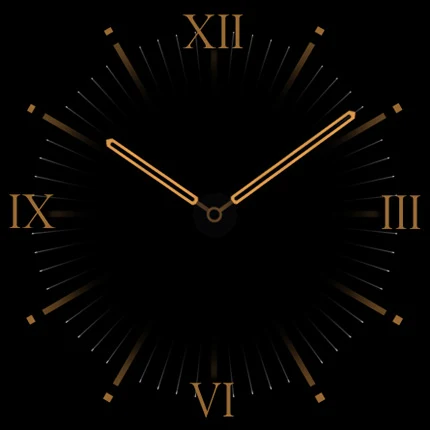
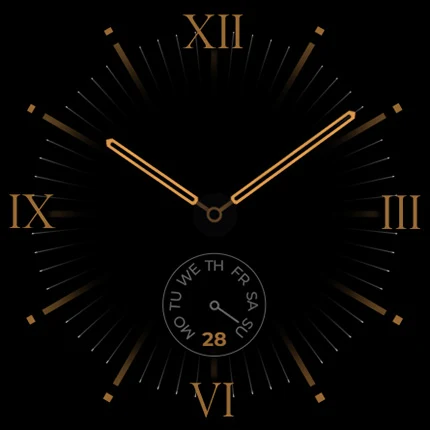
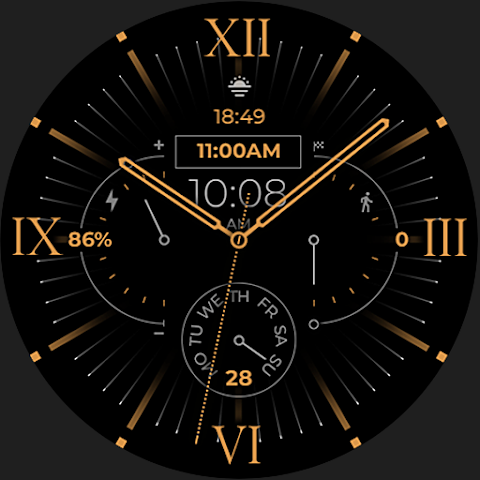
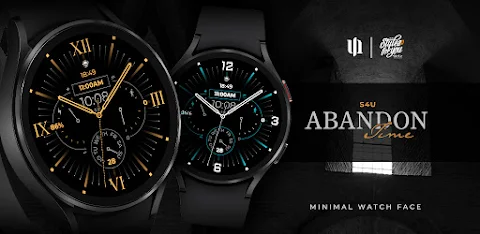
The S4U Abandon Time features an elegant classic design, which looks fantastic on your watch. It's a flat analog watch face that offers numerous customization options to make it truly yours. You can check out the gallery to see how it looks in different settings.
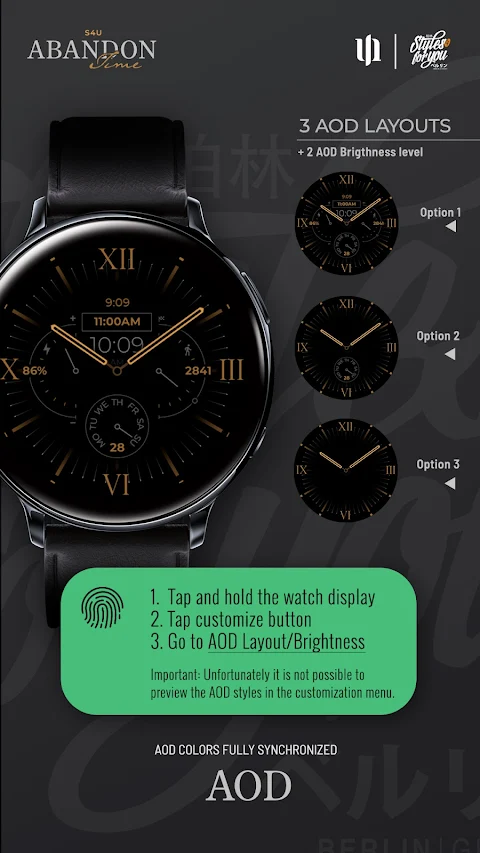
This watch face has several highlights. It shows the time in both analog and digital formats. You can easily view the day of the month, the current weekday, your steps, and the battery status display. It even allows for an always on display, where the colors stay synchronized with the normal view. Keep in mind that using the always on display may lead to battery endurance reduction.
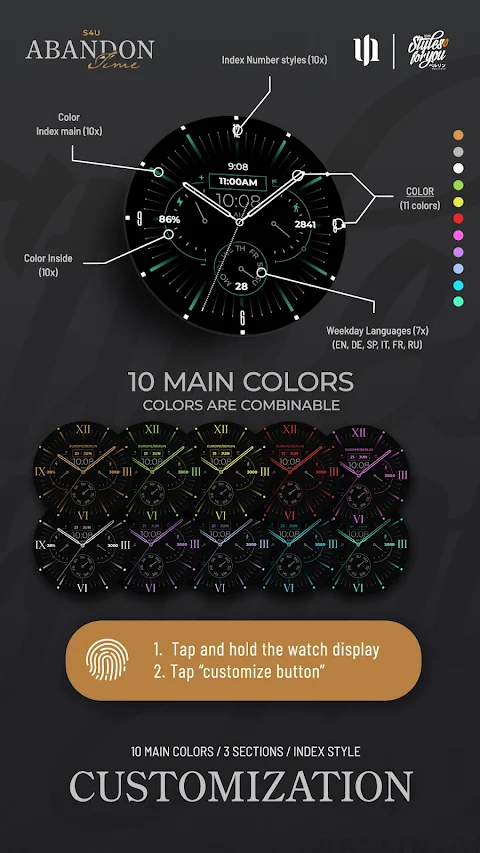
When it comes to customization, you have plenty of options. Simply press and hold the watch display, then push the customize button. You can swipe left and right to explore different customizable objects. Further, you can swipe up or down to choose from 10 styles of index numbers, set multiple color choices, and adjust brightness level settings. There are also AOD layouts available for different display preferences.
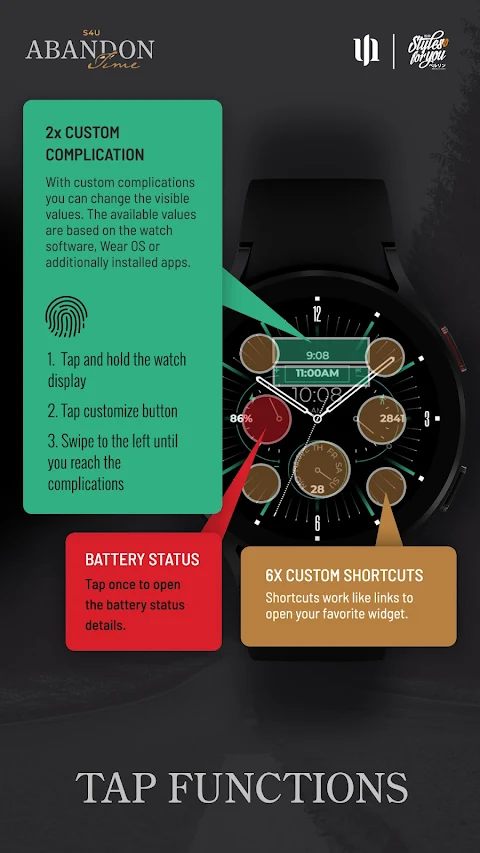
You can personalize your watch face with 2 custom complications, allowing you to change the visible values to suit your needs. Additionally, there are 6 custom shortcuts that link directly to your favorite widgets. Setting these up is easy; just follow the same customization steps mentioned earlier.
If you tap on the battery indicator, you'll gain quick access to battery details, making it easy to monitor your watch's performance.
I encourage you to look at my other watch face designs, which will be available for Wear OS in the future. You can find more information on my website, s4u-watches.com.
I welcome feedback about this watch face as well. If you have suggestions or things you would like to see improved, please share them in the app store review section. Every suggestion helps me understand what users like and what can be refined.
For regular updates and more designs, follow me on social media. You can find me on Instagram as matze_styles4you, on Facebook, YouTube, and X (formerly Twitter). This way, you'll always be in the loop for new releases and updates.
If you experience any difficulty with the installation or download, don’t worry. Just open the companion app included with the download and follow the instructions under Install/Problems. You can also email me at wear@s4u-watches.com for any support.
The S4U Abandon Time features an elegant classic design, which looks fantastic on your watch. It's a flat analog watch face that offers numerous customization options to make it truly yours. You can check out the gallery to see how it looks in different settings.
This watch face has several highlights. It shows the time in both analog and digital formats. You can easily view the day of the month, the current weekday, your steps, and the battery status display. It even allows for an always on display, where the colors stay synchronized with the normal view. Keep in mind that using the always on display may lead to battery endurance reduction.
When it comes to customization, you have plenty of options. Simply press and hold the watch display, then push the customize button. You can swipe left and right to explore different customizable objects. Further, you can swipe up or down to choose from 10 styles of index numbers, set multiple color choices, and adjust brightness level settings. There are also AOD layouts available for different display preferences.
You can personalize your watch face with 2 custom complications, allowing you to change the visible values to suit your needs. Additionally, there are 6 custom shortcuts that link directly to your favorite widgets. Setting these up is easy; just follow the same customization steps mentioned earlier.
If you tap on the battery indicator, you'll gain quick access to battery details, making it easy to monitor your watch's performance.
I encourage you to look at my other watch face designs, which will be available for Wear OS in the future. You can find more information on my website, s4u-watches.com.
I welcome feedback about this watch face as well. If you have suggestions or things you would like to see improved, please share them in the app store review section. Every suggestion helps me understand what users like and what can be refined.
For regular updates and more designs, follow me on social media. You can find me on Instagram as matze_styles4you, on Facebook, YouTube, and X (formerly Twitter). This way, you'll always be in the loop for new releases and updates.
Expedition Watch Face
amoledwatchfaces™
$1.99
$1.00
Muse Launcher Pro
lwsoftipl Apps
$3.49
$0.99

Glasstic 3D Icon Pack
NodeShaper
$1.49
$0.49