
$0.99
FREE
100% Off
Rock – Black Icon Pack
Panoto Gomo

About the App
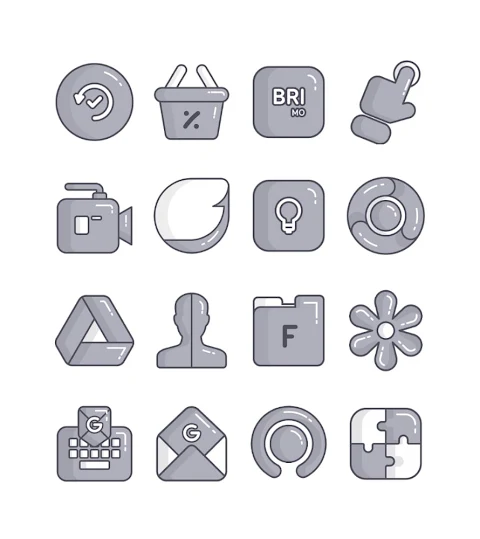
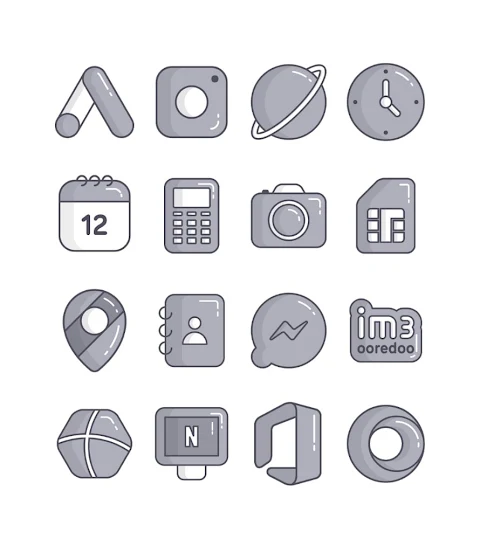
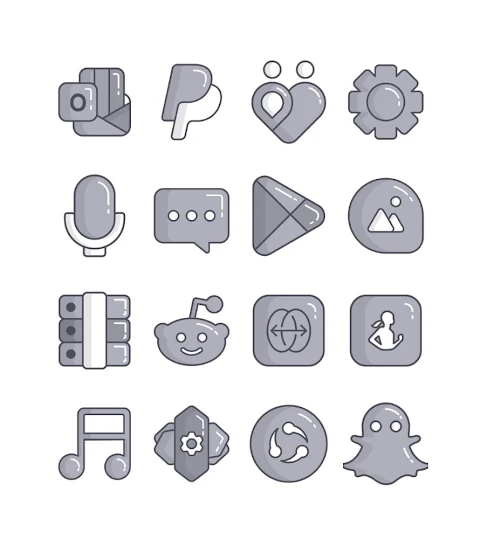
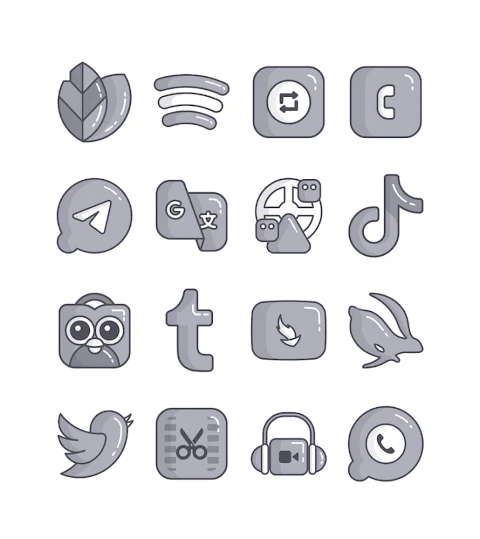
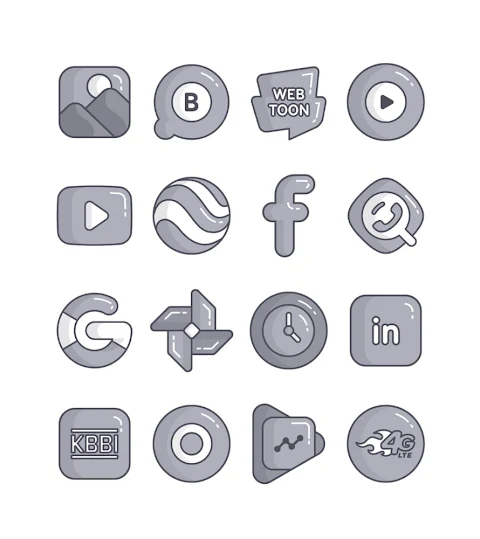
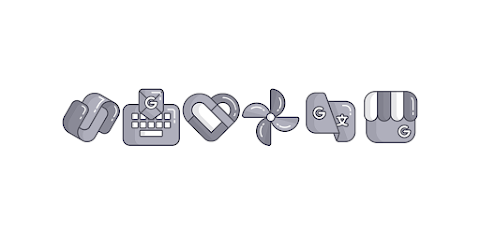
Rock - Black Icon Pack is a vibrant collection of cartoon-ish icons designed to enhance your device's look. With over 3000 icons and counting, this black icon pack offers a variety of options to customize your home screen stylishly. Each icon is created in a high-definition resolution of 256x256px, ensuring they look sharp on your device.
One of the standout features of Rock - Black Icon Pack is the icon request feature. If you find an icon you wish to see, you can easily request it through the app. Additionally, you can explore beautiful wallpapers that complement the icons, giving your interface a cohesive and fresh appearance.
Applying the Rock - icon pack to your device is simple. It supports several popular launchers, including Nova Launcher and Evie Launcher. To apply the icon pack, just follow these easy steps:
1. Open the Rock - icon Pack app on your device.
2. Go to the "Apply Icon Pack" screen.
3. Here, you will find a list of supported launchers, such as Nova Launcher, Apex Launcher, and many others. Choose the launcher you have installed, like Nova Launcher, to apply the icons.
4. The app will automatically apply the icons from the Rock - icon pack for your chosen launcher.
If you don’t see your launcher while trying to apply from the icon pack, you can also apply it from your launcher itself. For users with a Sony Xperia Home Launcher, please note that it may not be listed in the app. However, you can apply the Rock - Lines icon pack by adjusting its settings.
To do this on Sony Xperia, follow these settings:
1. Long press on your main screen.
2. Open the settings.
3. Scroll down until you find the appearance icon settings.
4. Choose the Rock - icon pack.
5. Once done, your Sony Xperia will now feature the Rock - Black Icon Pack.
Keep in mind that the icon pack supports Sony Xperia Home Launcher version 10.0.A.0.8 or later.
The Rock - Black Icon Pack is compatible with a wide range of launchers beyond just Nova and Evie. Other supported launchers include Apex Launcher, ADW Launcher, ABC Launcher, Next Launcher, Holo Launcher, Lucid Launcher, M Launcher, Action Launcher, Aviate Launcher, Smart Launcher, Go Launcher (though it doesn't support icon masking), and Zero Launcher (which also lacks icon masking support).
For users looking to stay updated with design information, you can find more on Google+, Instagram, and Twitter. Follow along for the latest updates and designs.
Finally, a special thanks goes to Dani Mahardika for the Candybar Dashboard, which makes the icon pack experience even better. With Rock - Black Icon Pack, you can easily elevate your device’s style and enjoy a unique look that’s all your own.
One of the standout features of Rock - Black Icon Pack is the icon request feature. If you find an icon you wish to see, you can easily request it through the app. Additionally, you can explore beautiful wallpapers that complement the icons, giving your interface a cohesive and fresh appearance.
Applying the Rock - icon pack to your device is simple. It supports several popular launchers, including Nova Launcher and Evie Launcher. To apply the icon pack, just follow these easy steps:
1. Open the Rock - icon Pack app on your device.
2. Go to the "Apply Icon Pack" screen.
3. Here, you will find a list of supported launchers, such as Nova Launcher, Apex Launcher, and many others. Choose the launcher you have installed, like Nova Launcher, to apply the icons.
4. The app will automatically apply the icons from the Rock - icon pack for your chosen launcher.
If you don’t see your launcher while trying to apply from the icon pack, you can also apply it from your launcher itself. For users with a Sony Xperia Home Launcher, please note that it may not be listed in the app. However, you can apply the Rock - Lines icon pack by adjusting its settings.
To do this on Sony Xperia, follow these settings:
1. Long press on your main screen.
2. Open the settings.
3. Scroll down until you find the appearance icon settings.
4. Choose the Rock - icon pack.
5. Once done, your Sony Xperia will now feature the Rock - Black Icon Pack.
Keep in mind that the icon pack supports Sony Xperia Home Launcher version 10.0.A.0.8 or later.
The Rock - Black Icon Pack is compatible with a wide range of launchers beyond just Nova and Evie. Other supported launchers include Apex Launcher, ADW Launcher, ABC Launcher, Next Launcher, Holo Launcher, Lucid Launcher, M Launcher, Action Launcher, Aviate Launcher, Smart Launcher, Go Launcher (though it doesn't support icon masking), and Zero Launcher (which also lacks icon masking support).
For users looking to stay updated with design information, you can find more on Google+, Instagram, and Twitter. Follow along for the latest updates and designs.
Finally, a special thanks goes to Dani Mahardika for the Candybar Dashboard, which makes the icon pack experience even better. With Rock - Black Icon Pack, you can easily elevate your device’s style and enjoy a unique look that’s all your own.
Guard Watch Face
amoledwatchfaces™
$1.49
$1.04
Pace 3: Watch face
amoledwatchfaces™
$0.99
$0.50
【Hybrid】Luxury Leather
ZKin
$2.99
$0.99