
$0.99
$0.69
30% Off
Retro Chic Watch Face
ChronoHarvest

About the App
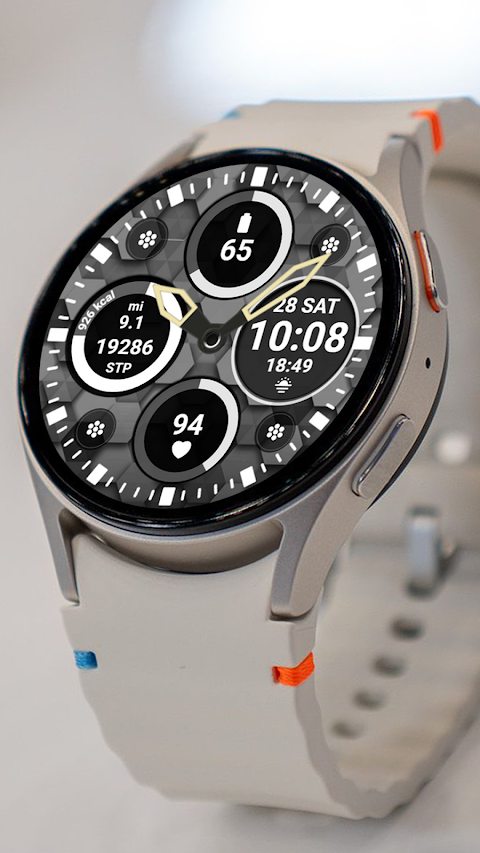
The Retro Chic Watch Face is a stylish and functional watch face designed for Wear OS devices, especially if you're a Galaxy Watch user. One important thing to note is that the watch face editor in the Samsung Wearable app can sometimes have trouble syncing or loading complex watch faces. If you run into this issue, it's best to customize your watch face directly on the watch until Samsung works out the problems.
This watch face is compatible with all Wear OS devices that support API Level 34 or later, including Wear OS 4. Some features may not be available on certain watches, so be sure to check compatibility.
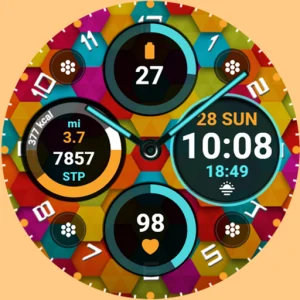
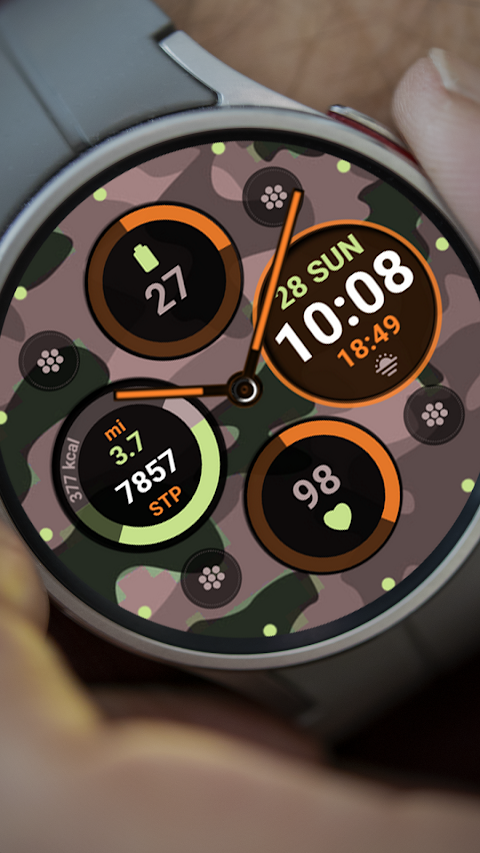
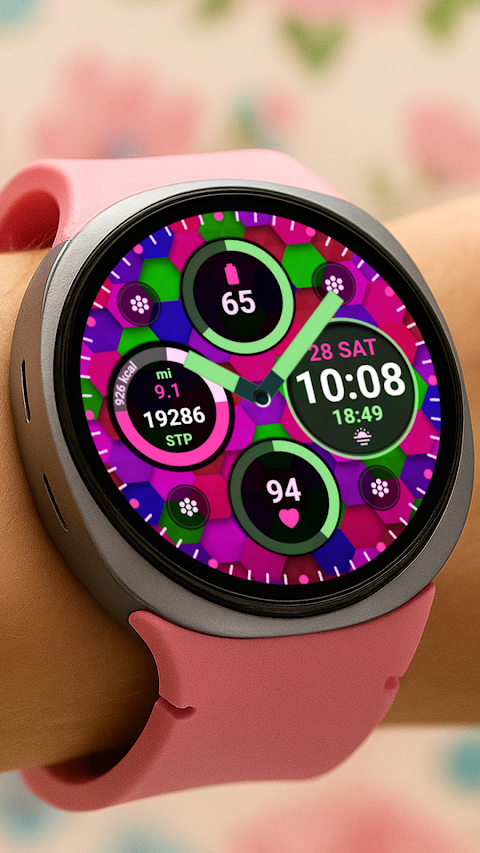
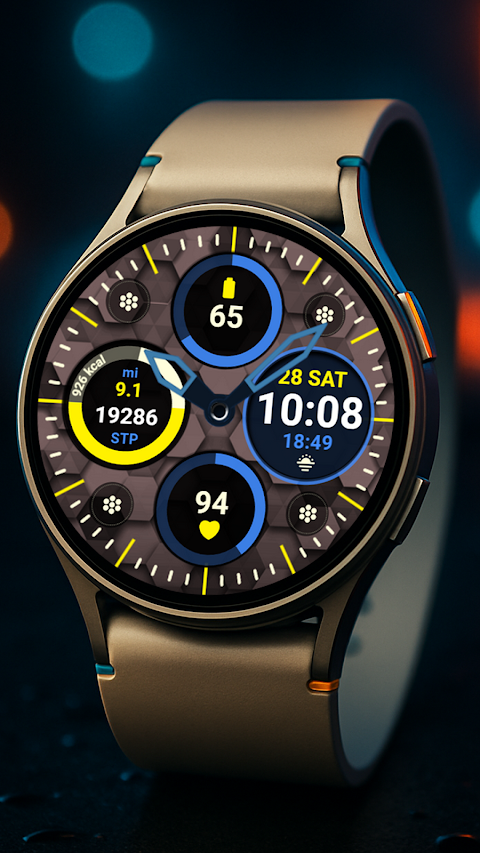
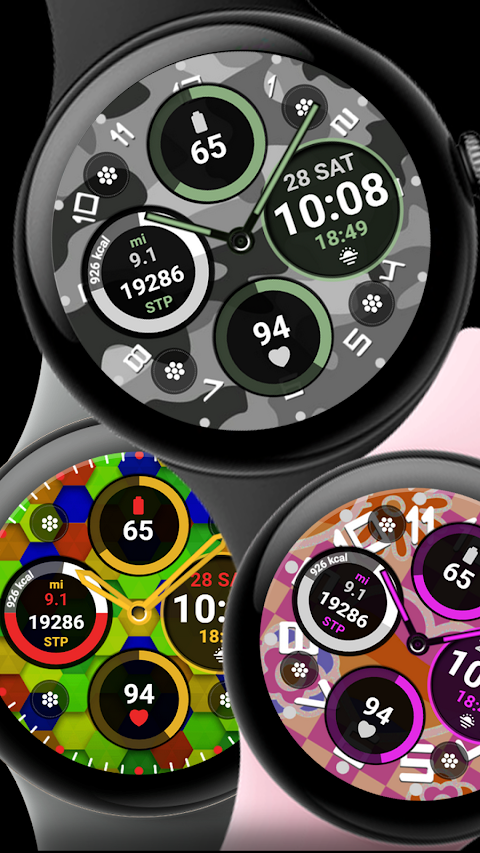
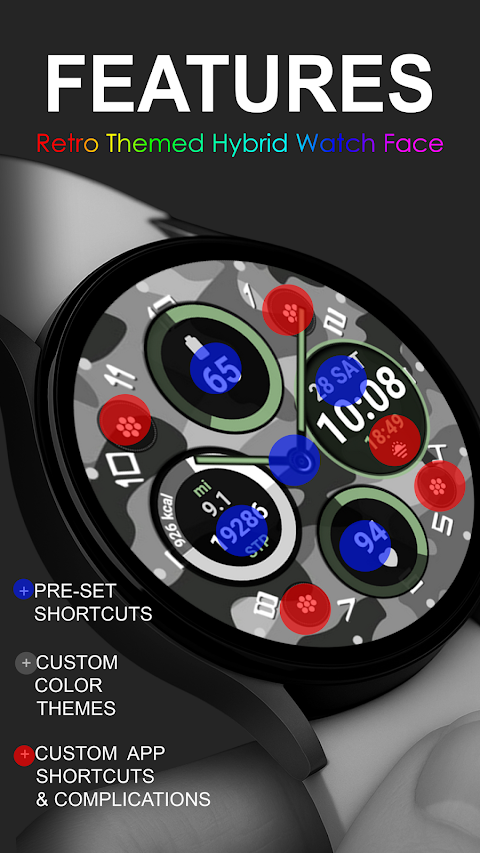
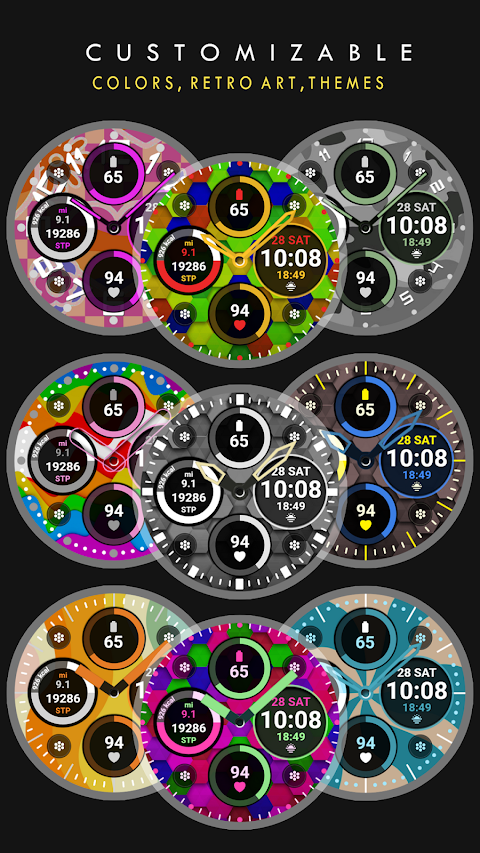
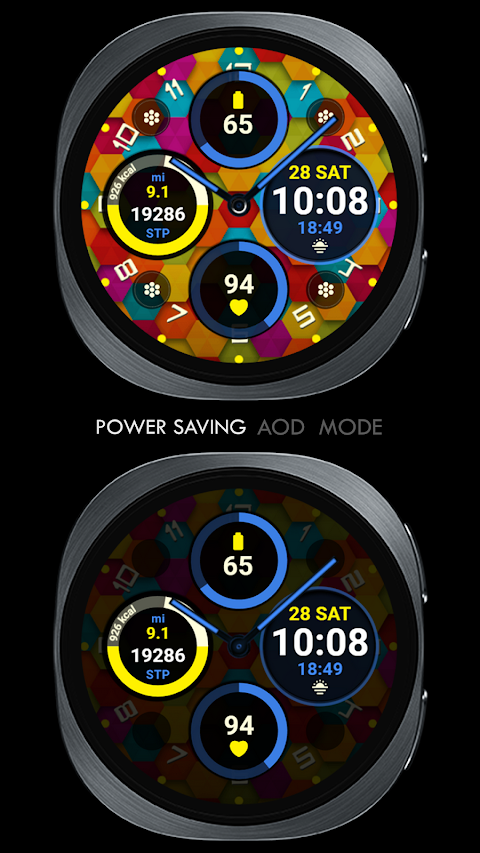
One of the standout features of the Retro Chic Watch Face is its retro themed digital clock, which adds a unique touch to your device. It includes several pre-set app shortcuts that are fixed, such as the battery app shortcut, calendar app shortcut, heart rate monitoring, and steps tracking. You also have the option to create four custom app shortcuts tailored to your needs.
Additionally, there's one custom complication that you can modify with any data you prefer. Whether you want to display the date, weather data, sunset/sunrise times, or world clock features, the choice is yours. You can even set reminders for your next appointments or track the distance walked. To fully utilize this feature, you might need to install some third-party complications to enhance your experience.
Before you get started, here are some important installation notes. The Retro Chic Watch Face will automatically install on your Wear OS watch. Ensure that your watch is synced with your phone and using the same email address for a seamless installation process. After downloading, it may take a few minutes for the watch face to be transferred successfully. You will receive watch face notifications on your device once everything is set up.
If you don’t see a notification after installation, you can go to the Play Store on your watch and type “Retro Chic Watch Face” in the search box to find it.
Keep in mind that watch faces don’t always display or change automatically after installation. To add the watch face, go back to your home display, tap and hold the display, then swipe until you reach the end and tap the + button. You can also find the watch face by rotating the bezel or scrolling through the options.
Make sure to manage permissions by going to settings, applications, and then permissions. This will ensure that the watch face functions properly.
Lastly, be aware of the refund policy. If you need a refund, it is only permitted within 24 hours of purchase.
For more options, you can look at the full collection available at the provided link. If you have questions or need assistance, feel free to contact us via email. We even have a YouTube installation tutorial available to guide you through the setup process. The Retro Chic Watch Face combines style and functionality, making your smartwatch experience more enjoyable.
This watch face is compatible with all Wear OS devices that support API Level 34 or later, including Wear OS 4. Some features may not be available on certain watches, so be sure to check compatibility.
One of the standout features of the Retro Chic Watch Face is its retro themed digital clock, which adds a unique touch to your device. It includes several pre-set app shortcuts that are fixed, such as the battery app shortcut, calendar app shortcut, heart rate monitoring, and steps tracking. You also have the option to create four custom app shortcuts tailored to your needs.
Additionally, there's one custom complication that you can modify with any data you prefer. Whether you want to display the date, weather data, sunset/sunrise times, or world clock features, the choice is yours. You can even set reminders for your next appointments or track the distance walked. To fully utilize this feature, you might need to install some third-party complications to enhance your experience.
Before you get started, here are some important installation notes. The Retro Chic Watch Face will automatically install on your Wear OS watch. Ensure that your watch is synced with your phone and using the same email address for a seamless installation process. After downloading, it may take a few minutes for the watch face to be transferred successfully. You will receive watch face notifications on your device once everything is set up.
If you don’t see a notification after installation, you can go to the Play Store on your watch and type “Retro Chic Watch Face” in the search box to find it.
Keep in mind that watch faces don’t always display or change automatically after installation. To add the watch face, go back to your home display, tap and hold the display, then swipe until you reach the end and tap the + button. You can also find the watch face by rotating the bezel or scrolling through the options.
Make sure to manage permissions by going to settings, applications, and then permissions. This will ensure that the watch face functions properly.
Lastly, be aware of the refund policy. If you need a refund, it is only permitted within 24 hours of purchase.
For more options, you can look at the full collection available at the provided link. If you have questions or need assistance, feel free to contact us via email. We even have a YouTube installation tutorial available to guide you through the setup process. The Retro Chic Watch Face combines style and functionality, making your smartwatch experience more enjoyable.
DADAM95: Stylish Analog Watch
DADAM Watch Faces
$1.49
$0.19

Octagon – Icon Pack
GomoTheGom
$1.49
$0.29

Garis Dark – Lines Icon Pack
GomoTheGom
$1.49
$0.49