
$1.99
$1.00
50% Off
Real3D – Icon Pack
Olivera Onias Design

About the App
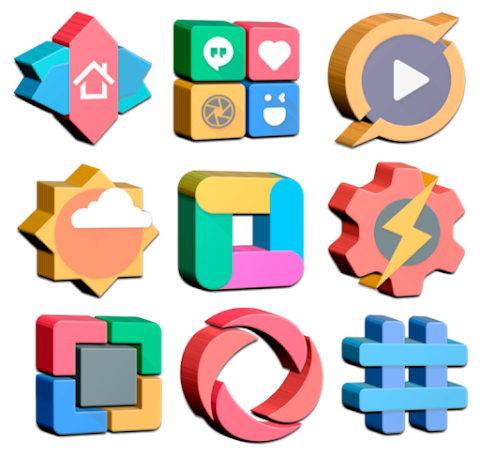
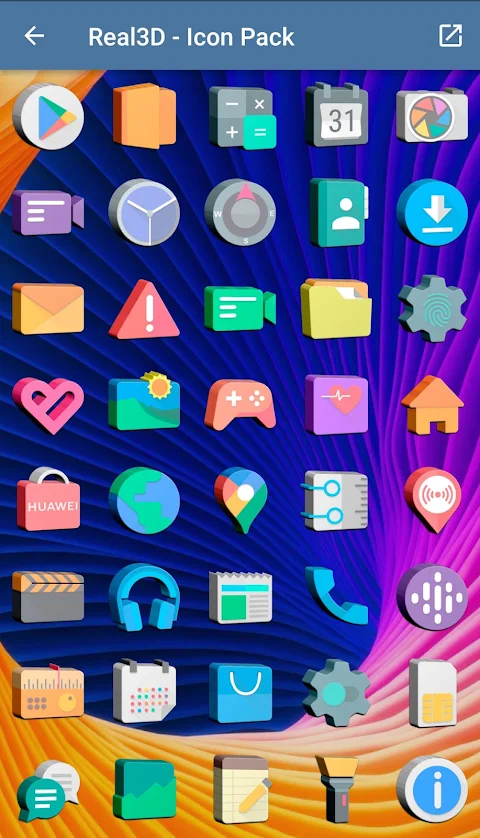
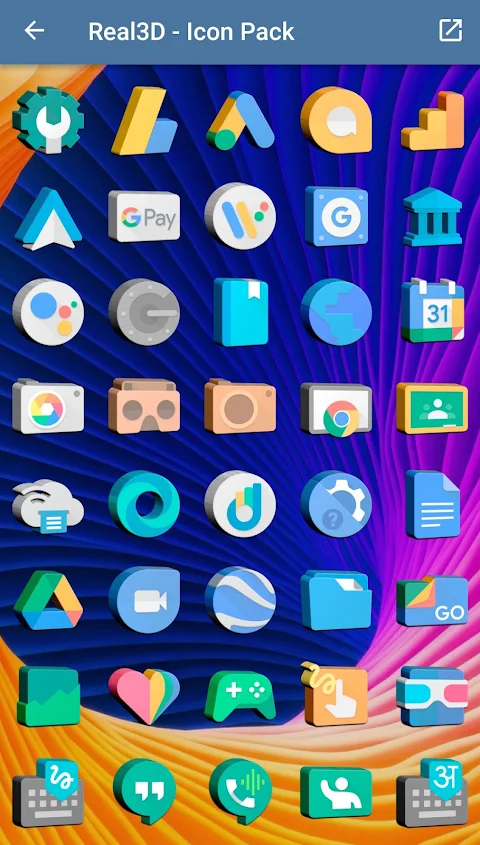
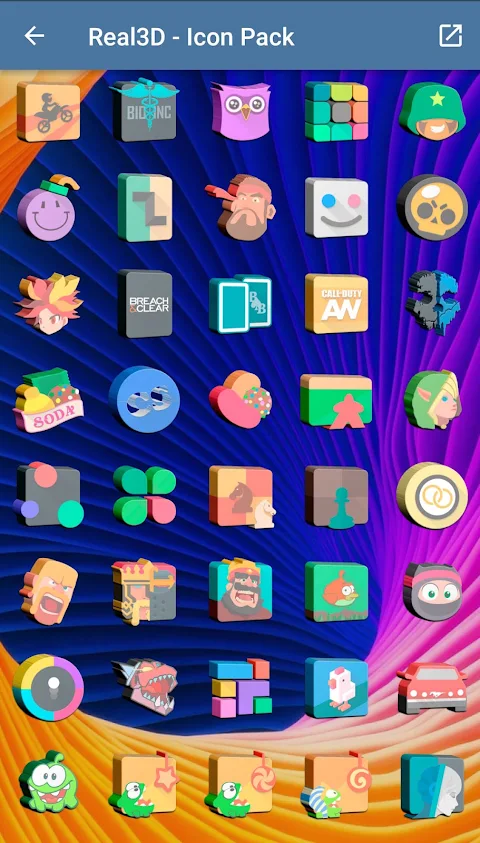
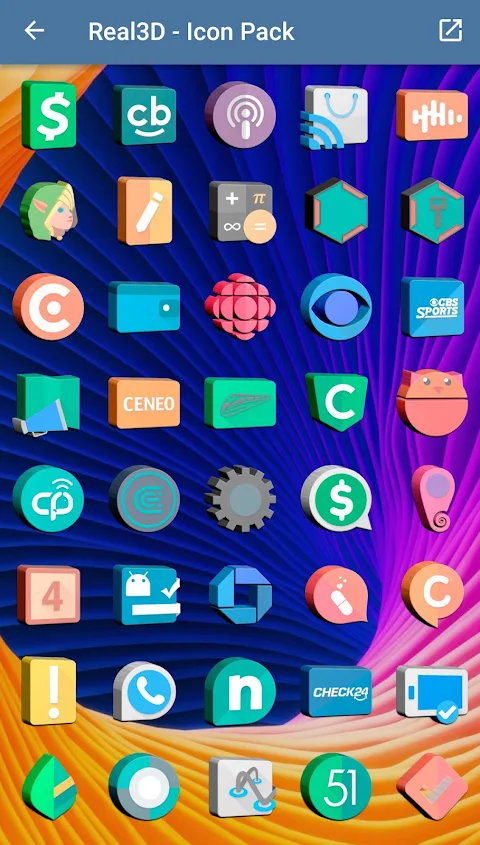
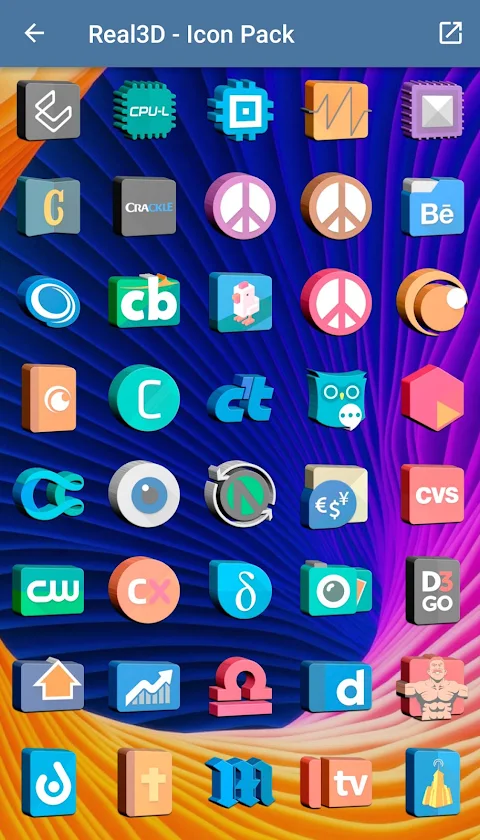
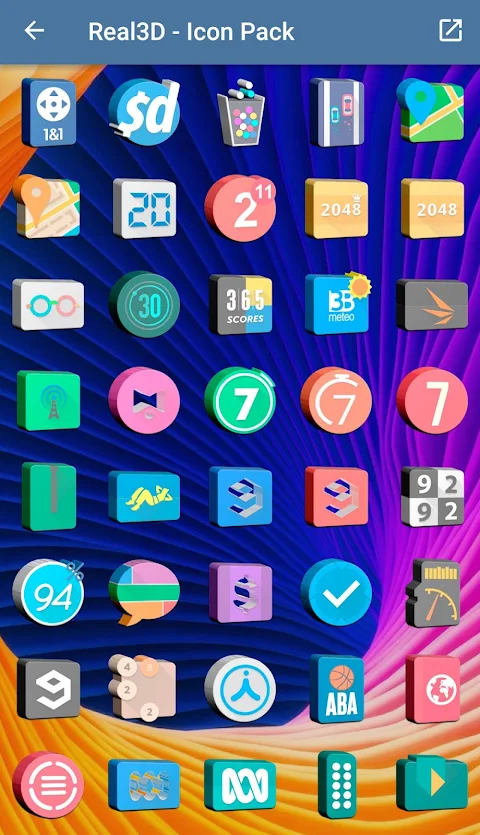
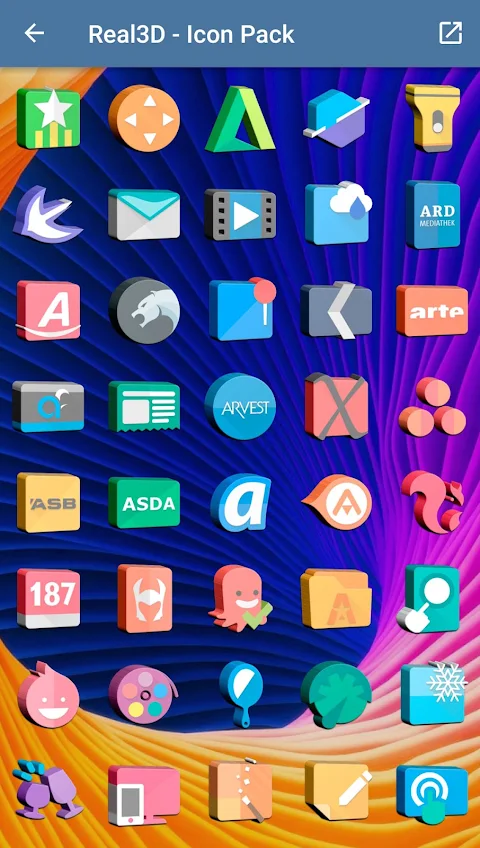
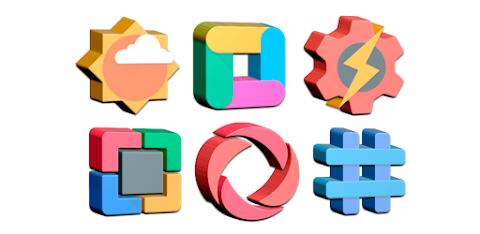
Real3D - Icon Pack is a vibrant icon pack that features beautiful 3D shaped icons. With over 4800 custom icons to choose from, users can easily give their devices a unique and stylish look. This app is perfect for anyone who wants to personalize their phone or tablet experience.
One of the standout features of Real3D - Icon Pack is the dynamic calendar feature, which allows your calendar icons to change based on the date. This adds a fun element to your home screen. You also have the option to use custom folder icons and category-based icons, making it easy to organize your apps visually.
Real3D comes with frequent updates, ensuring new icons and features are regularly added. The app also has a simple interface that lets you preview and search for icons, making it user-friendly. If you ever want a specific icon, the easy icon request feature allows you to ask for it directly.
To use Real3D - Icon Pack, you will need a supported theme launcher. Nova Launcher is recommended because it works seamlessly with this icon pack. First, you'll need to install Nova Launcher or any other compatible launcher. After that, open Real3D, go to the Apply section, and select your launcher to apply the icons. If your launcher isn’t listed, you can still apply it from your launcher’s settings.
When it comes to customization, Real3D provides icon size settings so you can adjust the icons to your liking. If you prefer smaller icons, you can set the size to 85%. For larger icons, you can choose a size between 100% and 120%.
The app is compatible with a wide range of launchers, including Action Launcher, ADW Launcher, Apex Launcher, Atom Launcher, GO Launcher, Holo Launcher, and many more. Whether you use Microsoft Launcher, Arrow Launcher, or any of the other supported launchers, you’ll find that Real3D - Icon Pack enhances your device’s look and feel.
If you ever find that you are not satisfied with the icons, Real3D offers a 100% refund policy. Just contact us via email within 24 hours, and we’ll take care of it.
In summary, Real3D - Icon Pack is a great choice for anyone looking to customize their device with beautiful 3D shaped icons. With its wide variety of features, including custom app drawer icons, dynamic calendar functionality, and easy icon requests, you’ll have everything you need to create your perfect home screen. Enjoy a personalized experience every time you unlock your device!
One of the standout features of Real3D - Icon Pack is the dynamic calendar feature, which allows your calendar icons to change based on the date. This adds a fun element to your home screen. You also have the option to use custom folder icons and category-based icons, making it easy to organize your apps visually.
Real3D comes with frequent updates, ensuring new icons and features are regularly added. The app also has a simple interface that lets you preview and search for icons, making it user-friendly. If you ever want a specific icon, the easy icon request feature allows you to ask for it directly.
To use Real3D - Icon Pack, you will need a supported theme launcher. Nova Launcher is recommended because it works seamlessly with this icon pack. First, you'll need to install Nova Launcher or any other compatible launcher. After that, open Real3D, go to the Apply section, and select your launcher to apply the icons. If your launcher isn’t listed, you can still apply it from your launcher’s settings.
When it comes to customization, Real3D provides icon size settings so you can adjust the icons to your liking. If you prefer smaller icons, you can set the size to 85%. For larger icons, you can choose a size between 100% and 120%.
The app is compatible with a wide range of launchers, including Action Launcher, ADW Launcher, Apex Launcher, Atom Launcher, GO Launcher, Holo Launcher, and many more. Whether you use Microsoft Launcher, Arrow Launcher, or any of the other supported launchers, you’ll find that Real3D - Icon Pack enhances your device’s look and feel.
If you ever find that you are not satisfied with the icons, Real3D offers a 100% refund policy. Just contact us via email within 24 hours, and we’ll take care of it.
In summary, Real3D - Icon Pack is a great choice for anyone looking to customize their device with beautiful 3D shaped icons. With its wide variety of features, including custom app drawer icons, dynamic calendar functionality, and easy icon requests, you’ll have everything you need to create your perfect home screen. Enjoy a personalized experience every time you unlock your device!
![[69D] Virtue Analog Watch](https://appdovo.com/wp-content/uploads/2026/06/com.sixty9design.virtue_1rbyRZHe2NTKO4pWjY4-1-150x150.webp)
[69D] Virtue Analog Watch
69 Design
$1.49
$0.30

Luna Walls – Gouache Wallpaper
YoG
$2.99
$2.00
Spring Flower Watch Face
Galaxy Design Watch Face
$1.99
$0.99