
$7.99
FREE
100% Off
ReaderView
AppBlit LLC



About the App
ReaderView is a powerful tool designed to enhance your reading experience on the web. This innovative Reader View technology allows you to transform any web page into a clean, readable format. Whether you’re accessing articles from a blog or viewing documents like Word files and PDF texts, ReaderView makes reading simple and enjoyable.
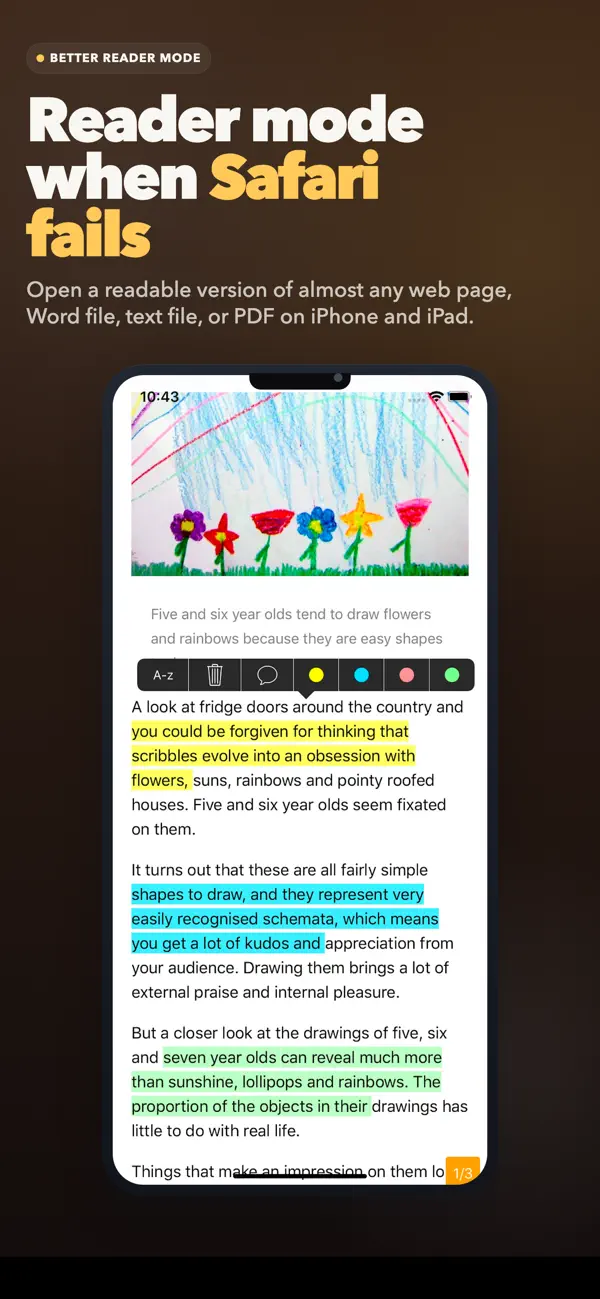
With just one tap, you can switch to a readable version of any page. The highlighter feature lets you easily highlight important sections and add comments for your future reference. This is especially useful for students or professionals who need to keep track of specific details in their readings.
One of the standout features of ReaderView is its offline reading mode. You can save articles for later, which is perfect for when you're on an airplane or in places without internet access. Not only does ReaderView store the text, but it keeps the images as well, so you don’t miss out on any important visual content.
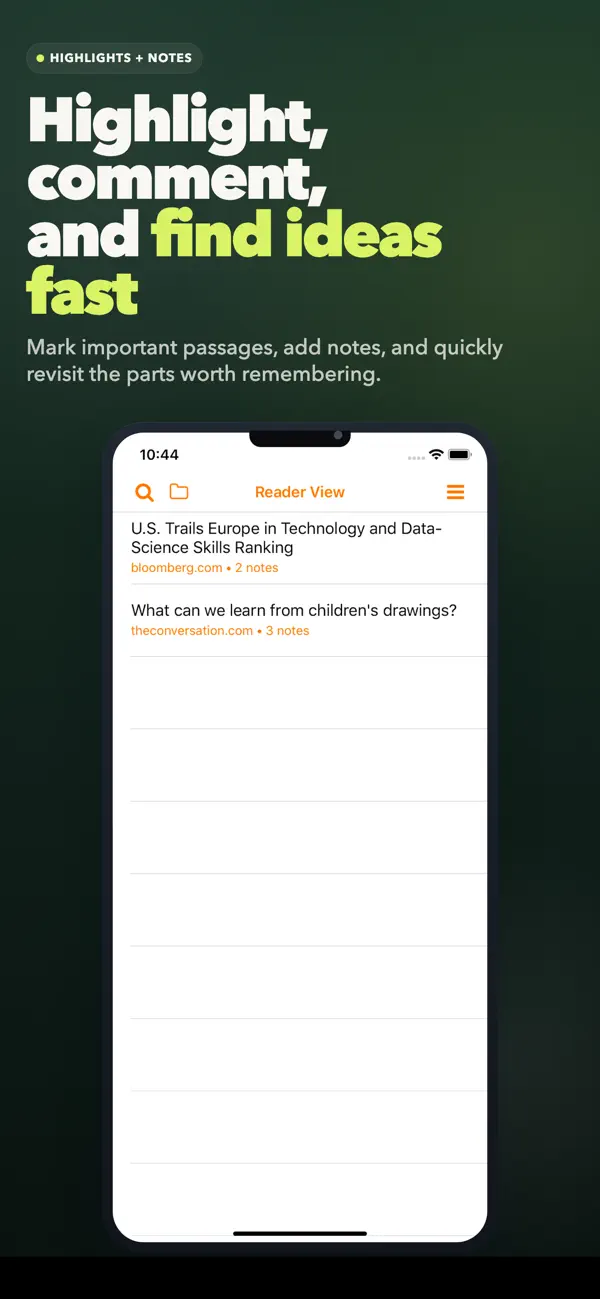
When it comes to staying organized, ReaderView offers robust article organization tools. You can efficiently search and organize your saved articles, ensuring that everything you need is just a click away. The full text search functionality helps you quickly find information, either from your article list or within the content of each article.
For added convenience, ReaderView is synchronized with iCloud. This means you can access your articles across all your devices, ensuring you’re never without your reading material. The app also supports Spotlight search, allowing you to find your articles quickly.
Sharing your highlights is easy, thanks to the highlight sharing feature. You can export your marked articles in various formats, including HTML, text, and PDF. This is great for sharing insights with friends or colleagues through email or other apps. ReaderView allows you to view exported articles in popular applications like DropBox, Google Drive, and EverNote.
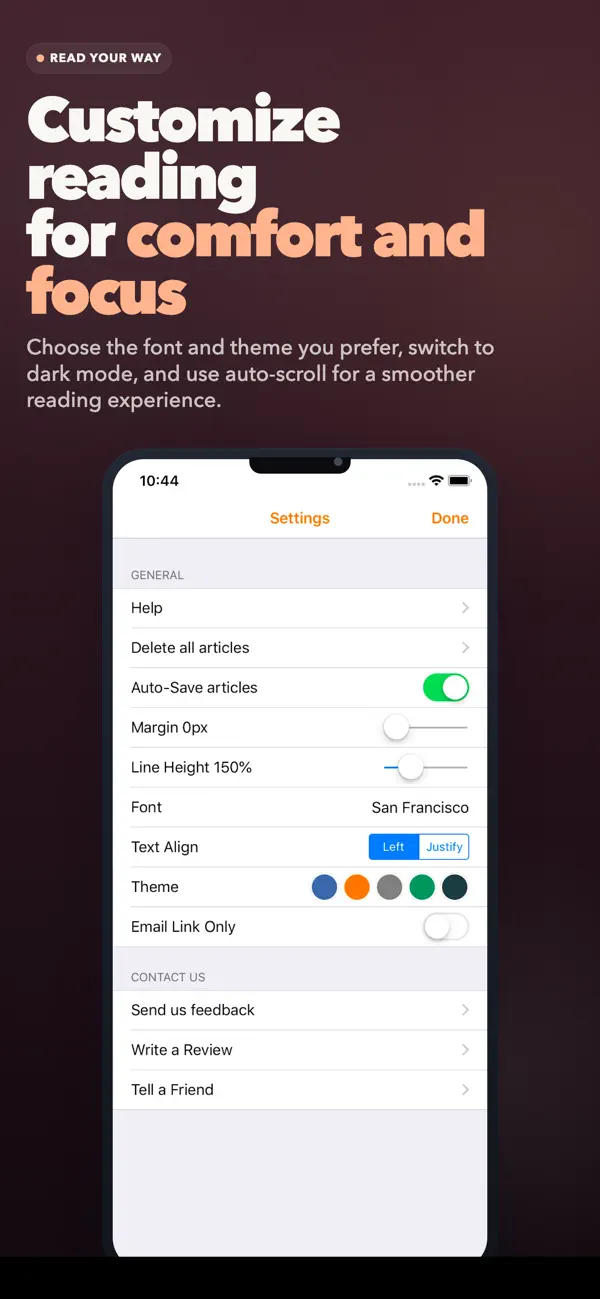
ReaderView also offers a dark mode feature for nighttime reading, which reduces eye strain. If you prefer a hands-free experience, the auto-scroll option lets you simply tap at the bottom of the screen to begin scrolling through articles automatically.
The app supports both Asian and bidi language systems, making it accessible for readers who work with Arabic, Hebrew, or other similar languages. Whether you’re reading from Mobile Safari, Apple News, Twitter, or other platforms, you can enjoy the benefits of ReaderView seamlessly.
In conclusion, ReaderView is a comprehensive document management system that improves readability across various sources. It simplifies highlighting and commenting on articles, with features like offline access, reading list organization, and multi-device access. Explore ReaderView today to experience a more organized and efficient reading journey.
With just one tap, you can switch to a readable version of any page. The highlighter feature lets you easily highlight important sections and add comments for your future reference. This is especially useful for students or professionals who need to keep track of specific details in their readings.
One of the standout features of ReaderView is its offline reading mode. You can save articles for later, which is perfect for when you're on an airplane or in places without internet access. Not only does ReaderView store the text, but it keeps the images as well, so you don’t miss out on any important visual content.
When it comes to staying organized, ReaderView offers robust article organization tools. You can efficiently search and organize your saved articles, ensuring that everything you need is just a click away. The full text search functionality helps you quickly find information, either from your article list or within the content of each article.
For added convenience, ReaderView is synchronized with iCloud. This means you can access your articles across all your devices, ensuring you’re never without your reading material. The app also supports Spotlight search, allowing you to find your articles quickly.
Sharing your highlights is easy, thanks to the highlight sharing feature. You can export your marked articles in various formats, including HTML, text, and PDF. This is great for sharing insights with friends or colleagues through email or other apps. ReaderView allows you to view exported articles in popular applications like DropBox, Google Drive, and EverNote.
ReaderView also offers a dark mode feature for nighttime reading, which reduces eye strain. If you prefer a hands-free experience, the auto-scroll option lets you simply tap at the bottom of the screen to begin scrolling through articles automatically.
The app supports both Asian and bidi language systems, making it accessible for readers who work with Arabic, Hebrew, or other similar languages. Whether you’re reading from Mobile Safari, Apple News, Twitter, or other platforms, you can enjoy the benefits of ReaderView seamlessly.
In conclusion, ReaderView is a comprehensive document management system that improves readability across various sources. It simplifies highlighting and commenting on articles, with features like offline access, reading list organization, and multi-device access. Explore ReaderView today to experience a more organized and efficient reading journey.

Revisits – Service Reports
Francisco Landero
$4.99

Ultimate Car Audio App
Thomas VanSlambrouck
$1.99
ID Photo & Passport Portrait
Nuts Mobile Inc.
$5.99
$0.99