

$1.49
FREE
100% Off
Purplediant – Icon Pack
GomoTheGom


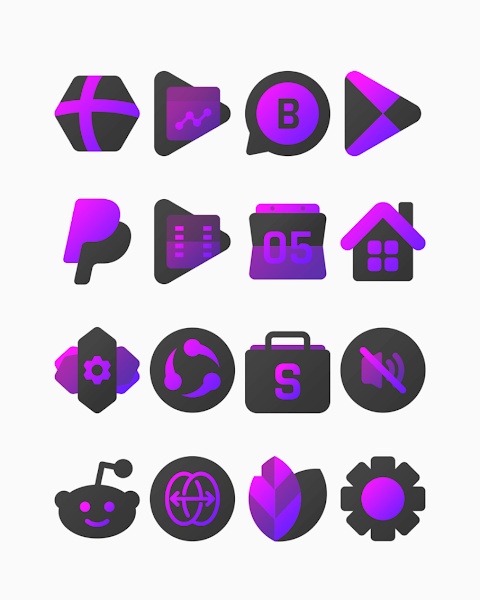



About the App
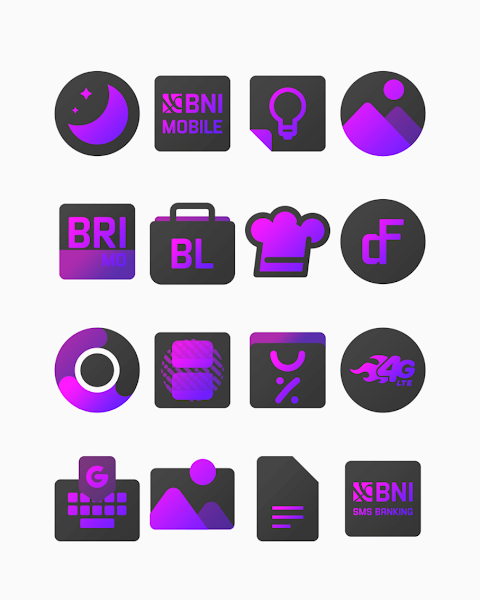
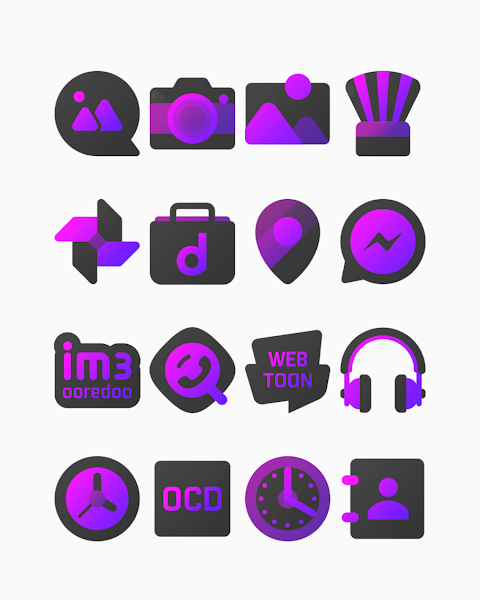
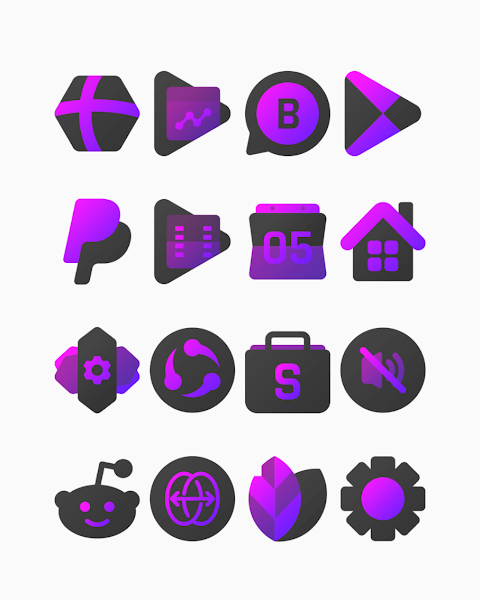
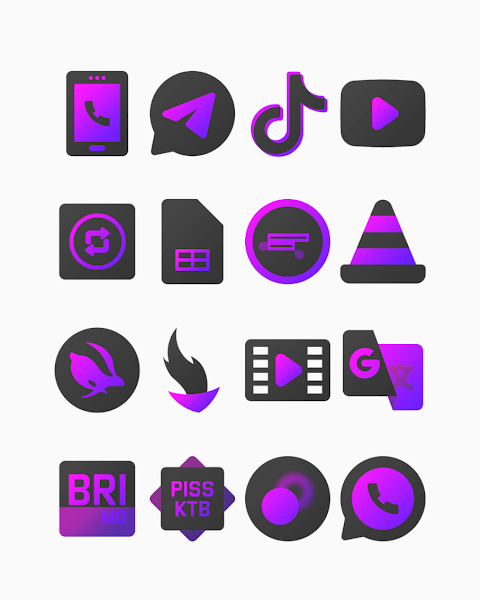
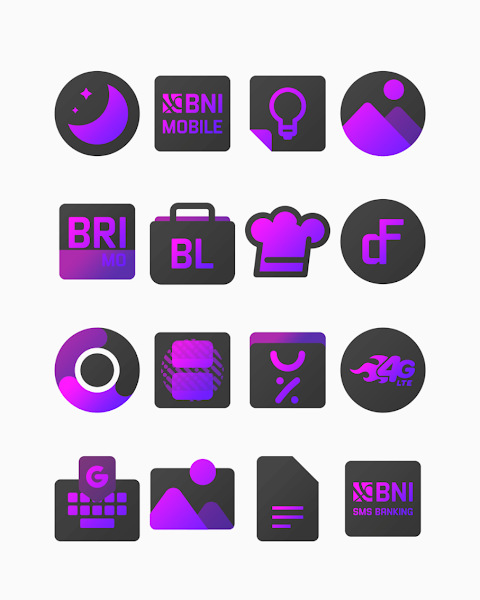
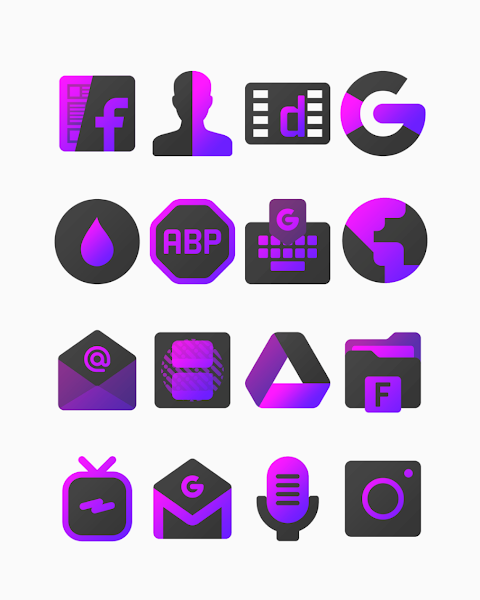
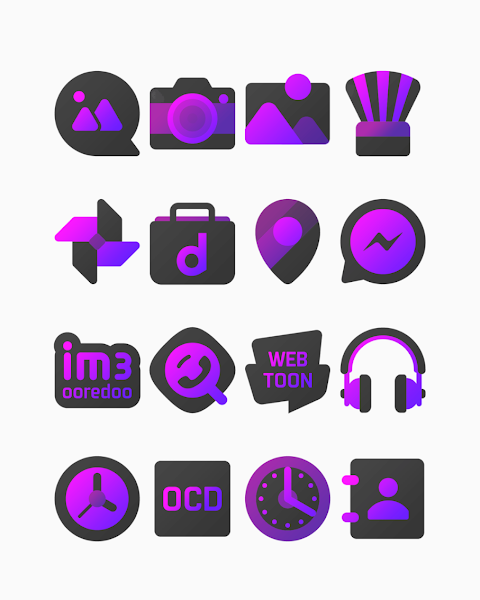
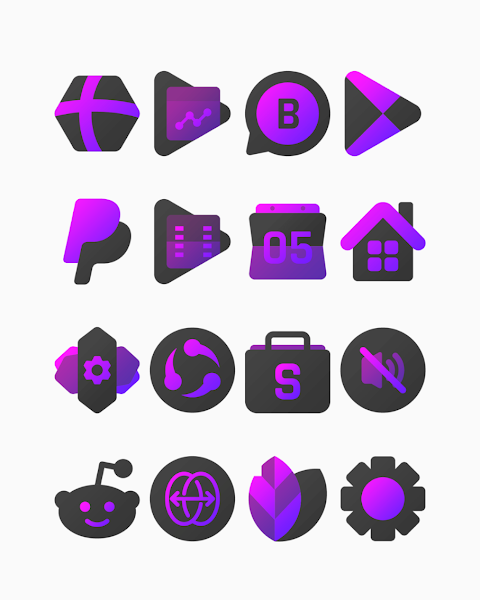
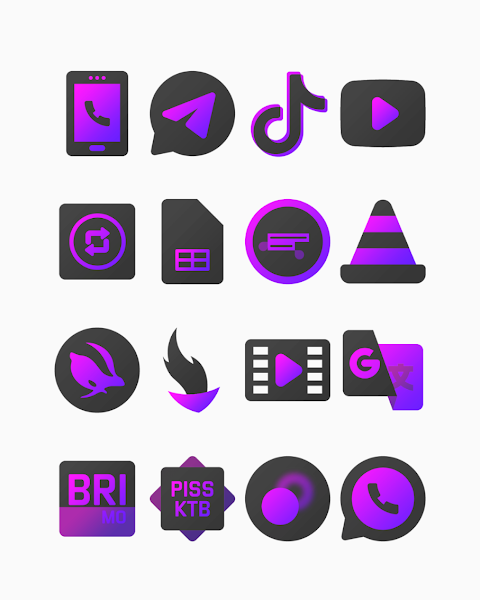
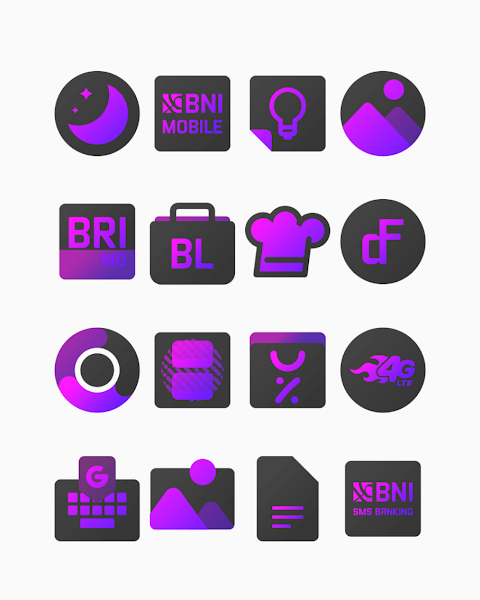
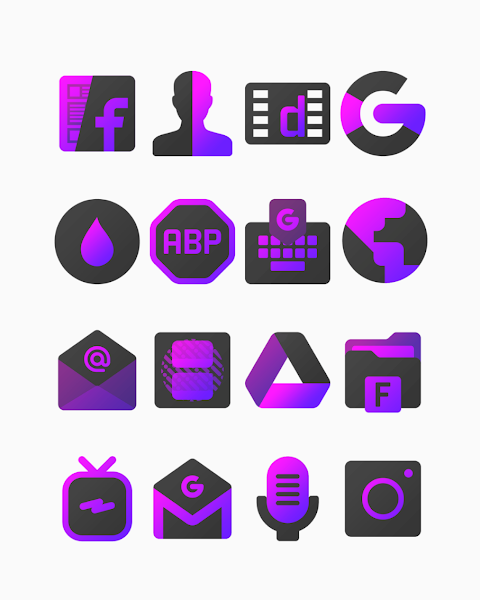
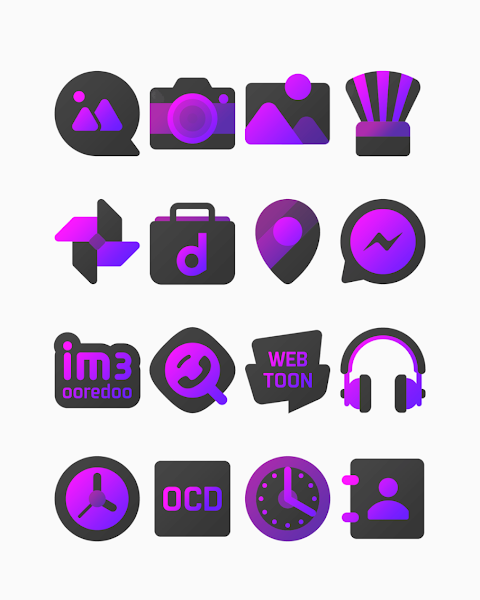
Purplediant - Icon Pack is a unique collection of themed gradient icons featuring a vibrant purple color scheme and dark vibes. With over 3000 icons and counting, this icon pack offers a variety of mobile icon customization options to enhance your device's appearance. Each icon has a high-definition resolution of 256x256px, ensuring visual clarity and a stylish look for your home screen.
In addition to the icons, Purplediant includes beautiful wallpapers that match the overall theme. Users also have the option to request additional icons, allowing them to personalize their experience even further.
Applying the Purplediant icon pack is simple and works with many popular launchers. It supports several launcher compatibility options including Nova Launcher, Evie Launcher, Apex Launcher, ADW Launcher, ABC Launcher, Next Launcher, Holo Launcher, Lucid Launcher, M Launcher, Action Launcher, and more. Here’s how to apply it:
1. Open the Purplediant icon Pack App on your device.
2. Go to the Apply Icon Pack screen.
3. The app will display a list of supported launchers. If you have Nova Launcher installed, select it to apply icons from the Purplediant pack.
4. The app automatically applies the new icons for Nova Launcher.
If your launcher does not appear in the app, you can still apply the icon pack from the launcher settings. For users of the Sony Xperia Home Launcher, although it may not show up in the app, you can still use the Purplediant icon pack by following these steps:
1. Long press on your main screen.
2. Open the settings.
3. Scroll down to the appearance icon settings.
4. Choose the Purplediant icon pack.
5. Your Sony Xperia will now have the Purplediant icon pack applied.
Please note that the icon pack only supports Sony Xperia Home Launcher version 10.0.A.0.8 or higher.
While using Purplediant, be mindful of the Go Launcher limitations, as it does not support icon masking. Furthermore, the Zero Launcher is compatible but also doesn't support this feature.
Connecting with the design community is easy, as Purplediant provides social media design information on platforms like Google+, Instagram, and Twitter. You can find the latest updates and design inspiration by following the provided links.
Finally, a special thanks to Dani Mahardika for contributing the Candybar Dashboard, which enhances the overall experience of using this icon pack.
With the Purplediant Icon Pack, you can easily customize your Android device with stunning gradient icons, perfectly designed to fit a stylish theme that resonates with your personal taste.
In addition to the icons, Purplediant includes beautiful wallpapers that match the overall theme. Users also have the option to request additional icons, allowing them to personalize their experience even further.
Applying the Purplediant icon pack is simple and works with many popular launchers. It supports several launcher compatibility options including Nova Launcher, Evie Launcher, Apex Launcher, ADW Launcher, ABC Launcher, Next Launcher, Holo Launcher, Lucid Launcher, M Launcher, Action Launcher, and more. Here’s how to apply it:
1. Open the Purplediant icon Pack App on your device.
2. Go to the Apply Icon Pack screen.
3. The app will display a list of supported launchers. If you have Nova Launcher installed, select it to apply icons from the Purplediant pack.
4. The app automatically applies the new icons for Nova Launcher.
If your launcher does not appear in the app, you can still apply the icon pack from the launcher settings. For users of the Sony Xperia Home Launcher, although it may not show up in the app, you can still use the Purplediant icon pack by following these steps:
1. Long press on your main screen.
2. Open the settings.
3. Scroll down to the appearance icon settings.
4. Choose the Purplediant icon pack.
5. Your Sony Xperia will now have the Purplediant icon pack applied.
Please note that the icon pack only supports Sony Xperia Home Launcher version 10.0.A.0.8 or higher.
While using Purplediant, be mindful of the Go Launcher limitations, as it does not support icon masking. Furthermore, the Zero Launcher is compatible but also doesn't support this feature.
Connecting with the design community is easy, as Purplediant provides social media design information on platforms like Google+, Instagram, and Twitter. You can find the latest updates and design inspiration by following the provided links.
Finally, a special thanks to Dani Mahardika for contributing the Candybar Dashboard, which enhances the overall experience of using this icon pack.
With the Purplediant Icon Pack, you can easily customize your Android device with stunning gradient icons, perfectly designed to fit a stylish theme that resonates with your personal taste.
TrackMate Watch Face
amoledwatchfaces™
$1.79
$0.90
Analog PRO: Watch face
amoledwatchfaces™
$0.99
$0.50
Emui – Icon Pack
Cris87
$2.79
$0.56