
$0.99
$0.29
71% Off
Purple – Icon Pack
Panoto Gomo



About the App
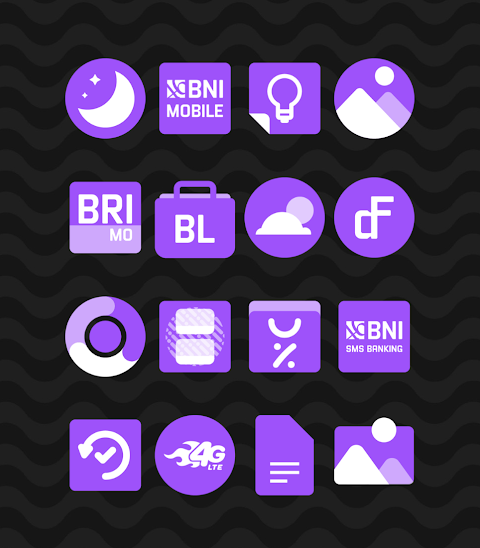
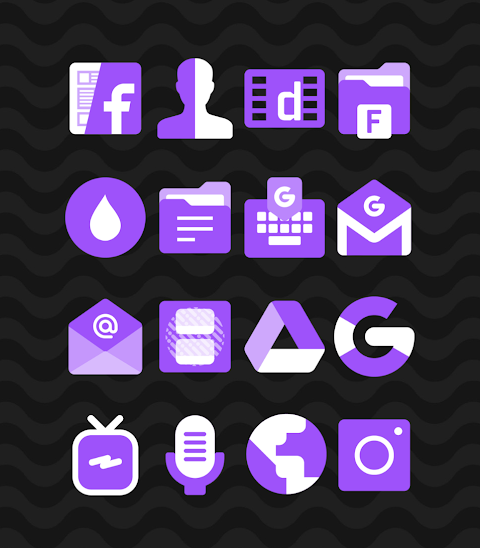
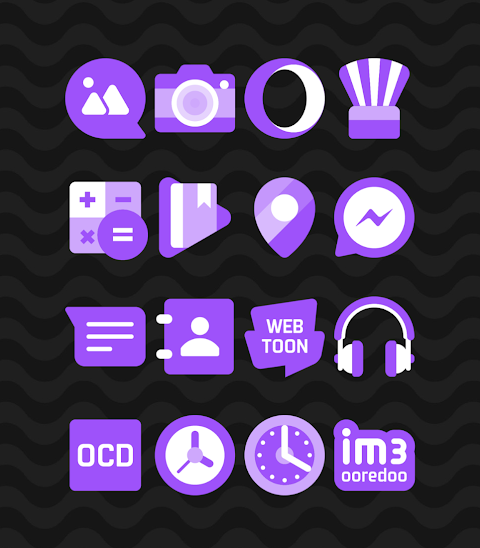
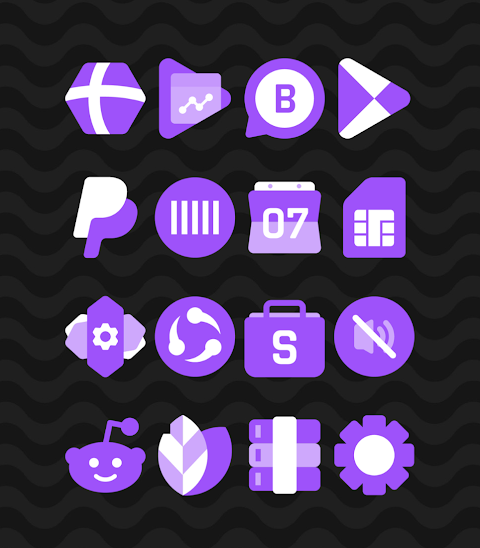
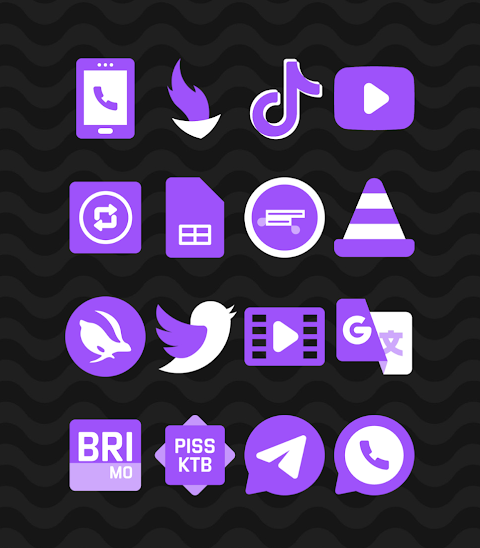
Purple - Icon Pack offers a wonderful way to personalize your device with beautifully designed shapeless icons in a vibrant purple color scheme. With over 2800 icons and counting, this icon pack allows you to completely transform the look of your home screen.
One of the key features of the Purple icon pack is its HD icon resolution, ensuring that every icon looks sharp and detailed at 256x256 pixels. Additionally, users can take advantage of the icon request feature, which allows you to request new icons for your favorite apps.
Applying the Purple icon pack is straightforward and works seamlessly with many popular launchers. For example, it offers strong nova launcher support, making it easy to apply your new icons. To get started, simply open the Purple Icon Pack app and navigate to the “Apply Icon Pack” screen. There, you'll find a list of supported launchers, including evie launcher compatibility, Apex launcher support, and more. Just select your preferred launcher, like the Nova Launcher you have installed, and the app will automatically apply the icons.
If you don’t see your launcher listed while trying to apply the icon pack, you can also apply it directly from the launcher’s settings. For instance, if you’re using Sony Xperia Home Launcher, it may not appear in this application, but you can still apply the Purple icon pack with some simple steps. Long press on your main screen, open the settings, scroll down to the appearance icon setting, and choose the Purple icon pack. Once completed, your Sony Xperia will display the new look.
Please note that the icon pack is designed to work with Sony Xperia Home Launcher version 10.0.A.0.8 or higher.
In addition to nova launcher support, the Purple icon pack is compatible with several other launchers. You can also enjoy ADW launcher integration, ABC launcher support, Next launcher compatibility, Holo launcher support, Lucid launcher integration, M launcher support, Action launcher compatibility, and Aviate launcher support. If you use Smart launcher or Go launcher, you can integrate the Purple icon pack, keeping in mind the icon masking limitations with Go launcher. Finally, it also provides Zero launcher support.
With the Purple icon pack, you can customize your launcher icons easily. Not only does it enhance your Android device’s aesthetic, but it also contributes to mobile personalization by allowing you to express your style through custom icon themes and themed icon packs.
For those who love to keep up with design information, you can find more updates on platforms like Google+, Instagram, and Twitter. Special thanks to Dani Mahardika for the Candybar Dashboard, which has made this experience even better.
The Purple icon pack is your go-to solution for a fresh and appealing user interface design on your Android device. Upgrade your home screen with this delightful icon pack today!
One of the key features of the Purple icon pack is its HD icon resolution, ensuring that every icon looks sharp and detailed at 256x256 pixels. Additionally, users can take advantage of the icon request feature, which allows you to request new icons for your favorite apps.
Applying the Purple icon pack is straightforward and works seamlessly with many popular launchers. For example, it offers strong nova launcher support, making it easy to apply your new icons. To get started, simply open the Purple Icon Pack app and navigate to the “Apply Icon Pack” screen. There, you'll find a list of supported launchers, including evie launcher compatibility, Apex launcher support, and more. Just select your preferred launcher, like the Nova Launcher you have installed, and the app will automatically apply the icons.
If you don’t see your launcher listed while trying to apply the icon pack, you can also apply it directly from the launcher’s settings. For instance, if you’re using Sony Xperia Home Launcher, it may not appear in this application, but you can still apply the Purple icon pack with some simple steps. Long press on your main screen, open the settings, scroll down to the appearance icon setting, and choose the Purple icon pack. Once completed, your Sony Xperia will display the new look.
Please note that the icon pack is designed to work with Sony Xperia Home Launcher version 10.0.A.0.8 or higher.
In addition to nova launcher support, the Purple icon pack is compatible with several other launchers. You can also enjoy ADW launcher integration, ABC launcher support, Next launcher compatibility, Holo launcher support, Lucid launcher integration, M launcher support, Action launcher compatibility, and Aviate launcher support. If you use Smart launcher or Go launcher, you can integrate the Purple icon pack, keeping in mind the icon masking limitations with Go launcher. Finally, it also provides Zero launcher support.
With the Purple icon pack, you can customize your launcher icons easily. Not only does it enhance your Android device’s aesthetic, but it also contributes to mobile personalization by allowing you to express your style through custom icon themes and themed icon packs.
For those who love to keep up with design information, you can find more updates on platforms like Google+, Instagram, and Twitter. Special thanks to Dani Mahardika for the Candybar Dashboard, which has made this experience even better.
The Purple icon pack is your go-to solution for a fresh and appealing user interface design on your Android device. Upgrade your home screen with this delightful icon pack today!
Halloween Story – Characters
RECREATIVE Watch Faces
$1.49
$0.75

Stealth Watch Face
amoledwatchfaces™
$1.79
$1.25
DADAM69: Lunar Watch Face
DADAM Watch Faces
$1.89
$0.19