

$0.99
$0.29
71% Off
PumpkinLine Orange – Icon Pack
Panoto Gomo



About the App
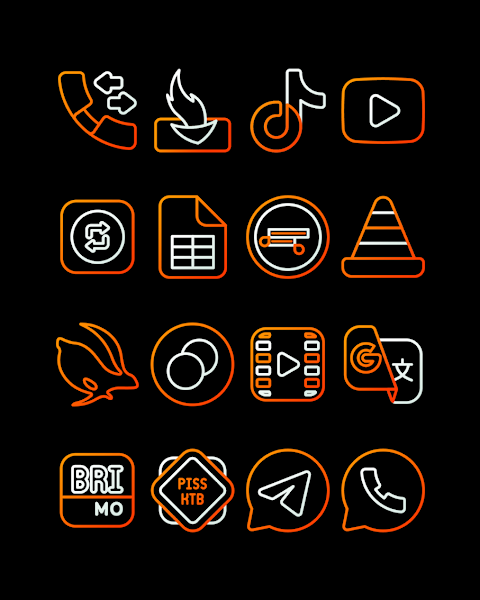
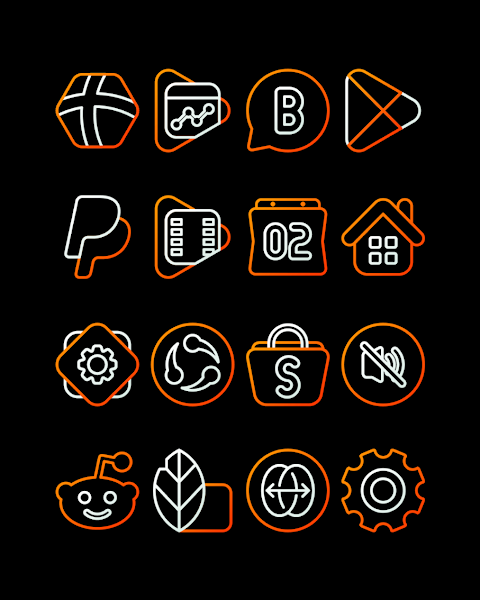
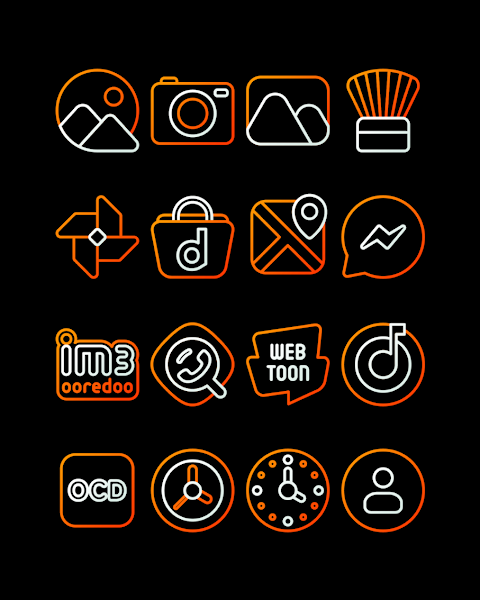
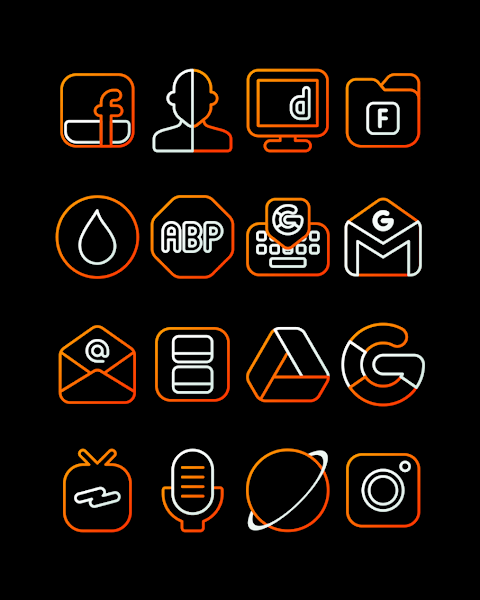
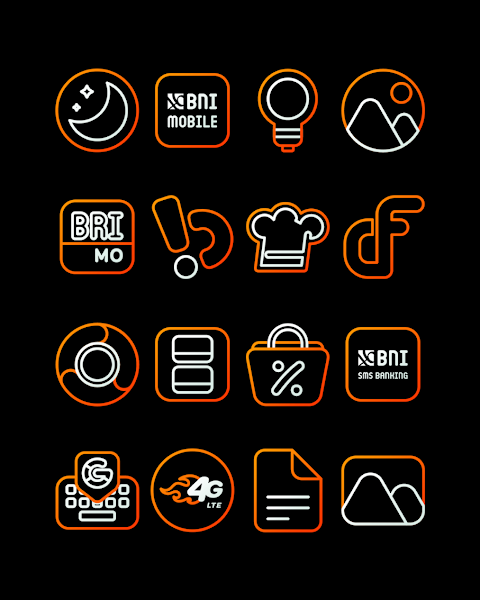
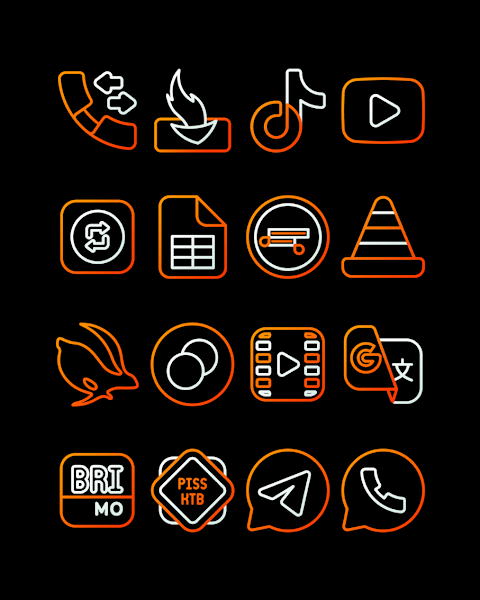
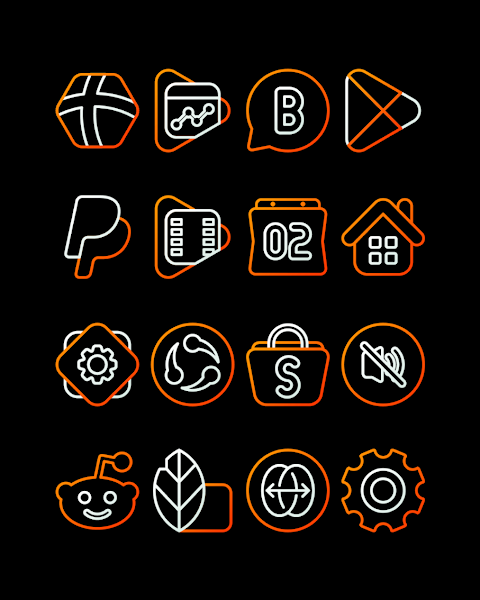
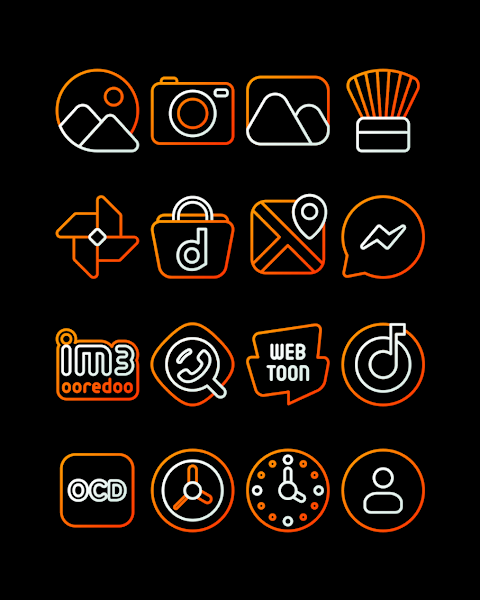
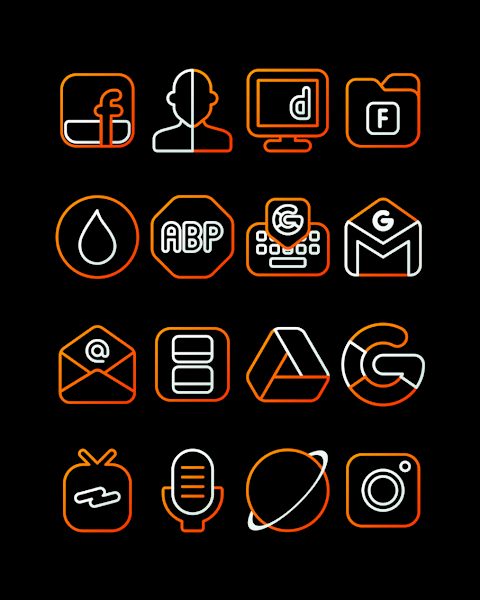
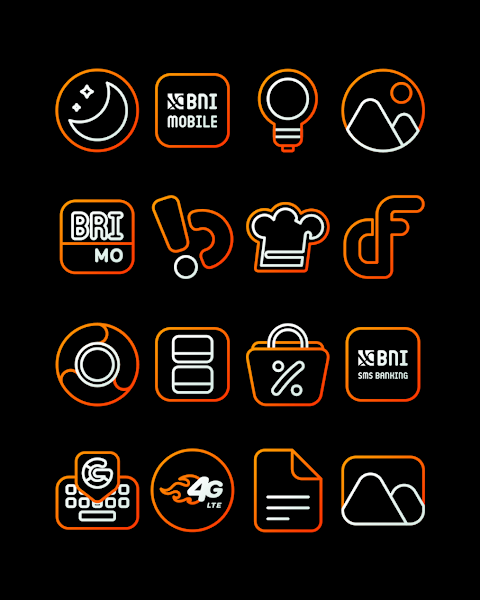
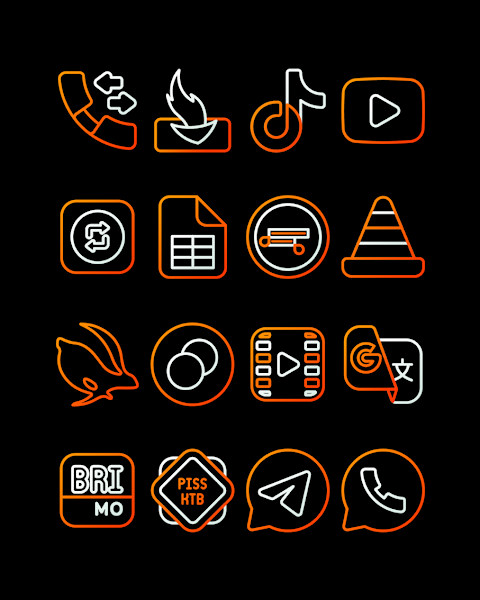
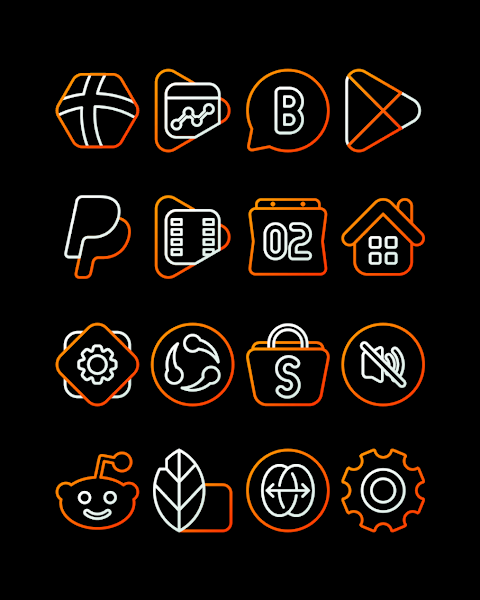
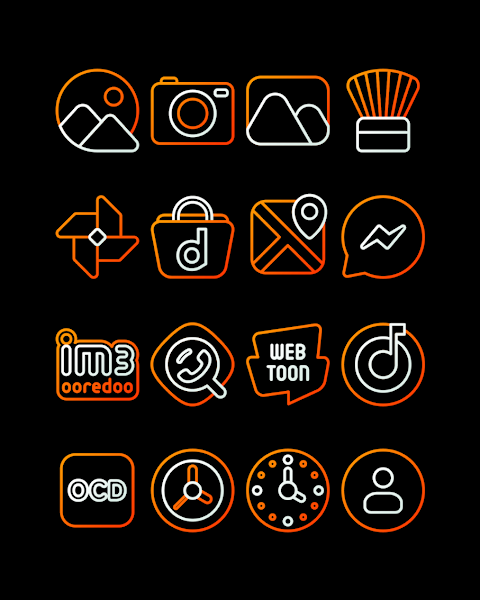
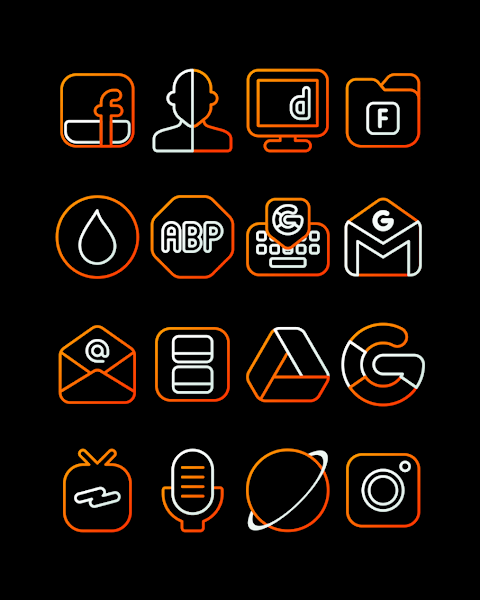
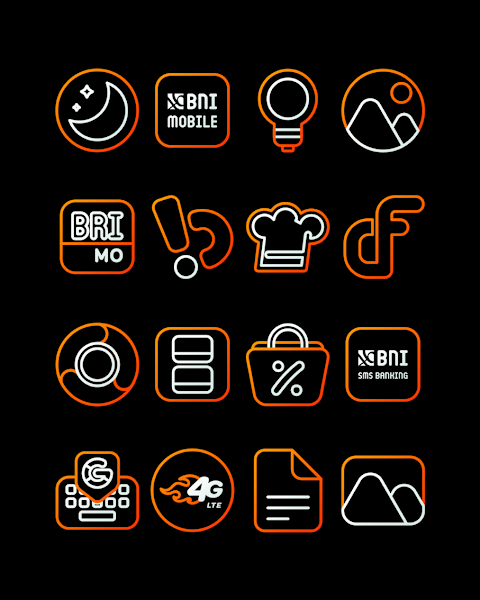
PumpkinLine Orange - Icon Pack offers a fresh and stylish way to customize your device with beautiful orange outline icons that have a thin ribbon-like design. This icon pack includes over 3000 icons, ensuring plenty of choices for personalizing your home screen. Each icon is crafted with HD icon resolution of 256x256 pixels, providing a crisp look that enhances the visual appeal of your device.
In addition to icons, PumpkinLine also includes wallpapers to match the theme, allowing for a cohesive look on your device. Users have the option to request additional icons, which helps keep the pack fresh and relevant as you personalize your device over time.
Applying the PumpkinLine Orange - Icon Pack is easy and works with several popular launchers. For instance, if you use Nova Launcher, simply follow these steps:
1. Open the PumpkinLine Orange - Icon Pack app.
2. Go to the "Apply Icon Pack" screen within the app.
3. You will see a list of supported launchers, such as Evie Launcher and Nova Launcher. Select Nova Launcher to apply the icons.
4. The app will automatically set the icons for you.
If for some reason your launcher doesn't appear while applying the icon pack, you can also try applying it directly from the launcher settings.
For users with a Sony Xperia Home Launcher, you can still use the PumpkinLine Orange - Icon Pack, but the process is slightly different. Here’s how to apply it:
1. Long press on your main screen.
2. Open the settings.
3. Scroll down to find the appearance icon settings.
4. Choose PumpkinLine Orange - Icon Pack from the options.
5. Done! Your Sony Xperia will now display the new icons.
Please note that the icon pack is only supported on Sony Xperia Home Launcher version 10.0.A.0.8 or higher.
PumpkinLine Orange - Icon Pack is compatible with a range of launchers such as Apex Launcher, ADW Launcher, ABC Launcher, Next Launcher, Holo Launcher, Lucid Launcher, M Launcher, Action Launcher, Smart Launcher, Aviate Launcher, and more. However, be aware that Go Launcher and Zero Launcher have limitations regarding icon masking, so some features may not work perfectly.
This icon pack not only enhances your mobile user interface but also provides a chance to express your digital aesthetics through unique icon styles. Ideal for those into mobile personalization, it brings a touch of minimalistic design to your Android device.
For updates and design inspiration, you can follow PumpkinLine on social media platforms like Google+, Instagram, and Twitter. Don’t forget to check out the Candybar Dashboard, which was used to create this awesome icon pack. With PumpkinLine Orange - Icon Pack, you're all set to transform your device into a stylish, personalized experience!
In addition to icons, PumpkinLine also includes wallpapers to match the theme, allowing for a cohesive look on your device. Users have the option to request additional icons, which helps keep the pack fresh and relevant as you personalize your device over time.
Applying the PumpkinLine Orange - Icon Pack is easy and works with several popular launchers. For instance, if you use Nova Launcher, simply follow these steps:
1. Open the PumpkinLine Orange - Icon Pack app.
2. Go to the "Apply Icon Pack" screen within the app.
3. You will see a list of supported launchers, such as Evie Launcher and Nova Launcher. Select Nova Launcher to apply the icons.
4. The app will automatically set the icons for you.
If for some reason your launcher doesn't appear while applying the icon pack, you can also try applying it directly from the launcher settings.
For users with a Sony Xperia Home Launcher, you can still use the PumpkinLine Orange - Icon Pack, but the process is slightly different. Here’s how to apply it:
1. Long press on your main screen.
2. Open the settings.
3. Scroll down to find the appearance icon settings.
4. Choose PumpkinLine Orange - Icon Pack from the options.
5. Done! Your Sony Xperia will now display the new icons.
Please note that the icon pack is only supported on Sony Xperia Home Launcher version 10.0.A.0.8 or higher.
PumpkinLine Orange - Icon Pack is compatible with a range of launchers such as Apex Launcher, ADW Launcher, ABC Launcher, Next Launcher, Holo Launcher, Lucid Launcher, M Launcher, Action Launcher, Smart Launcher, Aviate Launcher, and more. However, be aware that Go Launcher and Zero Launcher have limitations regarding icon masking, so some features may not work perfectly.
This icon pack not only enhances your mobile user interface but also provides a chance to express your digital aesthetics through unique icon styles. Ideal for those into mobile personalization, it brings a touch of minimalistic design to your Android device.
For updates and design inspiration, you can follow PumpkinLine on social media platforms like Google+, Instagram, and Twitter. Don’t forget to check out the Candybar Dashboard, which was used to create this awesome icon pack. With PumpkinLine Orange - Icon Pack, you're all set to transform your device into a stylish, personalized experience!

Pix-Minimal Black/White Icons
PashaPuma Design
$1.49
$0.86

NTV542 – Digital Minimal 003
NTV Watchfaces
$0.99
$0.40
Classic Signature 5
GW Watchfaces
$1.49
$0.29