
$0.99
$0.29
71% Off
Pink – Icon Pack
Panoto Gomo

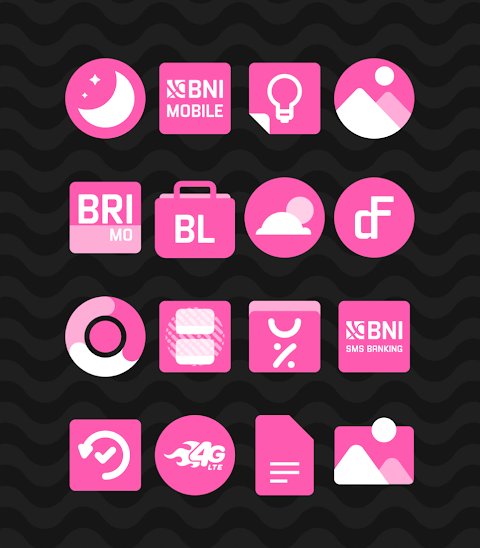
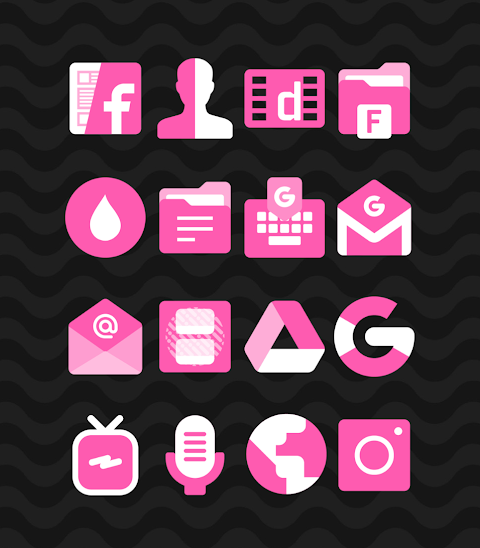
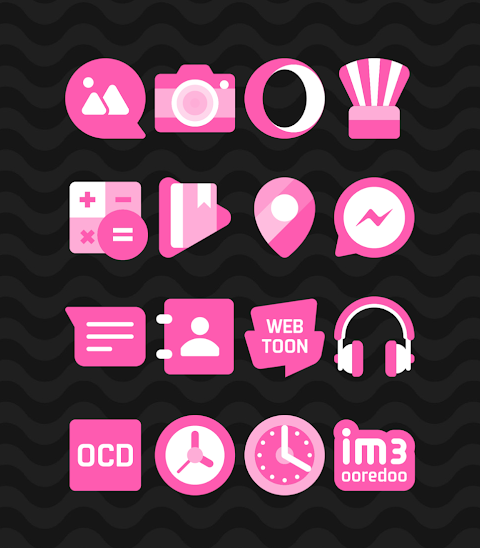
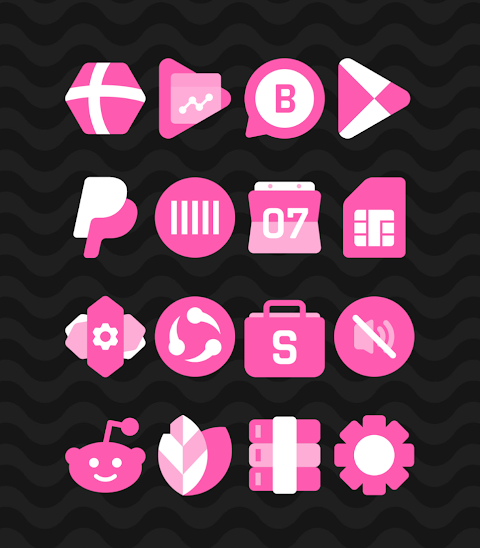


About the App
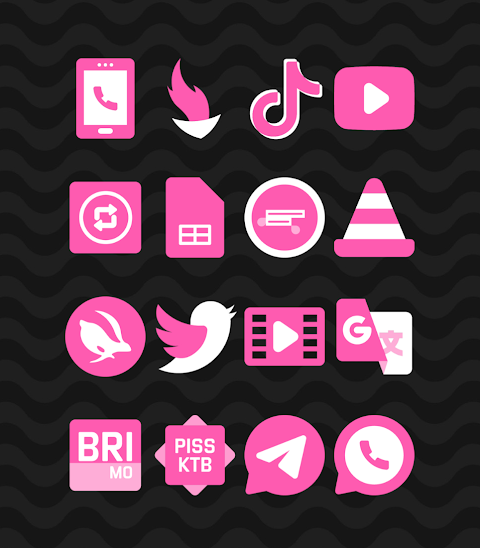
The Pink icon pack is a vibrant collection of shapeless icons designed with a lovely pink theme. With over 2800 icons and counting, this app provides a great way to customize your mobile experience. It includes an icon request feature, allowing you to suggest new icons you'd like to see. Each icon in the Pink icon pack has a high-definition resolution of 256x256 pixels, ensuring that your screen looks sharp and attractive.
Using the Pink icon pack is straightforward. It supports several popular launchers, making it easy for anyone to apply the icons. For example, you can use Nova launcher or Evie launcher to enjoy a personalized look. To apply the Pink icon pack, follow these simple steps:
1. Open the Pink icon pack app.
2. Go to the “Apply Icon Pack” screen.
3. You will see a list of supported launchers, including Nova launcher and Evie launcher. Select the launcher you have installed on your phone.
4. The app will automatically apply the icons from the Pink icon pack for your chosen launcher.
If you don't see your launcher while applying from the icon pack app, you can also try applying the icons directly from the launcher settings.
For users of Sony Xperia Home Launcher, you can also apply the Pink icon pack, but you'll need to follow different settings. Here’s how:
1. Long press on your main screen.
2. Open the settings.
3. Scroll down to the appearance icon settings.
4. Choose the Pink icon pack from the options available.
5. Once selected, your Sony Xperia will display the Pink icon pack.
Please note that this icon pack is only supported on Sony Xperia Home Launcher version 10.0.A.0.8 or higher.
The Pink icon pack is designed for various launchers, enhancing your mobile user interface design. It supports popular choices like Apex launcher, ADW launcher, ABC launcher, and Next launcher. Compatibility extends to Holo launcher, Lucid launcher, M launcher, Action launcher, Aviate launcher, Smart launcher, Go launcher, and Zero launcher. However, keep in mind that Go launcher and Zero launcher do not support icon masking.
Beyond just icons, this app also offers beautiful wallpapers to complement your new look. You can explore ways to customize your app icons using various Android customization tools included in the Pink icon pack.
The design is user-friendly, making it easy for anyone to navigate and make adjustments. You can stay updated about the Pink icon pack through social media channels, including Google+, Instagram, and Twitter.
With the Pink icon pack, you can greatly enhance your device’s appearance with colorful, themed icons. It's an excellent option for anyone looking to refresh their mobile experience with an array of customizable launcher icons and helpful icon application methods. Enjoy the flexibility of a personalized launcher experience, all within this beautiful app icon pack.
Using the Pink icon pack is straightforward. It supports several popular launchers, making it easy for anyone to apply the icons. For example, you can use Nova launcher or Evie launcher to enjoy a personalized look. To apply the Pink icon pack, follow these simple steps:
1. Open the Pink icon pack app.
2. Go to the “Apply Icon Pack” screen.
3. You will see a list of supported launchers, including Nova launcher and Evie launcher. Select the launcher you have installed on your phone.
4. The app will automatically apply the icons from the Pink icon pack for your chosen launcher.
If you don't see your launcher while applying from the icon pack app, you can also try applying the icons directly from the launcher settings.
For users of Sony Xperia Home Launcher, you can also apply the Pink icon pack, but you'll need to follow different settings. Here’s how:
1. Long press on your main screen.
2. Open the settings.
3. Scroll down to the appearance icon settings.
4. Choose the Pink icon pack from the options available.
5. Once selected, your Sony Xperia will display the Pink icon pack.
Please note that this icon pack is only supported on Sony Xperia Home Launcher version 10.0.A.0.8 or higher.
The Pink icon pack is designed for various launchers, enhancing your mobile user interface design. It supports popular choices like Apex launcher, ADW launcher, ABC launcher, and Next launcher. Compatibility extends to Holo launcher, Lucid launcher, M launcher, Action launcher, Aviate launcher, Smart launcher, Go launcher, and Zero launcher. However, keep in mind that Go launcher and Zero launcher do not support icon masking.
Beyond just icons, this app also offers beautiful wallpapers to complement your new look. You can explore ways to customize your app icons using various Android customization tools included in the Pink icon pack.
The design is user-friendly, making it easy for anyone to navigate and make adjustments. You can stay updated about the Pink icon pack through social media channels, including Google+, Instagram, and Twitter.
With the Pink icon pack, you can greatly enhance your device’s appearance with colorful, themed icons. It's an excellent option for anyone looking to refresh their mobile experience with an array of customizable launcher icons and helpful icon application methods. Enjoy the flexibility of a personalized launcher experience, all within this beautiful app icon pack.

Lines Square – Neon icon Pack
GomoTheGom
$1.49
FREE

Pulse 2: Watch face
amoledwatchfaces™
$0.99
$0.50

WIN Nuclear PRO Watch face
WinWatchfaces
$0.99
$0.50