
$22.99
$17.99
22% Off
Photo Collage Make & Print PRO
Vitalij Schaefer

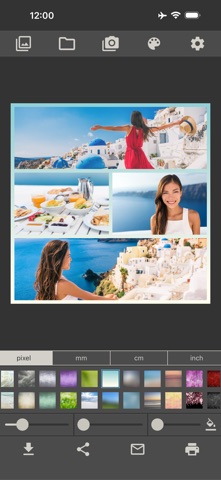
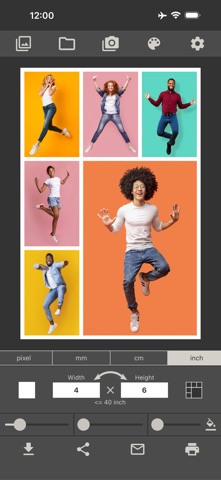
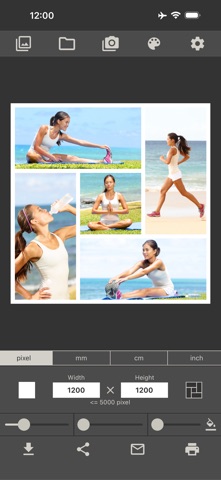
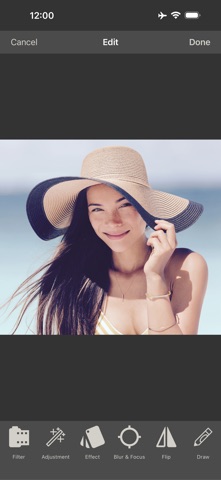
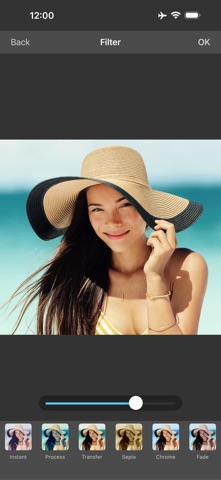
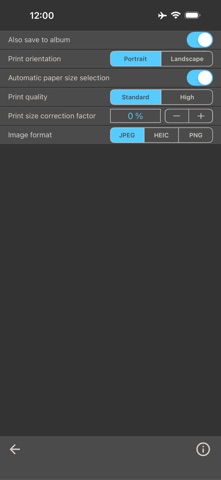
About the App
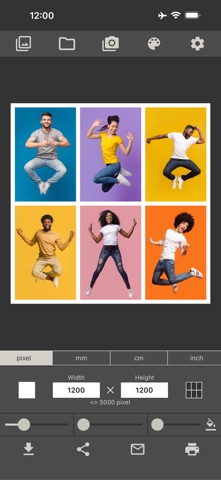
Photo Collage Make & Print PRO is designed for business customers and schools, offering a special version that eliminates advertising and in-app purchases. This app is not just another photo collage app; it stands out because it enables you to create collages in any size you need.
Whether you require a photo collage sized at 2560 x 1440 pixels for a video platform or a square one at 1200 x 1200 pixels for a social network, this collage app can handle it easily. If you're looking to print a photo collage on 4 x 6 photo paper for framing, that’s also simple with Photo Collage Make & Print PRO.
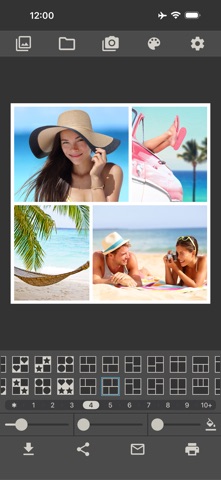
To get started, you just set your desired image size, choose from one of the 300 collage layouts available, place your images in the layout, and print it out. The app supports various output formats, allowing you to define your final image size in pixels, millimeters, centimeters, or inches.
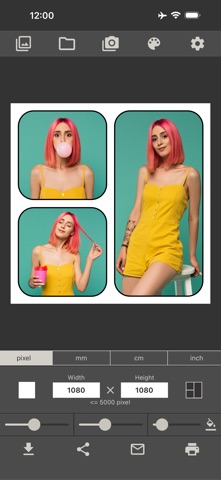
With this collage app, you can save your completed images, share them via email, or print them directly. The image manipulation options are user-friendly, letting you move, resize, and freely rotate images. This design flexibility empowers you to create truly creative photo designs.
You’ll appreciate the layout customization features that let you make unique collages tailored to your needs. The ability to create digital collages with high-resolution images ensures your designs look professional and appealing.
In summary, Photo Collage Make & Print PRO is a versatile tool for anyone needing a reliable photo collage app. It’s great for business use or school projects, providing an easy and familiar interface so anyone can get started quickly. With no advertising or in-app purchases, you can focus on your creative process.

Parachute Backup Mobile
Leitmotif GmbH
$9.99
$7.99

HEIC Images Batch Converter
Aliaksandr Melnikau
$1.29
Free

Golf Tracer – Track Your Shots
Jordan Zeleny
$19.99