
$1.49
$0.49
67% Off
PDF Converter – Images To PDF
Premium Quality Apps

About the App
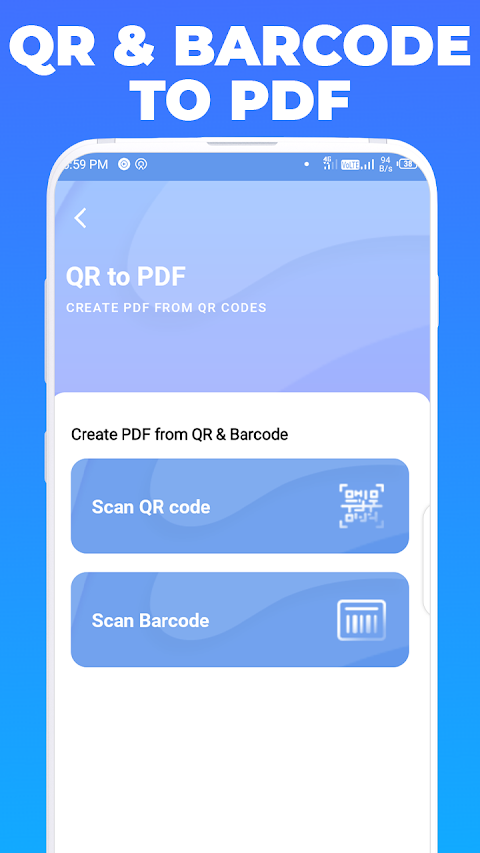
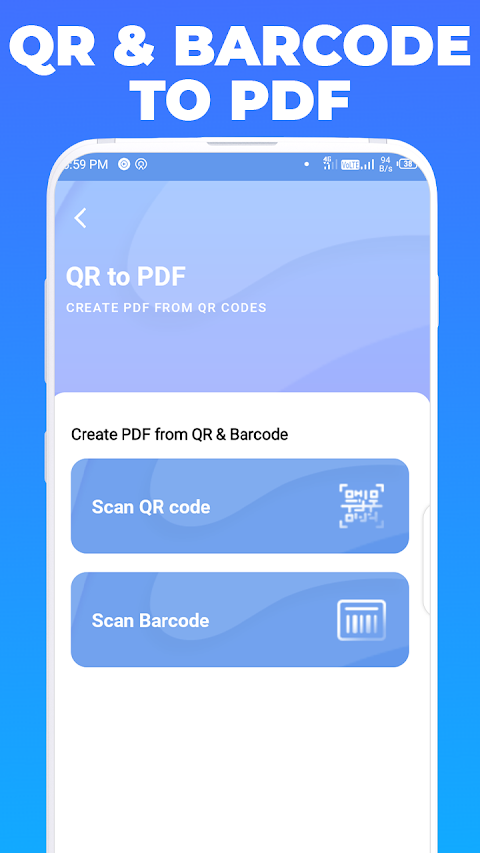
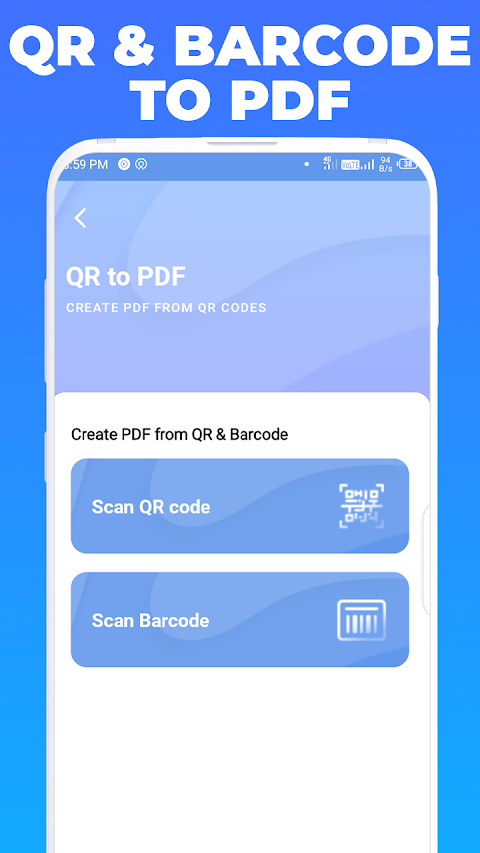
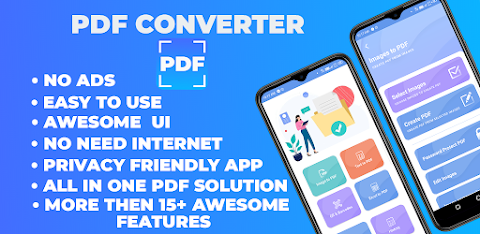
PDF Converter - Images To PDF is a helpful app designed for anyone who needs to work with PDF files on their mobile device. It's a comprehensive tool that allows you to perform various operations on PDFs, making it a must-have in the productivity category. With features like PDF Converter, you can easily transform images into PDF documents or convert text into PDFs.
This app is privacy friendly, meaning it does not collect or share any user data. You can use it without worrying about your information being tracked since it doesn’t require an internet connection. Everything stays contained within the app, making it safe and secure to use.
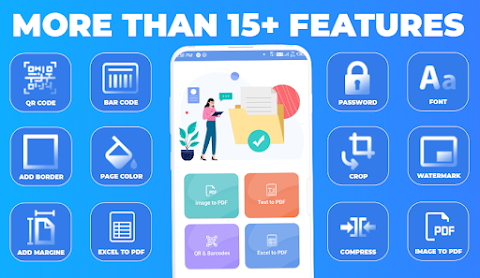
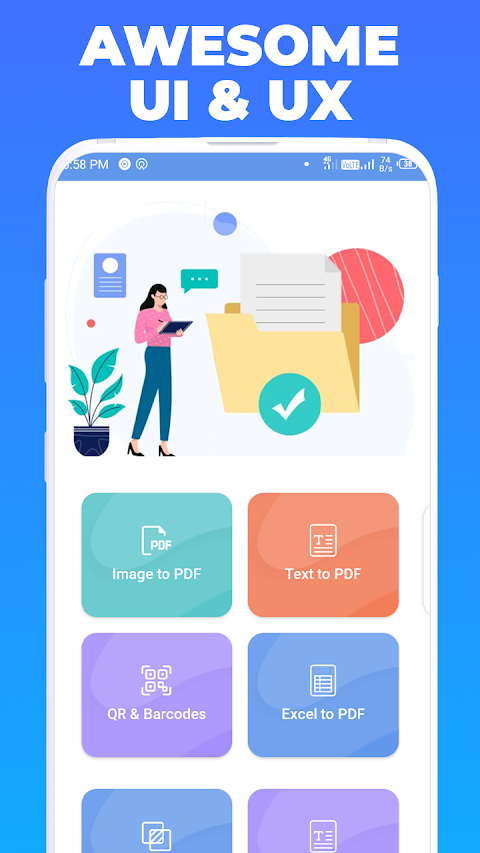
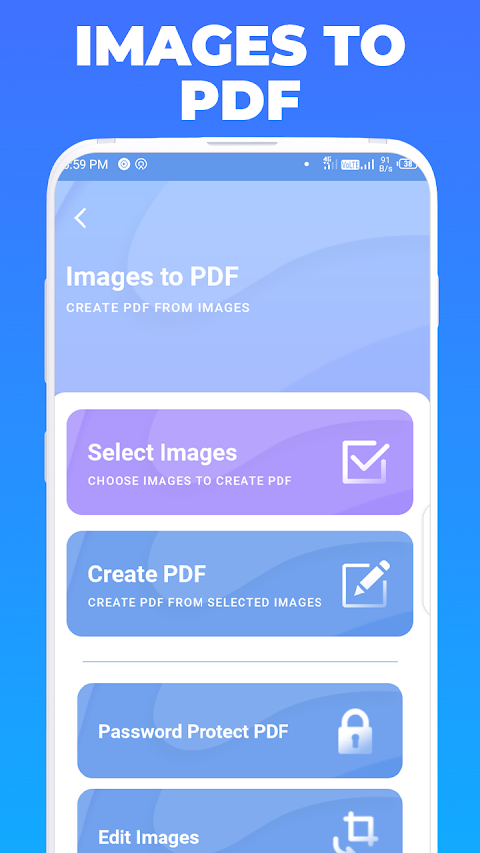
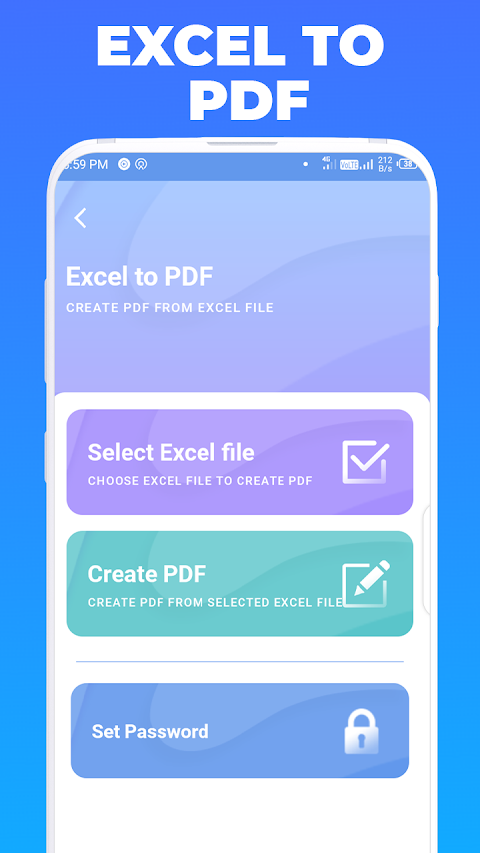
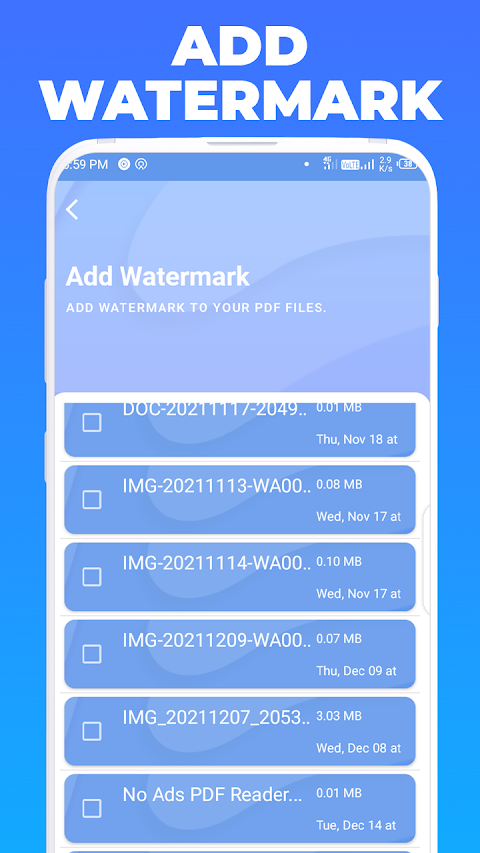
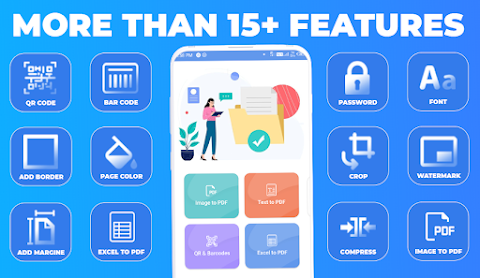
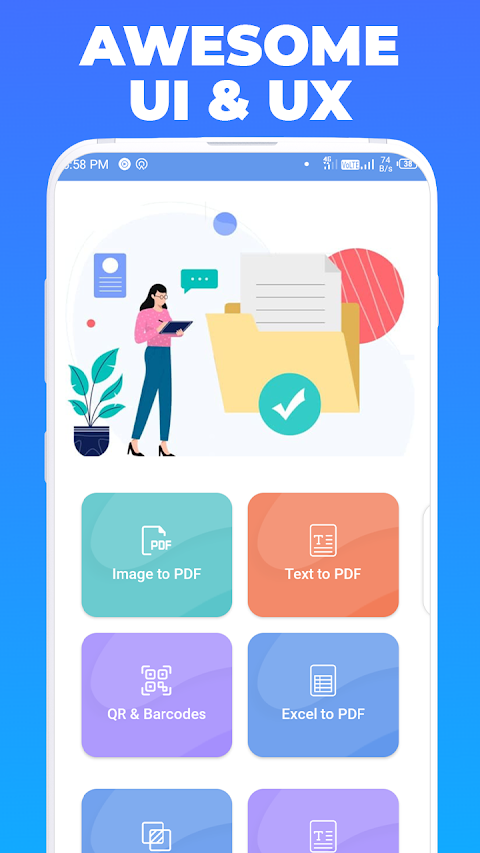
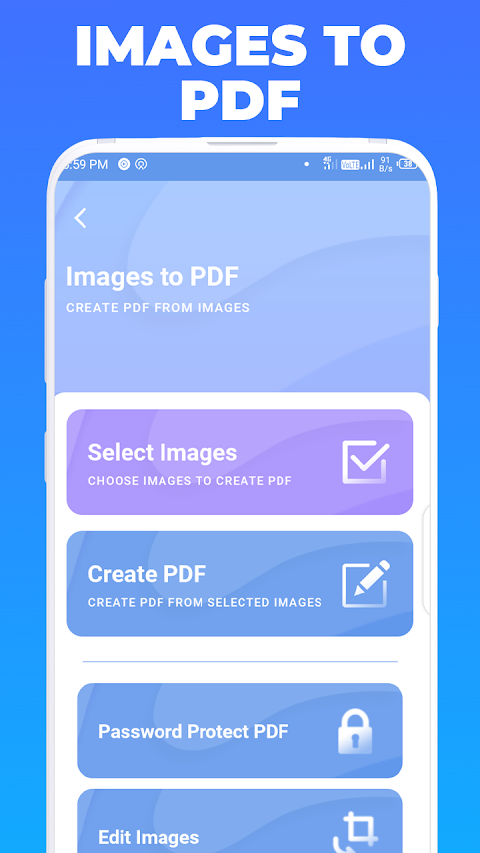
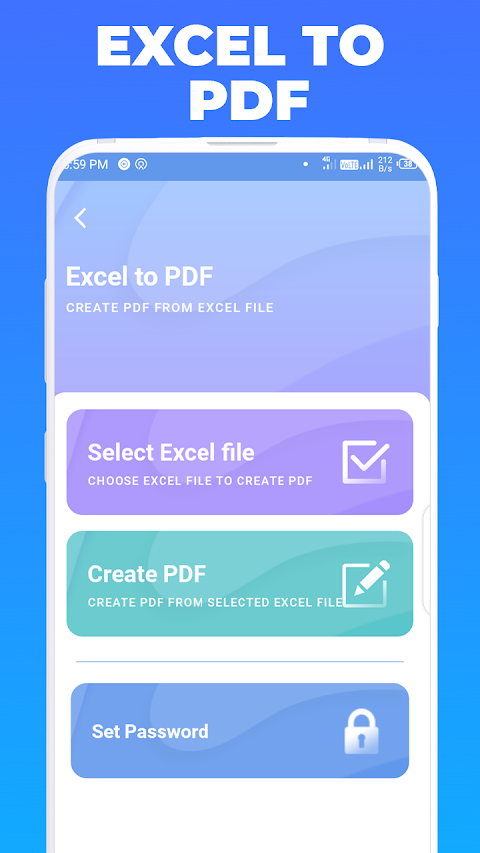
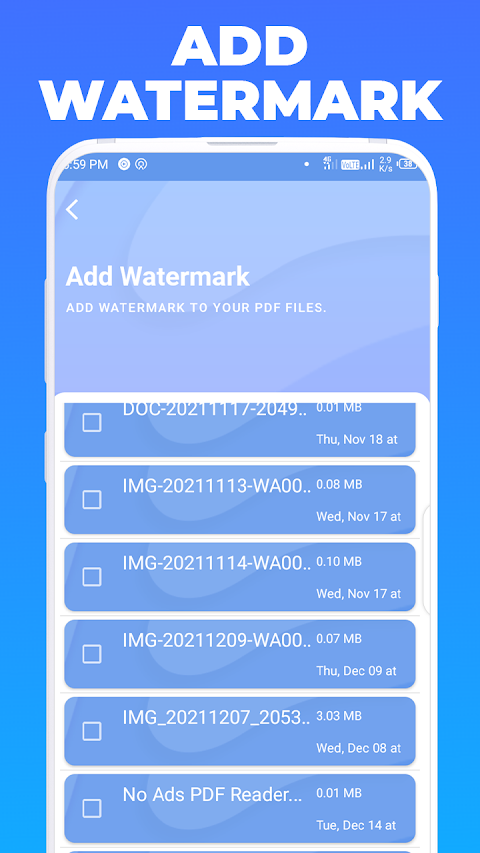
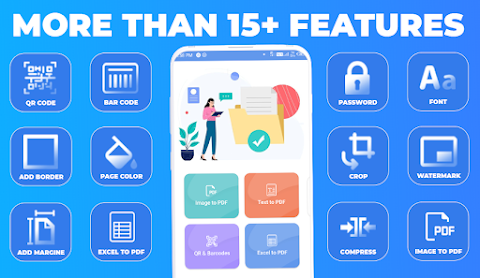
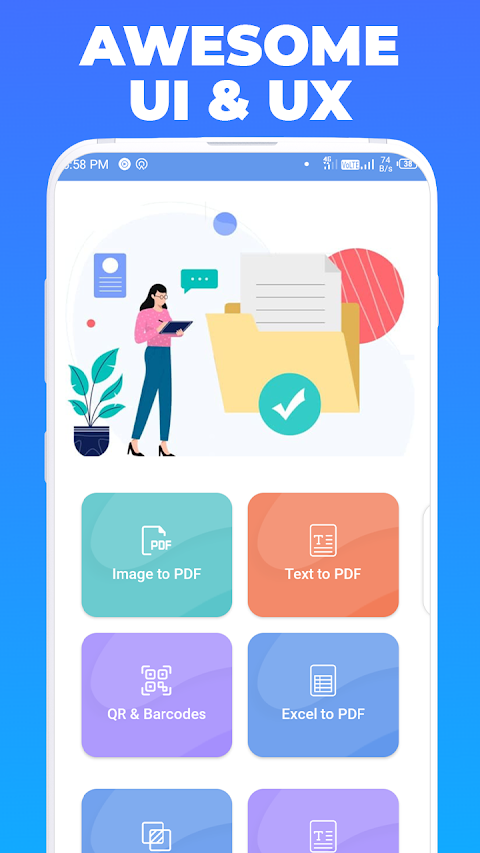
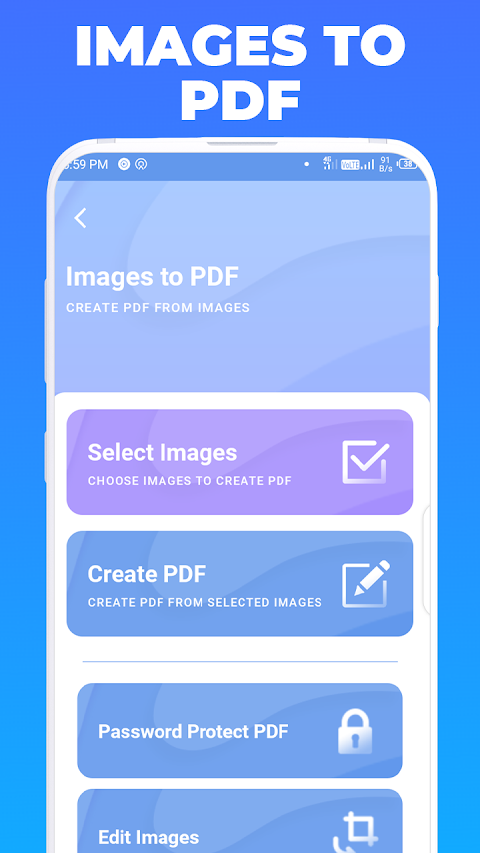
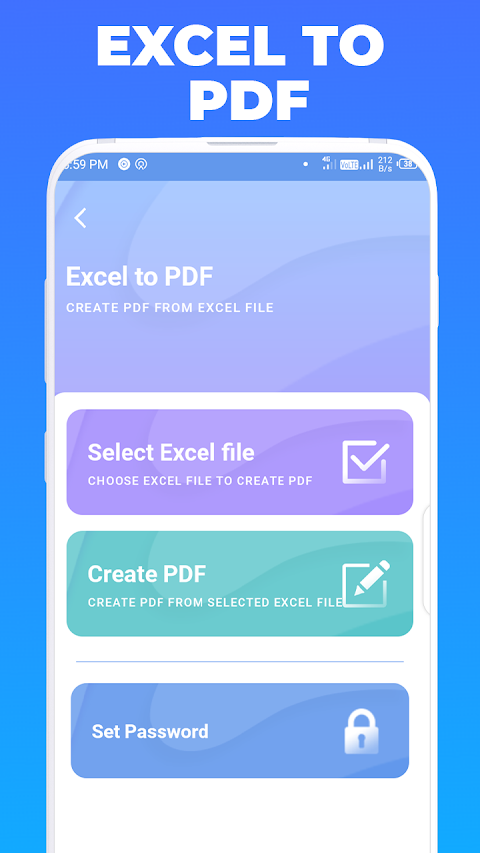
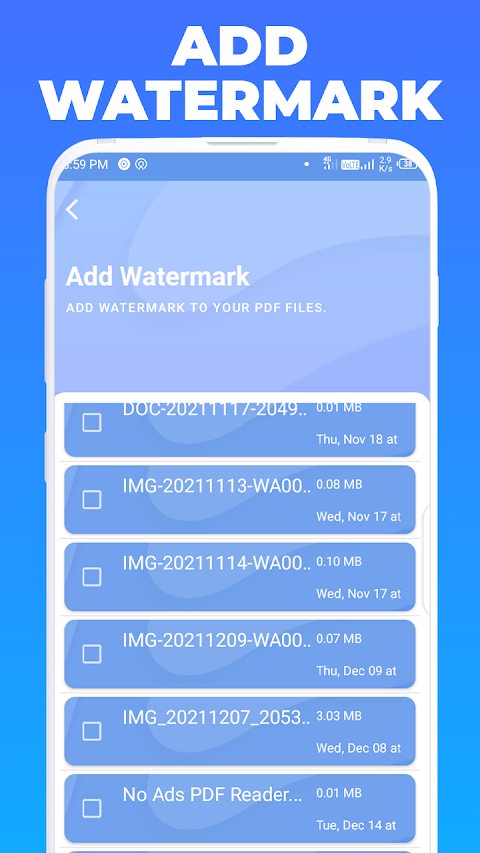
One of the key features of the PDF Converter is its ability to convert images to PDF. You can also transform text files into PDFs and even handle Excel files effortlessly, utilizing the Excel to PDF function. Need to add a personal touch? The app allows you to watermark PDF documents, providing an extra layer of customization.
You can view PDF files directly within the app, and it keeps a history of your conversions so you can easily find what you’ve worked on before. Plus, there are no ads to interfere with your experience, allowing for smooth and uninterrupted usage.
When it comes to sharing, this app makes it easy to share PDF files via social media, Bluetooth, email, and other quick-sharing options. If you need to protect your documents, you can set password protection on your PDF files. This feature helps you encrypt confidential files, ensuring that only the right people can access them.
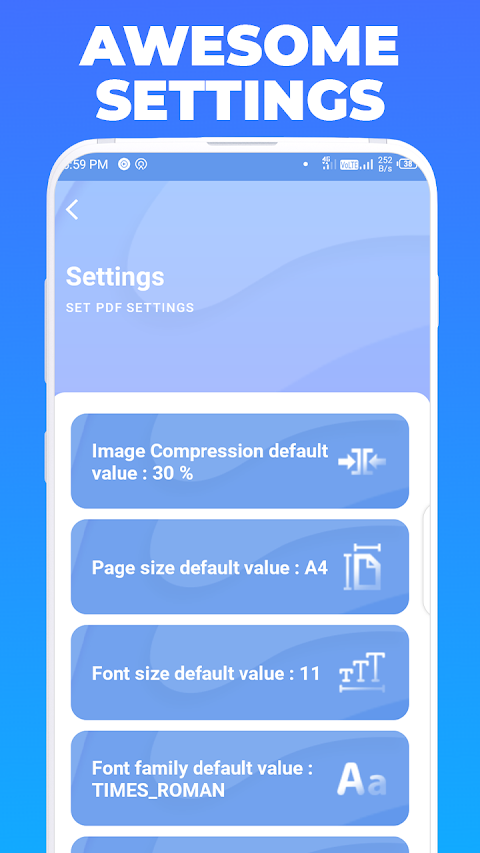
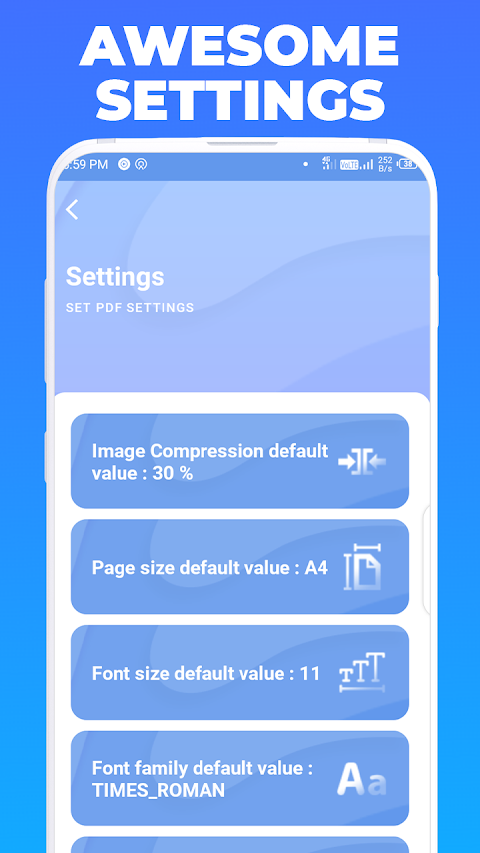
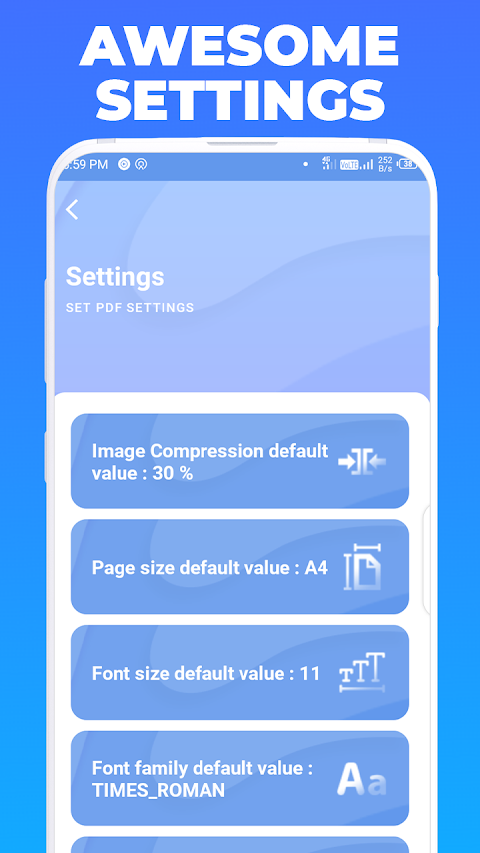
The PDF Converter also has tools to compress PDF files, allowing you to reduce their size while maintaining quality. You can choose the desired image quality—low, medium, high, or original—based on your needs. The app supports various image file formats including JPEG, PNG, TIFF, GIF, PSD, BMP, and EPS.
Users of the PDF Converter will appreciate the ability to create greyscale PDFs, set page numbers, and adjust page colors easily. The simple conversion methods make it convenient for anyone to handle their PDF tasks efficiently. Whether you are converting, managing, or sharing documents, this app serves as a powerful and accessible mobile PDF tool.
In summary, PDF Converter - Images To PDF is perfect for anyone looking to manage PDF files easily and securely. With extensive features and a focus on privacy, it stands out as a reliable choice for all your PDF needs.
This app is privacy friendly, meaning it does not collect or share any user data. You can use it without worrying about your information being tracked since it doesn’t require an internet connection. Everything stays contained within the app, making it safe and secure to use.
One of the key features of the PDF Converter is its ability to convert images to PDF. You can also transform text files into PDFs and even handle Excel files effortlessly, utilizing the Excel to PDF function. Need to add a personal touch? The app allows you to watermark PDF documents, providing an extra layer of customization.
You can view PDF files directly within the app, and it keeps a history of your conversions so you can easily find what you’ve worked on before. Plus, there are no ads to interfere with your experience, allowing for smooth and uninterrupted usage.
When it comes to sharing, this app makes it easy to share PDF files via social media, Bluetooth, email, and other quick-sharing options. If you need to protect your documents, you can set password protection on your PDF files. This feature helps you encrypt confidential files, ensuring that only the right people can access them.
The PDF Converter also has tools to compress PDF files, allowing you to reduce their size while maintaining quality. You can choose the desired image quality—low, medium, high, or original—based on your needs. The app supports various image file formats including JPEG, PNG, TIFF, GIF, PSD, BMP, and EPS.
Users of the PDF Converter will appreciate the ability to create greyscale PDFs, set page numbers, and adjust page colors easily. The simple conversion methods make it convenient for anyone to handle their PDF tasks efficiently. Whether you are converting, managing, or sharing documents, this app serves as a powerful and accessible mobile PDF tool.
In summary, PDF Converter - Images To PDF is perfect for anyone looking to manage PDF files easily and securely. With extensive features and a focus on privacy, it stands out as a reliable choice for all your PDF needs.

Palette Hunt
Dmitry Mashkin
$0.99

Escanear Codigos QR
Md Milon Hossain
$4.99

MSafe – Pro
Codfishworks
$11.99