

$0.99
$0.69
30% Off
Pastel Dark Icon Pack
PizzApp Design


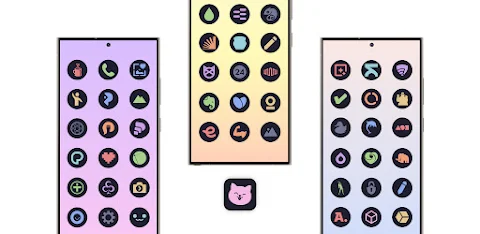
About the App
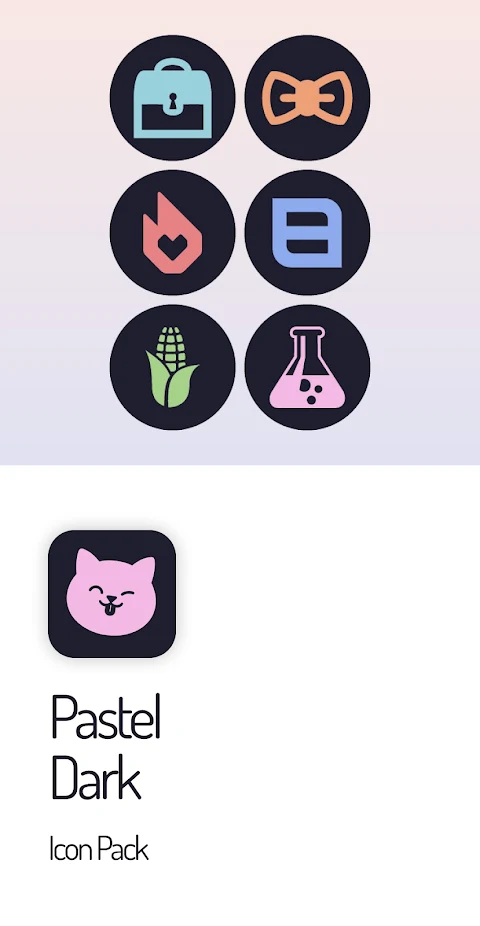
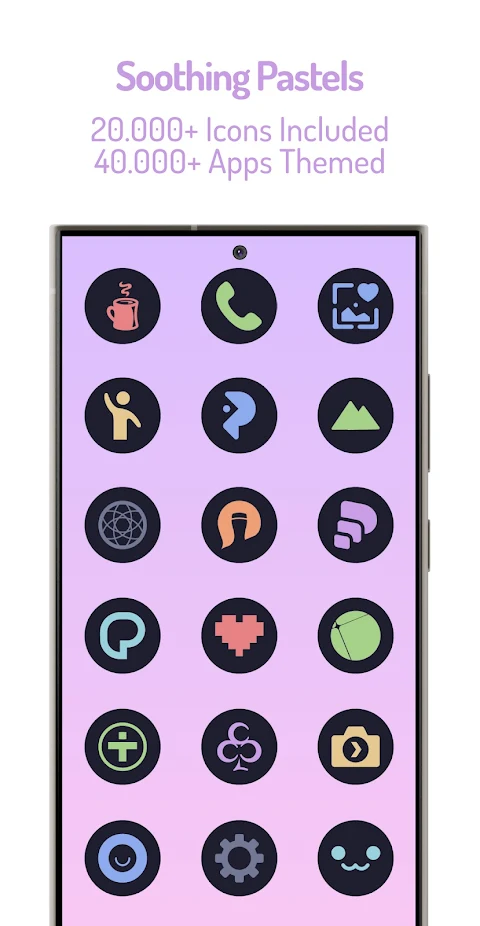
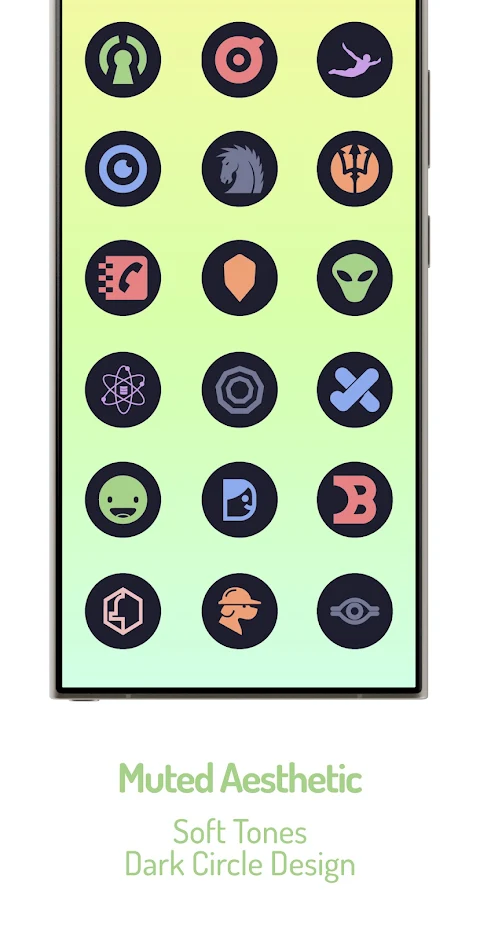
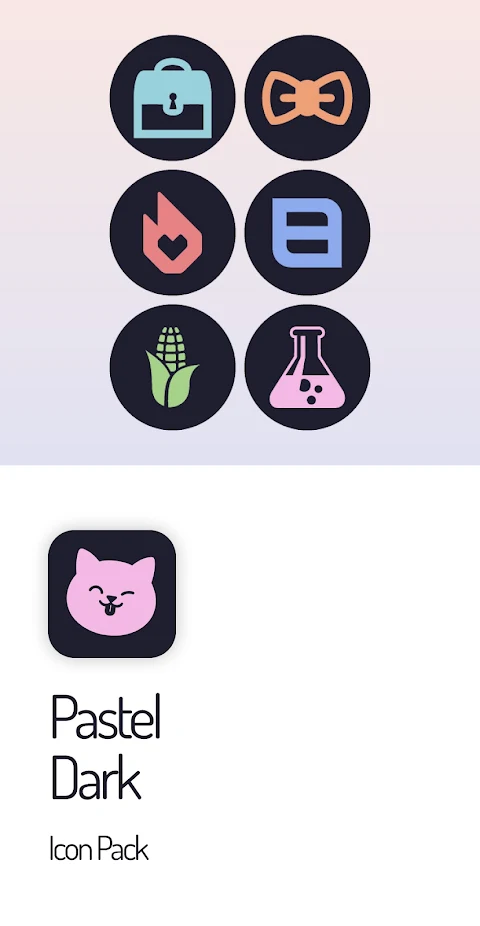
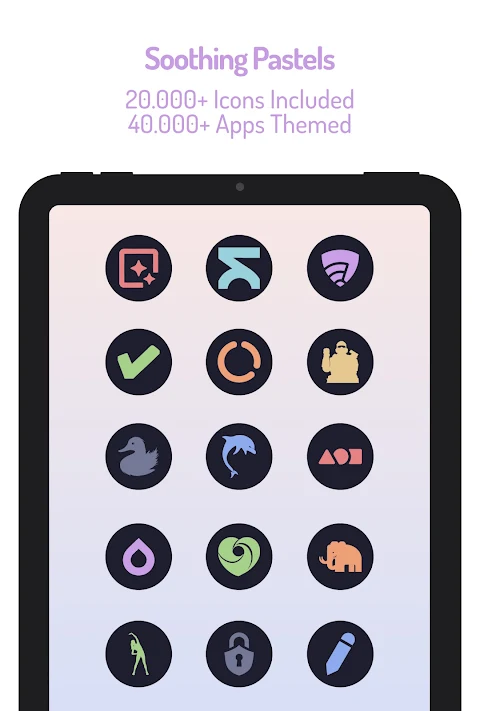
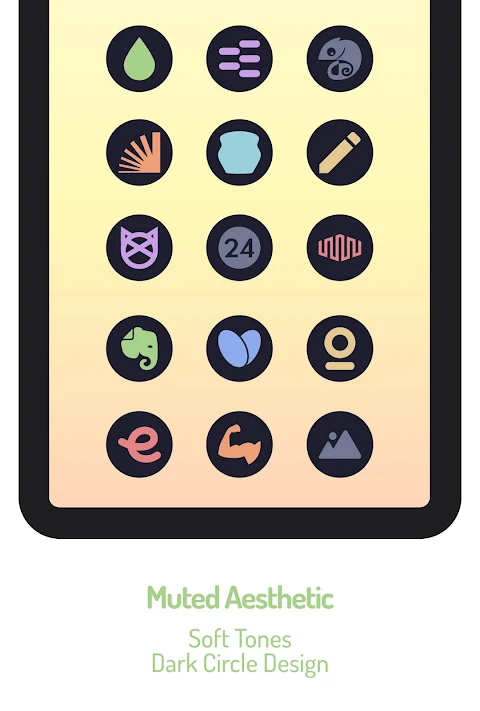
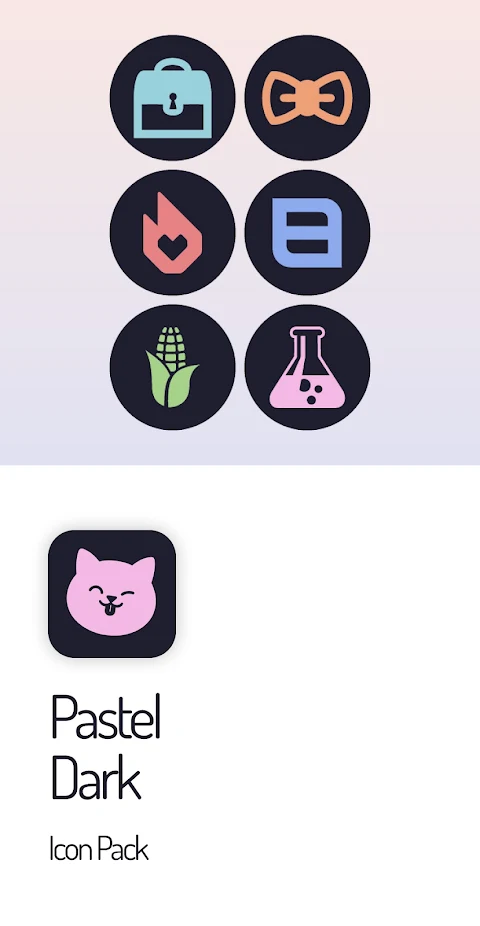
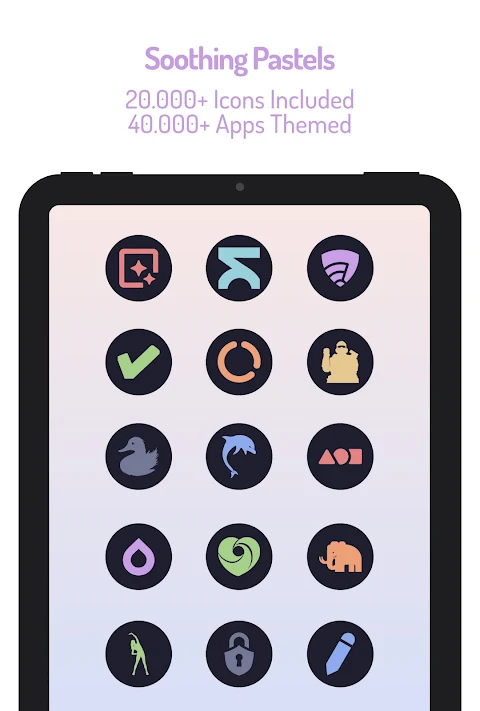
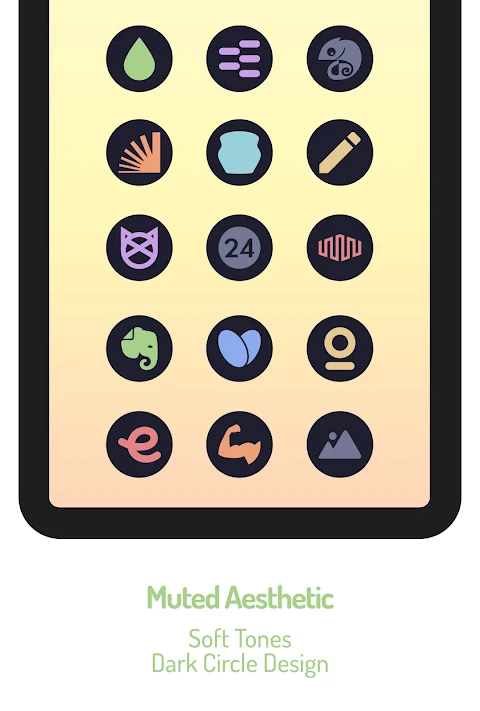
The Pastel Dark Icon Pack is designed to give your device a fresh and unique look. It features a curated pastel palette that provides a visually soothing aesthetic. With its clean and striking appearance, the icons stand out beautifully against a dark circle shape, adding a modern touch to your setup.
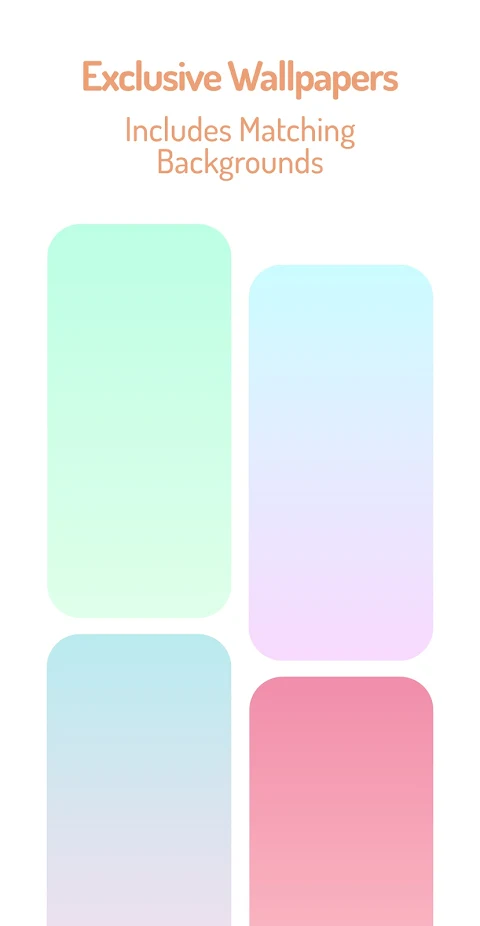
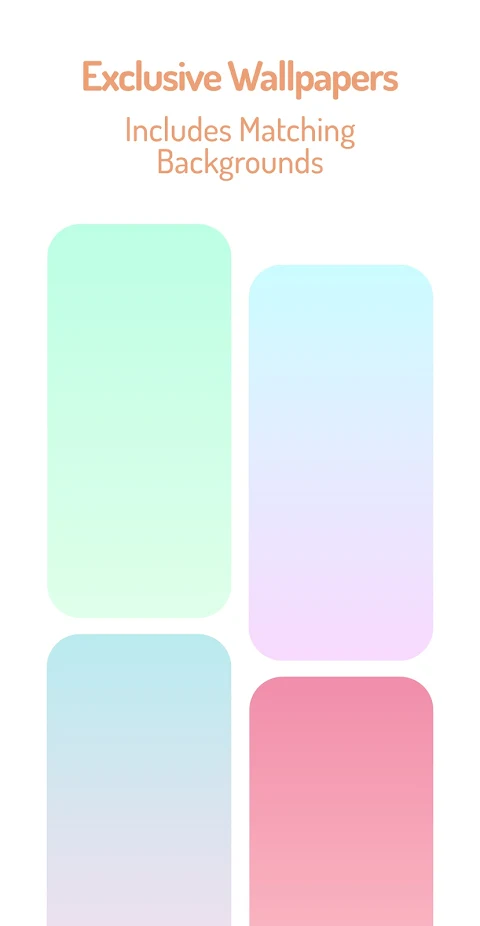
This icon pack includes over 25,000 Pastel Dark Icons, ensuring a wide selection to personalize your device. It also covers themes for more than 45,000 different apps. You can enjoy exclusive pastel gradients that enhance your home screen's appeal. For those who want to stay organized, the "dynamic calendars" feature works seamlessly with supported launchers, keeping your schedule front and center.
Navigating the Pastel Dark Icon Pack is easy thanks to its Material You user-friendly dashboard. This design makes it simple for anyone to apply the icons. If you come across any icons that don’t match the pastel colors or appear as generic gray, please use the icon request feature. Your feedback is appreciated, and I actively update the pack, so you can send free icon requests for any icons that need attention.
The pack is versatile, covering various types of Android app themes, including system app icons, Google app icons, stock OEM app icons, social app icons, media app icons, and gaming app icons. You can easily customize your device with these options, making it suitable for anyone who enjoys personalizing their technology.
To make it work, you’ll need to install a compatible launcher. The Pastel Dark Icon Pack supports a wide range of launchers, including Action, ADW, Nova Launcher, and many more. You can find a full list of compatible launchers in the app. Just open the icon pack after installation, then go to the launcher settings application to apply your chosen icons.
Please note that a third-party launcher is required for the Pastel Dark Icon Pack to function properly. If you notice icons that are not themed or missing, don’t hesitate to submit a free icon request within the app. I am committed to regular updates that add new icons based on your requests.
For any common questions, the FAQ section resources inside the app can provide quick answers, reducing the need to email support. However, if you do have inquiries, feel free to reach out via email.
The Pastel Dark Icon Pack is a fantastic choice for those looking for a stylish way to customize their Android devices. With beautiful designs that offer luminous visibility and a muted aesthetic, it brings a breath of fresh air to your screen. Dive into the world of pastel color themes and enjoy endless customization options for a truly personal touch!
This icon pack includes over 25,000 Pastel Dark Icons, ensuring a wide selection to personalize your device. It also covers themes for more than 45,000 different apps. You can enjoy exclusive pastel gradients that enhance your home screen's appeal. For those who want to stay organized, the "dynamic calendars" feature works seamlessly with supported launchers, keeping your schedule front and center.
Navigating the Pastel Dark Icon Pack is easy thanks to its Material You user-friendly dashboard. This design makes it simple for anyone to apply the icons. If you come across any icons that don’t match the pastel colors or appear as generic gray, please use the icon request feature. Your feedback is appreciated, and I actively update the pack, so you can send free icon requests for any icons that need attention.
The pack is versatile, covering various types of Android app themes, including system app icons, Google app icons, stock OEM app icons, social app icons, media app icons, and gaming app icons. You can easily customize your device with these options, making it suitable for anyone who enjoys personalizing their technology.
To make it work, you’ll need to install a compatible launcher. The Pastel Dark Icon Pack supports a wide range of launchers, including Action, ADW, Nova Launcher, and many more. You can find a full list of compatible launchers in the app. Just open the icon pack after installation, then go to the launcher settings application to apply your chosen icons.
Please note that a third-party launcher is required for the Pastel Dark Icon Pack to function properly. If you notice icons that are not themed or missing, don’t hesitate to submit a free icon request within the app. I am committed to regular updates that add new icons based on your requests.
For any common questions, the FAQ section resources inside the app can provide quick answers, reducing the need to email support. However, if you do have inquiries, feel free to reach out via email.
The Pastel Dark Icon Pack is a fantastic choice for those looking for a stylish way to customize their Android devices. With beautiful designs that offer luminous visibility and a muted aesthetic, it brings a breath of fresh air to your screen. Dive into the world of pastel color themes and enjoy endless customization options for a truly personal touch!
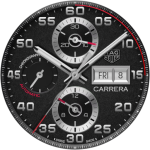
TAG Heuer Carrera Chronograph
Prime Legacy Watch Faces Studio
$1.99
$0.29
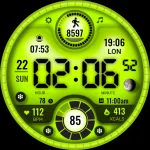
ML2U 166 Watch Face
ML2U
$1.49
$0.25

Fasttrack Realistic PDX WF
Kevin L Partridge
$2.99