
$0.99
$0.50
49% Off
One UI Widget Pack
Raj Arya Designs

About the App
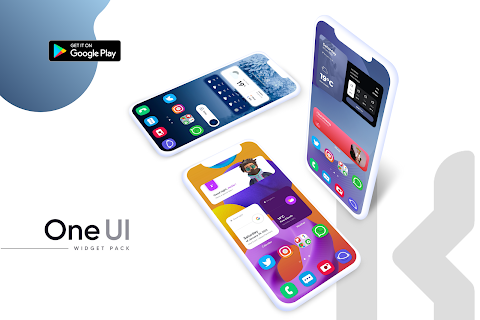
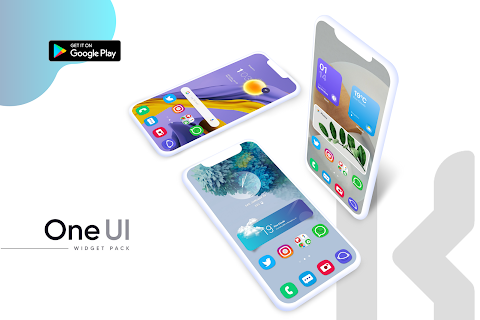
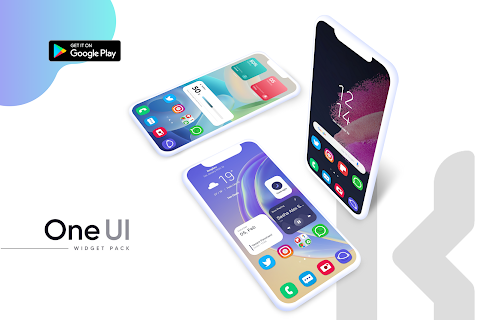
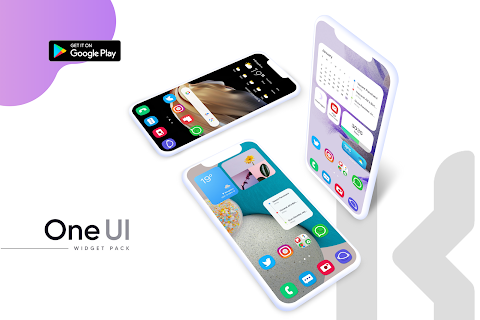
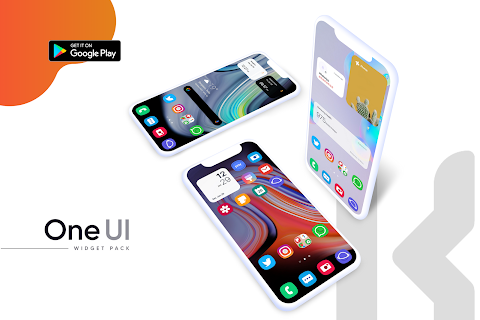
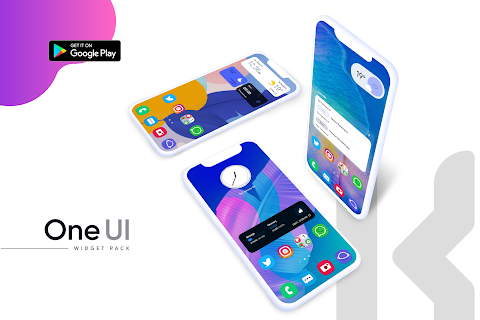
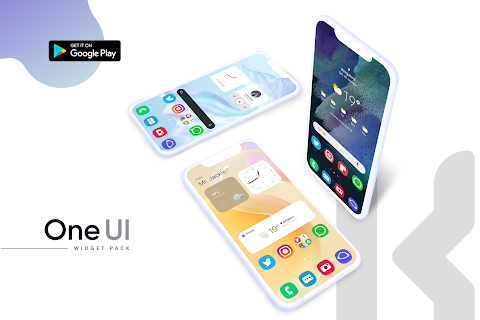
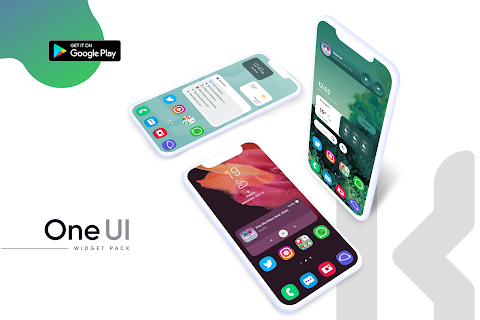
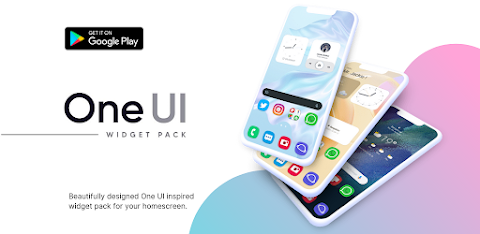
One UI Widget Pack brings a beautiful and user-friendly way to enhance your homescreen with unique designs inspired by the One UI interface. These widgets are adaptive and colorful, allowing you to create a personalized homescreen experience that reflects your style.
With One UI Widget Pack, you receive 83 well-designed widgets at launch, providing a variety of options for your home screen. We understand that customization is key, which is why we offer constant updates to introduce even more widgets, ensuring your interface stays fresh and appealing.
To start using One UI Widget Pack, you will need the KWGT PRO app. It's important to have this app installed, as it works alongside our widget pack to bring your creative ideas to life. You can find the KWGT app [here](https://play.google.com/store/apps/details?id=org.kustom.widget) and the Pro key [here](https://play.google.com/store/apps/details?id=org.kustom.widget.pro). Additionally, having a custom launcher, like Nova launcher, can enhance your experience with better integration options.
Installing your desired widgets is simple. First, download One UI Widget Pack along with the KWGT PRO application. After installation, just long press on your homescreen and select 'Widget.' From there, choose the KWGT widget, tap on it, and select the One UI Widget Pack you installed. There are plenty of widgets to choose from, so you can find the perfect one that suits your preferences.
If you notice that the widget isn't sized correctly, don’t worry! You can easily adjust it using the widget scaling feature found in the KWGT options. This ensures a seamless integration into your layout.
One UI Widget Pack is not just about aesthetics; it provides enhanced user interface functionality, making your home screen interactive and engaging. It also contains visual customization options to help you adapt its widgets to fit your style, all while being developed in Android Studio to ensure quality and performance.
Feel free to reach out with any questions or concerns before leaving a negative rating; we value your input and want you to have the best experience possible.
Special thanks for the app dashboard features go to Jahir Fiquitiva, and we appreciate the support from Customize & Tricks for their work in developing this app. Enjoy transforming your device with One UI inspired widgets, and delve into the world of homescreen customization!
With One UI Widget Pack, you receive 83 well-designed widgets at launch, providing a variety of options for your home screen. We understand that customization is key, which is why we offer constant updates to introduce even more widgets, ensuring your interface stays fresh and appealing.
To start using One UI Widget Pack, you will need the KWGT PRO app. It's important to have this app installed, as it works alongside our widget pack to bring your creative ideas to life. You can find the KWGT app [here](https://play.google.com/store/apps/details?id=org.kustom.widget) and the Pro key [here](https://play.google.com/store/apps/details?id=org.kustom.widget.pro). Additionally, having a custom launcher, like Nova launcher, can enhance your experience with better integration options.
Installing your desired widgets is simple. First, download One UI Widget Pack along with the KWGT PRO application. After installation, just long press on your homescreen and select 'Widget.' From there, choose the KWGT widget, tap on it, and select the One UI Widget Pack you installed. There are plenty of widgets to choose from, so you can find the perfect one that suits your preferences.
If you notice that the widget isn't sized correctly, don’t worry! You can easily adjust it using the widget scaling feature found in the KWGT options. This ensures a seamless integration into your layout.
One UI Widget Pack is not just about aesthetics; it provides enhanced user interface functionality, making your home screen interactive and engaging. It also contains visual customization options to help you adapt its widgets to fit your style, all while being developed in Android Studio to ensure quality and performance.
Feel free to reach out with any questions or concerns before leaving a negative rating; we value your input and want you to have the best experience possible.
Special thanks for the app dashboard features go to Jahir Fiquitiva, and we appreciate the support from Customize & Tricks for their work in developing this app. Enjoy transforming your device with One UI inspired widgets, and delve into the world of homescreen customization!

Venture Digital Watch Face
Time Canvas
$1.49
$0.49

Lenyo Icons
myAP Devs
$0.99
$0.59

WAW040 Racer Carbon Sport
WAW Watch Faces
$2.99