

$0.99
FREE
100% Off
Offline Password Manager
Yogesh Dama







About the App
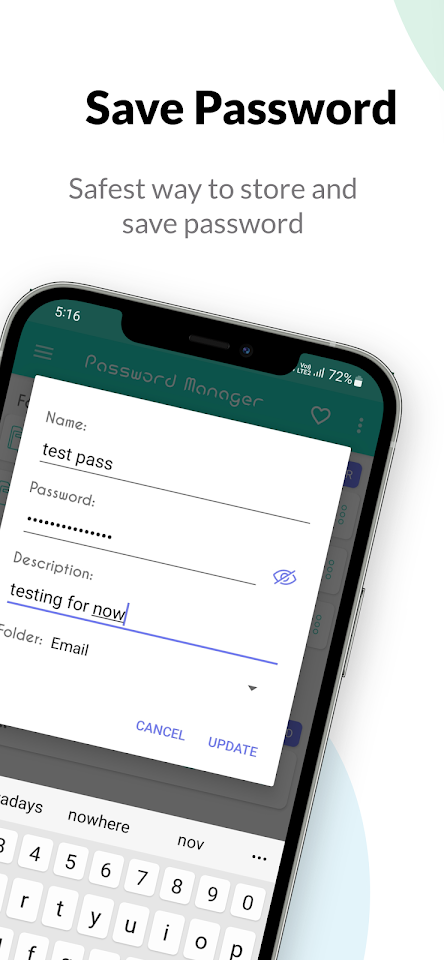
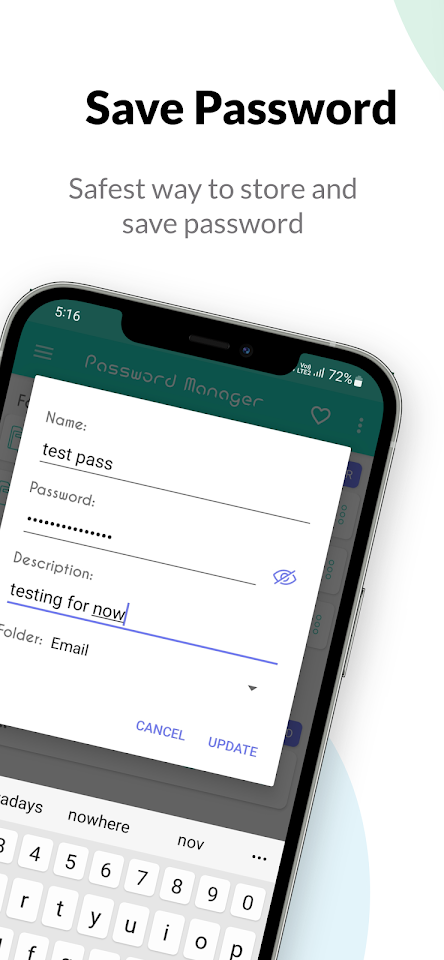
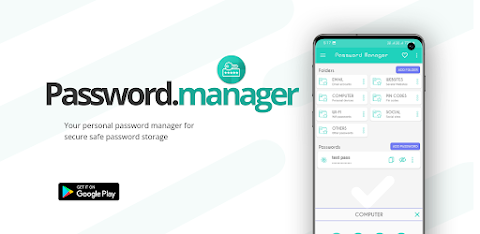
The Offline Password Manager is an easy-to-use app designed for anyone looking to manage their passwords securely. It offers a simple password saving option without overwhelming you with extra features that most users rarely utilize. This makes it perfect for those who prefer a straightforward experience.
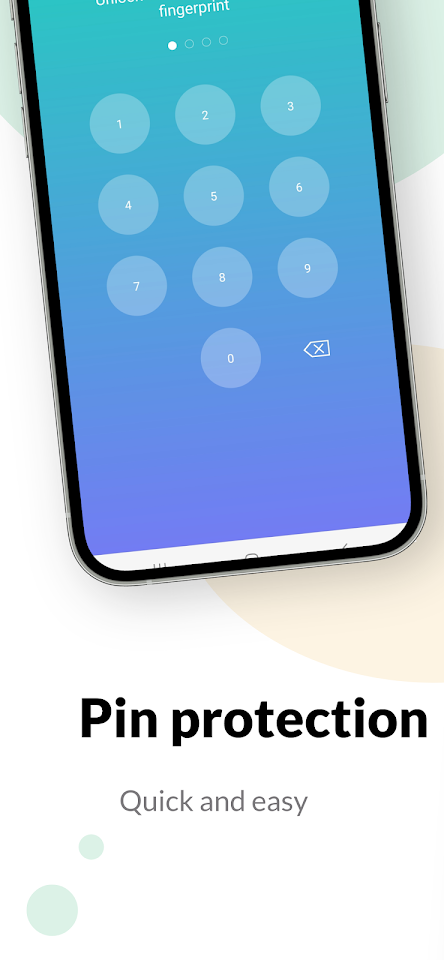
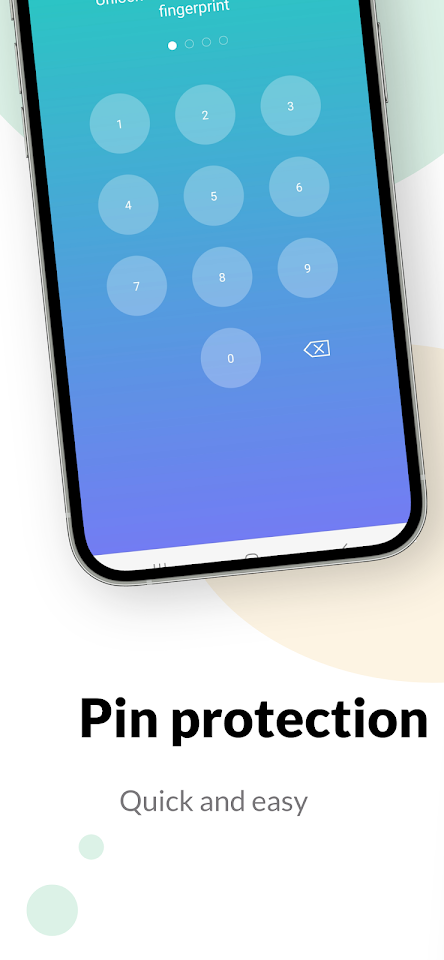
With seamless Android experience integration, the Offline Password Manager fits right into your daily routine. It combines security and usability, making it a highly secure password manager for your devices. It ensures your information is safe through encrypted data saving, providing peace of mind.
This beginner-friendly password manager is also user-friendly, featuring an intuitive password storage app that guides you effortlessly through managing your passwords. The streamlined Android app allows you to access your passwords quickly without the hassle.
One attractive feature of the Offline Password Manager is its straightforward password sharing capabilities. You can easily share passwords for individuals, families, and even teams. This feature is especially helpful for those who need to collaborate on shared accounts.
The app focuses on being a simple password saving option. It intentionally leaves out certain features, such as no password generator, no auto-fill functionality, and no Android keyboard sync. This means you won’t have clutter or complications—just a high level of encryption to protect your data.
As a password storage app, it provides secure password management without relying on the cloud. You can manage your passwords offline, ensuring you have offline access to passwords whenever you need them. This is a significant benefit for those who prefer to keep their sensitive information protected from internet risks.
For families, the Offline Password Manager offers a family password sharing solution, allowing secure access to shared accounts among family members. Teams can also benefit from its team collaboration password tools, making it easy to manage shared passwords in a work setting.
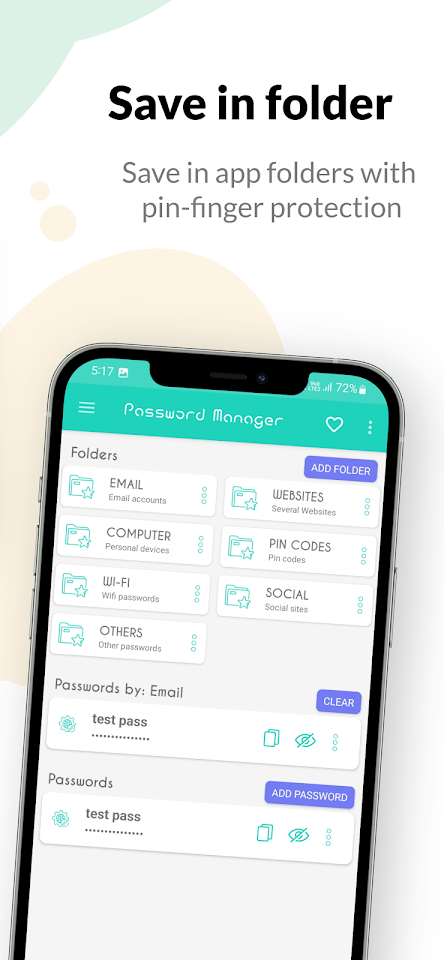
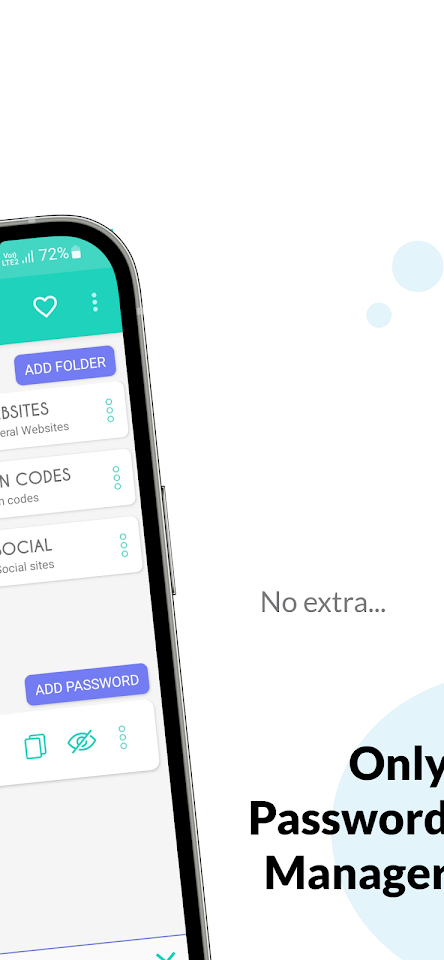
By focusing on password storage without complexity, the Offline Password Manager emphasizes an intuitive user interface. This helps with efficient password organization, making it a smart choice for personal security apps on Android.
In summary, if you are looking for a reliable and practical solution for password management for beginners, the Offline Password Manager is here to help. It offers protection of sensitive information while being a no-fuss password management tool. With its non-cloud password management approach, you can confidently store and share your passwords securely.
With seamless Android experience integration, the Offline Password Manager fits right into your daily routine. It combines security and usability, making it a highly secure password manager for your devices. It ensures your information is safe through encrypted data saving, providing peace of mind.
This beginner-friendly password manager is also user-friendly, featuring an intuitive password storage app that guides you effortlessly through managing your passwords. The streamlined Android app allows you to access your passwords quickly without the hassle.
One attractive feature of the Offline Password Manager is its straightforward password sharing capabilities. You can easily share passwords for individuals, families, and even teams. This feature is especially helpful for those who need to collaborate on shared accounts.
The app focuses on being a simple password saving option. It intentionally leaves out certain features, such as no password generator, no auto-fill functionality, and no Android keyboard sync. This means you won’t have clutter or complications—just a high level of encryption to protect your data.
As a password storage app, it provides secure password management without relying on the cloud. You can manage your passwords offline, ensuring you have offline access to passwords whenever you need them. This is a significant benefit for those who prefer to keep their sensitive information protected from internet risks.
For families, the Offline Password Manager offers a family password sharing solution, allowing secure access to shared accounts among family members. Teams can also benefit from its team collaboration password tools, making it easy to manage shared passwords in a work setting.
By focusing on password storage without complexity, the Offline Password Manager emphasizes an intuitive user interface. This helps with efficient password organization, making it a smart choice for personal security apps on Android.
In summary, if you are looking for a reliable and practical solution for password management for beginners, the Offline Password Manager is here to help. It offers protection of sensitive information while being a no-fuss password management tool. With its non-cloud password management approach, you can confidently store and share your passwords securely.

Smart auto clicker(assistent)
LEO (SOFT..DEV..)
$2.09
$1.67
Fire TV Remote Pro
Global Apps and Games
$4.49
FREE

QR Code Generator & Scanner
Apps360 Team
$5.99