

$6.99
$5.99
14% Off
Offline Maps: GPS Tracker GPX
SERGEI BEZDENEZHNYKH




About the App
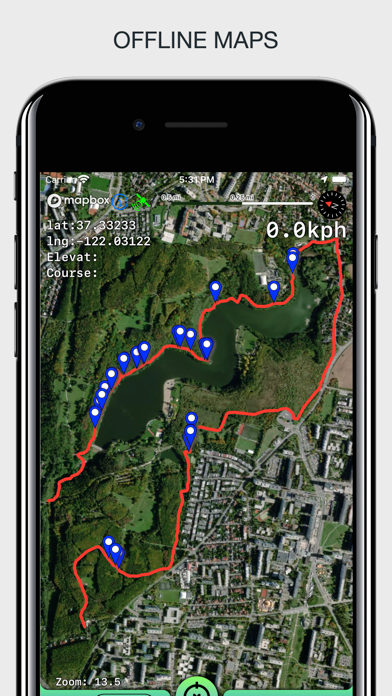
Offline Maps: GPS Tracker GPX is a handy app designed for outdoor enthusiasts who want to plan their trips accurately. With this app, you can create, import, and export tracks along with waypoints, making it easier to navigate new areas. The app supports offline maps, ensuring you can use it even without an internet connection. There are no time limits, ads, or in-app purchases, allowing you to focus on your journey without distractions.
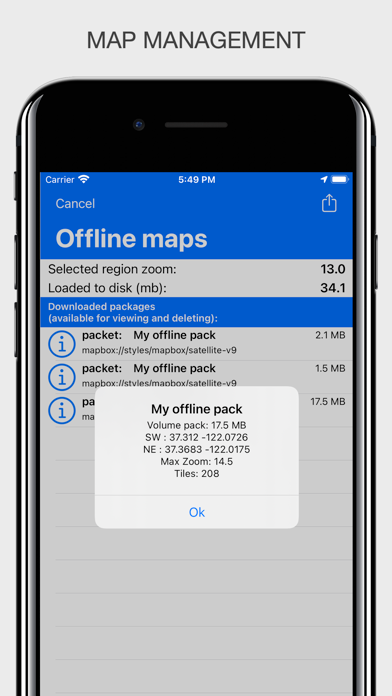
One of the key features of Offline Maps: GPS Tracker GPX is its unlimited map storage. You can load maps of your travel area without worrying about running out of space. The app also integrates a barometer and pedometer, which run in the background even when the app is not active. This means you can track your altitude and steps throughout your adventure.
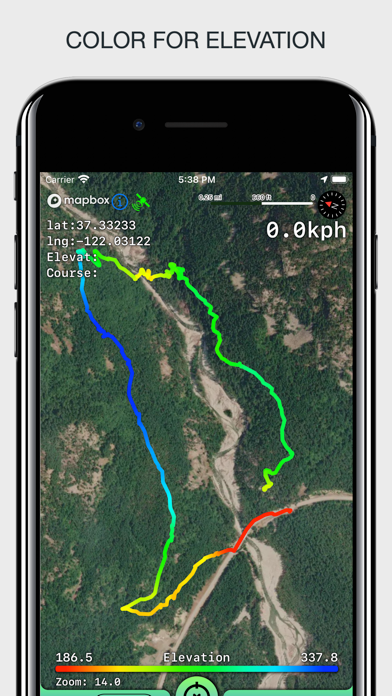
You can easily import and export tracks in GPX format. This allows seamless sharing with friends or other services. You also have the option to visualize data from your tracks with a color gradient for speed and altitude. This feature gives a clear indication of how fast you're moving or how high you are at any point during your journey.
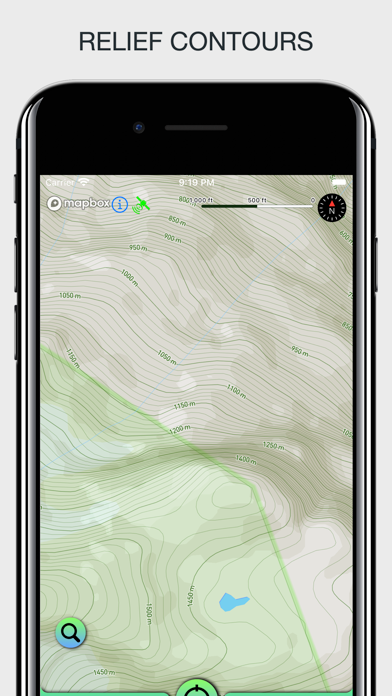
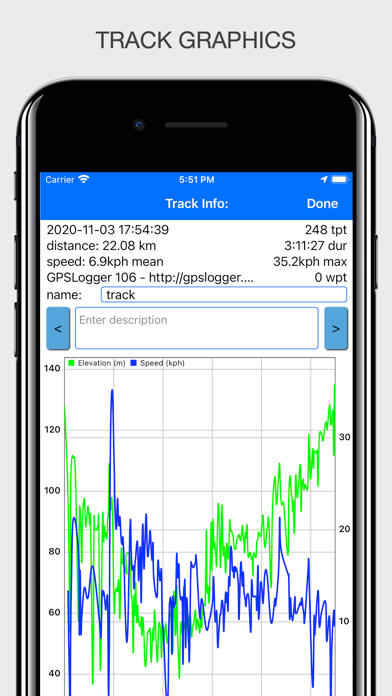
When you record a track, you can capture essential information like average speed calculation, maximum speed tracking, and track duration information. Each track will also show the number of waypoints you’ve included, which is helpful for planning your stops. If you're out in nature, the app provides outdoor relief lines to enhance your mapping experience.
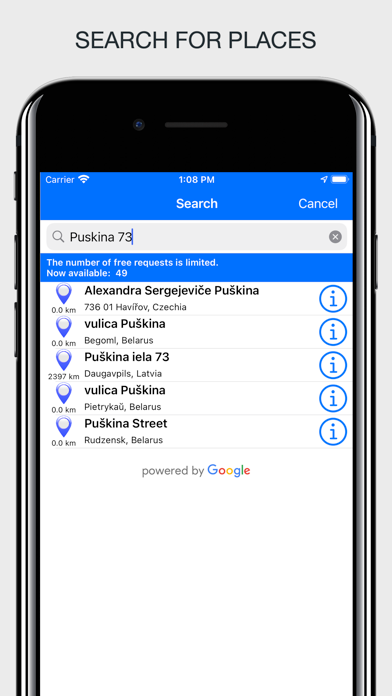
The app supports various measurement units, including miles, kilometers, feet, and meters, so you can choose what feels most comfortable. If you need to search for a place, you can conduct a free place search by address or name. This makes finding points of interest much easier.
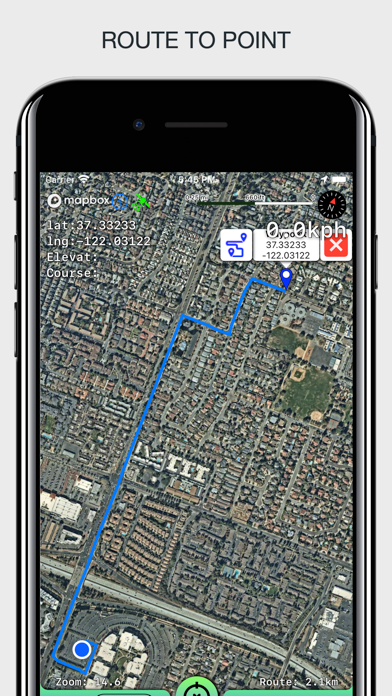
For those who love exploring, the route building feature allows you to create different routes for various driving modes. However, keep in mind that there’s a limit of 300 routes per month. You can also store and export your routes for future reference.
Background tracking is another useful feature of Offline Maps: GPS Tracker GPX. This allows you to record tracks without the app needing to be open, so you can continue your journey while still capturing data. You can view multiple tracks simultaneously, even while recording.
Waypoint management is straightforward, too. You can install, edit, or delete waypoints in any mode of the app. The app also offers track quality adjustment, energy saving mode, and distance filters to personalize your experience further.
When it comes to displaying information, Offline Maps: GPS Tracker GPX shows additional details like scale, coordinates, height, and speed. It can also display the current distance traveled and the time taken for your walk or drive. You have the flexibility to view tracks in different ways, with several modes of map orientation available, such as following the heading of your phone or centering on your current location.
The app features several varied map styles, such as satellite, streets, combo, and dark theme support. If you prefer using a dark theme, the app is compatible with iOS versions 13 and 14. You can easily start and stop tracking with quick gestures, and the app allows you to continue any previously recorded or imported track.
Interactive map gestures, such as the ability to tilt the map with a double pinch, enhance the navigation experience. Additionally, speed and altitude graphs can be scaled and scrolled, giving you a clear view of your progress.
With Offline Maps: GPS Tracker GPX, you have a comprehensive tool for all your outdoor adventures, filled with features that keep your navigation smooth and your data accessible. Take it with you for a reliable way to explore the great outdoors.
One of the key features of Offline Maps: GPS Tracker GPX is its unlimited map storage. You can load maps of your travel area without worrying about running out of space. The app also integrates a barometer and pedometer, which run in the background even when the app is not active. This means you can track your altitude and steps throughout your adventure.
You can easily import and export tracks in GPX format. This allows seamless sharing with friends or other services. You also have the option to visualize data from your tracks with a color gradient for speed and altitude. This feature gives a clear indication of how fast you're moving or how high you are at any point during your journey.
When you record a track, you can capture essential information like average speed calculation, maximum speed tracking, and track duration information. Each track will also show the number of waypoints you’ve included, which is helpful for planning your stops. If you're out in nature, the app provides outdoor relief lines to enhance your mapping experience.
The app supports various measurement units, including miles, kilometers, feet, and meters, so you can choose what feels most comfortable. If you need to search for a place, you can conduct a free place search by address or name. This makes finding points of interest much easier.
For those who love exploring, the route building feature allows you to create different routes for various driving modes. However, keep in mind that there’s a limit of 300 routes per month. You can also store and export your routes for future reference.
Background tracking is another useful feature of Offline Maps: GPS Tracker GPX. This allows you to record tracks without the app needing to be open, so you can continue your journey while still capturing data. You can view multiple tracks simultaneously, even while recording.
Waypoint management is straightforward, too. You can install, edit, or delete waypoints in any mode of the app. The app also offers track quality adjustment, energy saving mode, and distance filters to personalize your experience further.
When it comes to displaying information, Offline Maps: GPS Tracker GPX shows additional details like scale, coordinates, height, and speed. It can also display the current distance traveled and the time taken for your walk or drive. You have the flexibility to view tracks in different ways, with several modes of map orientation available, such as following the heading of your phone or centering on your current location.
The app features several varied map styles, such as satellite, streets, combo, and dark theme support. If you prefer using a dark theme, the app is compatible with iOS versions 13 and 14. You can easily start and stop tracking with quick gestures, and the app allows you to continue any previously recorded or imported track.
Interactive map gestures, such as the ability to tilt the map with a double pinch, enhance the navigation experience. Additionally, speed and altitude graphs can be scaled and scrolled, giving you a clear view of your progress.
With Offline Maps: GPS Tracker GPX, you have a comprehensive tool for all your outdoor adventures, filled with features that keep your navigation smooth and your data accessible. Take it with you for a reliable way to explore the great outdoors.

The Converted
Ideon Collider LLC
$4.99
$1.99

America’s Lighthouses
PVI Maine LLC
$2.99

NEXT EXIT
The Global App Company
$4.99
$1.99