
$3.49
$1.75
50% Off
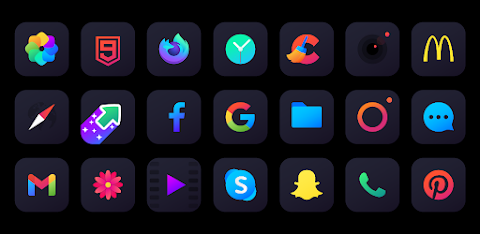
Nova Dark Icon Pack
One4Studio

About the App
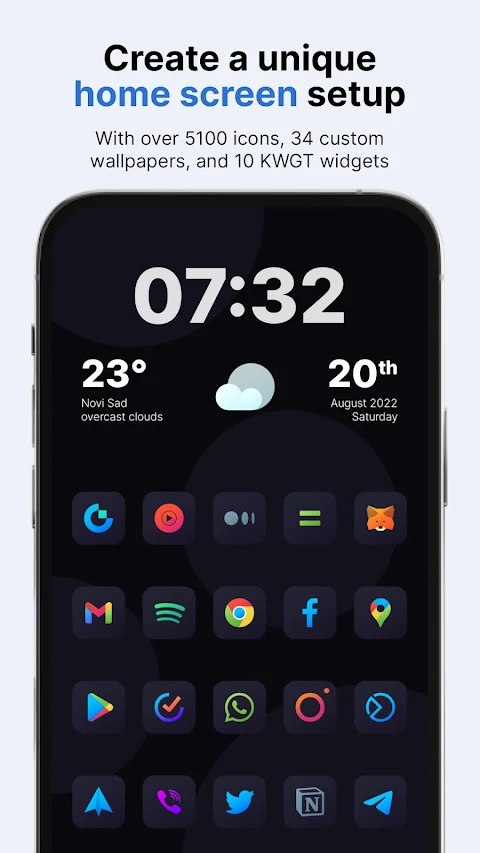
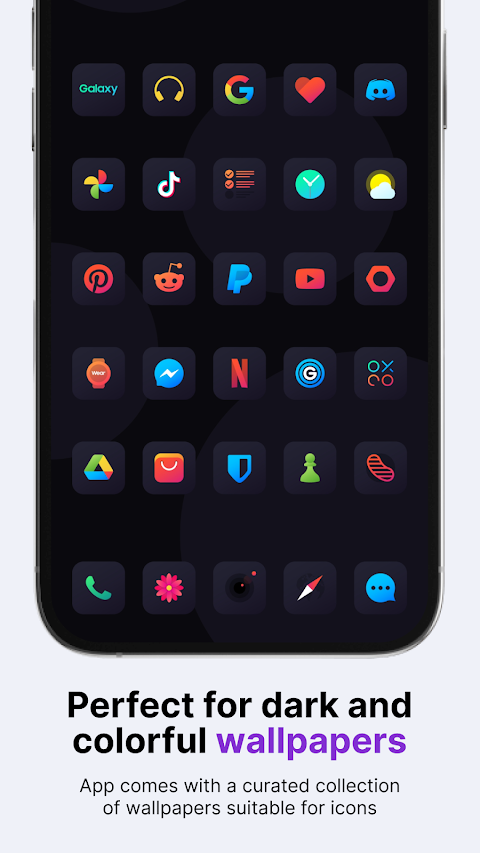
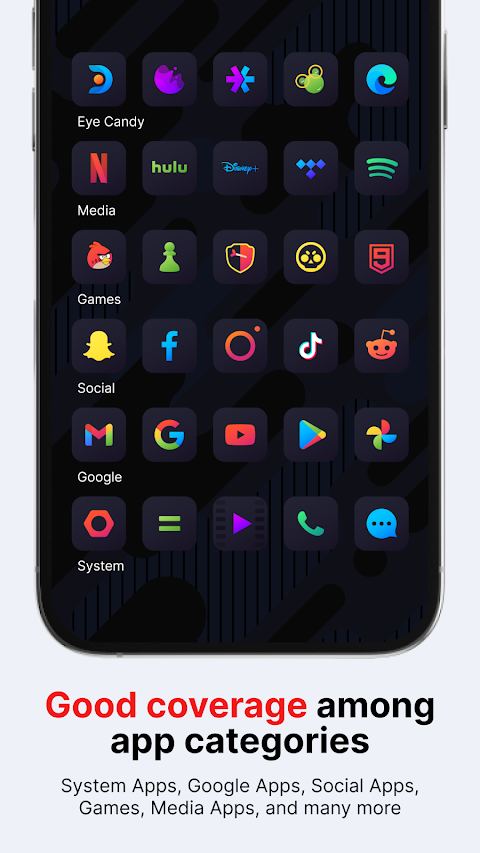
The Nova Dark Icon Pack is a collection of custom icons, featuring vibrant gradient glyphs that sit on a dark rounded square background. This pack is designed to enhance your home screen personalization and app drawer customization. You can easily apply it to almost any custom launcher, such as Nova Launcher, Lawnchair launcher, and Niagara launcher. It also works with popular default launchers like Samsung OneUI launcher, OnePlus launcher, Oppo’s Color OS, and Nothing launcher.
Why should you consider a custom icon pack? Unified icons create a more pleasing visual experience on your home screen and app drawer. Since many of us spend several hours a day on our phones, using a custom icon pack can really improve your overall experience, making you feel more satisfied with your device.
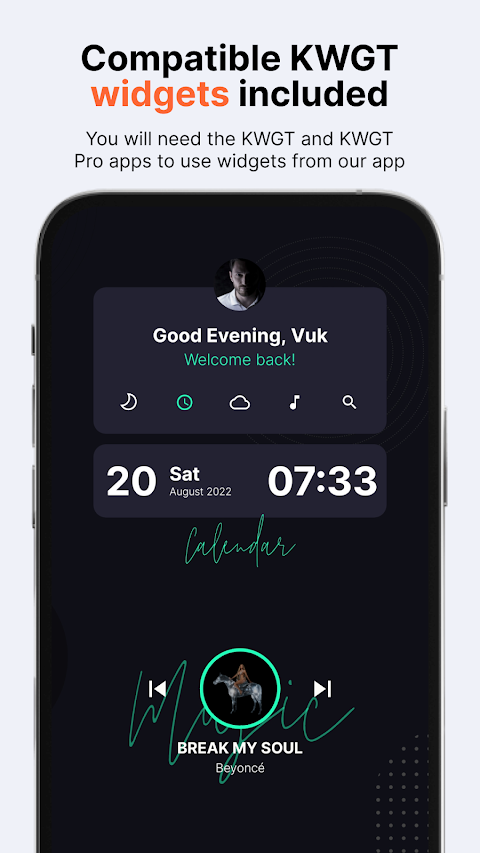
With the Nova Dark Icon Pack, you receive an impressive 6,702 icons, 34 custom wallpapers, and 10 KWGT widgets. This means you have everything you need to make your phone truly yours. And all these features come at the price of just one app. The icons work harmoniously with nearly any wallpaper—whether you prefer light, dark, or colorful designs. Keep in mind, to use the KWGT widgets, you'll need to have the KWGT and KWGT Pro apps.
What if you buy the icon pack and discover that it’s not for you? No problem! We have an icon pack refund policy that allows you to get a full refund within the first 24 hours of your purchase, no questions asked. If you're patient, we also provide regular icon updates every two weeks, which will include more icons for your favorite apps. For those eager to see specific icons included, we offer Premium icon requests. You can suggest icons you’d like to have themed, and we will add them in future updates.
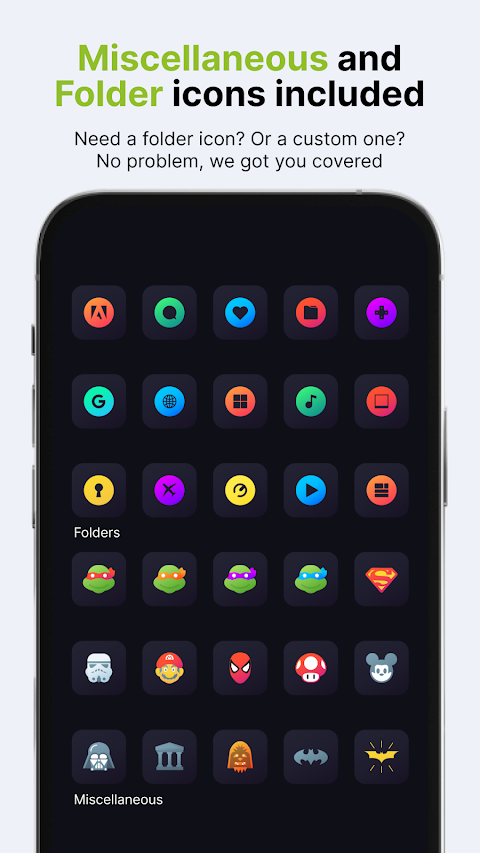
The Nova Dark pack comes with icons at a resolution of 192 x 192 px, ensuring clarity and quality. This pack is suitable for all types of wallpapers and themes, with alternate icons available for many popular apps. It also features a dynamic calendar icon and supports masking unthemed icons, so even your unthemed apps look cohesive. Furthermore, you can manually apply folder icons and other miscellaneous icons according to your preferences.
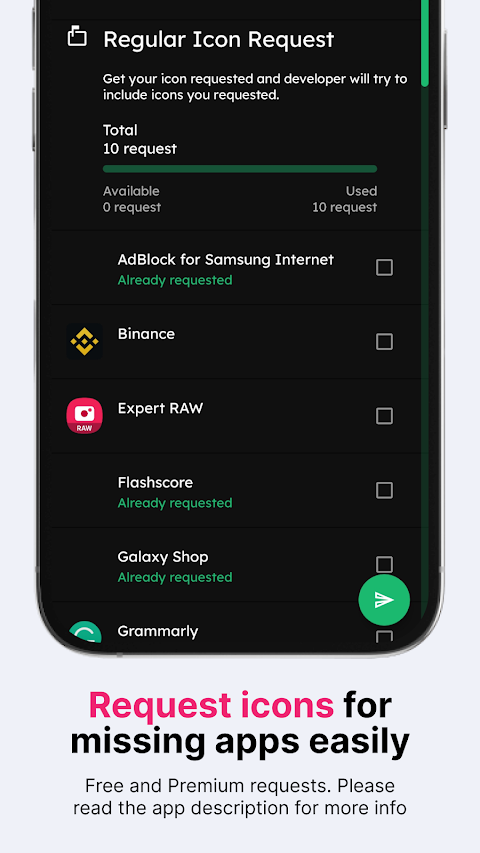
Sending an icon request is straightforward. Open the Nova Dark icon pack app, click on the Request card, select the icons you want to be themed, and press the Floating Send button. Be sure to choose Gmail as your sharing option, as some other email clients may have difficulty attaching the necessary zip file. Do not delete the generated zip file or change the subject and body of the email, as this will make your request unusable.
Nova Dark Icon Pack supports a variety of launchers, including Action Launcher, ADW Launcher, Go Launcher, Pixel Launcher, and many more. If you use a different launcher, you may still be able to apply the Nova Dark icons through your launcher settings.
If you have further questions about the Nova Dark icon pack or want to make a special request, feel free to reach out. You can contact us via email, support.one4studio@gmail.com, or connect with us on Twitter or Telegram. Your feedback and suggestions are always welcome!
Why should you consider a custom icon pack? Unified icons create a more pleasing visual experience on your home screen and app drawer. Since many of us spend several hours a day on our phones, using a custom icon pack can really improve your overall experience, making you feel more satisfied with your device.
With the Nova Dark Icon Pack, you receive an impressive 6,702 icons, 34 custom wallpapers, and 10 KWGT widgets. This means you have everything you need to make your phone truly yours. And all these features come at the price of just one app. The icons work harmoniously with nearly any wallpaper—whether you prefer light, dark, or colorful designs. Keep in mind, to use the KWGT widgets, you'll need to have the KWGT and KWGT Pro apps.
What if you buy the icon pack and discover that it’s not for you? No problem! We have an icon pack refund policy that allows you to get a full refund within the first 24 hours of your purchase, no questions asked. If you're patient, we also provide regular icon updates every two weeks, which will include more icons for your favorite apps. For those eager to see specific icons included, we offer Premium icon requests. You can suggest icons you’d like to have themed, and we will add them in future updates.
The Nova Dark pack comes with icons at a resolution of 192 x 192 px, ensuring clarity and quality. This pack is suitable for all types of wallpapers and themes, with alternate icons available for many popular apps. It also features a dynamic calendar icon and supports masking unthemed icons, so even your unthemed apps look cohesive. Furthermore, you can manually apply folder icons and other miscellaneous icons according to your preferences.
Sending an icon request is straightforward. Open the Nova Dark icon pack app, click on the Request card, select the icons you want to be themed, and press the Floating Send button. Be sure to choose Gmail as your sharing option, as some other email clients may have difficulty attaching the necessary zip file. Do not delete the generated zip file or change the subject and body of the email, as this will make your request unusable.
Nova Dark Icon Pack supports a variety of launchers, including Action Launcher, ADW Launcher, Go Launcher, Pixel Launcher, and many more. If you use a different launcher, you may still be able to apply the Nova Dark icons through your launcher settings.
If you have further questions about the Nova Dark icon pack or want to make a special request, feel free to reach out. You can contact us via email, support.one4studio@gmail.com, or connect with us on Twitter or Telegram. Your feedback and suggestions are always welcome!
Gradient Watch Face
amoledwatchfaces™
$1.49
$0.75
Pumpkin Web – Halloween
RECREATIVE Watch Faces
$1.69
$0.85
Red Carpet – Lines Icon Pack
Panoto Gomo
$0.99
$0.29