

$0.99
FREE
100% Off
My Books Read
Bryan Hall

About the App
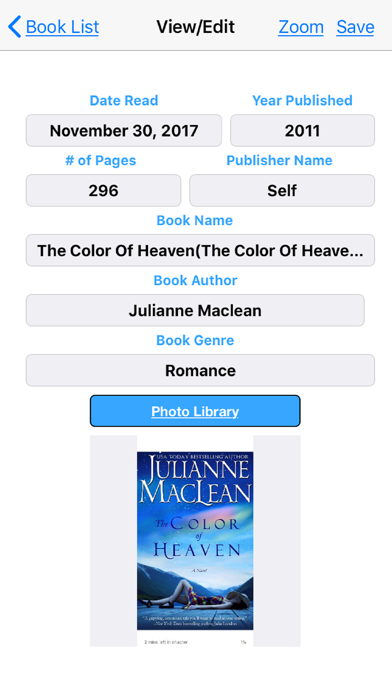
My Books Read is a helpful app designed for anyone who loves to read and wants to keep track of their reading history. With this easy-to-use app, you can quickly manage all the books you've read. One of the great features is barcode scanning. When you want to add a new book, just click the barcode button at the top right corner of your screen and scan the book's barcode. This will fill in most of the information for you, including the book cover display.
Have you ever needed book recommendations? My Books Read simplifies this process. You can find and share book recommendations with your friends and family easily. Simply go to the book details and tap the share button. You can share via text, email, or social media like Facebook and Twitter from your iPhone or iPad. This makes it simple to tell others about your favorite reads.
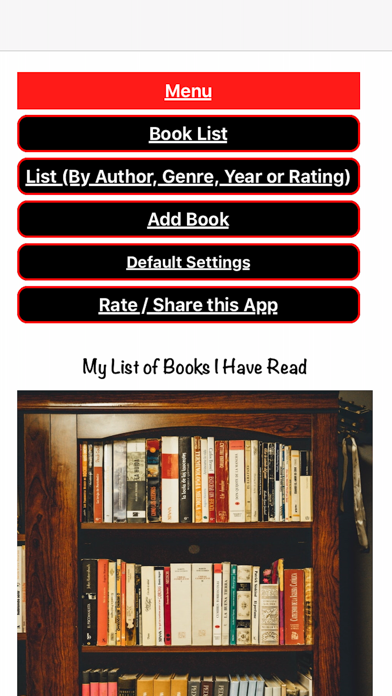
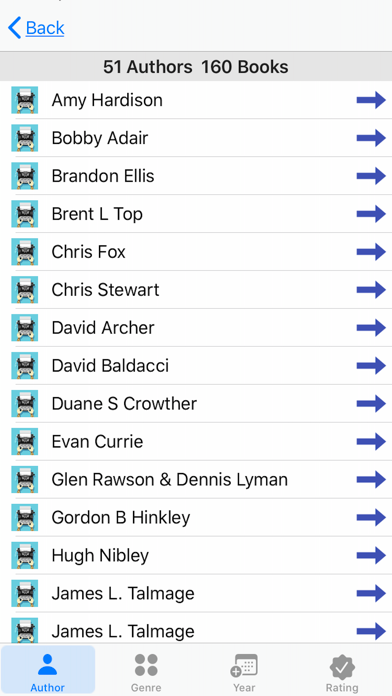
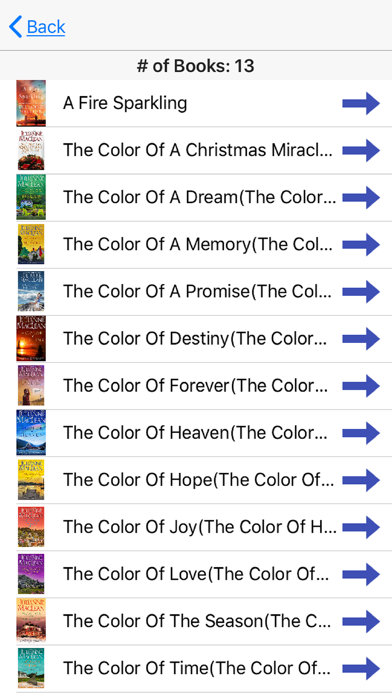
If you enjoy reading book series but often forget which ones you’ve completed, this app has you covered. Open My Books Read, navigate to the menu option called "Book List by Author/Genre," and select the Author tab. Scroll to find your chosen author and tap to view a list of their works. With series tracking, you can quickly see which books in a series you’ve read. You can also use the series tab at the bottom to pick a series and check your reading progress.
As an avid reader myself, averaging 50–60 books a year, I know how challenging it can be to remember them all. That's why My Books Read is so useful for me!
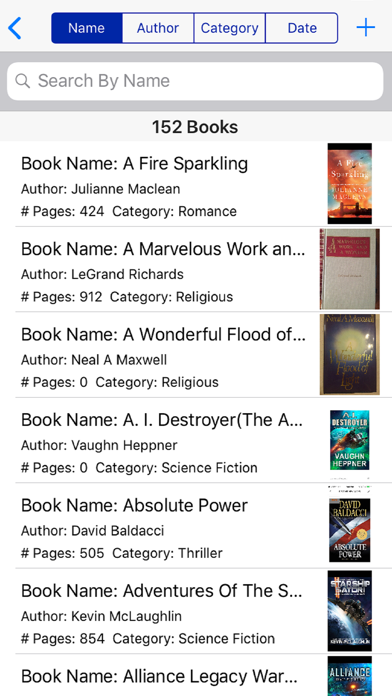
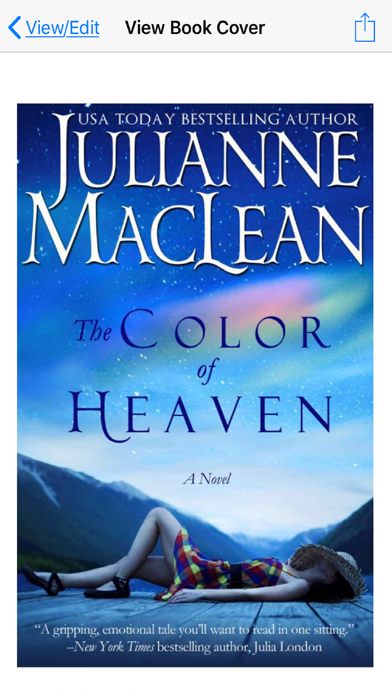
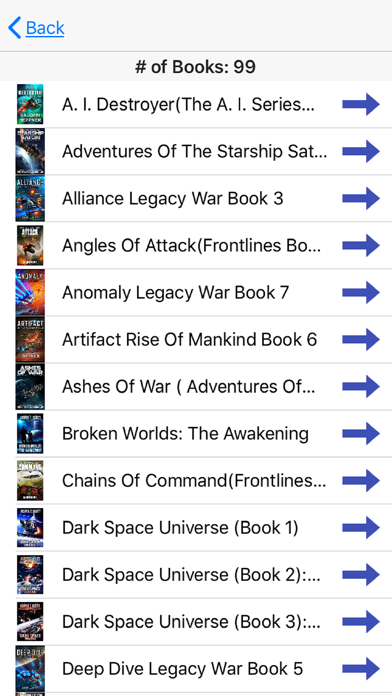
The app allows you to sort your books in various ways, including by book name, author, genre, series, and date read. You can also group your books by author, genre, year, rating system, and series. The interactive user interface makes it simple to organize your library. If you want to take a closer look at a book, you can use the image zoom feature. By double-tapping the book image or tapping the zoom button, you can view the book cover in full-screen mode and adjust the size with one or two fingers.
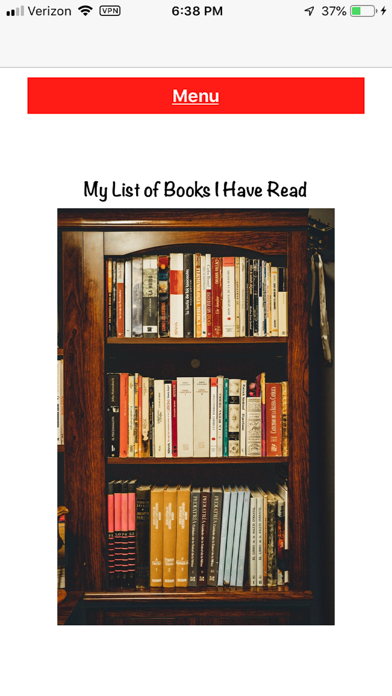
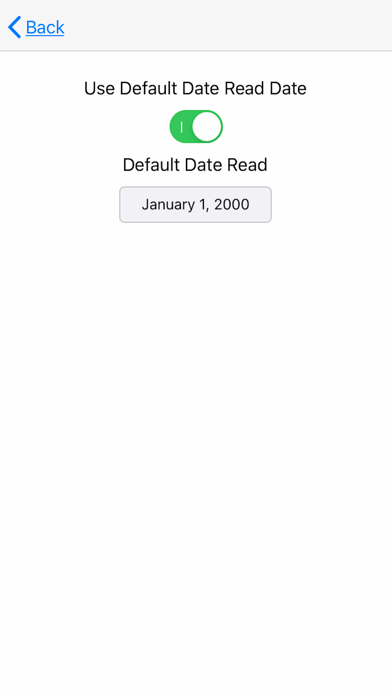
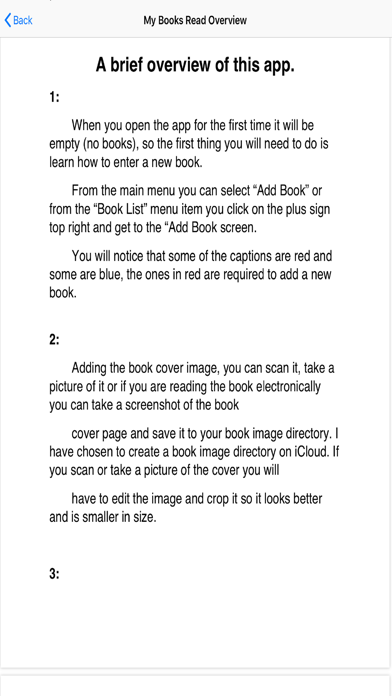
To give you a better idea of what to expect, we've included several screenshots of the My Books Read app for both iPhone and iPad.
Your feedback is important to us! Please reach out via email if you have any comments, suggestions, or bug reporting. We love hearing from our users and are happy to assist with any requests regarding the app.
With My Books Read, you can enjoy personalized book lists and track your reading habits more effectively. Whether you’re managing a wide range of books or organizing your reading preferences, this app is designed to make your reading experience enjoyable.
Have you ever needed book recommendations? My Books Read simplifies this process. You can find and share book recommendations with your friends and family easily. Simply go to the book details and tap the share button. You can share via text, email, or social media like Facebook and Twitter from your iPhone or iPad. This makes it simple to tell others about your favorite reads.
If you enjoy reading book series but often forget which ones you’ve completed, this app has you covered. Open My Books Read, navigate to the menu option called "Book List by Author/Genre," and select the Author tab. Scroll to find your chosen author and tap to view a list of their works. With series tracking, you can quickly see which books in a series you’ve read. You can also use the series tab at the bottom to pick a series and check your reading progress.
As an avid reader myself, averaging 50–60 books a year, I know how challenging it can be to remember them all. That's why My Books Read is so useful for me!
The app allows you to sort your books in various ways, including by book name, author, genre, series, and date read. You can also group your books by author, genre, year, rating system, and series. The interactive user interface makes it simple to organize your library. If you want to take a closer look at a book, you can use the image zoom feature. By double-tapping the book image or tapping the zoom button, you can view the book cover in full-screen mode and adjust the size with one or two fingers.
To give you a better idea of what to expect, we've included several screenshots of the My Books Read app for both iPhone and iPad.
Your feedback is important to us! Please reach out via email if you have any comments, suggestions, or bug reporting. We love hearing from our users and are happy to assist with any requests regarding the app.
With My Books Read, you can enjoy personalized book lists and track your reading habits more effectively. Whether you’re managing a wide range of books or organizing your reading preferences, this app is designed to make your reading experience enjoyable.

Quotie Pro
Agustin Guerra
$29.99
$4.99

First grade Math – Addition
Sergey Malugin
$1.99
$0.20

Study AI: Smart Learning
NexusPlay Studio
$19.99