

$3.99
$0.99
75% Off
Millimeter Pro – screen ruler
vistech.projects


About the App
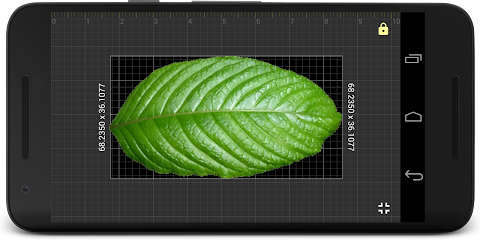
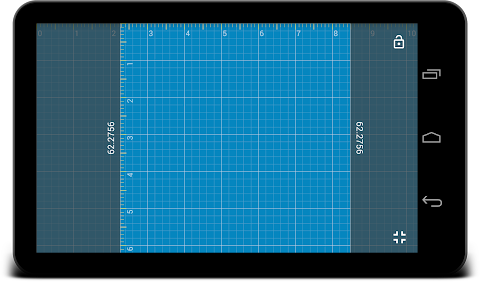
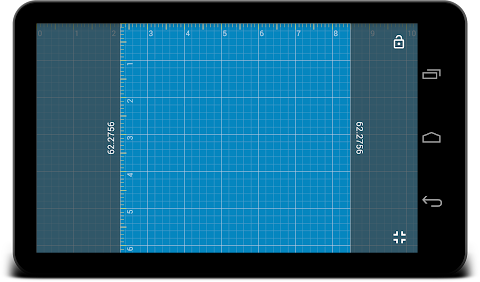
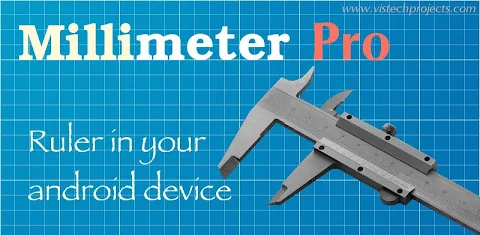
Millimeter Pro is a handy screen ruler app designed to take distance and length measurements right on your Android device. It transforms your screen into a full-screen ruler that works like a caliper or tape measure. Simply place an object on the scale paper displayed on your screen, and move the rulers with your touch to measure its size easily.
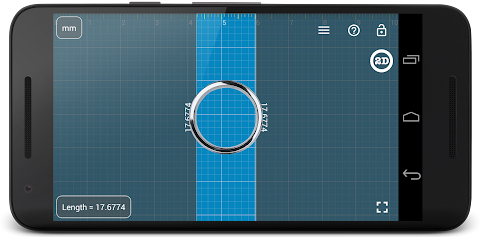
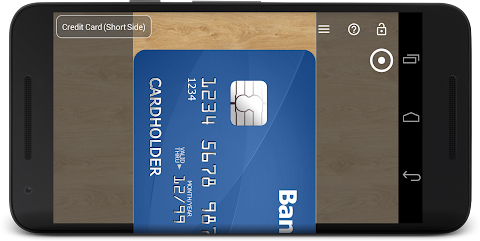
One of the most impressive aspects of Millimeter Pro is its Calibration Mode. You can use standard objects such as coins or credit cards as references to calibrate your device for accurate measurements. This feature helps ensure that you get precise results every time.
In the Pro version, there are many useful tools available. You can measure in both metric and imperial units, including fractions for inches. This is particularly useful whether you’re doing simple projects at home or professional tasks that require meticulous measurements. The app also includes a vertical ruler mode for 2D measurements, making it even more versatile.
If you need to measure areas, the area measurement tool in the Pro version allows you to do so easily. You can also calculate the W/H ratio of rectangular objects in 2D, which is helpful for design projects. If you are working on more complex tasks, the Parts Mode allows you to split lengths into equal parts, making your measurements more manageable.
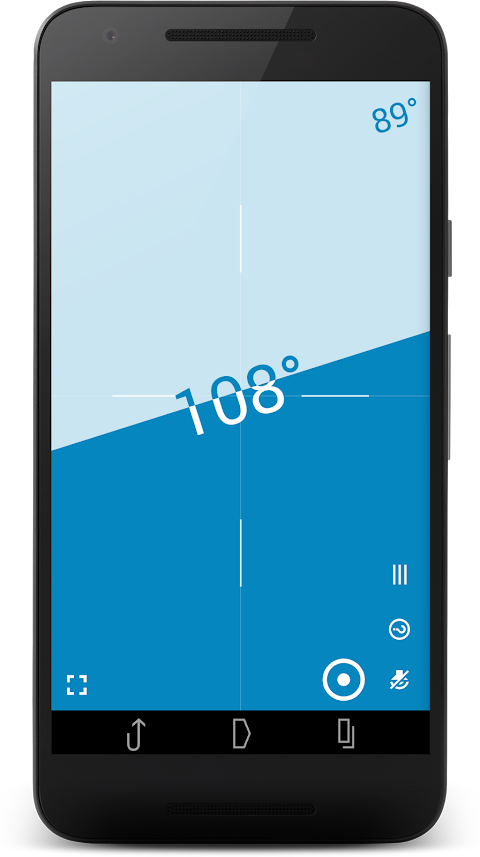
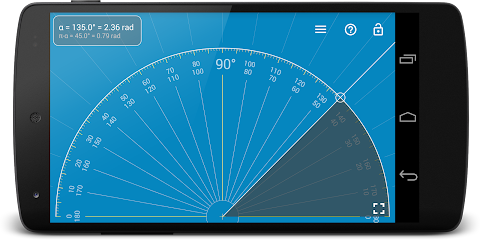
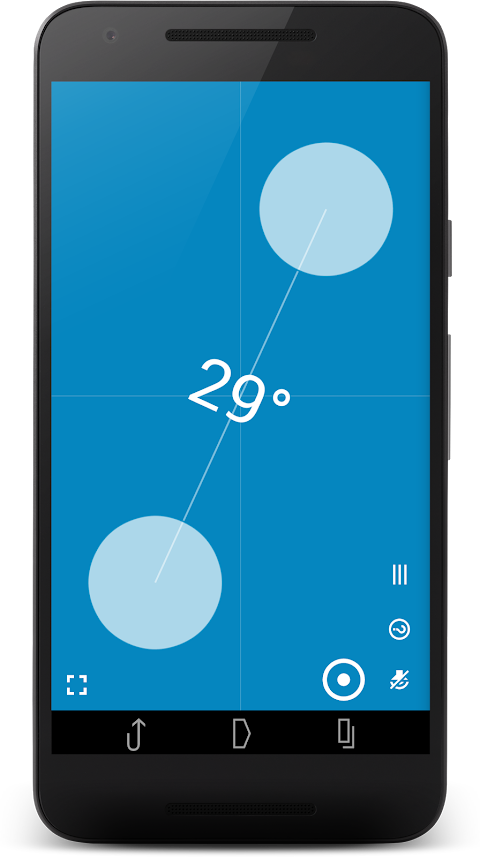
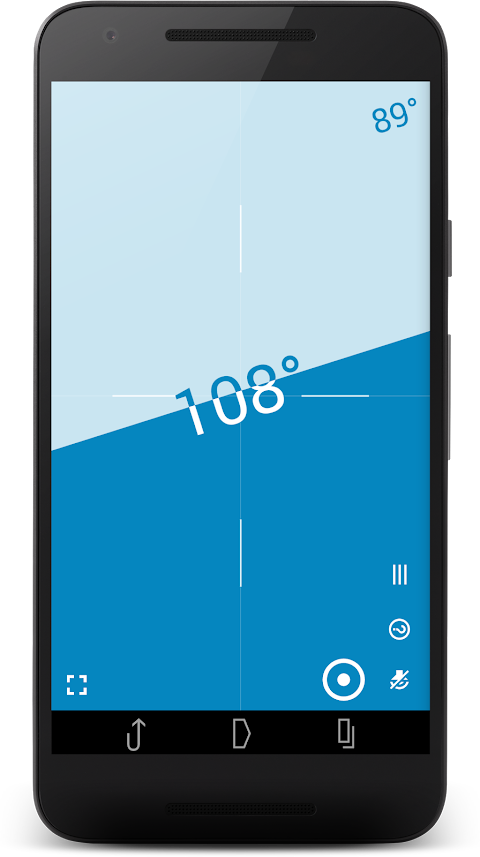
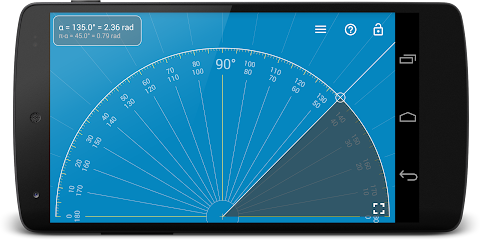
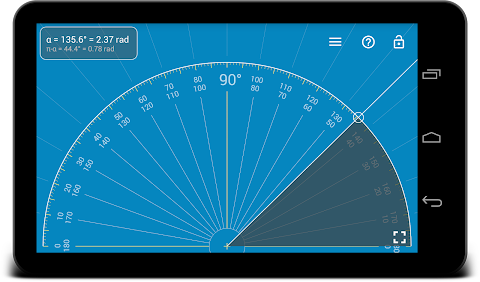
Millimeter Pro is not just about length measurements. It includes a spirit level app to check incline or tilt angle measurements. The Circle Mode helps you measure circular objects, while the protractor mode allows for precise angle measurements. You can also easily lock and unlock rulers in any mode to suit your needs.
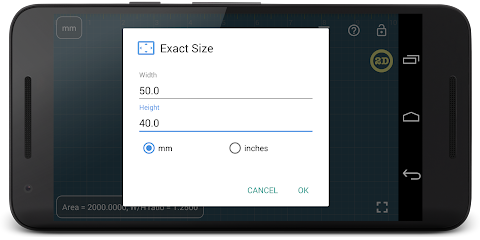
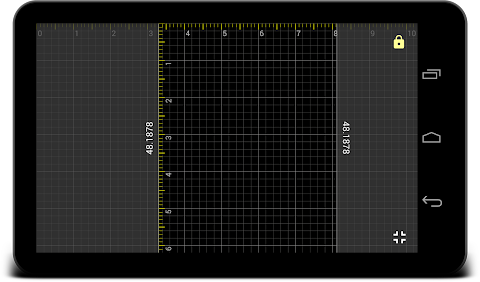
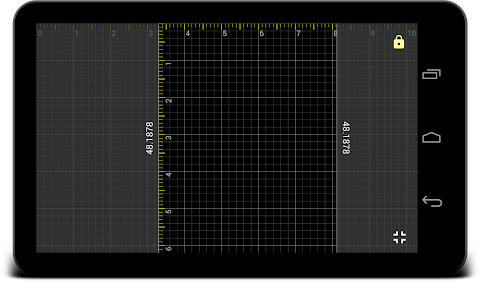
For those who prefer customizing their measurements, the app allows for manual size input. You can set exact sizes, lengths, diameters, and even the number of parts you need directly through your keyboard. To enhance your experience, you can switch to a background night mode for better visibility and power saving, especially when measuring in low light.
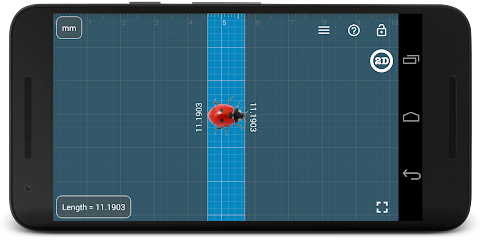
Another great feature is the option to turn on or off the fine grid measurement, which displays a 1 mm grid for more precise measurements. This is useful when you need detailed accuracy, such as for jewelry measurements, screws, buttons and beads, or even knitting pattern measurements. The app makes it easy to measure small objects that fit your screen, like rings or even insects.
For support, Millimeter Pro offers an interactive help guide that explains all available features, ensuring users can make the most out of the app. It’s available in multiple languages, including English, German, Russian, Japanese, and French, making it accessible to a wide audience.
If you encounter any issues while using the app, you can reach out to the support team via email for assistance. Millimeter Pro aims to provide an experience free from pop-up ads, maintaining a clean interface that focuses on what matters: accurate and straightforward measurements.
In summary, Millimeter Pro is an essential tool for anyone needing a reliable screen ruler app. With its extensive features for both distance and length measurements, you can handle a variety of projects efficiently. Whether you are measuring jewelry, screws, knitting patterns, or various angled objects, this app is designed to help you achieve accurate results easily.
One of the most impressive aspects of Millimeter Pro is its Calibration Mode. You can use standard objects such as coins or credit cards as references to calibrate your device for accurate measurements. This feature helps ensure that you get precise results every time.
In the Pro version, there are many useful tools available. You can measure in both metric and imperial units, including fractions for inches. This is particularly useful whether you’re doing simple projects at home or professional tasks that require meticulous measurements. The app also includes a vertical ruler mode for 2D measurements, making it even more versatile.
If you need to measure areas, the area measurement tool in the Pro version allows you to do so easily. You can also calculate the W/H ratio of rectangular objects in 2D, which is helpful for design projects. If you are working on more complex tasks, the Parts Mode allows you to split lengths into equal parts, making your measurements more manageable.
Millimeter Pro is not just about length measurements. It includes a spirit level app to check incline or tilt angle measurements. The Circle Mode helps you measure circular objects, while the protractor mode allows for precise angle measurements. You can also easily lock and unlock rulers in any mode to suit your needs.
For those who prefer customizing their measurements, the app allows for manual size input. You can set exact sizes, lengths, diameters, and even the number of parts you need directly through your keyboard. To enhance your experience, you can switch to a background night mode for better visibility and power saving, especially when measuring in low light.
Another great feature is the option to turn on or off the fine grid measurement, which displays a 1 mm grid for more precise measurements. This is useful when you need detailed accuracy, such as for jewelry measurements, screws, buttons and beads, or even knitting pattern measurements. The app makes it easy to measure small objects that fit your screen, like rings or even insects.
For support, Millimeter Pro offers an interactive help guide that explains all available features, ensuring users can make the most out of the app. It’s available in multiple languages, including English, German, Russian, Japanese, and French, making it accessible to a wide audience.
If you encounter any issues while using the app, you can reach out to the support team via email for assistance. Millimeter Pro aims to provide an experience free from pop-up ads, maintaining a clean interface that focuses on what matters: accurate and straightforward measurements.
In summary, Millimeter Pro is an essential tool for anyone needing a reliable screen ruler app. With its extensive features for both distance and length measurements, you can handle a variety of projects efficiently. Whether you are measuring jewelry, screws, knitting patterns, or various angled objects, this app is designed to help you achieve accurate results easily.
Minuted: AI Meeting Notes
Future Software Solutions
$19.99
$9.99

floccus
Marcel Klehr
$1.99

Wipr 2
Kaylee Calderolla
$4.99
$2.99