

$0.99
$0.69
30% Off
Midnight Dark Icon Pack
PizzApp Design






About the App
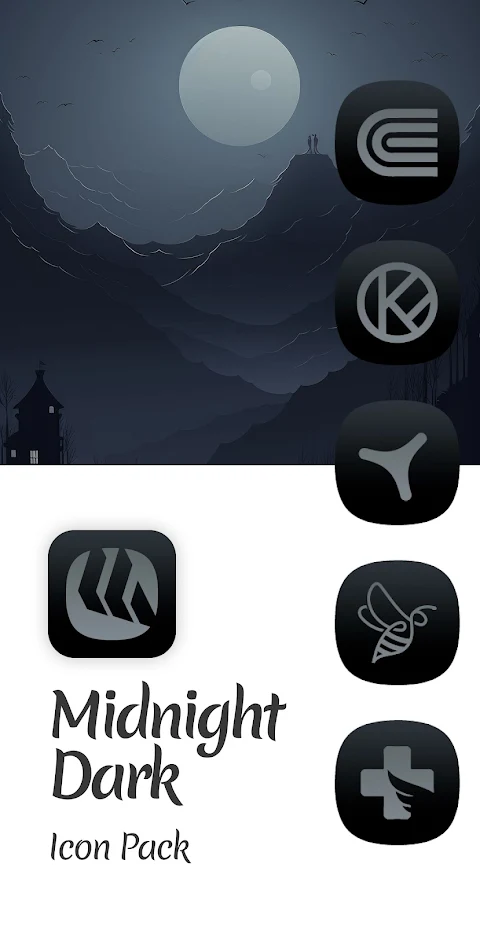
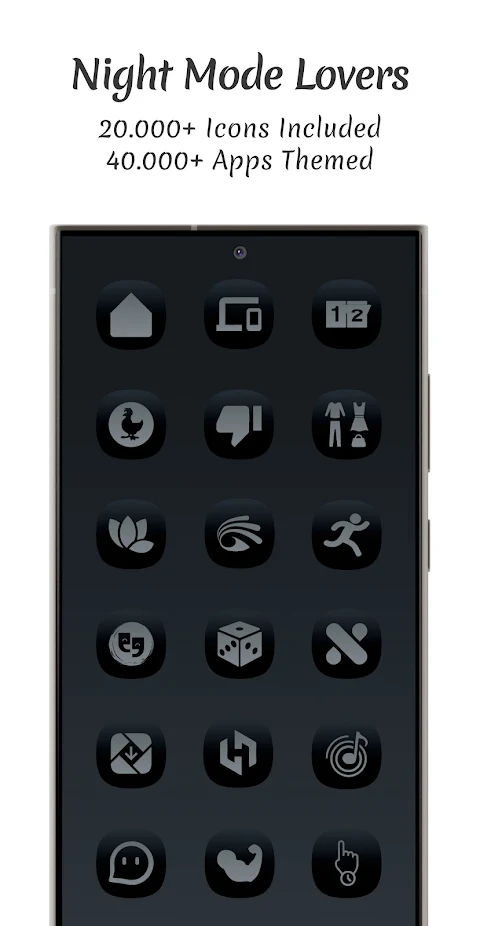
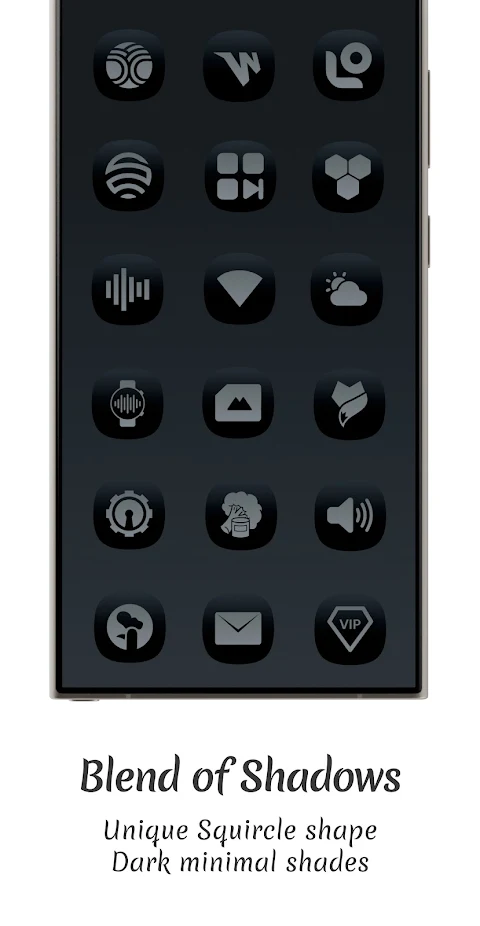
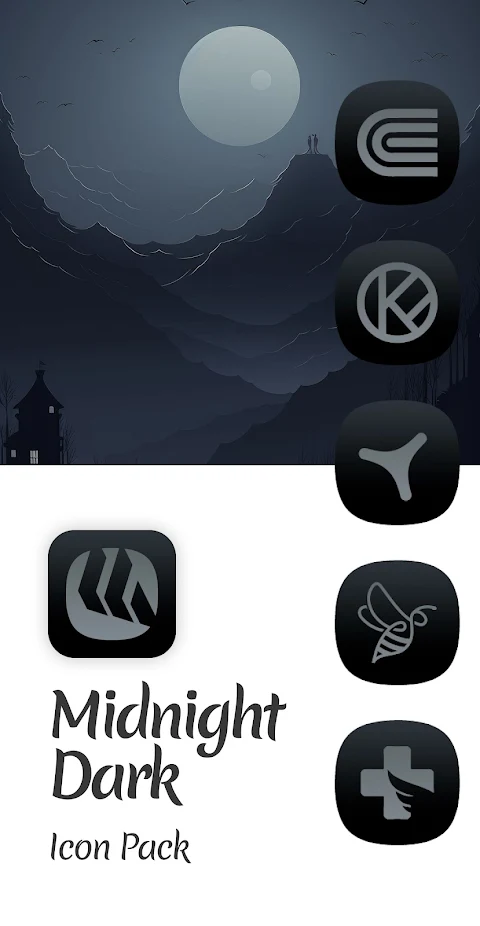
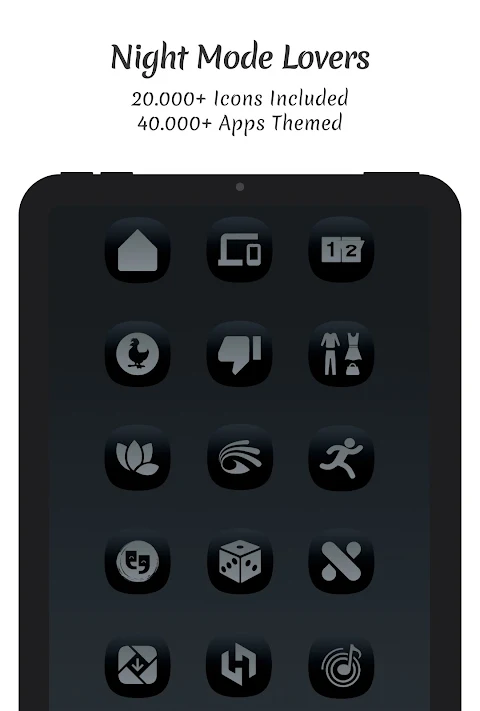
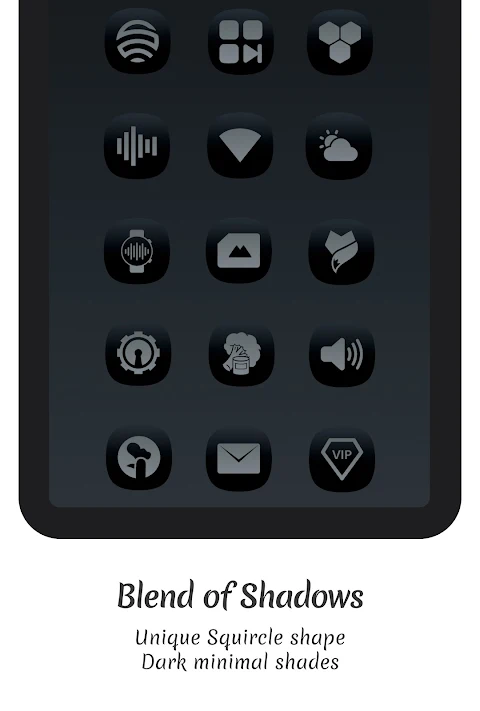
The Midnight Dark Icon Pack offers a fresh and modern way to customize your device. This unique pack features dark squircle-shaped icons that expertly blend the square and circle, giving your setup a distinctive look. It's a great choice for anyone looking to enhance the visual appeal of their device.
One of the standout features of the Midnight Dark Icon Pack is its rich dark gradient palette. This palette not only brings color to your night mode screens but also combines shadows and highlights beautifully. The icons stand out while creating a uniform app design look across your setup.
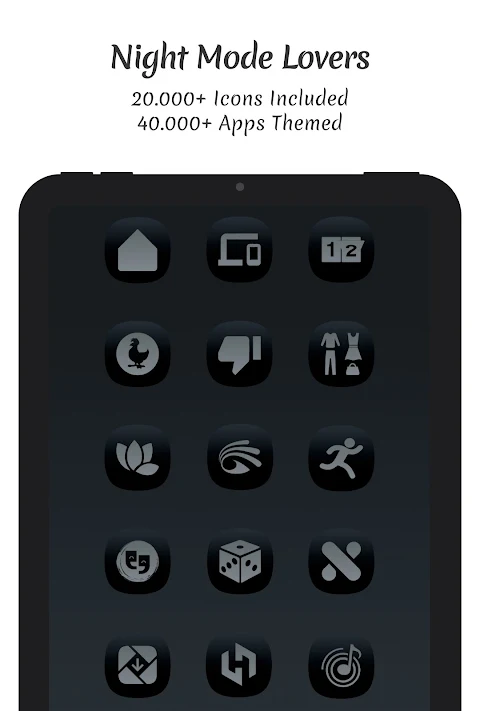
With over 25,000 midnight dark icons included, this pack supports themes for more than 45,000 apps. You’ll find system apps customization, Google apps themes, social apps icon packs, media apps themes, and games app customization all available within this collection. This wide range ensures that you can apply a cohesive design to almost any app you use.
The Midnight Dark Icon Pack also includes dynamic calendars support for suitable launchers, which allows your calendar icon to update automatically. The user-friendly Material You dashboard makes it easy to navigate through the options available. An icon masking feature is included too, allowing you to customize unthemed apps and keep a consistent look.
If you encounter any unthemed or missing icons, the app includes icon requests functionality. You can easily send a request for new icons for your favorite apps, ensuring that they can be included in regular updates for icons. There is a free icon request option, making it straightforward for users to suggest new additions.
Using the Midnight Dark Icon Pack is simple. You need to install a compatible third-party launcher, which can include popular options like ADW launcher support, Nova launcher compatibility, Pixel launcher integration, and even themes for Samsung One UI. Make sure to check the launcher compatibility requirements before using the app. Once installed, open the icon pack app and use the launcher settings application to apply your chosen icons.
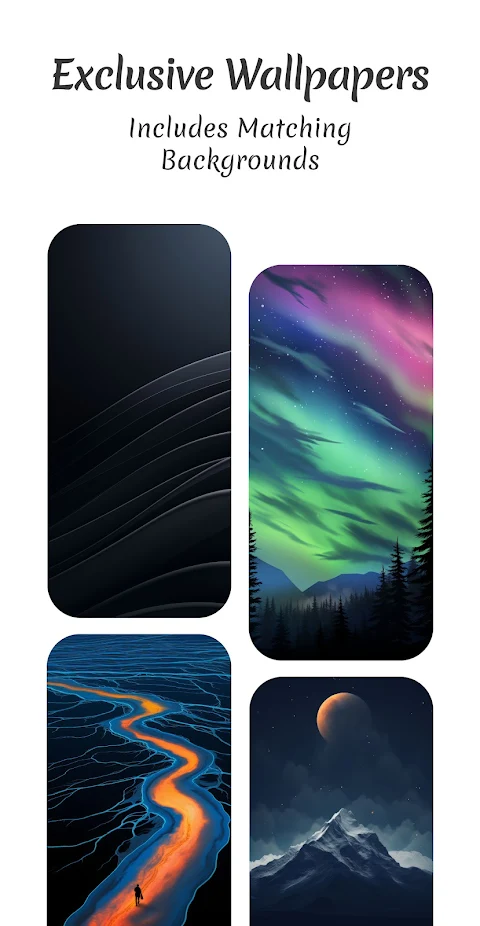
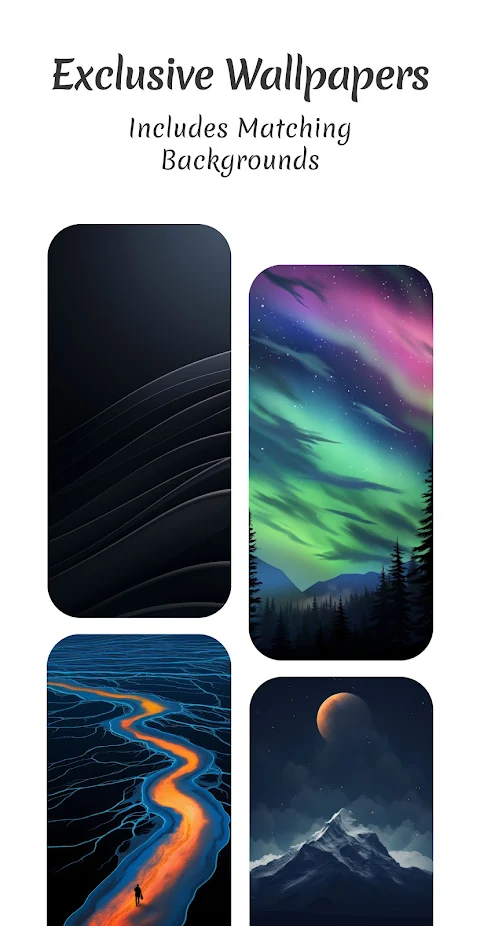
There’s no shortage of customization options here. Users can enjoy exclusive night mode wallpapers that further enhance the dark aesthetic, along with many launcher theming options. This allows for a comprehensive approach to personalization on your device.
The Midnight Dark Icon Pack not only keeps up with icon customization trends but also provides a user-friendly interface design. The layout is designed for quick access, making it easy for anyone to customize their setup with minimal effort.
Stay connected for updates and support through various channels. You can find links in the bio, contact via email for any inquiries, or follow on platforms like Instagram and Telegram.
In summary, if you're seeking a modern design with a touch of dark style, the Midnight Dark Icon Pack is an excellent choice for a fresh look. Whether you're a fan of shadows and highlights or just want to make your night mode screens pop, this icon pack is tailored for you.
One of the standout features of the Midnight Dark Icon Pack is its rich dark gradient palette. This palette not only brings color to your night mode screens but also combines shadows and highlights beautifully. The icons stand out while creating a uniform app design look across your setup.
With over 25,000 midnight dark icons included, this pack supports themes for more than 45,000 apps. You’ll find system apps customization, Google apps themes, social apps icon packs, media apps themes, and games app customization all available within this collection. This wide range ensures that you can apply a cohesive design to almost any app you use.
The Midnight Dark Icon Pack also includes dynamic calendars support for suitable launchers, which allows your calendar icon to update automatically. The user-friendly Material You dashboard makes it easy to navigate through the options available. An icon masking feature is included too, allowing you to customize unthemed apps and keep a consistent look.
If you encounter any unthemed or missing icons, the app includes icon requests functionality. You can easily send a request for new icons for your favorite apps, ensuring that they can be included in regular updates for icons. There is a free icon request option, making it straightforward for users to suggest new additions.
Using the Midnight Dark Icon Pack is simple. You need to install a compatible third-party launcher, which can include popular options like ADW launcher support, Nova launcher compatibility, Pixel launcher integration, and even themes for Samsung One UI. Make sure to check the launcher compatibility requirements before using the app. Once installed, open the icon pack app and use the launcher settings application to apply your chosen icons.
There’s no shortage of customization options here. Users can enjoy exclusive night mode wallpapers that further enhance the dark aesthetic, along with many launcher theming options. This allows for a comprehensive approach to personalization on your device.
The Midnight Dark Icon Pack not only keeps up with icon customization trends but also provides a user-friendly interface design. The layout is designed for quick access, making it easy for anyone to customize their setup with minimal effort.
Stay connected for updates and support through various channels. You can find links in the bio, contact via email for any inquiries, or follow on platforms like Instagram and Telegram.
In summary, if you're seeking a modern design with a touch of dark style, the Midnight Dark Icon Pack is an excellent choice for a fresh look. Whether you're a fan of shadows and highlights or just want to make your night mode screens pop, this icon pack is tailored for you.
Armoured Mode ZKin Watch
ZKin
$2.99
$1.49
Ballozi VERTICE DAWN Hybrid
BALLOZI Watch Faces
$1.79
$0.54

Light Sensation – Icon Pack
Astined Design
$1.60
$0.89