

Free
Free
100% Off
Media Editor: by NS Apps
Xeniya Bykhova

About the App
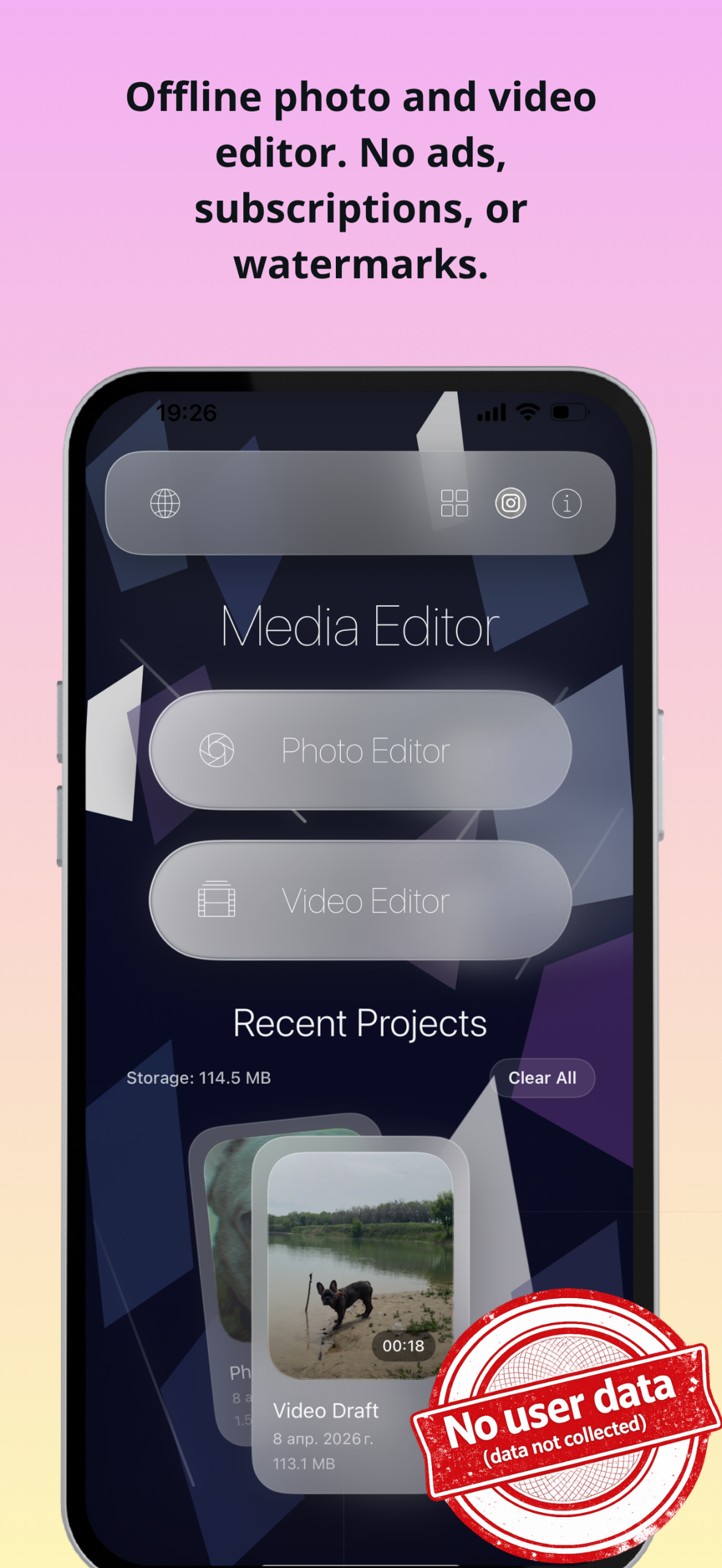
Media Editor is an iPhone photo and video editor for people who want precise retouching, flexible timeline work, and projects that stay on device. Import from Photos or Files, edit in one place, save drafts as you go, and export…
Media Editor is an iPhone photo and video editor for people who want precise retouching, flexible timeline work, and projects that stay on device.
Import from Photos or Files, edit in one place, save drafts as you go, and export when everything is ready.
PHOTO
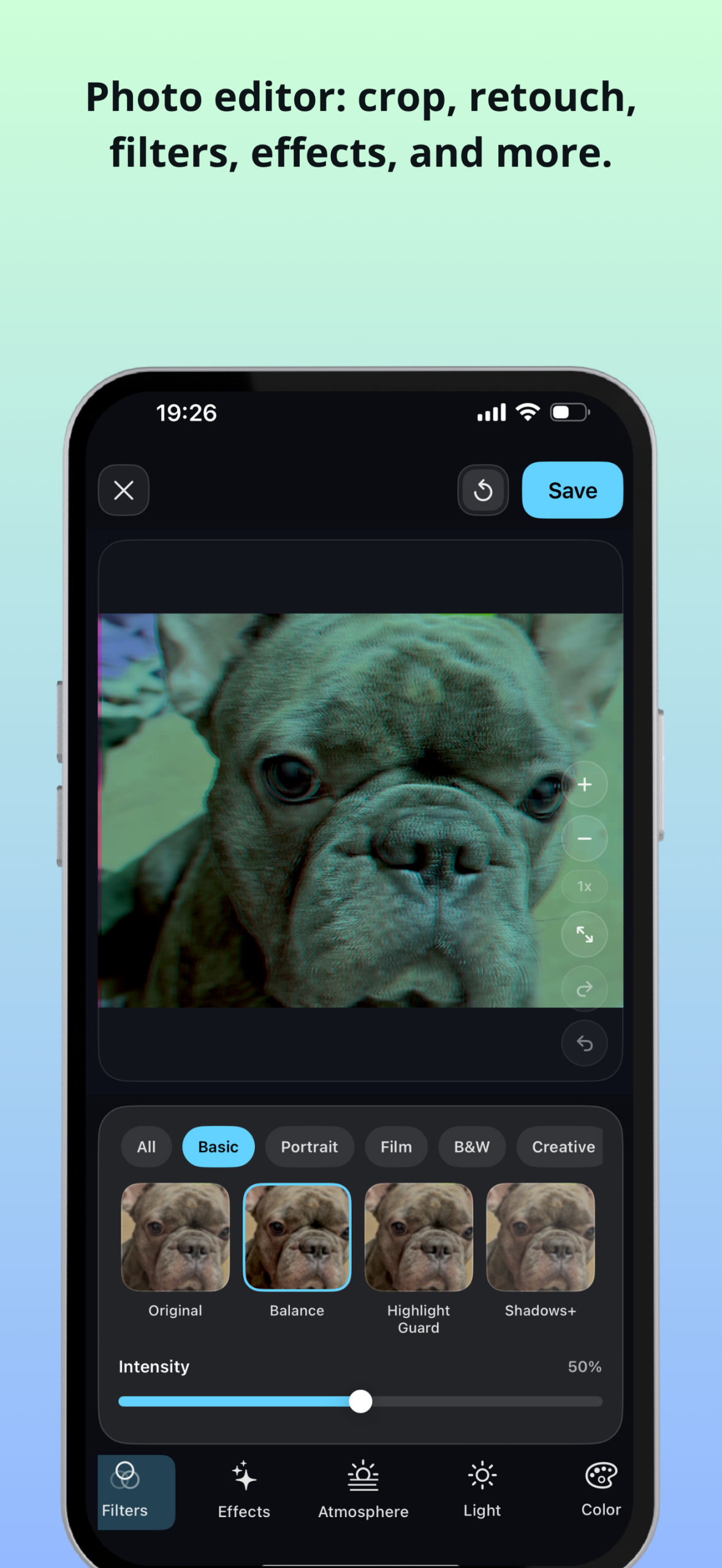
• Crop, rotate, flip, and refine framing
• Apply filters and creative effects
• Adjust light and color with HSL, curves, grain, blur, vignette, detail, and dehaze
• Use local masks plus healing and clone tools for precise retouching
• Add text, shapes, and other visual elements
VIDEO
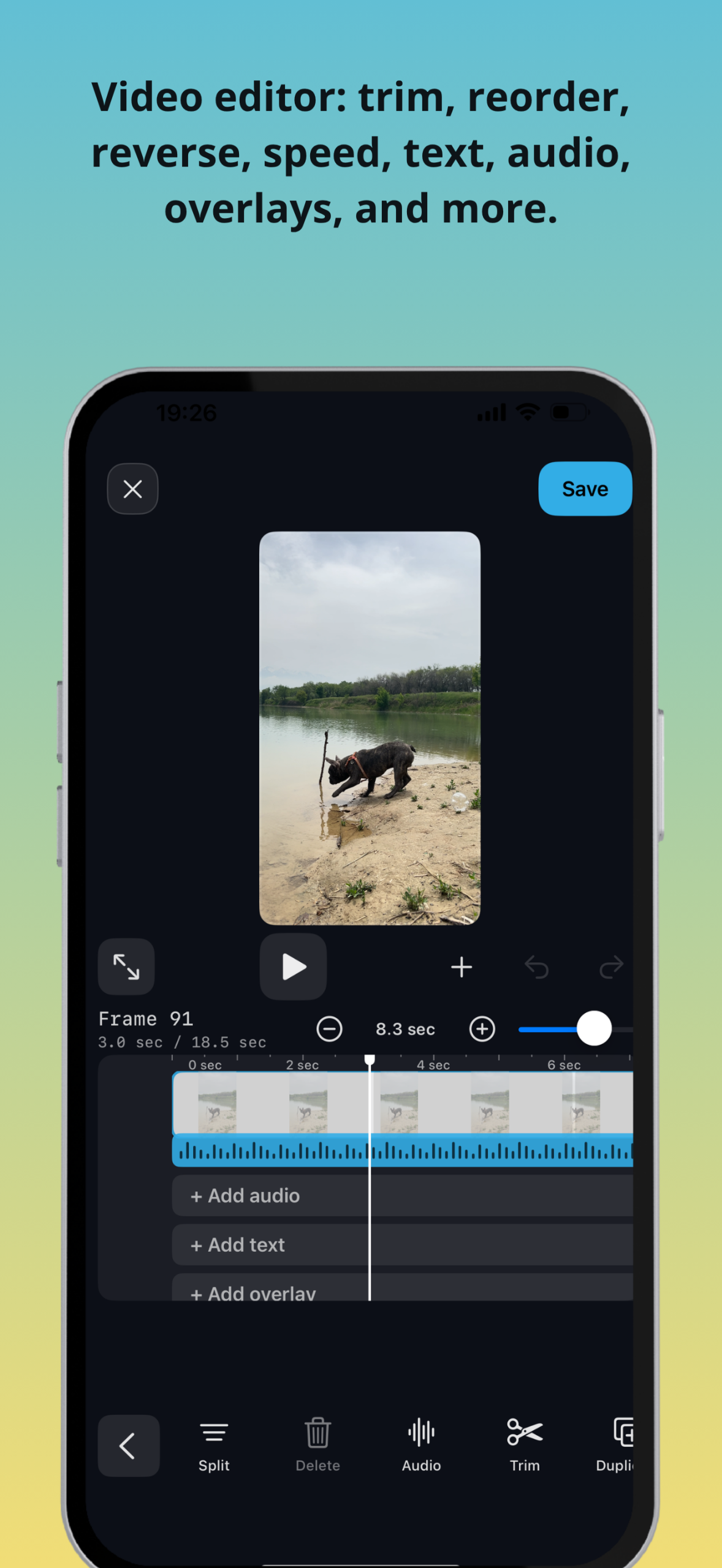
• Edit on a timeline with multiple clips
• Trim, split, duplicate, reorder, reverse, and create freeze frames
• Adjust canvas, crop, background, and framing for common aspect ratios
• Add text, subtitles, photo or video overlays, drawings, transitions, speed changes, and keyframes
• Work with audio using imported tracks, extracted sound, voice recording, fades, mute, volume, and speed controls
EXPORT AND DRAFTS
• Save photo results and export video when you are ready
• Choose resolution, FPS, codec, and bitrate
• Return to Recent Projects to continue later
PRIVACY
• No account or sign-in required
• Imported media, drafts, recent project history, and export settings stay on your device
• The app does not upload your photos, videos, or projects to a server and does not use advertising trackers or third-party analytics
Import from Photos or Files, edit in one place, save drafts as you go, and export when everything is ready.
PHOTO
• Crop, rotate, flip, and refine framing
• Apply filters and creative effects
• Adjust light and color with HSL, curves, grain, blur, vignette, detail, and dehaze
• Use local masks plus healing and clone tools for precise retouching
• Add text, shapes, and other visual elements
VIDEO
• Edit on a timeline with multiple clips
• Trim, split, duplicate, reorder, reverse, and create freeze frames
• Adjust canvas, crop, background, and framing for common aspect ratios
• Add text, subtitles, photo or video overlays, drawings, transitions, speed changes, and keyframes
• Work with audio using imported tracks, extracted sound, voice recording, fades, mute, volume, and speed controls
EXPORT AND DRAFTS
• Save photo results and export video when you are ready
• Choose resolution, FPS, codec, and bitrate
• Return to Recent Projects to continue later
PRIVACY
• No account or sign-in required
• Imported media, drafts, recent project history, and export settings stay on your device
• The app does not upload your photos, videos, or projects to a server and does not use advertising trackers or third-party analytics

Blue Hour & Golden Hour
Lorenzo Piccinini
$2.99

Deco – Lock Screen Wallpapers
William Jones
$2.99

Beep 3 – Censor videos easily
Thilina Solomons
$4.99